 GameWiki
GET YOUR BEARINGS
About Squidlit
Squidlit drops you into a quirky invertebrate adventure where the core loop is simple: jump, then jump again to fire ink downward at enemies while moving forward. The quest pits you against the villain Skwit Skwot across a series of trials that test timing and precision.
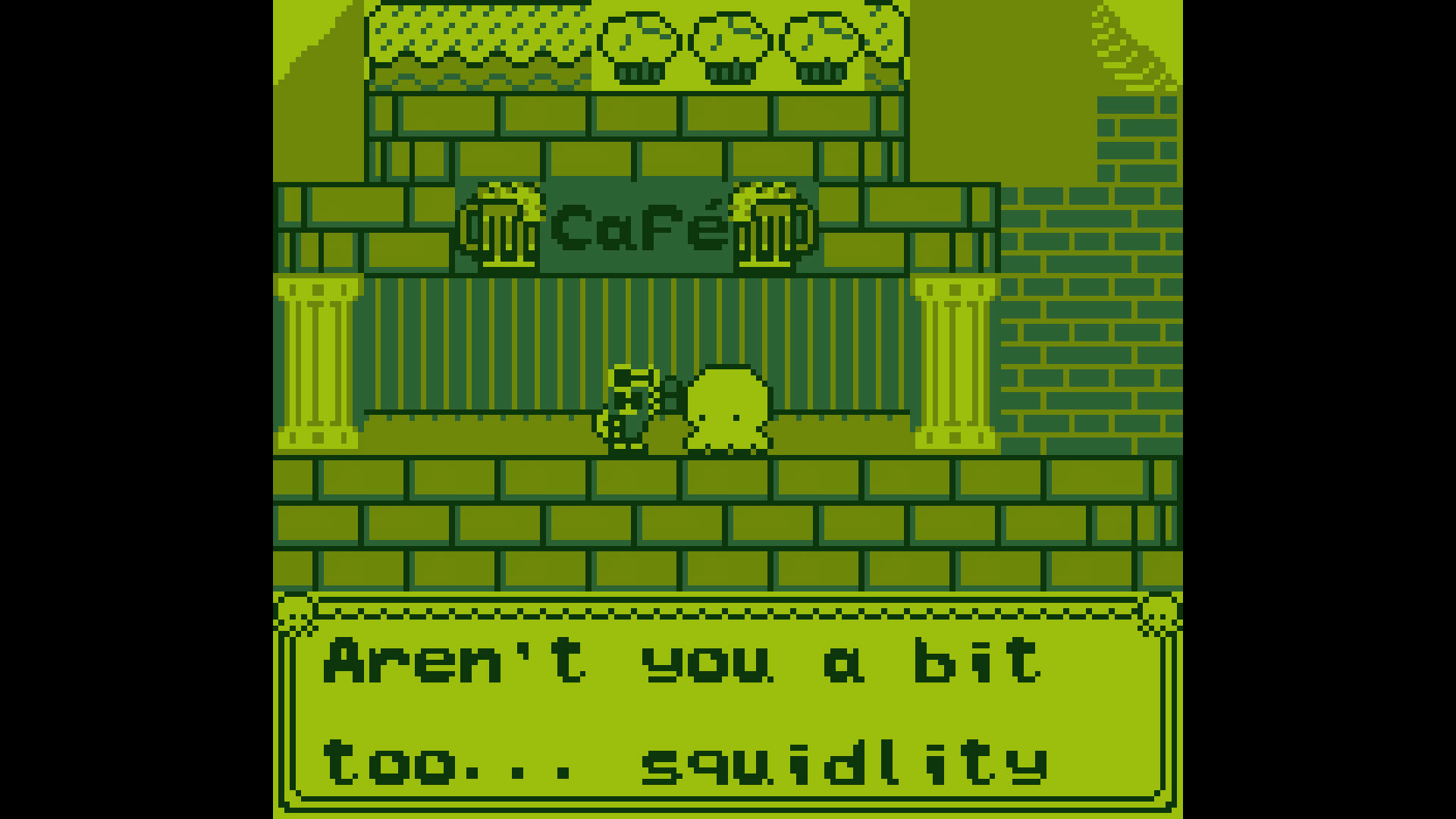
The game faithfully imitates Game Boy hardware, running at 160 × 144 resolution with only four shades of “grellow.” Sprite limits (no more than ten 8‑pixel‑wide sprites per line and forty total) and a four‑channel sound system shape its retro look and sound.
01 / THE GUIDE
Gameplay Mechanics
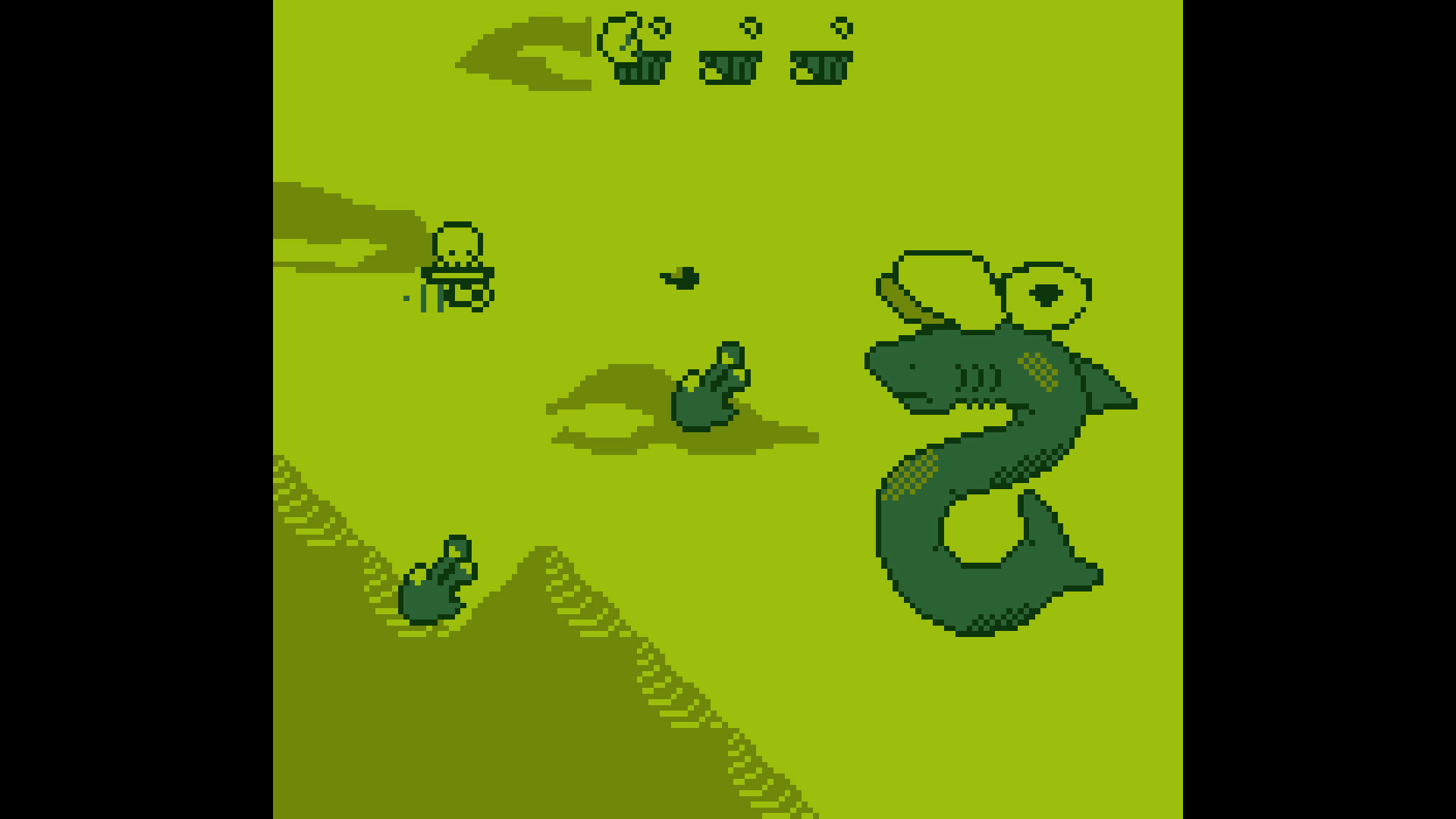
The only actions are a jump and a second jump that releases ink downward. This double‑jump rhythm creates a pattern of movement followed by attack, letting you “blip and squip” through each level while clearing enemies.
Enemies are hit by the downward ink released on the second jump, so successful play depends on timing that jump so the ink aligns with enemy positions. The trials ahead put this jump-and-ink timing to the test as you press onward.
- Watch enemy spawn cues and plan your second jump to maximize ink coverage.
- Practice the jump‑ink rhythm early to develop reliable timing.
02 / THE GUIDE
Visual Style
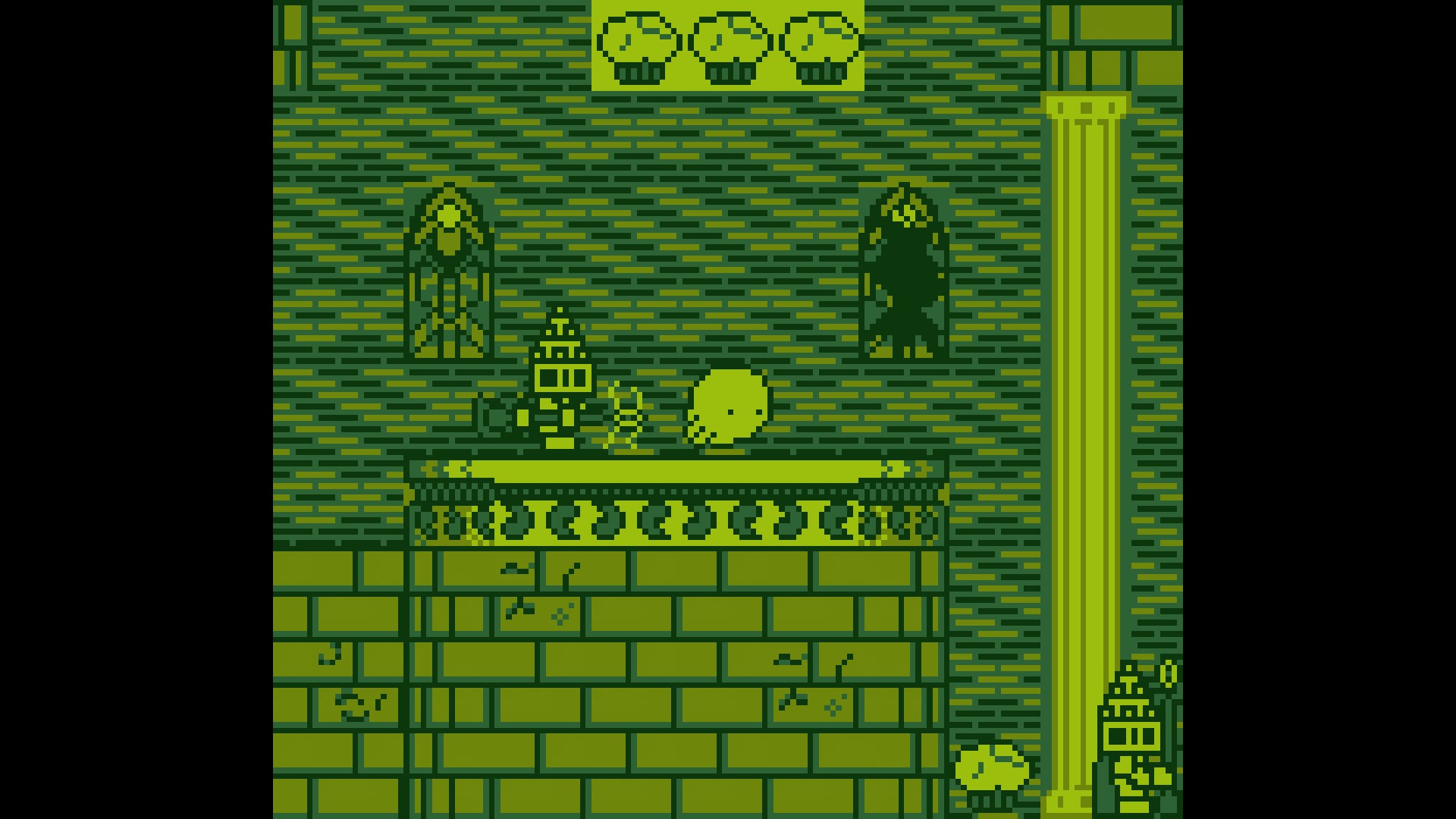
Squidlit uses a 160 × 144 pixel canvas limited to four shades of a color the developers call “grellow.” This palette gives the game a distinct retro aesthetic reminiscent of classic handheld titles.
Sprite limits—no more than ten 8‑pixel‑wide sprites in a line and never more than forty total—keep the screen clear. The constraints ensure each sprite remains readable and the visual field stays uncluttered.
- Notice how the limited palette creates strong contrast between characters and background.
- Observe how the sprite caps prevent visual overload during crowded scenes.
03 / THE GUIDE
Audio Design
All sound was produced on a real Game Boy using LSDJ, and the game employs four sound channels shared between music “voices” and sound effects. This yields authentic chiptune tones that match the visual retro feel.
Because only four channels are available, the music and effects must share resources. The result is a balanced audio experience where each beep or blip feels purposeful and fits the hardware limits.
- Listen for moments when music and effects compete for the same channel.
- Compare the sound to classic Game Boy titles to gauge authenticity.
04 / THE GUIDE
Platform and Controls
Squidlit is released for Windows and offers full controller support, allowing the jump‑ink actions to be performed with a gamepad. No other operating systems are listed, and the game is single‑player only.
Steam achievements are integrated, giving optional goals for players who enjoy tracking progress. Family Sharing is also supported, so multiple accounts can access the same purchase.
- Observe how the controller’s button layout feels for the jump‑ink sequence.
- Check the Steam overlay for achievement hints while you play.
05 / THE GUIDE
Objective and Story
The narrative centers on stopping the villain Skwit Skwot before it endangers the squidlits. This goal frames each trial, giving purpose to the platforming challenges you face.
The trials you face test your ability to combine movement and ink attacks, reinforcing the overarching quest for the good of squidlits everywhere.
- Keep the goal of stopping Skwit Skwot in mind to stay motivated through tougher stages.
- Notice how each trial builds on the mechanics introduced earlier.


COMMUNITY
Player discussion