 GameWiki
GET YOUR BEARINGS
About Squeakross: Home Squeak Home
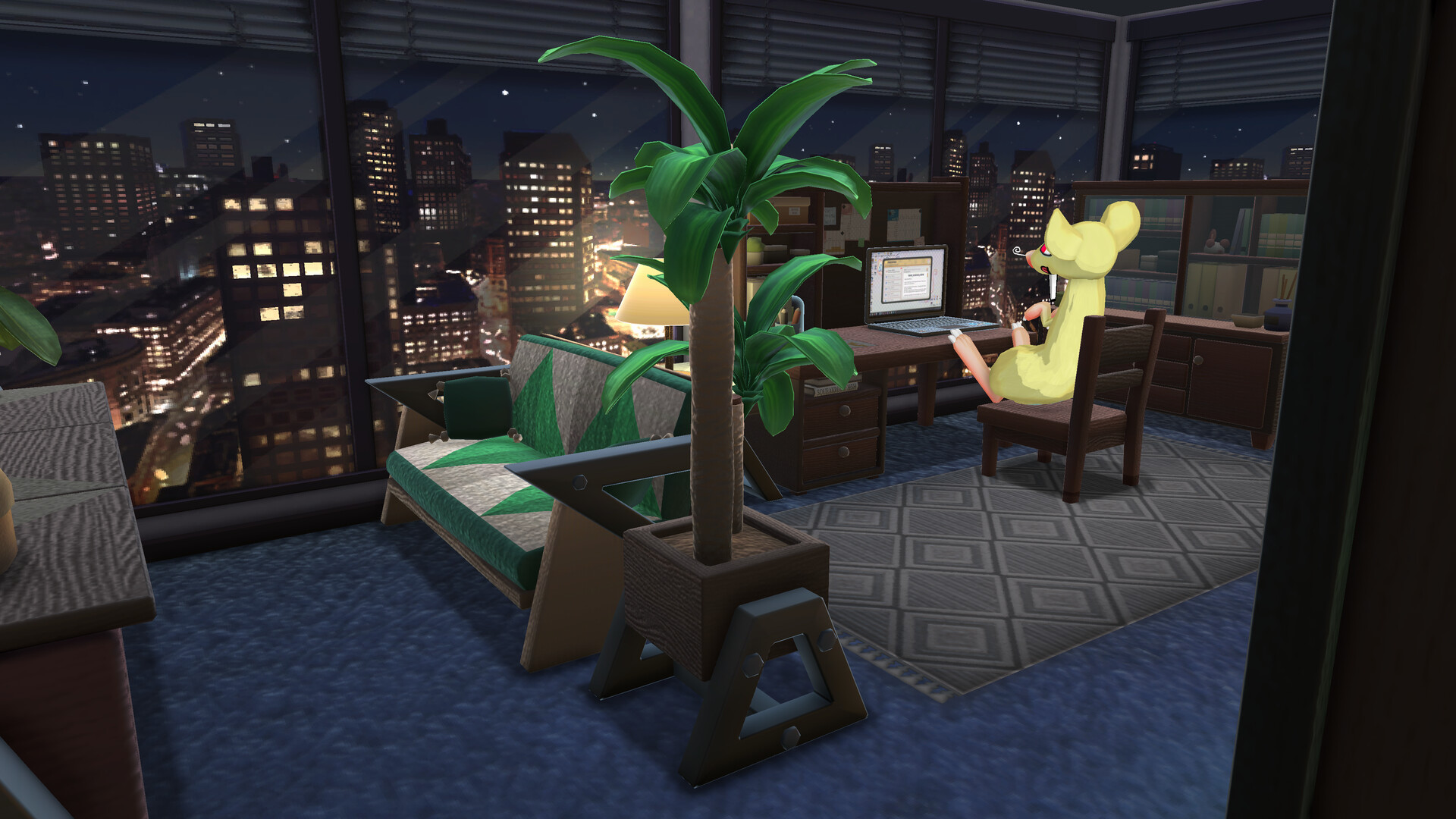
Squeakross: Home Squeak Home lets players furnish a new home for a customizable rodent companion using nonogram‑style puzzles. The game emphasizes relaxed, untimed logic‑number challenges and offers a variety of décor styles and accessories. Players can enable hints, random‑cell solves, or a Logic‑Assist preview, or turn all aids off for a tougher experience. The title supports full controller use, mouse‑only play, and cloud saves across Windows and macOS.
01 / THE GUIDE
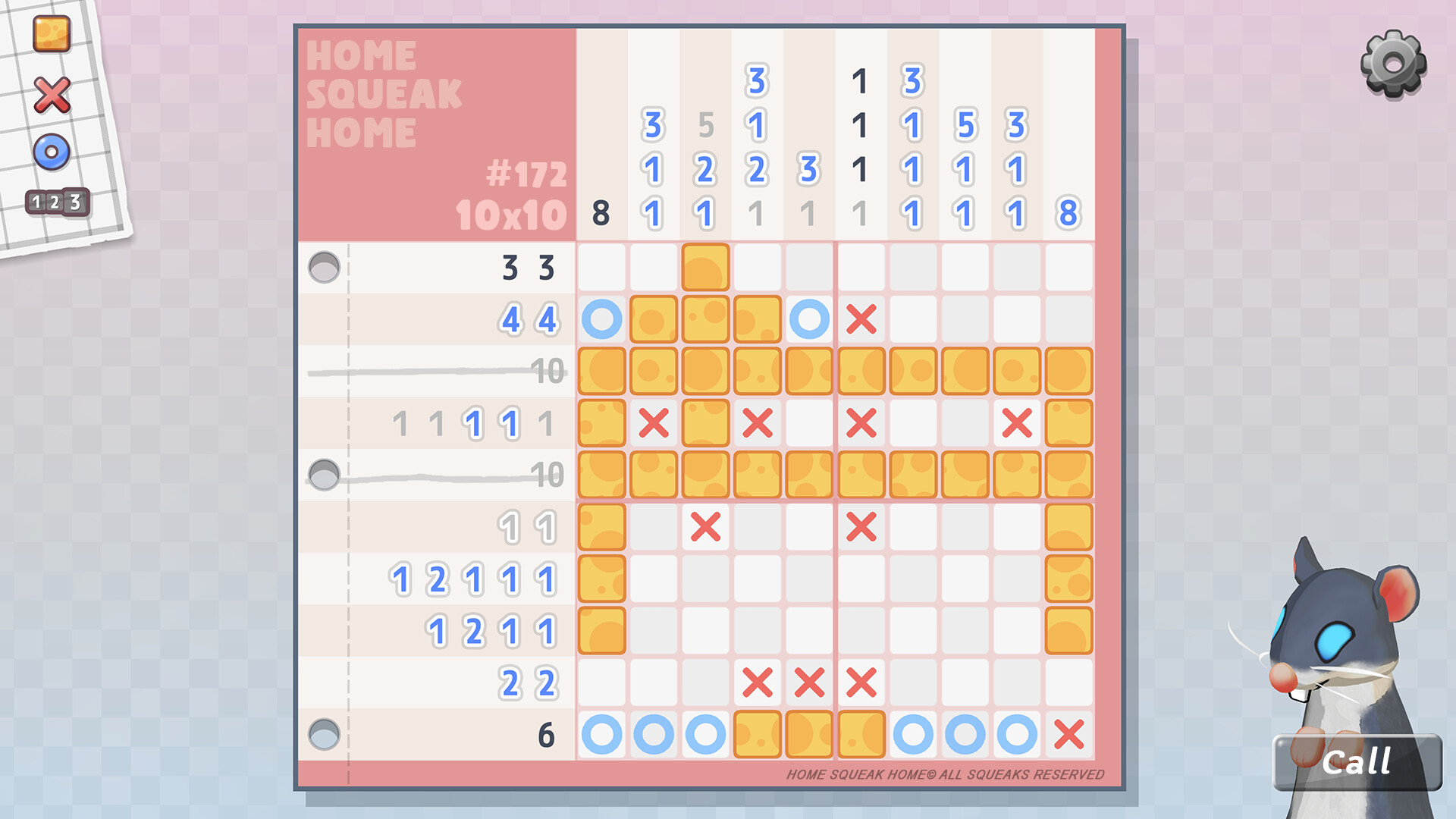
Nonogram Puzzle Core
The central mechanic is a nonogram puzzle where solving a grid reveals furniture or accessories. Over 800 puzzles are available, each designed to be completed without time pressure. Players can learn the basics in about five minutes, making the system approachable for newcomers.
A Logic‑Assist system can preview possible solutions, and a random‑cell solve option helps when stuck. All assistance can be disabled for a pure challenge, letting players control the difficulty level.
- Try enabling Logic‑Assist on early puzzles to learn pattern recognition.
- If you prefer a pure test, turn off all hints after the first few levels.
02 / THE GUIDE
Home Decoration
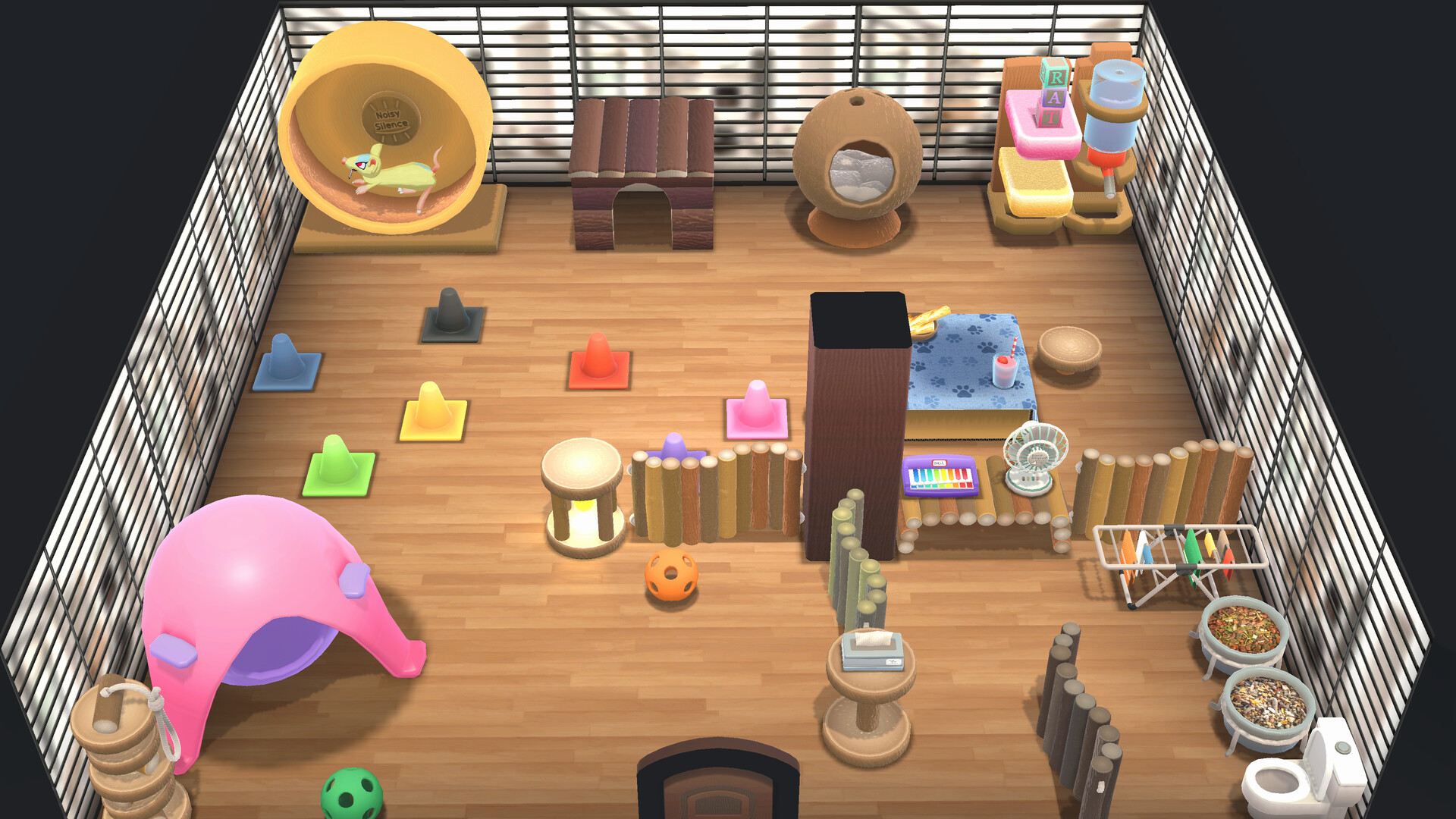
Each solved puzzle unlocks a piece of furniture or décor, ranging from basic supplies to extravagant items. The catalog offers many interior styles, allowing players to dress the home to match personal taste.
Decor items are stored in the game and can be placed freely, giving a visual reward for puzzle completion and encouraging players to experiment with different looks.
- Mix basic and extravagant pieces for balanced aesthetics.
- Use unlocked stickers to personalize the UI.
03 / THE GUIDE
Rodent Editor
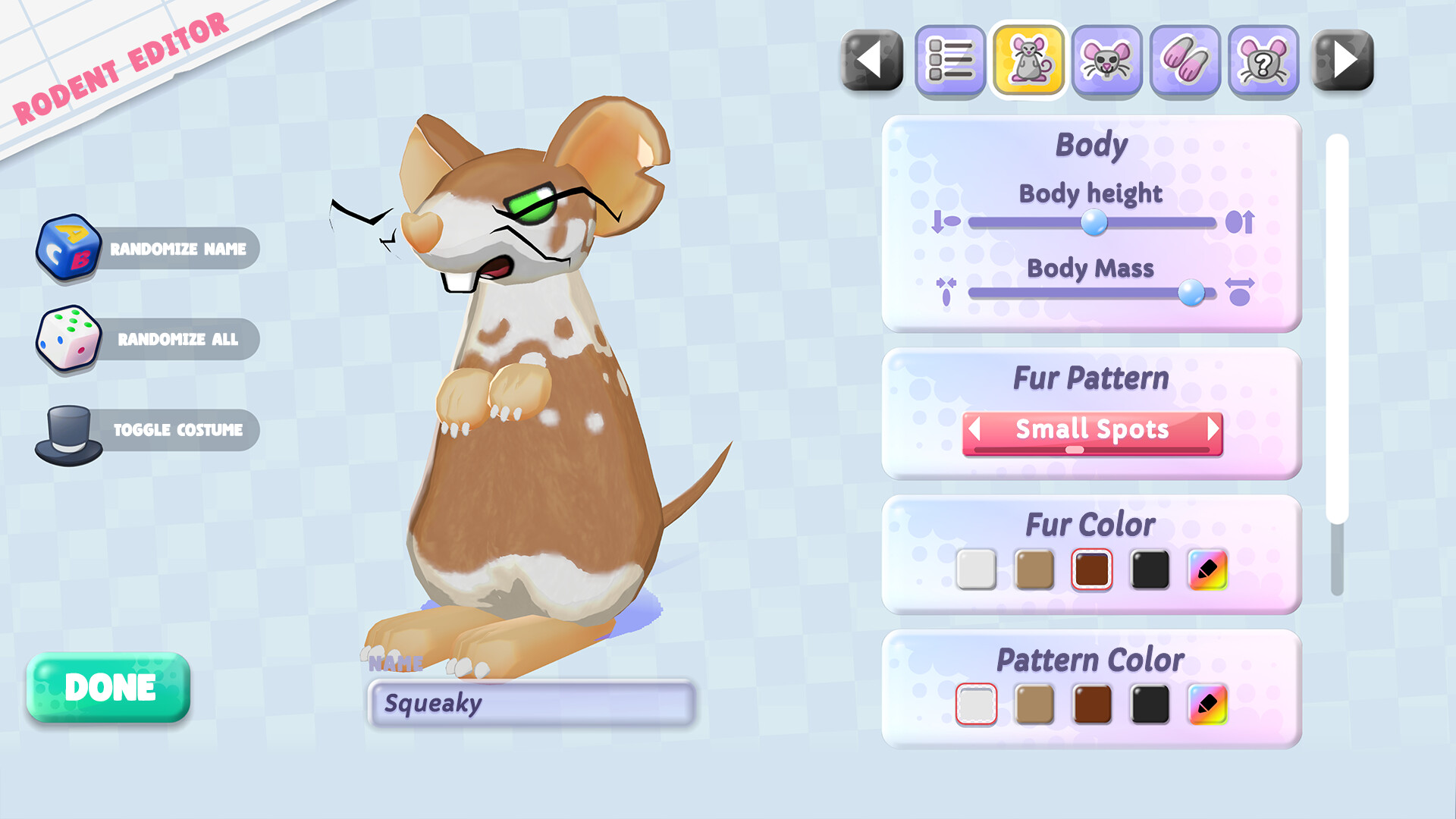
The game includes a Rodent Editor where players shape their companion from snout to tail. Accessories can be added to further customize the rodent’s appearance, catering to fans of pet personalization.
All options are created in‑game without external AI tools, reflecting the developer’s no‑AI stance.
- Start with basic shapes before adding detailed accessories.
- Save multiple rodent designs to compare styles.
04 / THE GUIDE
Accessibility and Controls
Squeakross supports full controller input, including DualShock and DualSense, as well as mouse‑only play. Adjustable difficulty, custom volume controls, and a camera comfort option help tailor the experience.
Steam Cloud saves and the ability to save anytime ensure progress is retained across sessions.
- Use the custom volume sliders for a comfortable audio level.
- Enable camera comfort if you experience motion discomfort.
05 / THE GUIDE
Streamer Mode
A dedicated streamer mode removes Content ID‑tagged music, allowing creators to broadcast without copyright concerns. This mode does not affect gameplay mechanics.
The feature is part of the broader set of options that let players tailor the visual and audio environment.
- Activate streamer mode before recording to avoid audio flags.
- Combine with custom stickers for a unique broadcast look.

COMMUNITY
Player discussion