 GameWiki
GET YOUR BEARINGS
About SpyParty
SpyParty is a competitive espionage title that focuses on human behavior, performance, perception, and deception. Instead of typical gunplay, players hide among a high‑society cocktail party, blending in while pursuing secret objectives.
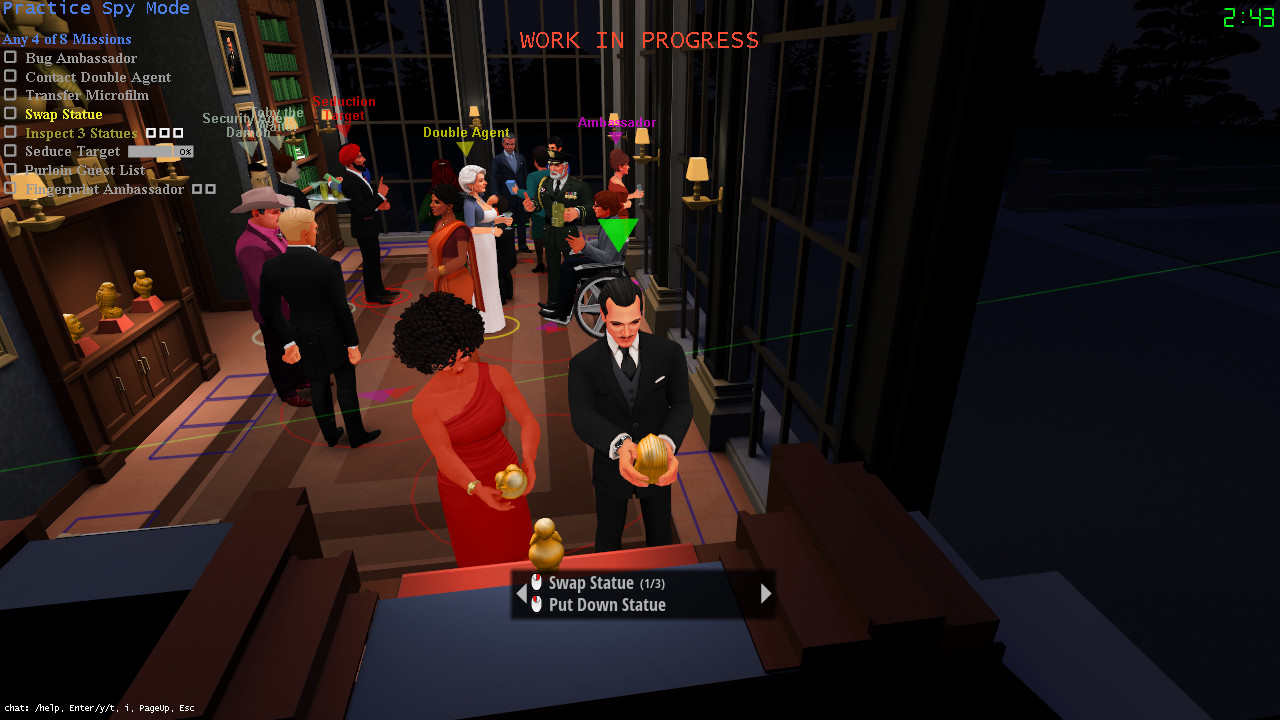
The core mode pits a Spy against a Sniper in 1v1 online multiplayer. A limited single‑player Sniper experience and a practice mode for both roles let players experiment with missions and mechanics.
01 / THE GUIDE
Core Gameplay Concept
The game replaces conventional combat with deception and observation. Players act as a Spy at a cocktail party, needing to complete mission goals without drawing the Sniper’s attention.
Success hinges on reading subtle behavioral tells from the opponent and managing one’s own actions to stay unnoticed, turning perception into the primary weapon.
- Watch the opponent’s timing for small actions.
- Maintain a consistent routine to reduce tells.
02 / THE GUIDE
Spy vs. Sniper Multiplayer
The main online mode is a 1v1 match where one player controls the Spy and the other the Sniper. The Spy works to complete objectives while staying hidden among party guests.
The Sniper’s goal is to identify and eliminate the Spy before the timer expires, using visual cues and timing to spot tells.
- Track the match timer to plan decisive actions.
- Look for repeated patterns that may indicate tells.
03 / THE GUIDE
Practice Modes
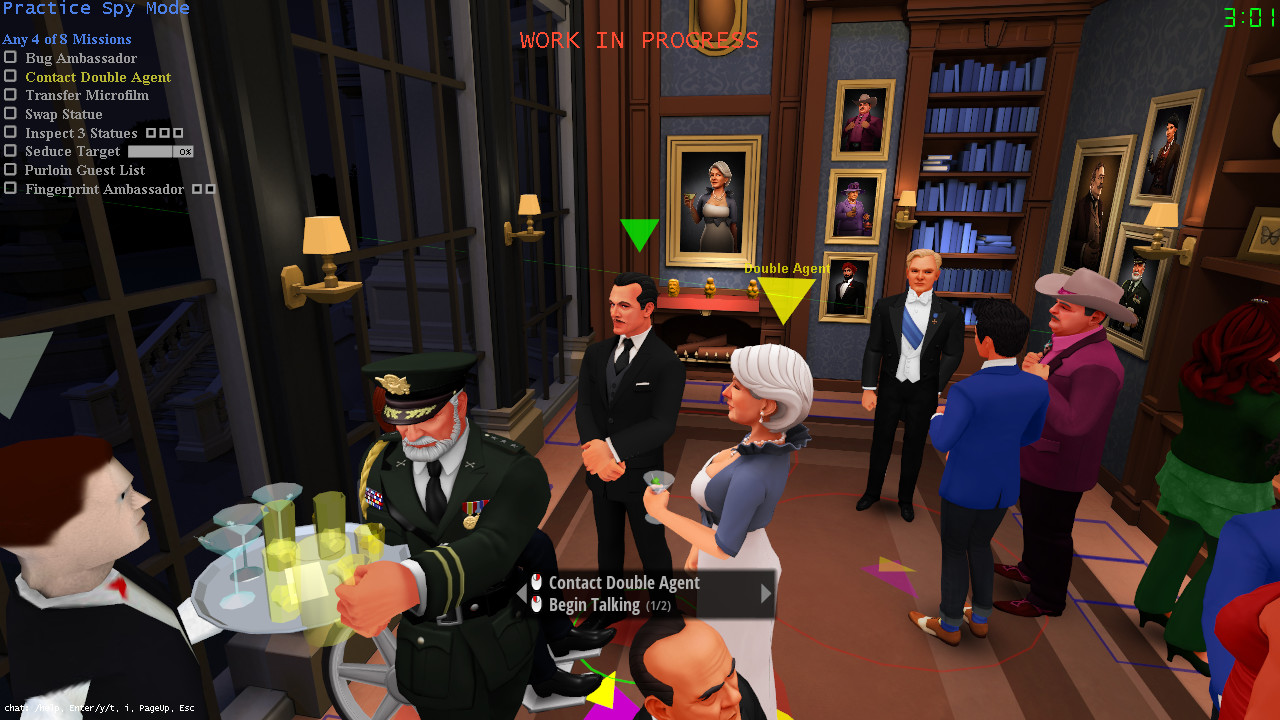
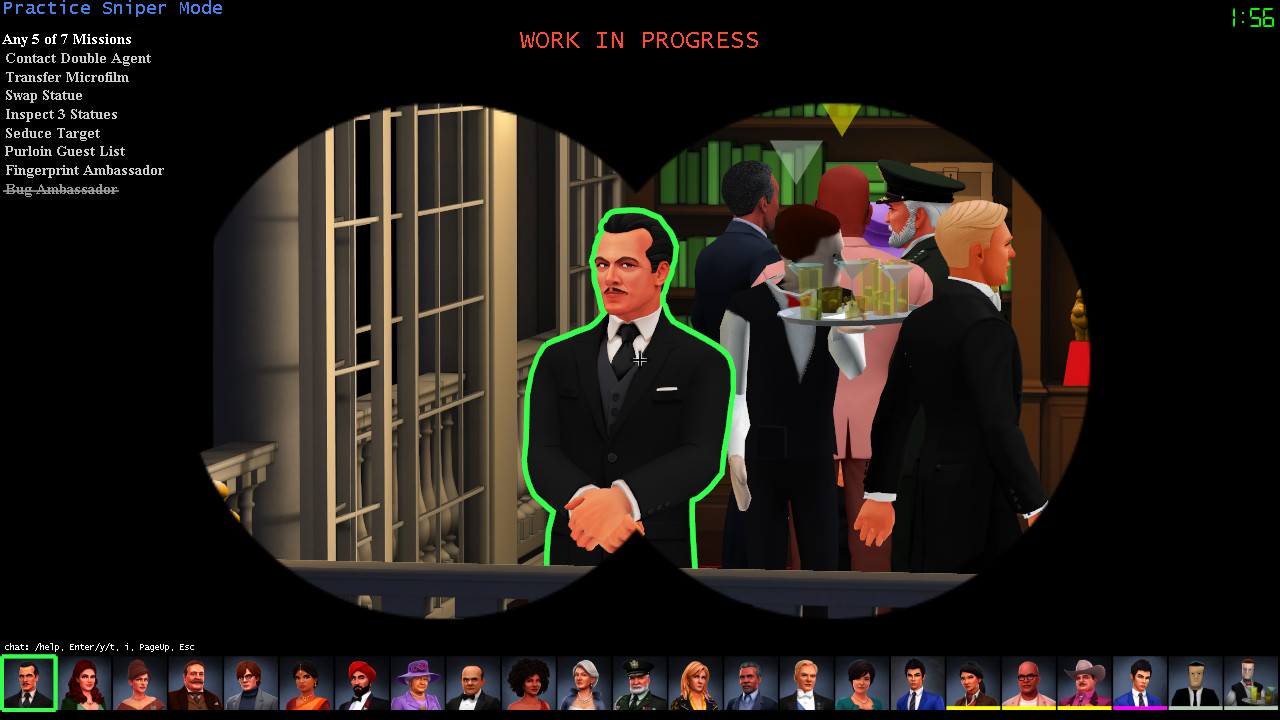
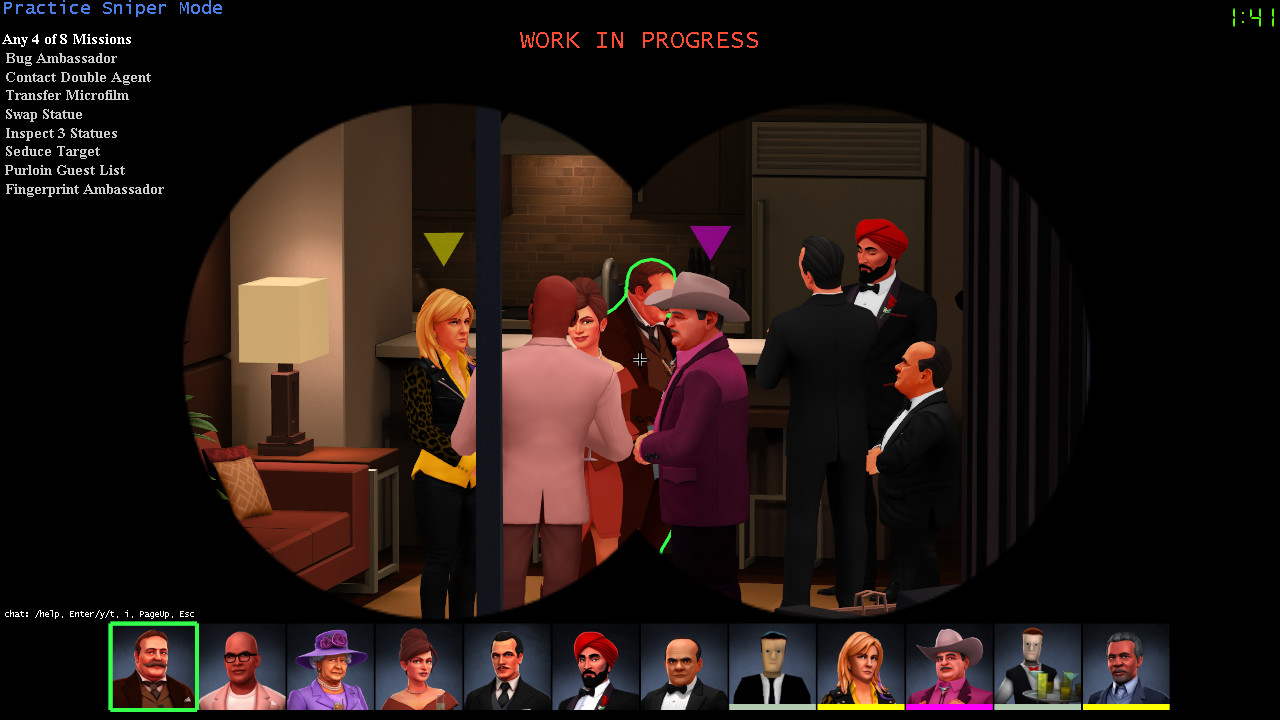
A limited single‑player Sniper mode lets players test Sniper mechanics without an opponent, providing a sandbox for aiming practice and line‑of‑sight learning.
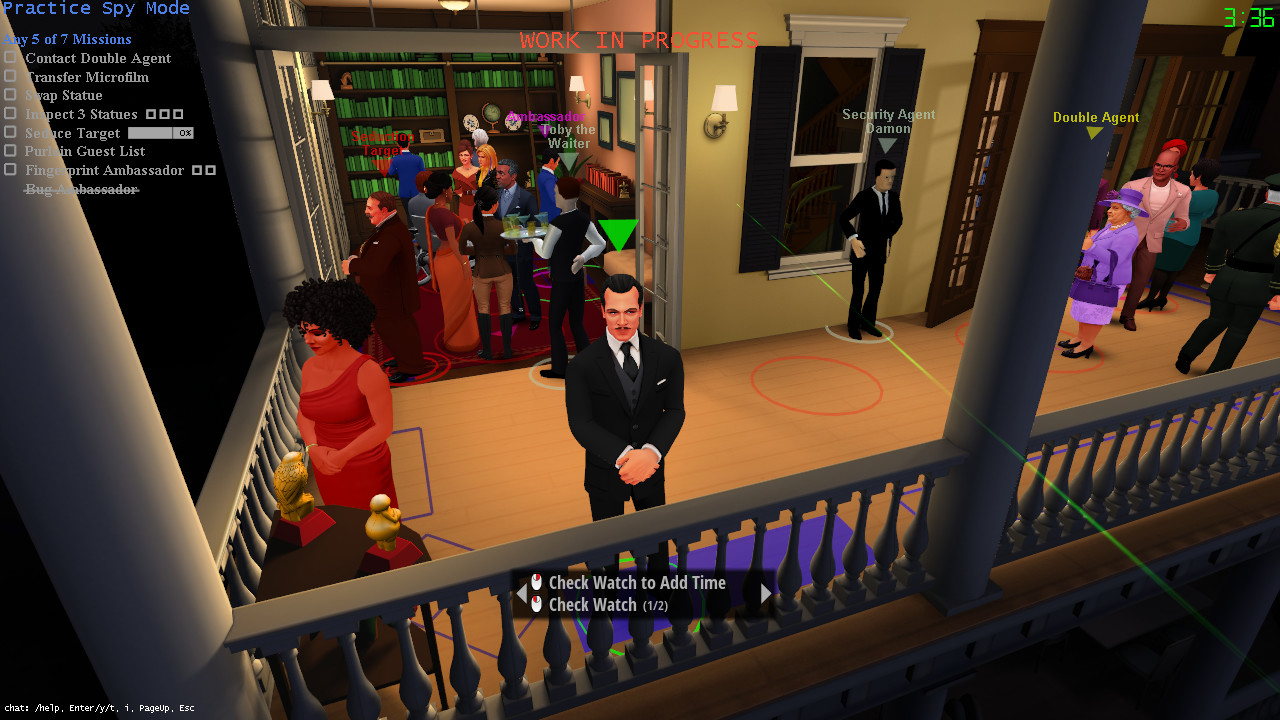
A separate practice mode for both Spy and Sniper allows players to try out missions and experiment with behaviors before entering multiplayer matches.
- Use practice to experiment with different Spy actions.
- Observe Sniper line‑of‑sight timing in solo runs.
04 / THE GUIDE
Supported Platforms
SpyParty is officially released for Windows via Steam. The platform list does not include macOS or Linux, indicating those operating systems are not supported at present.
Future platform updates may be announced in the developer FAQ, but the current store data only confirms Windows availability.
- Verify Windows system requirements before purchase.
- Check the Steam Discussions for any platform updates.
05 / THE GUIDE
Full Controller Support
The game lists full controller support, confirming that a gamepad can be used for input during play. No further input specifics are detailed in the store description.
Because controller compatibility is officially noted, players can choose between controller and other input methods based on personal preference.
- Test both controller and mouse/keyboard to see which feels more natural.
- Adjust in‑game sensitivity if the option is available.
COMMUNITY
Player discussion