 GameWiki
GET YOUR BEARINGS
About Spooky's Jump Scare Mansion: HD Renovation
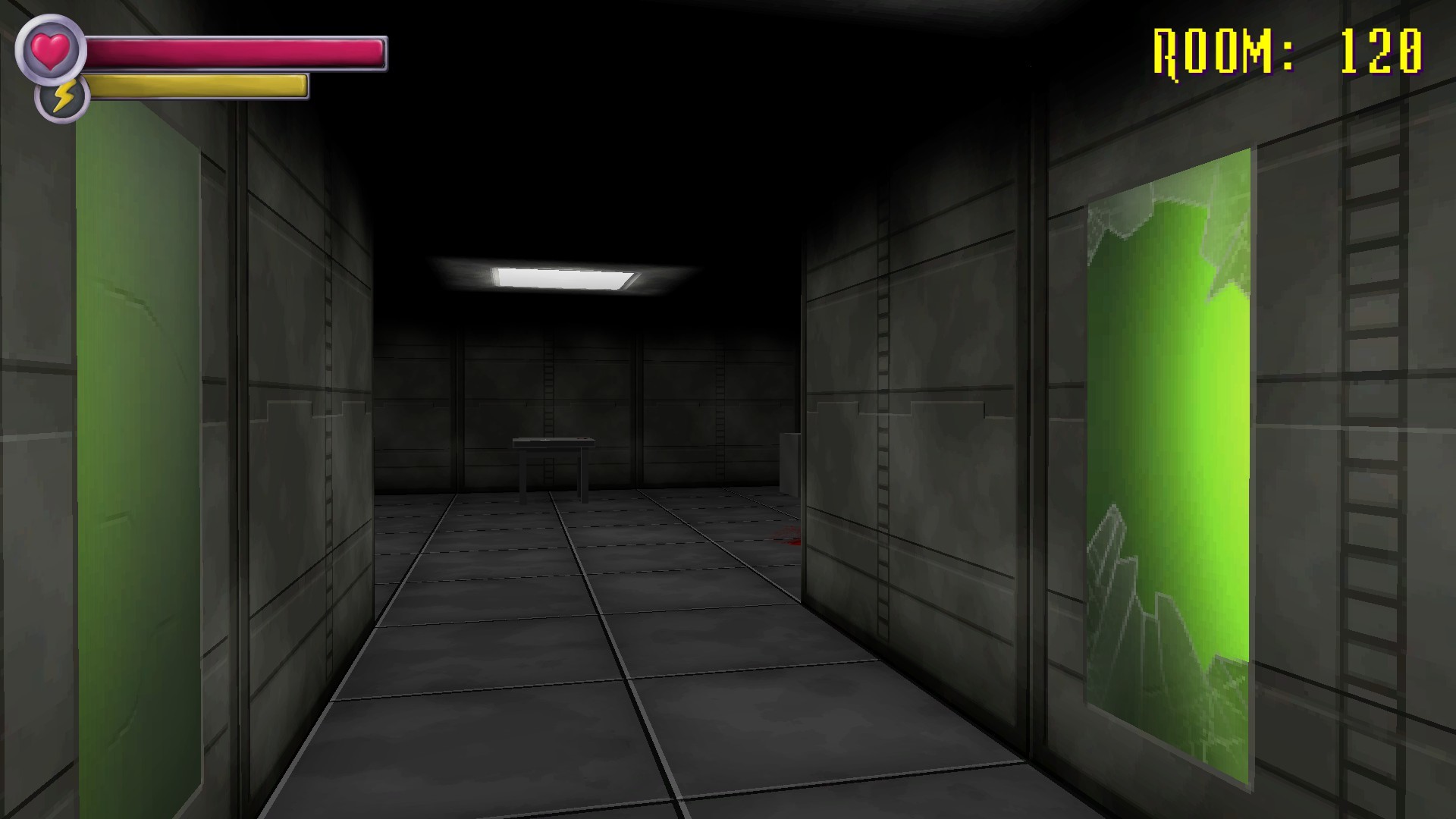
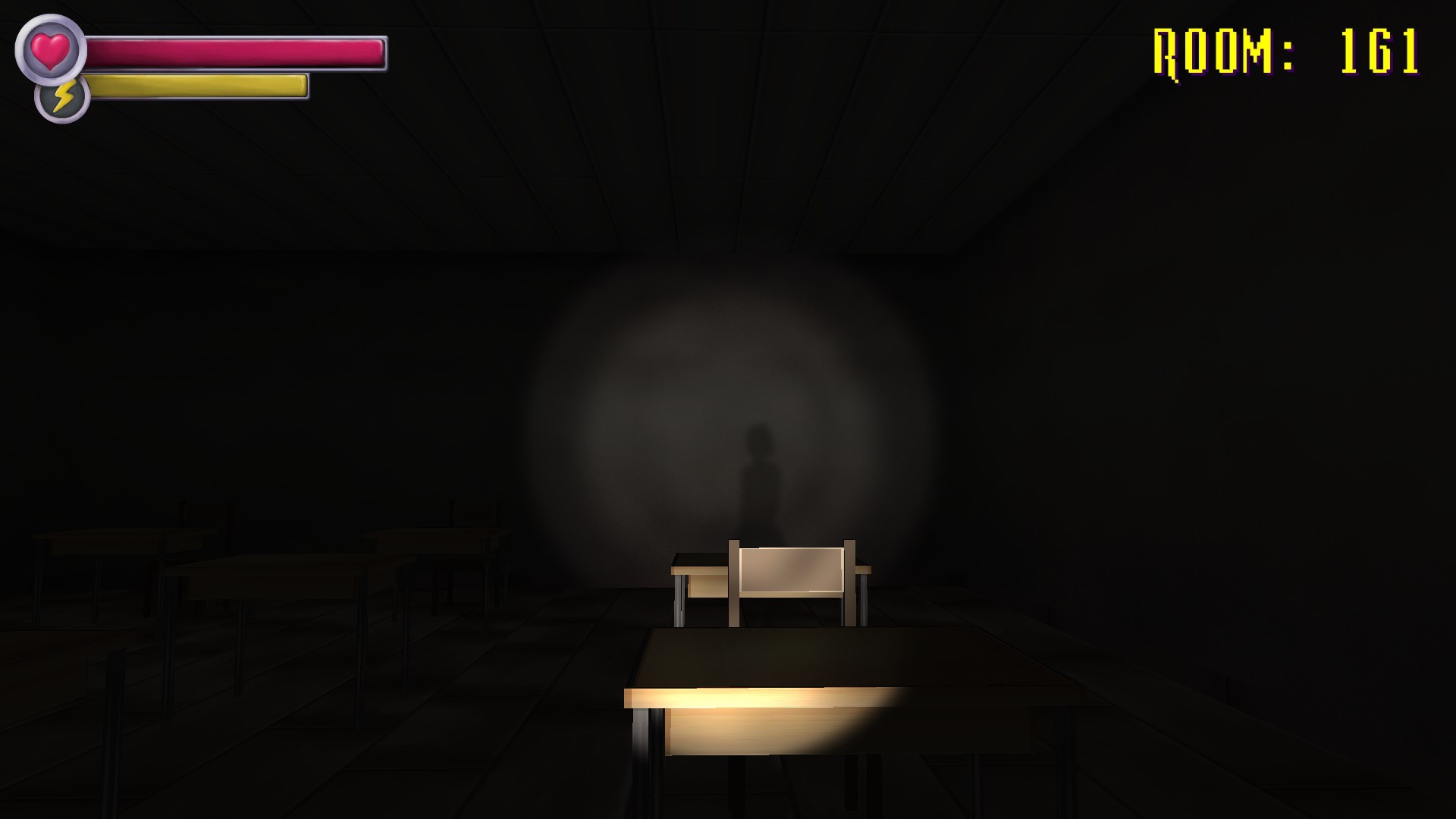
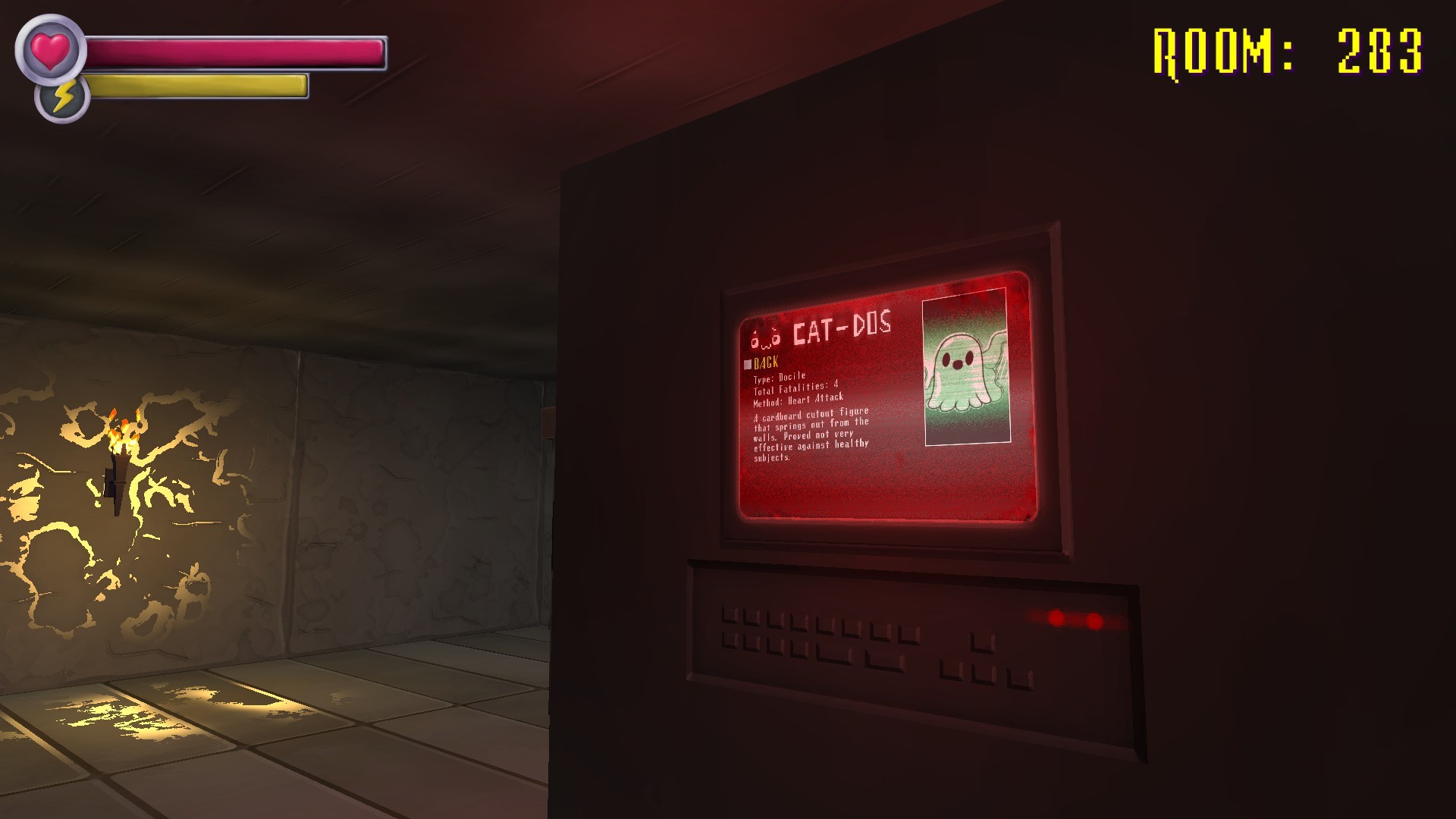
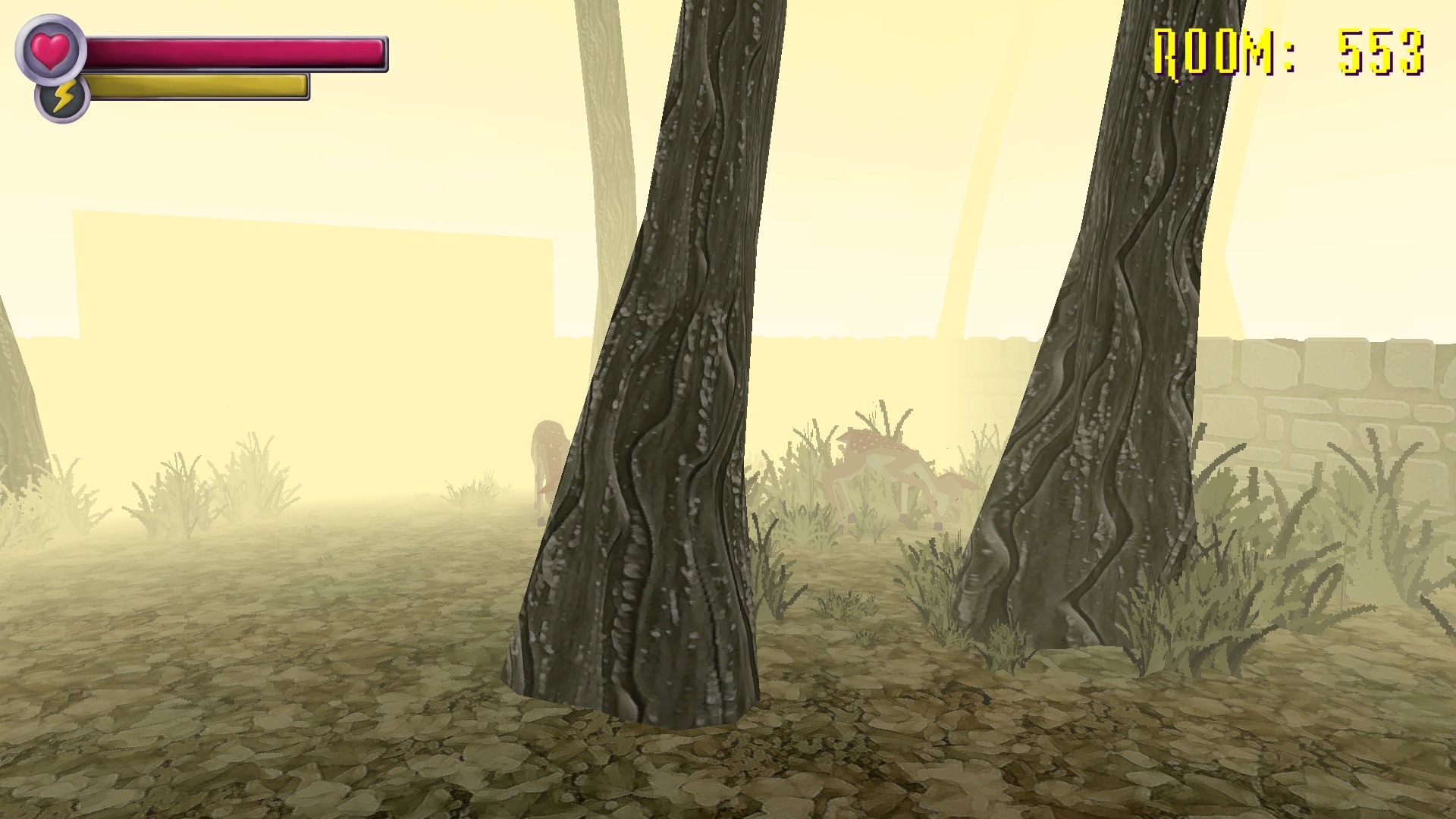
Spooky's Jump Scare Mansion: HD Renovation rebuilds the original GameMaker title in Unity, delivering HD graphics, 3D models, and a toggle between classic and new specimen visuals. The single‑player experience still challenges players to survive a long series of rooms while adding modern stability fixes.
All original DLC is bundled, and the remake adds Endless Mode, full controller and VR support, Steam trading cards, and a Steam Workshop‑integrated “Build Your Own Mansion” tool. These features expand both replay value and community creativity.
01 / THE GUIDE
Unity Engine Rewrite
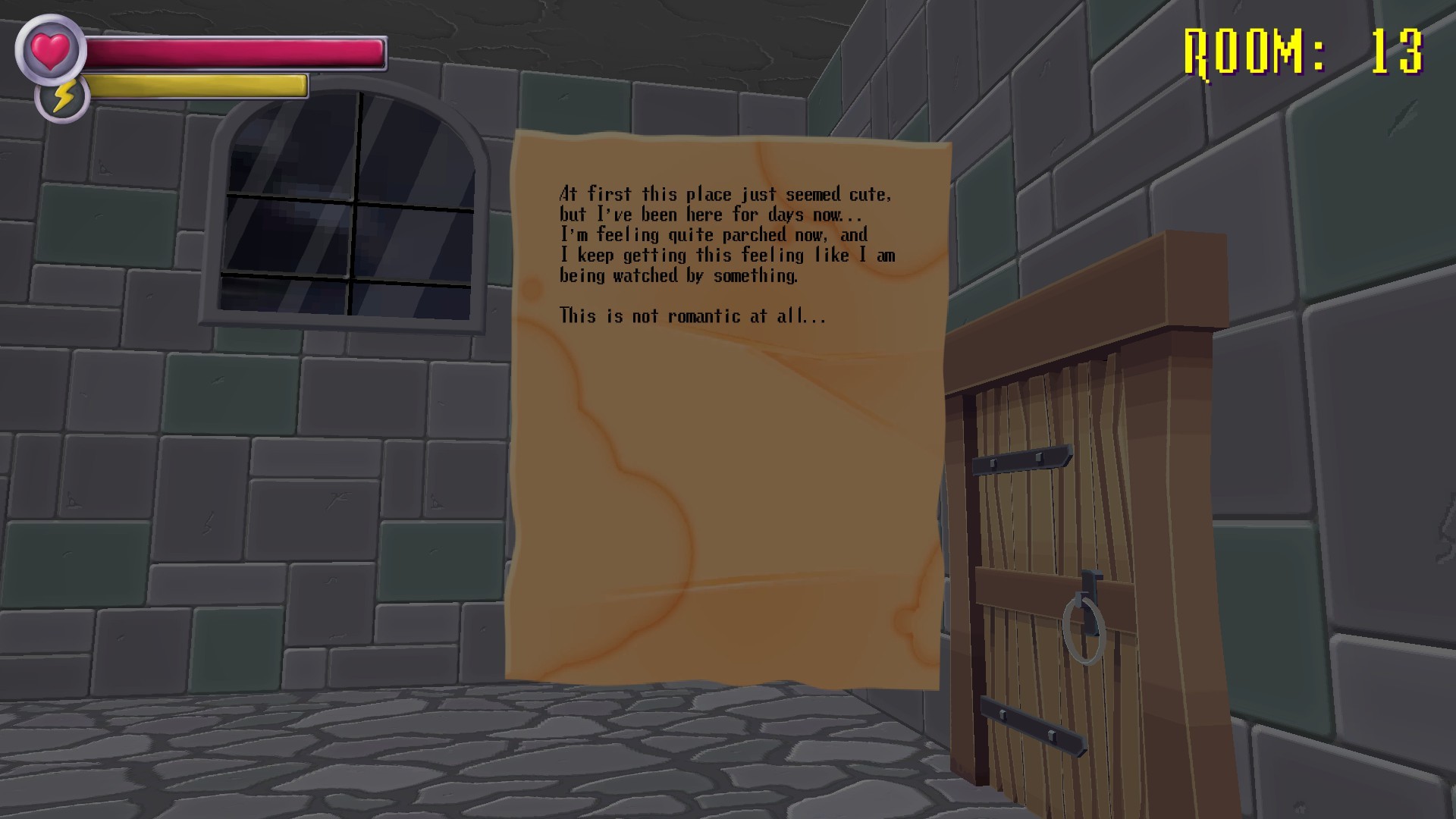
The game was rebuilt from the ground up using the Unity engine, replacing the previous GameMaker 8 foundation. This change enables true 3D specimens and resolves issues such as getting stuck on corners, as noted in the store description.
Unity also allows the inclusion of VR support and the ability to toggle between old and new visual styles, giving players a choice between nostalgic and updated aesthetics.
- Switch between classic and HD specimen visuals to see how the engine change affects model depth.
- Observe navigation in a corner area to notice the fix for corner‑sticking.
02 / THE GUIDE
Endless Mode
Endless Mode provides an infinite sequence of rooms beyond the original 1000‑room limit, letting players test how long they can survive. Steam Leaderboards are listed among the game's features.
This mode is included in the base HD Renovation package together with all DLC, meaning no extra purchase is required to access the endless challenge.
- Steam Leaderboards are among the game's listed features if you want to compare results with other players.
- Notice pattern repetitions that may emerge after many rooms; they can inform your strategy.
03 / THE GUIDE
Build Your Own Mansion Workshop
A “Build Your Own Mansion” feature integrates directly with Steam Workshop, offering in‑game tools to edit rooms and a development SDK for creating new specimens and mechanics. Creations can be shared through the Workshop, per the official description.
The room editing tools are provided in-game, and the development SDK lets community members create new specimens and mechanics to share.
- Start with a simple room edit to learn the basic placement tools before tackling the SDK.
- Browse existing Workshop submissions for ideas on specimen design and room layout.
04 / THE GUIDE
VR Compatibility
The HD Renovation supports Oculus Rift and HTC Vive, enabling the mansion’s scares to be experienced in virtual reality. This VR mode uses the same Unity assets, providing immersive 3D encounters.
VR support is listed alongside other platform features, confirming official compatibility without requiring a separate edition of the game.
- Clear a safe play area before entering VR to avoid real‑world obstacles.
- Compare the intensity of a jump scare in VR versus on a monitor to gauge immersion differences.
05 / THE GUIDE
Controller & Steam Integration
Full controller support is provided, including tracked controller compatibility for VR setups. The game also includes Steam achievements, trading cards, Steam Cloud, leaderboards, remote play on TV, and family sharing, as listed in the feature set.
These Steam integrations work out‑of‑the‑box and complement the single‑player experience, requiring no additional purchases.
- Enable Remote Play on TV for a couch‑friendly horror session.
- Review the Steam Leaderboards to see how your scores rank against friends.
COMMUNITY
Player discussion