 GameWiki
GET YOUR BEARINGS
About Spin Rhythm XD
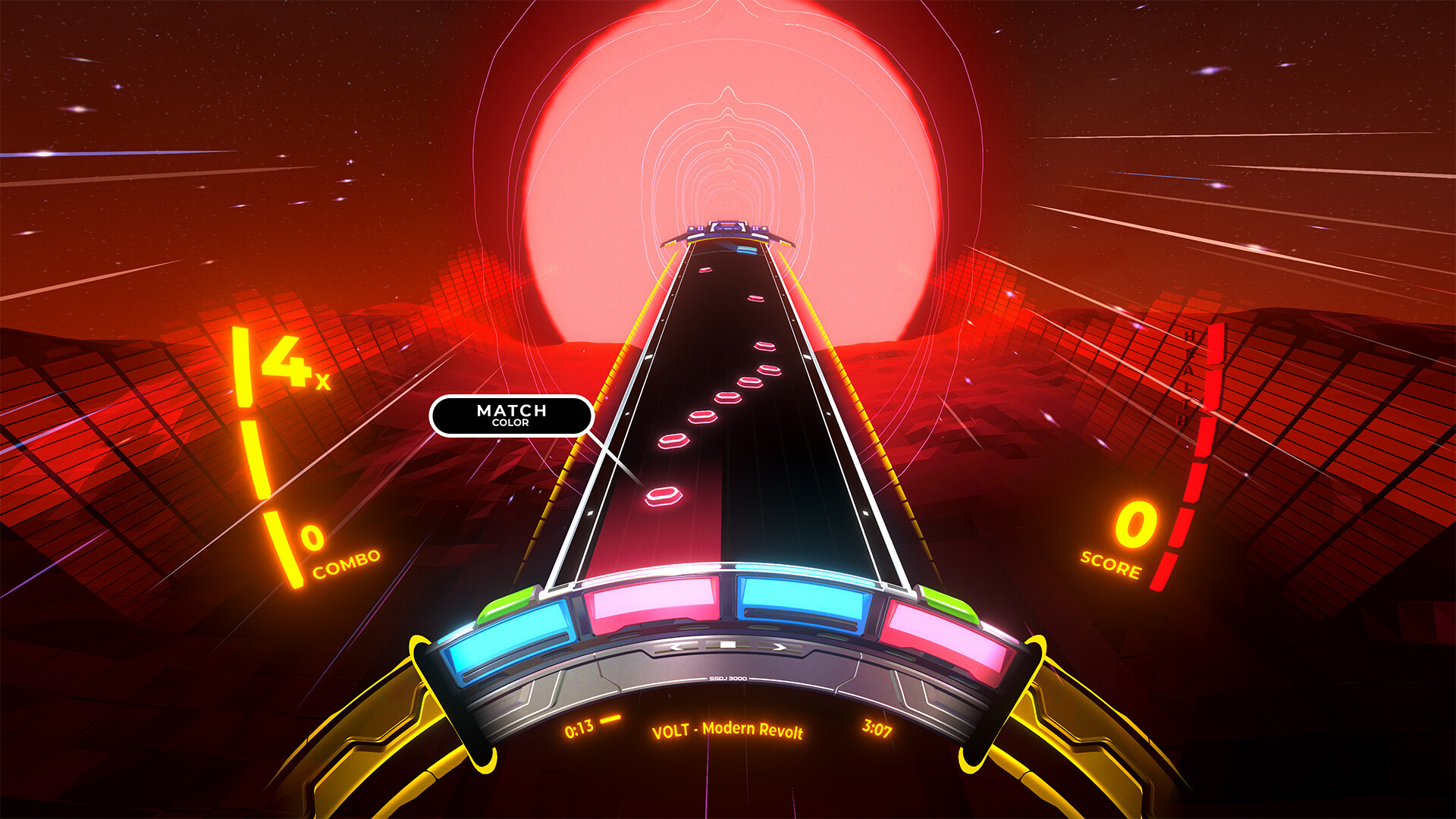
Spin Rhythm XD drops players into a vibrant rhythm dimension where they spin, flick, and tap to match colours and beats. The game offers hand‑made levels across five difficulties, a library of 80 licensed electronic tracks, and a level editor for creating custom challenges. It supports mouse, keyboard, gamepads, and even MIDI DJ turntables, while providing accessibility options such as custom colours and low‑impact visuals. Global leaderboards let players compete worldwide.
01 / THE GUIDE
Control Options
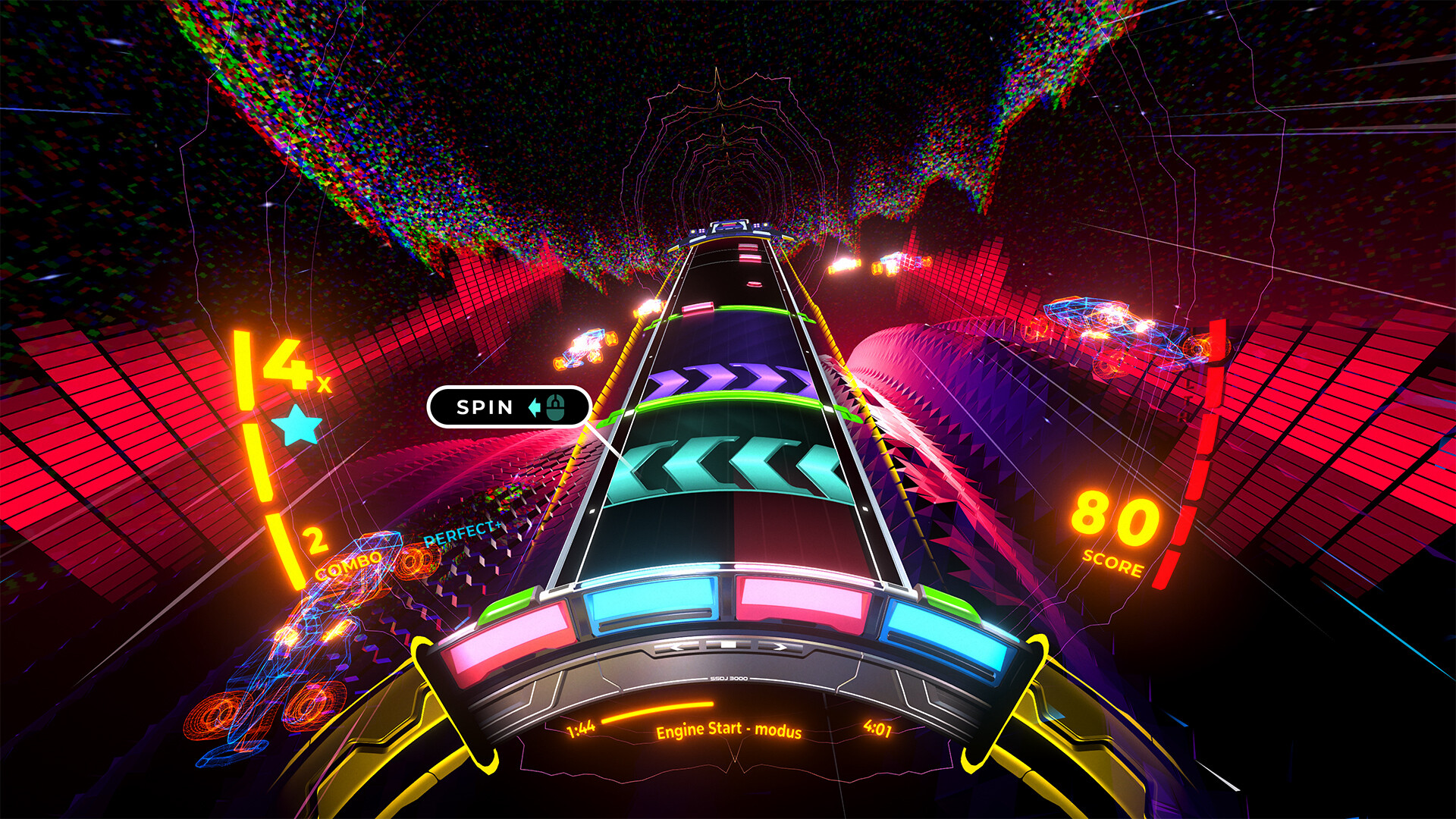
Spin Rhythm XD uses analogue‑inspired inputs: spin, flick, and tap actions correspond to on‑screen colours and beats. The game works with mouse, keyboard, gamepads, and MIDI DJ turntables, with touch‑sensitive jogs recommended for the latter. This variety lets players choose the device that feels most natural for rhythm precision. The title also lists specific input modes like Keyboard Only Option, Mouse Only Option, and Full Controller Support, ensuring each method can be used independently without requiring other devices.
- Try the MIDI turntable if you own one; the jogs are highlighted as touch‑sensitive for optimal response.
- Switch between Keyboard Only and Mouse Only modes to see which gives you steadier timing on difficult tracks.
02 / THE GUIDE
Difficulty Structure
The game features five difficulty tiers: Easy, Normal, Hard, Expert, and the brutal XD difficulty. Each level is hand‑made, offering precise patterns that scale in complexity and speed. Players can select a difficulty that matches their skill before starting a track. Higher difficulties increase the challenge, encouraging practice and mastery. The presence of a distinct XD tier signals a particularly demanding experience for seasoned rhythm gamers.
- Begin with Easy to learn the spin‑flick‑tap mechanics before advancing to Hard or Expert.
- Use the XD difficulty as a benchmark for peak performance after mastering lower tiers.
03 / THE GUIDE
Music Selection
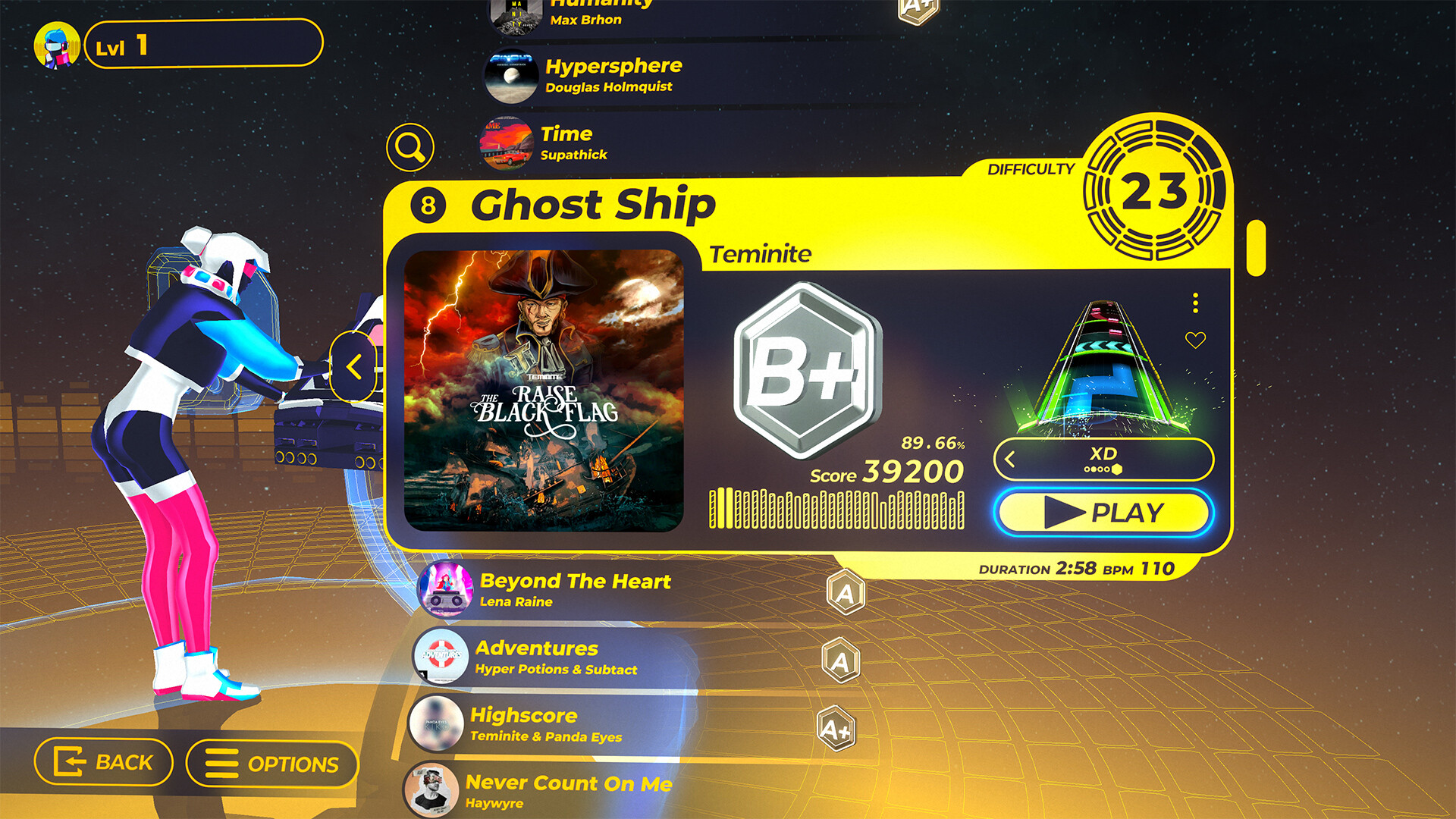
Spin Rhythm XD includes 80 licensed tracks from artists such as Nitro Fun, Au5, Camellia, and Anamanaguchi. The soundtrack spans a range of electronic sub‑genres, providing varied rhythmic challenges. The game features reactive visual backgrounds that respond to the beat, enhancing immersion. The breadth of the library ensures players encounter fresh audio experiences throughout play.
- Explore tracks from different artists to find the beats that suit your timing style best.
- Notice how visual reactions align with the music; they can help anticipate upcoming notes.
04 / THE GUIDE
Customization & Unlocks
Players can level up by beating high scores, unlocking wheel skins, UI skins, and other visual customizations. These options let users personalize the look of the game without affecting core mechanics. Customization is tied to progression, encouraging repeated play to access more aesthetic choices. The system is separate from the core rhythm gameplay, focusing on visual flair.
- Aim for higher scores on favorite tracks to unlock additional skins faster.
- Mix and match wheel and UI skins to create a visual style that feels rewarding.
05 / THE GUIDE
Level Editor
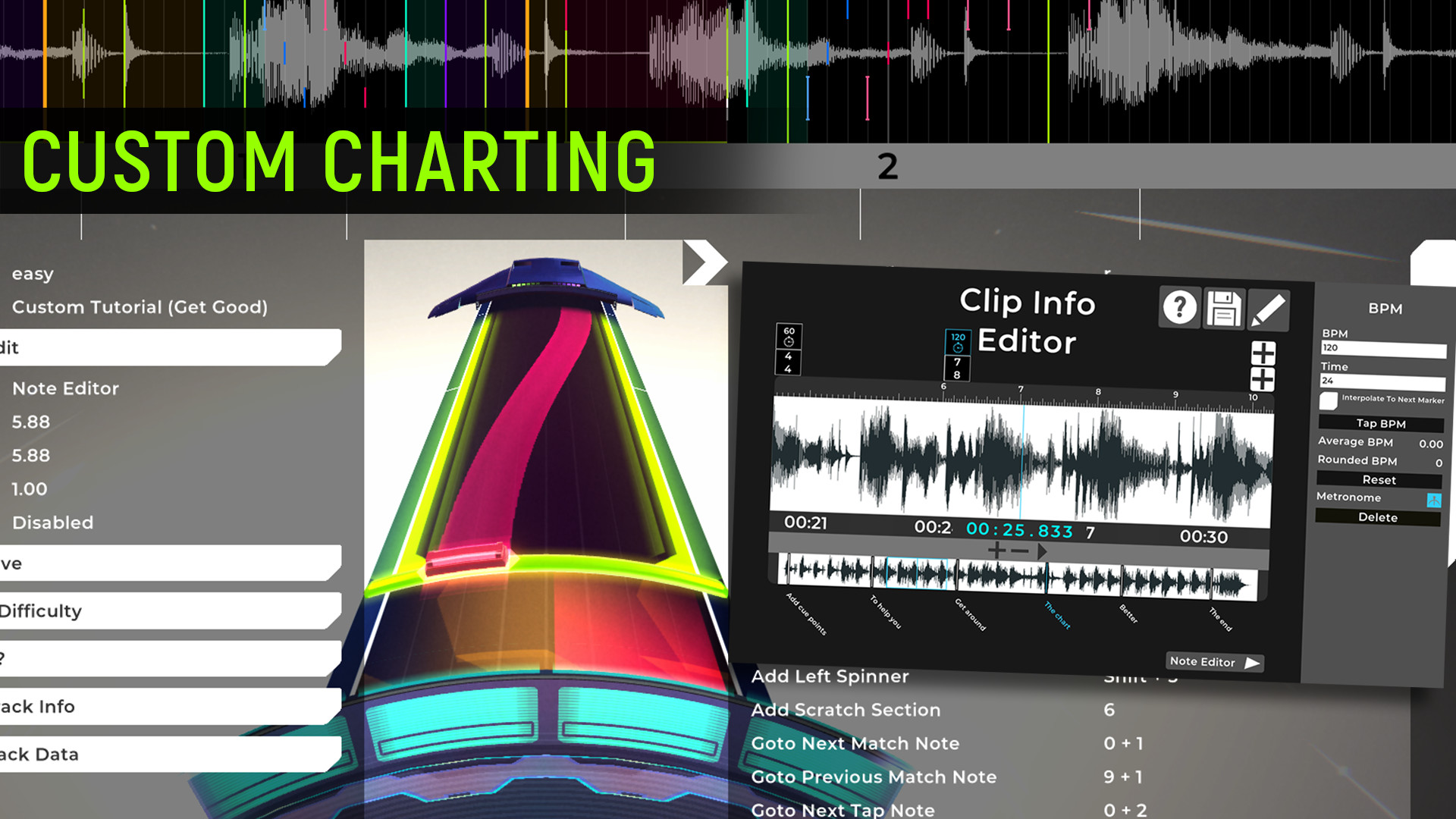
Spin Rhythm XD provides a fully‑featured editor that lets players create custom levels to any of their favourite songs. The tool includes placement of spin, flick, and tap notes synchronized to the music. Created levels extend replayability beyond the built‑in tracks. The editor is integrated directly into the game, offering a creative outlet for rhythm enthusiasts.
- Start with a short, simple song to learn the editor’s note‑placement workflow.
- Test your custom level repeatedly to ensure timing matches the music accurately.

COMMUNITY
Player discussion