 GameWiki

GET YOUR BEARINGS
About Spice&Wolf VR2
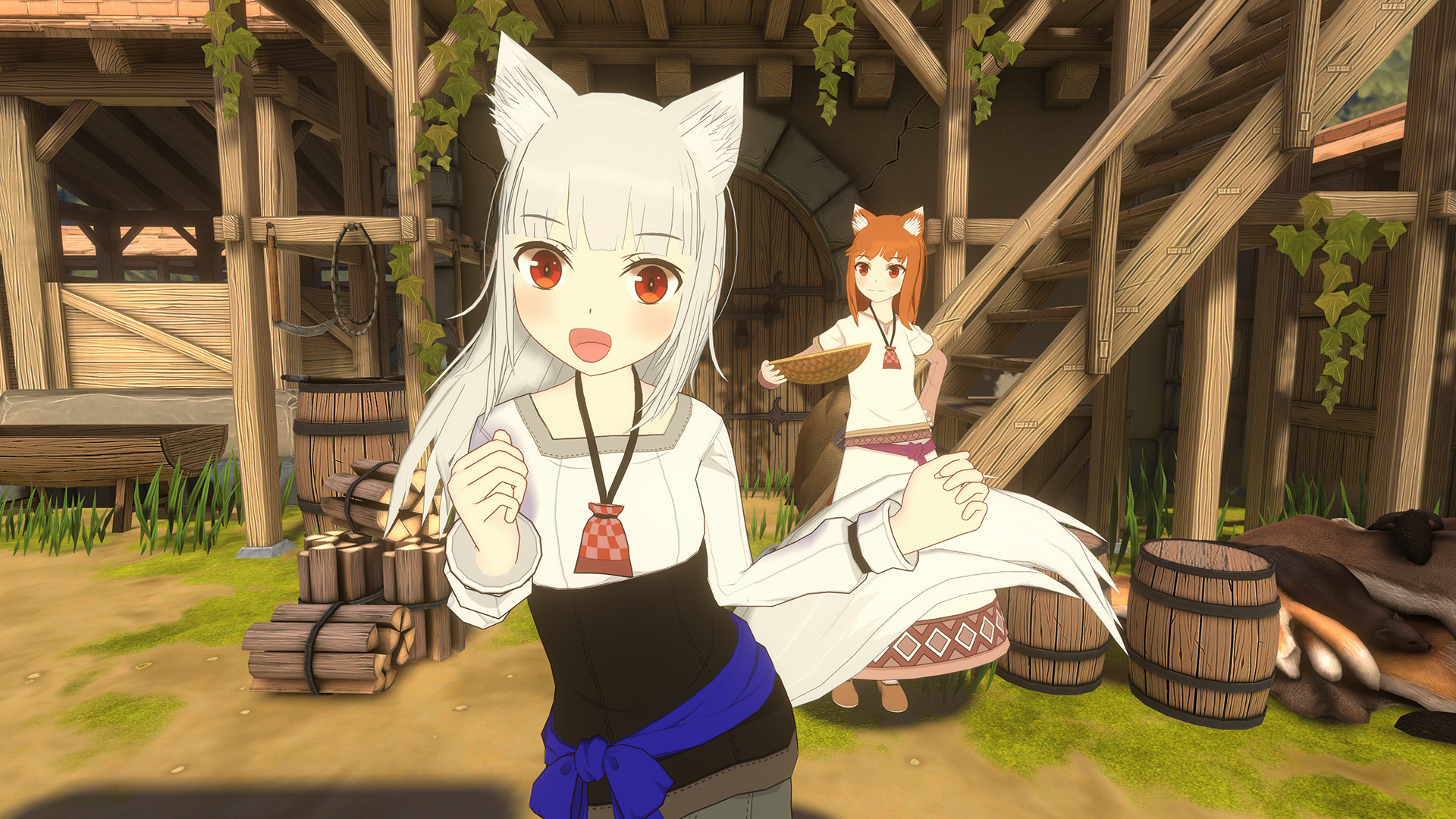
Spice&Wolf VR2 follows former merchant Lawrence, the wolf goddess Holo, and their daughter as they run a peaceful bathhouse, dealing with everyday worries like food expenses in a gentle slice‑of‑life setting.
The title offers a concise thirty‑minute narrative and a special anime‑theater presentation, designed for casual single‑player play on Windows with optional VR immersion.
01 / THE GUIDE
30‑Minute Story
The experience delivers a single narrative that runs for roughly thirty minutes, following Lawrence, Holo, and their daughter at the bathhouse.
The story presents everyday concerns such as food expenses, maintaining a calm slice‑of‑life tone without combat or complex objectives.
- Note dialogue about expenses.
- Observe pacing for narrative flow.
02 / THE GUIDE
Paper Street Theater Mode
A dedicated mode lets players view selected anime segments while characters appear on a stylized Japanese paper stage, creating a theatrical ambience.
This presentation blends animation with a stage‑like frame, allowing viewers to experience visual differences from the original series.
- Compare stage visuals to original anime.
- Listen for background music cues.
03 / THE GUIDE
VR and Non‑VR Modes
The title is labeled VR Only, indicating it launches with a compatible headset on Windows.
However, the description notes a Non‑VR Mode that lets players view the anime without a headset, providing an alternative display option.
- Check headset requirement before launch.
- Try Non‑VR Mode if headset unavailable.
04 / THE GUIDE
Tracked Controller Support
Tracked Controller Support is listed, meaning motion‑tracked devices are recognized for input during menu navigation and interactions.
Specific button functions are not detailed, so players may need to explore basic controller behavior during initial menus.
- Test controller orientation in menus.
- Observe any on‑screen prompts for actions.
05 / THE GUIDE
Steam Integration
The game integrates with Steam Achievements, allowing players to earn recognitions for completing the story and related activities.
It also supports Steam Cloud for saving progress and Family Sharing, enabling another account on the same system to launch without purchase.
- Enable Cloud sync in Steam settings.
- Check Achievement list after story completion.


COMMUNITY
Player discussion