 GameWiki
GET YOUR BEARINGS
About Speed Stars
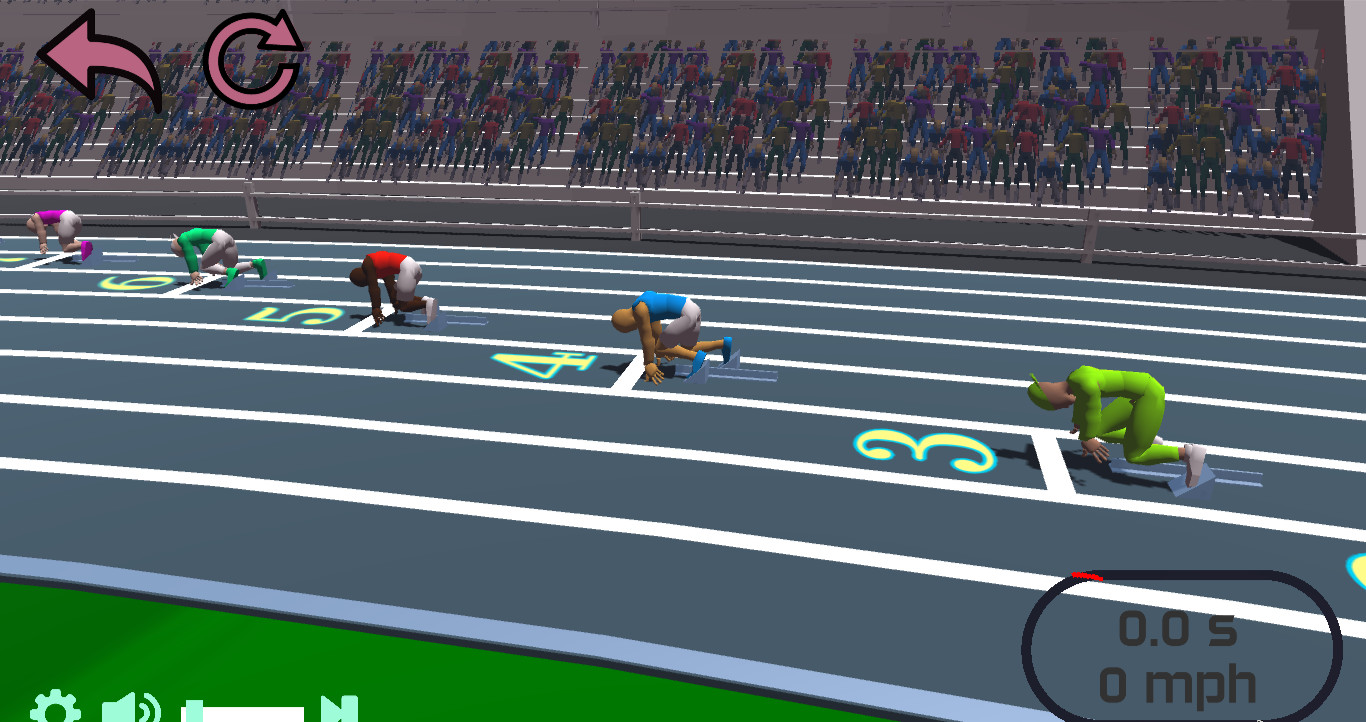
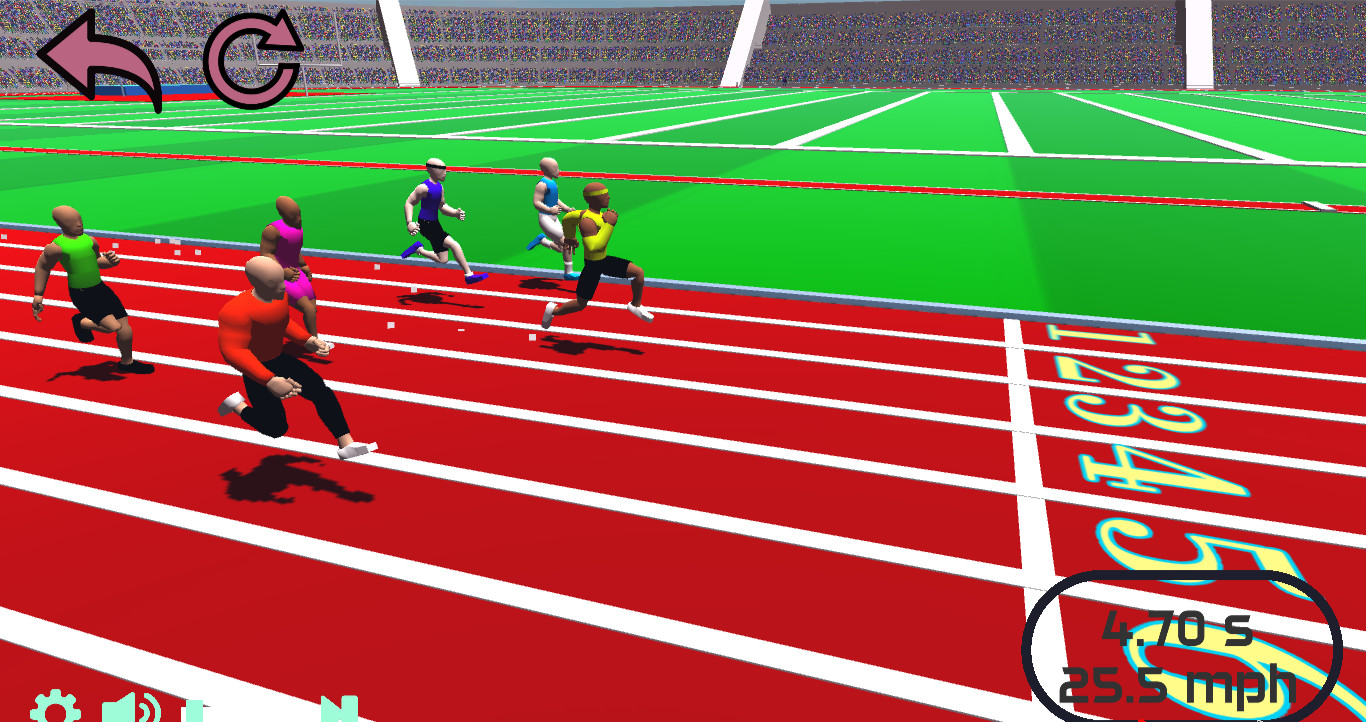
Speed Stars lets you design a racer and launch down a track using only two controls. Your timing, rhythm, pacing and composure decide whether you sprint ahead or fall behind. The game offers four sprint distances—100 m, 200 m, 400 m and 60 m—each demanding a distinct approach.
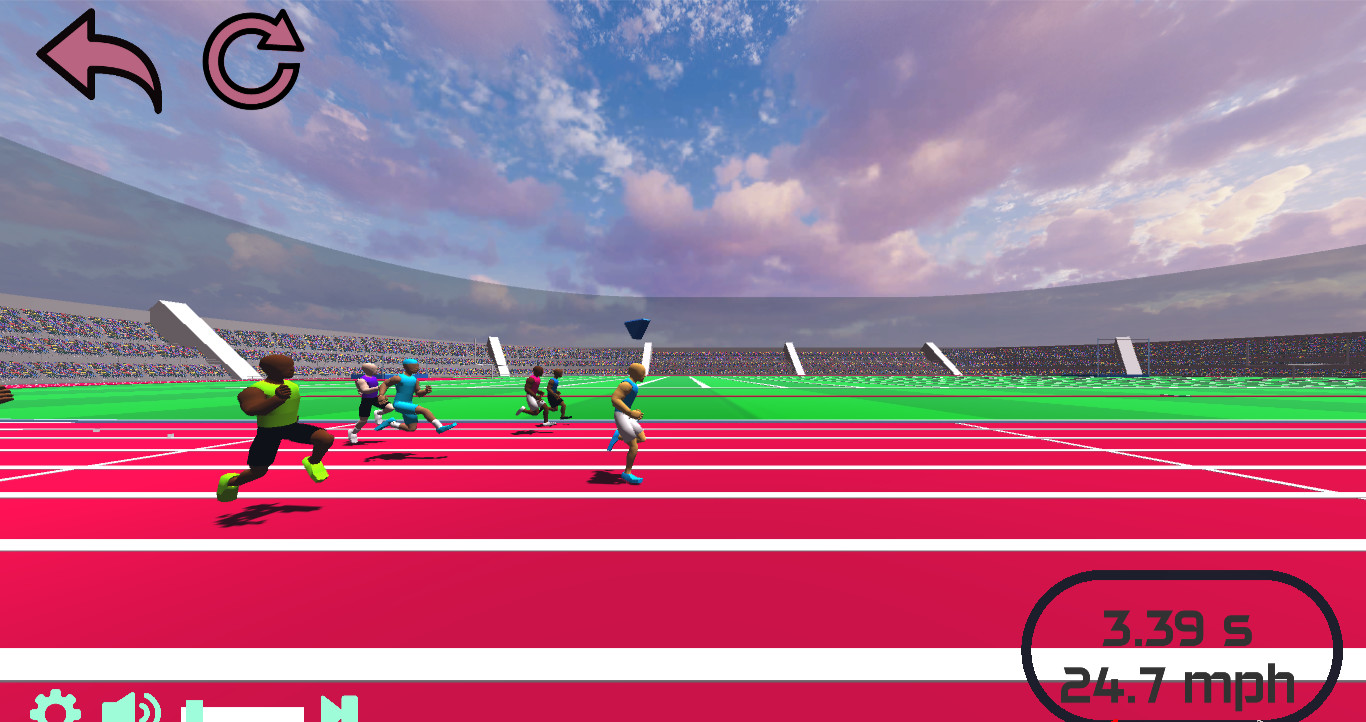
Races pit you against ghosts of other Steam users, your own best runs, and AI opponents that scale with your personal bests. Leaderboards show all‑time and friends‑only scores, while stadium theme, music, controls and camera can be adjusted for a personalized experience.
01 / THE GUIDE
Race Distances
Speed Stars provides four sprint events: 60 m, 100 m, 200 m and 400 m. Short distances test raw speed, while longer ones require careful energy management and composure. Each event includes performance benchmarks ranging from "noob" to "superstar" to guide progression.
Choosing a distance changes the skill focus. Mastering all four lets you compare times across events and climb the overall rankings, as each distance rewards different timing and pacing strategies.
- Start with the 60 m sprint to practice the two‑button timing rhythm.
- Use the benchmark levels as short‑term goals to track improvement.
02 / THE GUIDE
Character Customization
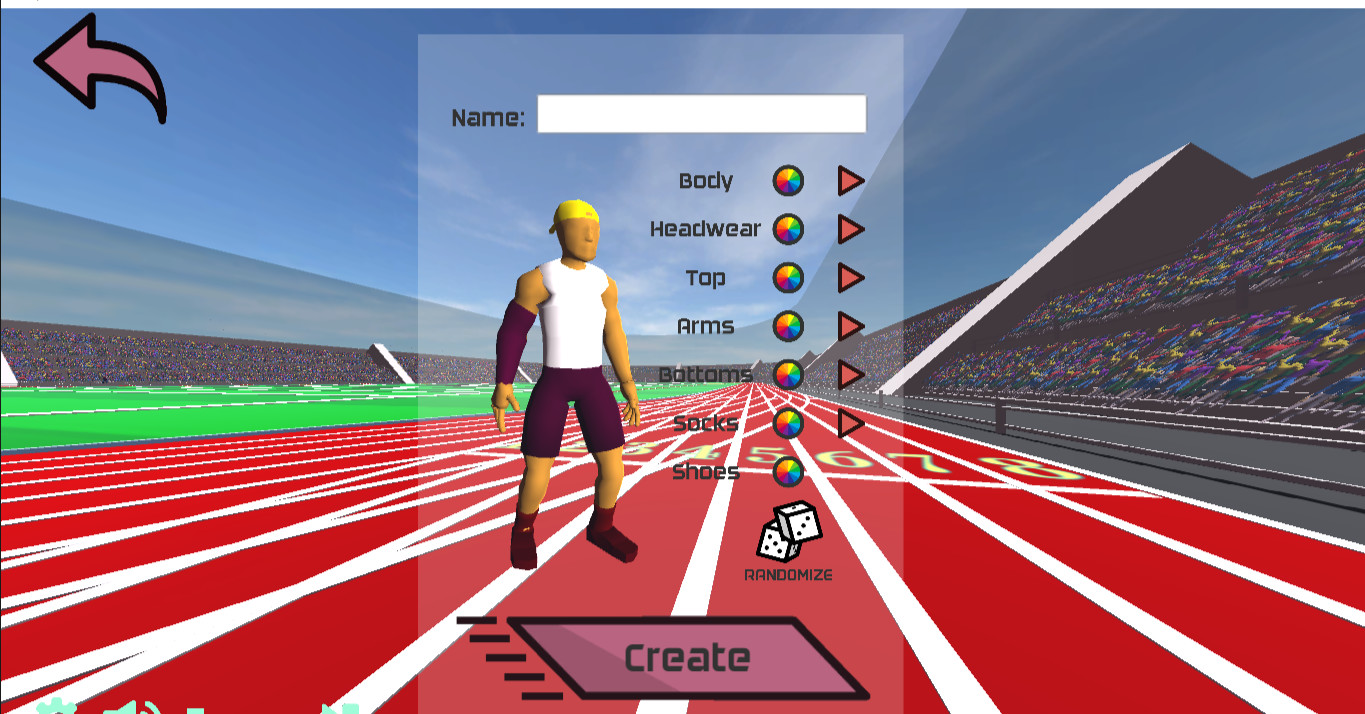
Players can unlock additional characters, each with slight differences in play. Customization options include body types, clothing colors, and a full randomization feature, allowing visual variety for each race.
Because each character may have different strengths and weaknesses, testing multiple builds can help you identify which fits best for a particular distance or personal style.
- Try several body types in the same event to see which feels most responsive.
- Use the randomization option when you want a fresh visual look without planning.
03 / THE GUIDE
Leaderboards & Competition
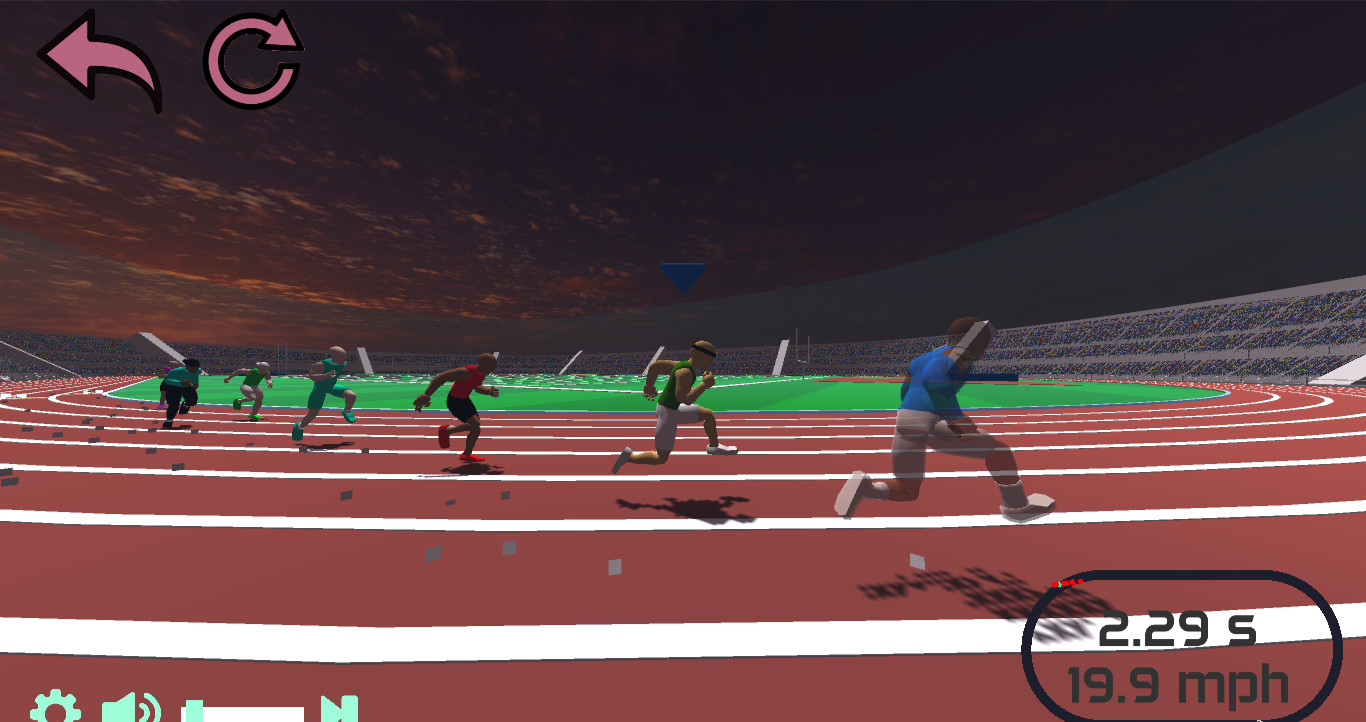
Speed Stars records your times against ghosts of other Steam users and displays them on an All‑Time Leaderboard as well as a friends‑only view. You can also race against up to seven AI opponents whose skill scales with your personal bests.
Mixing AI racers, real‑player ghosts, and your own ghosts creates a full field of eight competitors or a focused 1v1, giving multiple perspectives on performance and areas for improvement.
- Compete in 1v1 races to isolate direct timing differences.
- Review ghost replays to spot moments where timing could be refined.
04 / THE GUIDE
Game Modes & Settings
Beyond distance selection, the game offers options to change stadium theme, music track, player controls, and camera view. These settings let you tailor the visual and auditory atmosphere without altering core gameplay mechanics.
Adjusting the camera view can affect how timing cues appear, while different music tracks may help you lock onto a rhythm that matches your button presses.
- Experiment with two music tracks to find one that matches your timing feel.
- Switch camera angles to see which provides clearer visual cues for button timing.
05 / THE GUIDE
Platform & Multiplayer Features
Speed Stars runs on Windows and lists Single‑player, Multi‑player and Family Sharing as supported features. Single‑player lets you chase personal bests, while Multi‑player enables racing against friends’ ghosts or AI opponents.
Family Sharing allows multiple accounts on the same device to access the game library, meaning household members can each launch Speed Stars without purchasing separate copies.
- Use Single‑player runs to establish benchmarks before entering multiplayer races.
- Invite a friend’s ghost to a 1v1 race for a focused timing comparison.
COMMUNITY
Player discussion