 GameWiki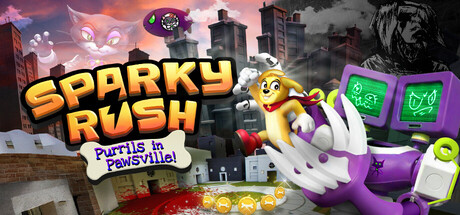
GET YOUR BEARINGS
About Sparky Rush: Purrils in Pawsville!
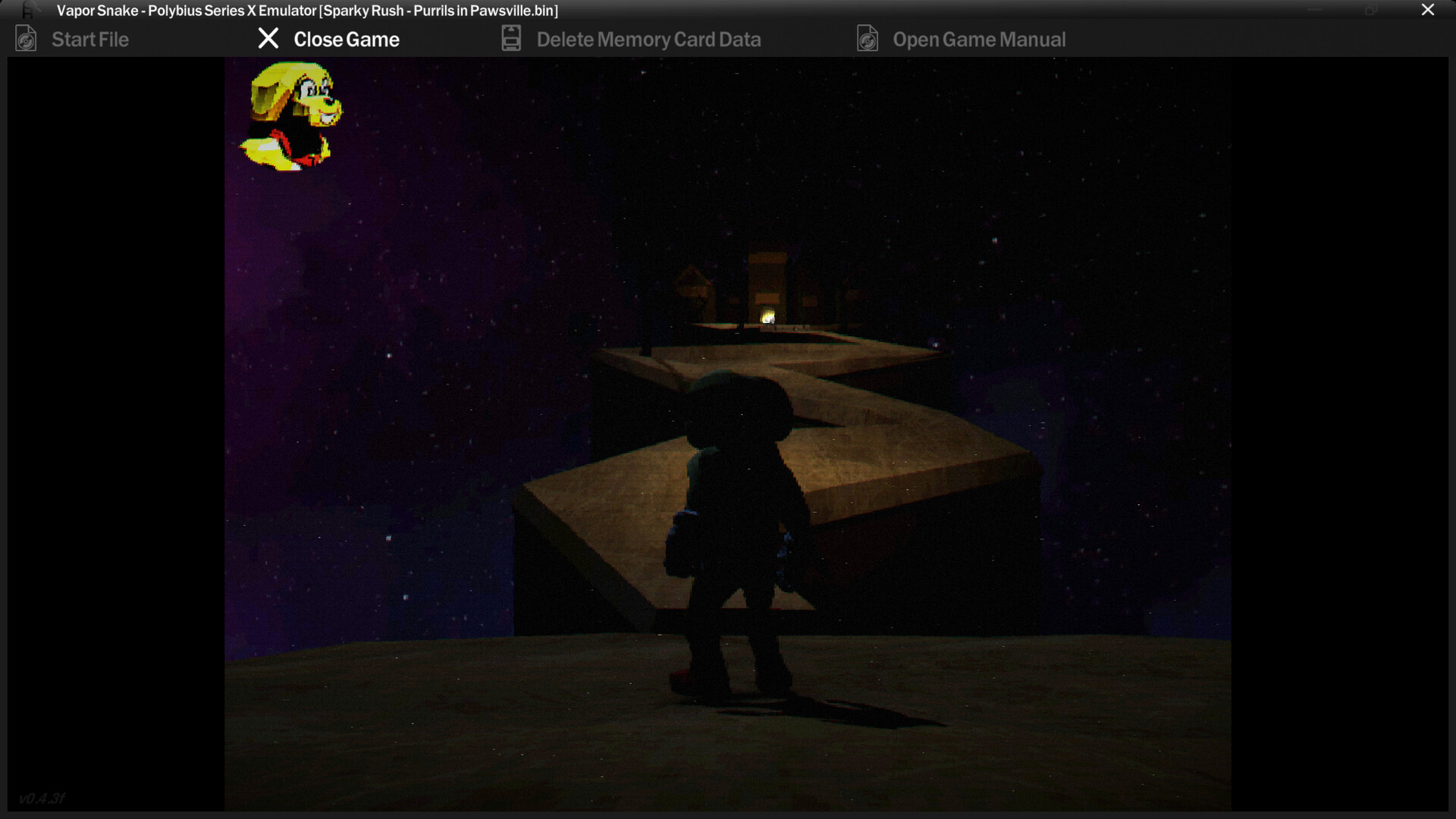
Sparky Rush: Purrils in Pawsville! is a third‑person 3D game where you guide Sparky, a character from the 1940 cartoon The Amazing Sparky!, to rescue his friends from the cat Sweetie. The description frames the experience as a “lost media horror game” that hints at the developer’s mental decline.
The game asks you to overcome obstacles, defeat enemies, collect items, and solve puzzles that open new levels and secret areas. All actions are presented through the lens of the story and the developer’s hidden “rabbit hole.”
01 / THE GUIDE
Storyline
The narrative follows Sparky as he attempts to save his friends from Sweetie, an evil genius cat. The store text explicitly states this goal and places it within a horror‑tinged context linked to the developer’s madness.
A “rabbit hole” is mentioned as something left by the developer, suggesting that additional lore or unsettling details may be discovered while progressing through the game.
- Pay attention to any text or visual cues that reference the developer’s descent.
- Compare in‑game events with the original 1940 cartoon for thematic contrast.
02 / THE GUIDE
Core Actions
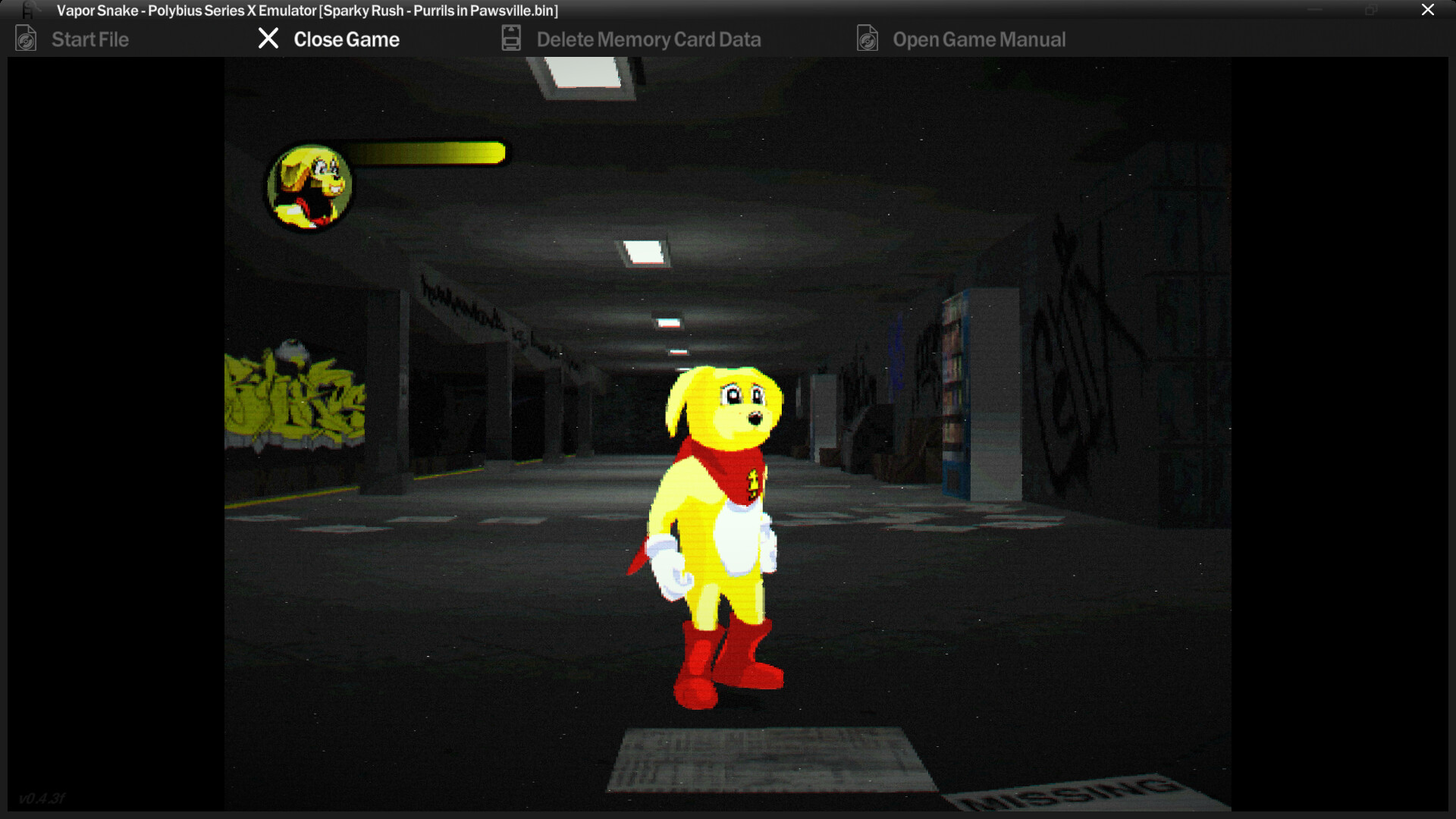
Players control Sparky in a third‑person view and are asked to overcome obstacles, defeat enemies, and collect items. Each of these actions is listed directly in the game description as part of the main loop.
Collecting items is tied to “unlock the full power of the incredible Sparky,” while solving puzzles is described as a way to reveal the obscure rabbit hole left by the developer.
- Observe how each obstacle leads to a puzzle or enemy encounter.
- Track which items appear before power upgrades become available.
03 / THE GUIDE
Audio & Visual Features
The title lists Stereo Sound and Custom Volume Controls, indicating that players can adjust audio levels to suit personal preference while hearing the game’s soundscape.
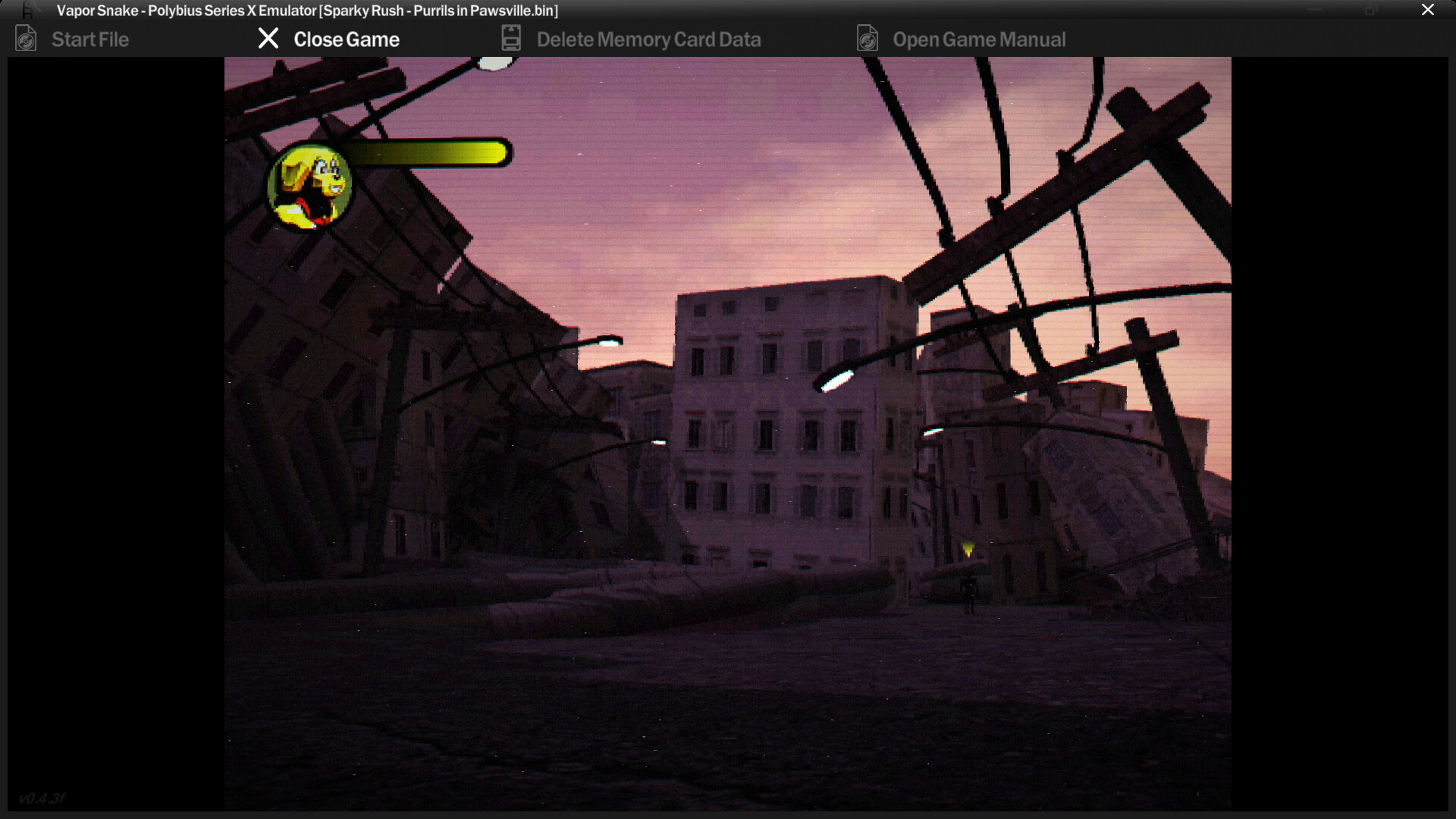
The game is described as a third‑person 3D experience, which defines the visual perspective without adding any further graphical claims.
- Use the custom volume controls to balance music and effects for better atmosphere.
- Watch for visual cues that may signal puzzle locations.
04 / THE GUIDE
Platform Support
Sparky Rush is released on Windows via Steam and includes Full Controller Support and DualSense Controller Support. The platform list explicitly marks macOS and Linux as unsupported.
Additional Steam features such as Achievements and Family Sharing are also listed, confirming integration with the Steam ecosystem on the supported operating system.
- If you own a DualSense controller, connect it to experience the supported controller features.
- Enable Family Sharing if you want other Steam accounts on the same machine to access the game.
05 / THE GUIDE
Achievement System
Steam Achievements are listed among the game’s features, meaning progress can be tracked through Steam’s achievement framework.
While specific achievement titles are not detailed, their presence encourages players to complete various in‑game actions noted in the description.
- Open the Steam overlay during play to view earned achievements.
- Consider trying different actions (e.g., defeating enemies, solving puzzles) to trigger unknown achievements.

COMMUNITY
Player discussion