 GameWiki
GET YOUR BEARINGS
About Spaceflight Simulator
Spaceflight Simulator puts you in charge of a personal space program. You design rockets from a catalog of real‑world‑inspired parts, plan launches, and travel across the Solar System using realistic physics for thrust, mass, and aerodynamics.
The game lets you deploy satellites, rovers, and stations, then attempt landings on planets and moons that each have distinct gravity and atmospheric conditions, creating a persistent sandbox for exploration.
01 / THE GUIDE
Rocket Design
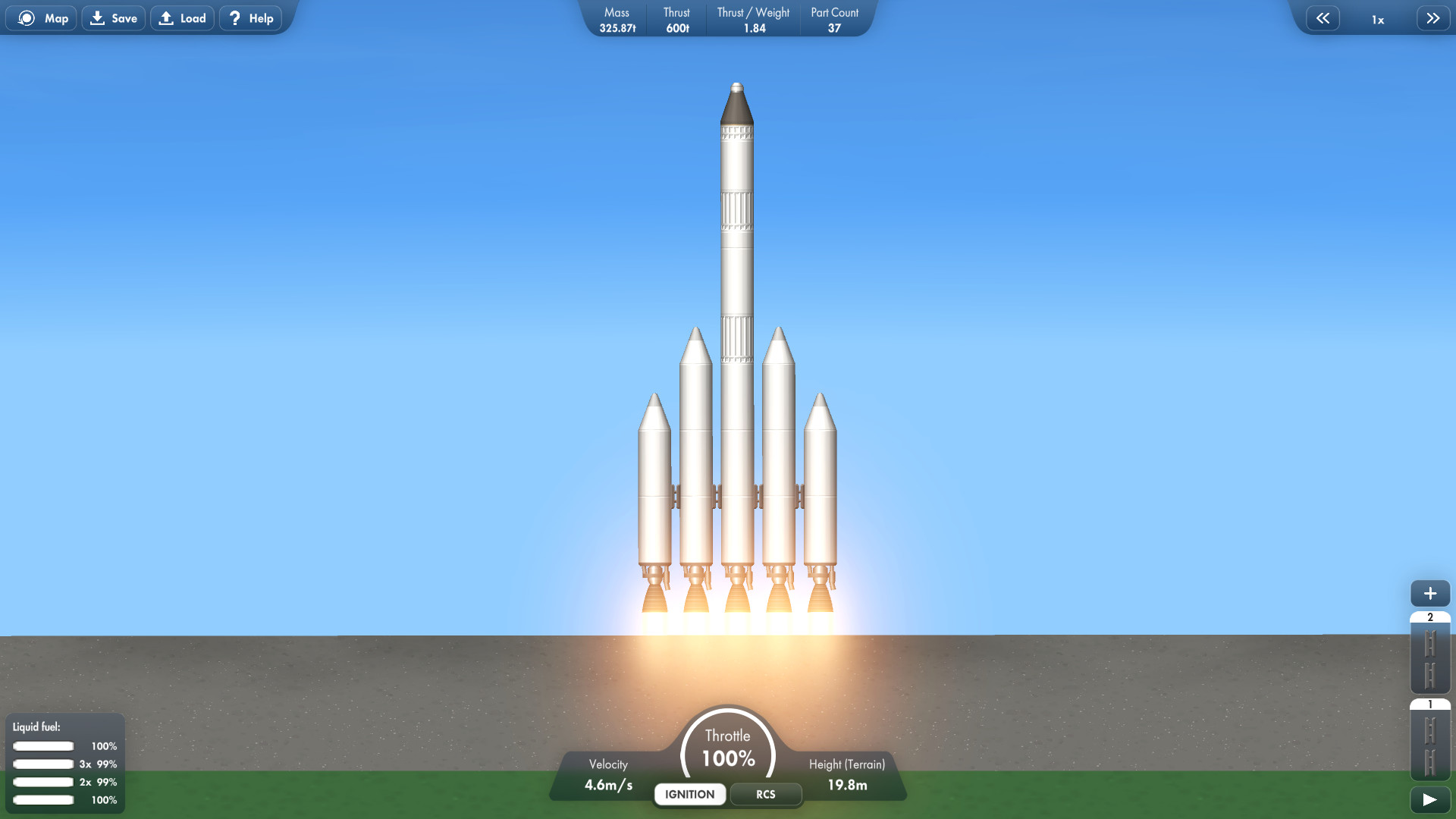
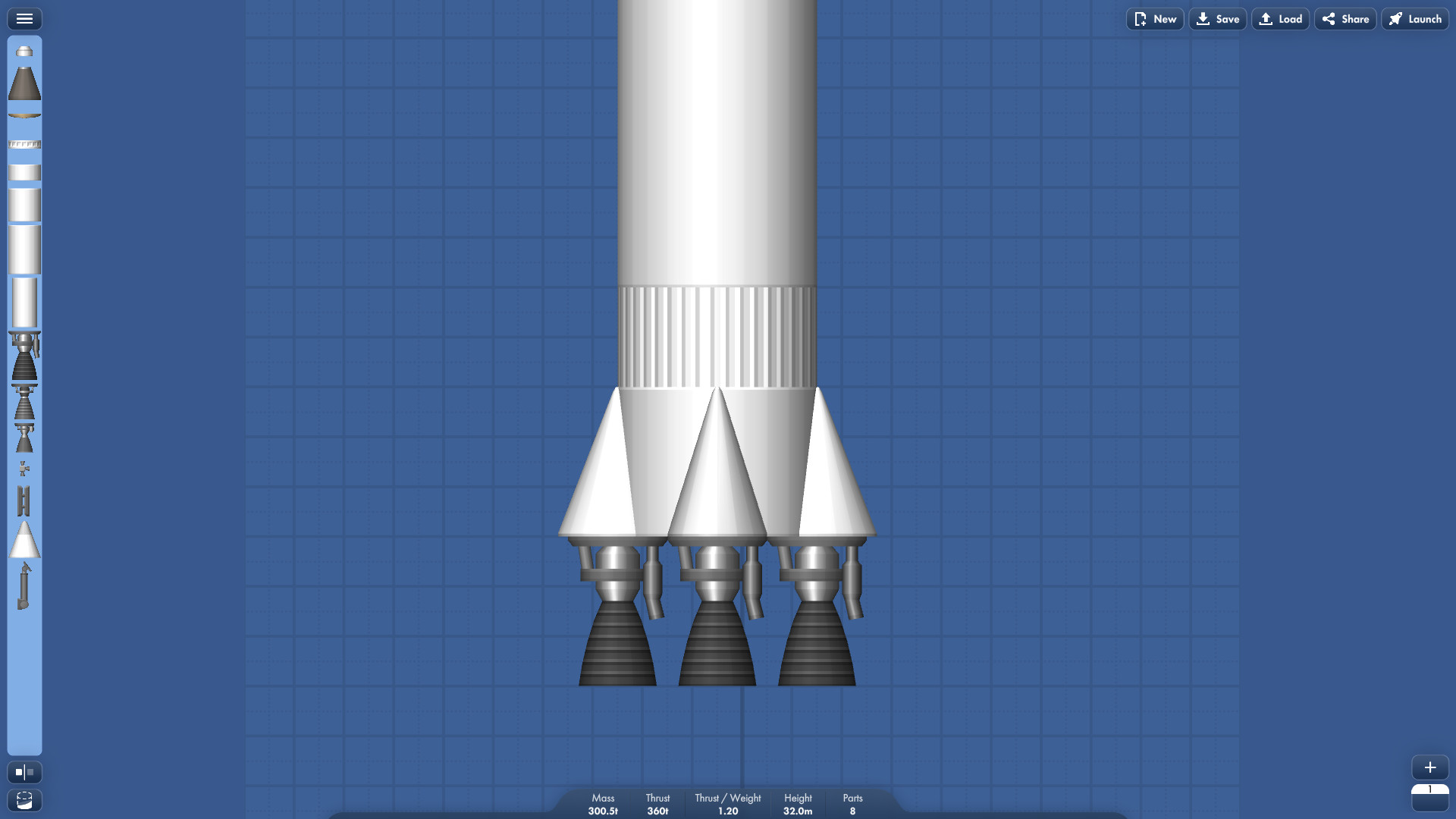
The design interface offers 20 fuel‑tank sizes, six engine families, and a range of fairings, capsules, and docking ports. Every component lists specifications such as mass, thrust, and aerodynamic profile, which directly affect ascent performance.
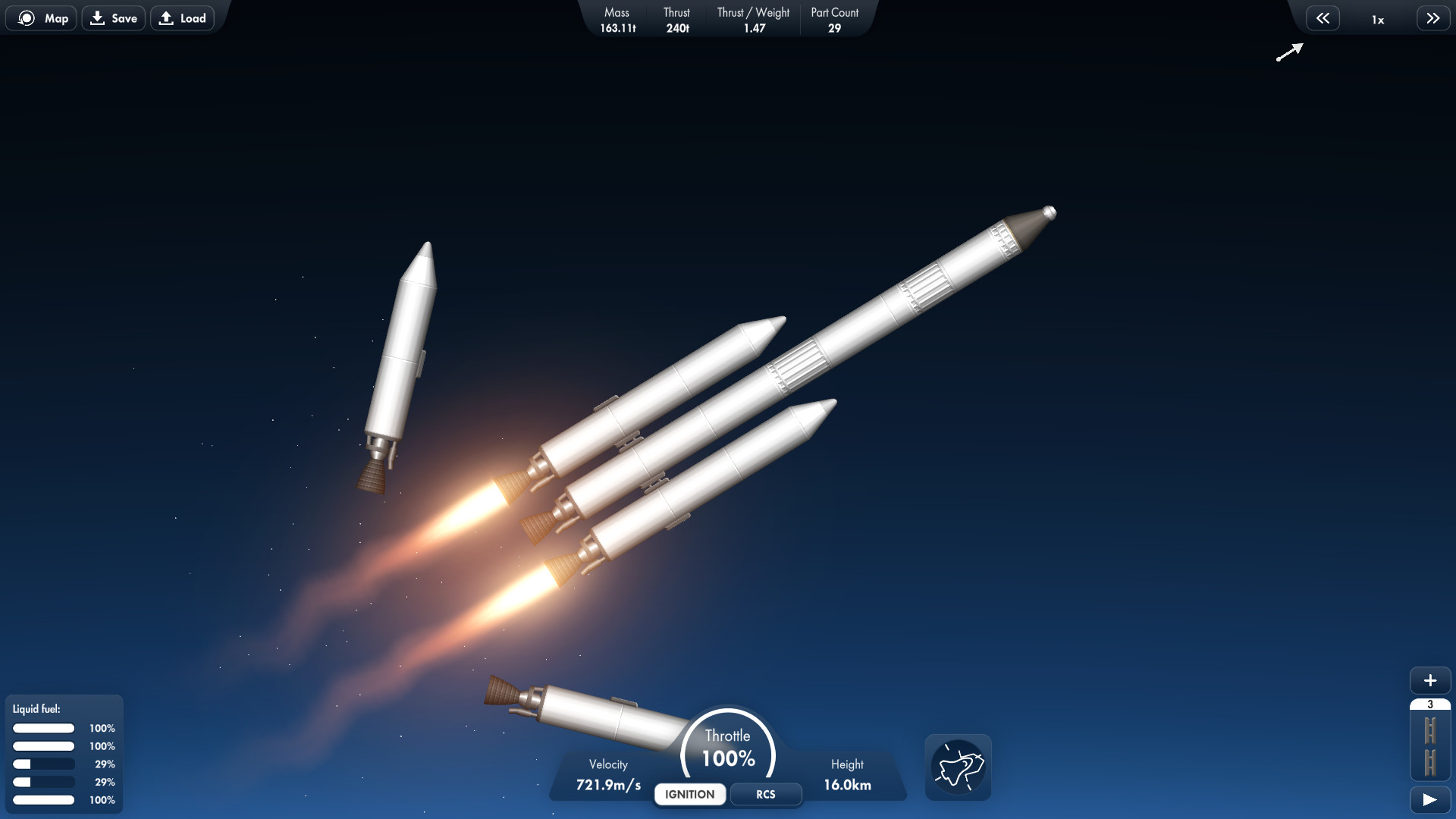
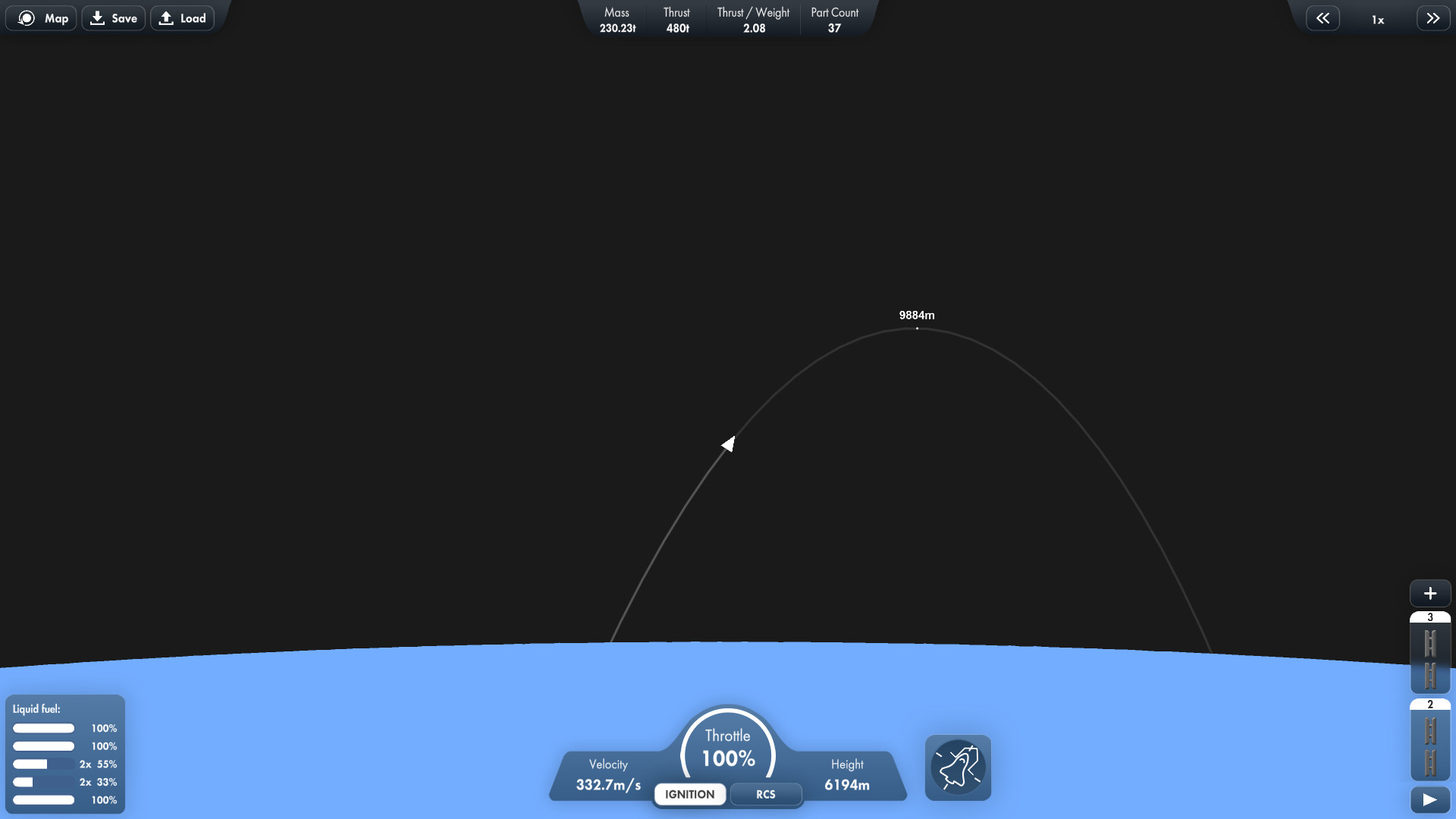
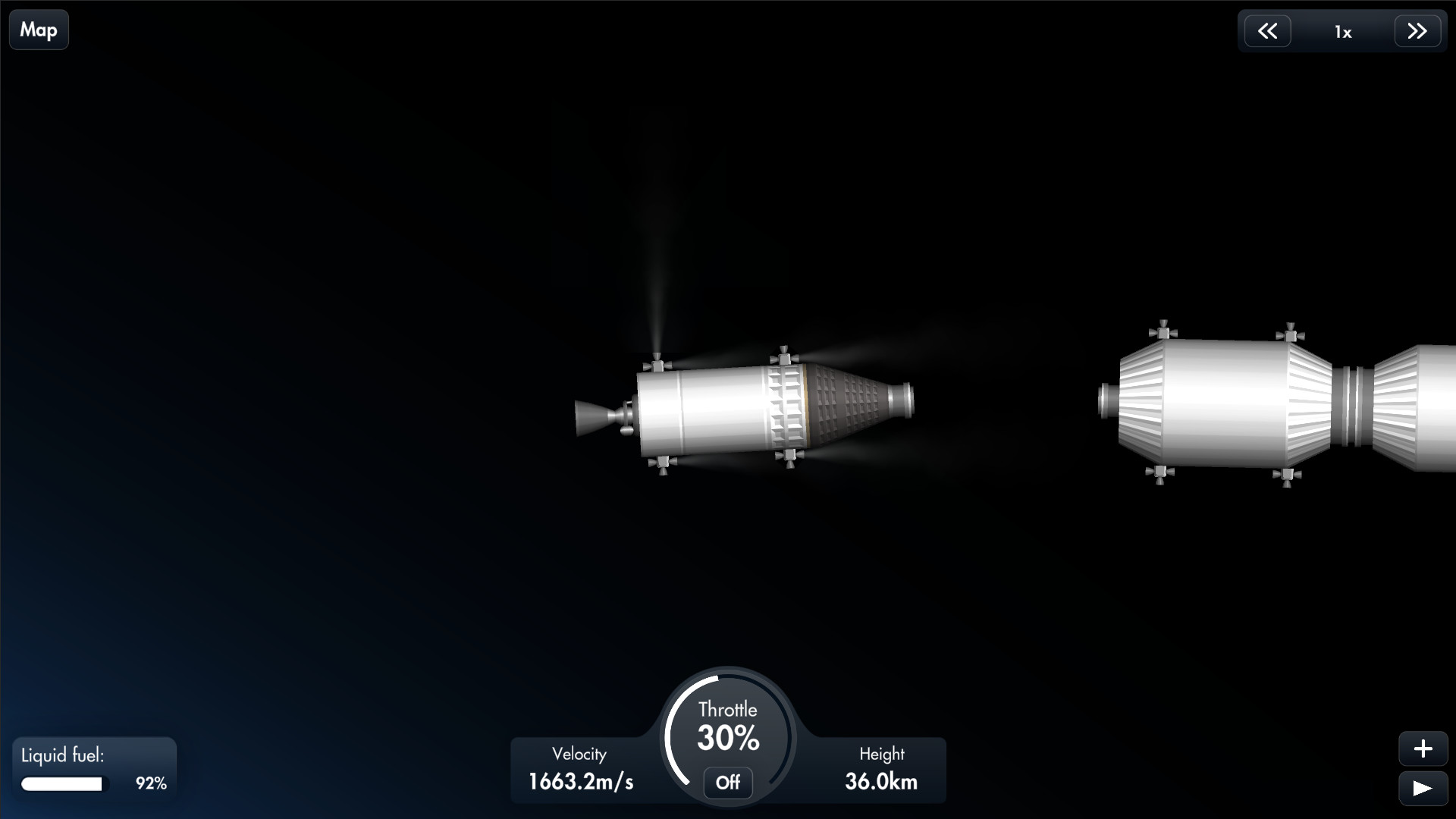
You can build multistage rockets, set separation events, and schedule secondary burns. These choices let you shape the trajectory and manage the payload capacity required for each mission.
- Experiment with different stage orders to see how separation timing changes ascent speed.
- Match engine thrust to total vehicle mass for a smoother liftoff.
02 / THE GUIDE
Planetary Navigation
Travel between bodies uses realistic gravity and atmospheric models. Destinations such as Earth, the Moon, Mercury, Venus, Mars, its moons, Jupiter, and the Jovian moons each have unique pull and atmospheric conditions that influence burns and course corrections.
Effective navigation often requires multiple engine burns and fine‑tuned adjustments, especially when targeting low‑gravity moons like Phobos or Deimos where small errors can alter the trajectory dramatically.
- Plan separate burns for major course changes rather than a single long burn.
- Use small correction burns to refine approach angles near a target body.
03 / THE GUIDE
Landing Techniques
Landing systems include legs, parachutes, and wheels, each suited to different environments. Thin atmospheres like Mars demand precise thrust control, while dense atmospheres such as Venus rely more on parachutes for deceleration.
Surface characteristics vary—from smooth terrain on Deimos to rugged landscapes on Io—so the choice of landing gear and approach speed must reflect local gravity and terrain to avoid damage.
- Test parachute deployment altitude on bodies with thick atmospheres before a final landing.
- Select leg configurations for uneven terrain to reduce impact risk.
04 / THE GUIDE
Payload Management
Rockets can carry satellites, rovers, space stations, and other payloads. The mass of these items directly impacts fuel consumption and the thrust required to reach orbit, making weight balancing essential during the design phase.
Deploying payloads at the correct orbital altitude is part of each mission, allowing you to place satellites or begin construction of larger structures in space.
- Calculate total payload mass before selecting an engine to ensure sufficient thrust.
- Choose deployment orbits that match the intended function of the payload.
05 / THE GUIDE
Platform Features
Spaceflight Simulator runs in single‑player mode on Windows and macOS and includes Steam Cloud support among its listed Steam features.
Family Sharing is listed as a feature, allowing the game to be shared with other accounts that have access to the same Steam library.
- Steam Cloud is listed as a supported feature for the game.
- Verify that other Steam accounts can launch the game through the Family Sharing option.
COMMUNITY
Player discussion