 GameWiki
GET YOUR BEARINGS
About SpaceEngine
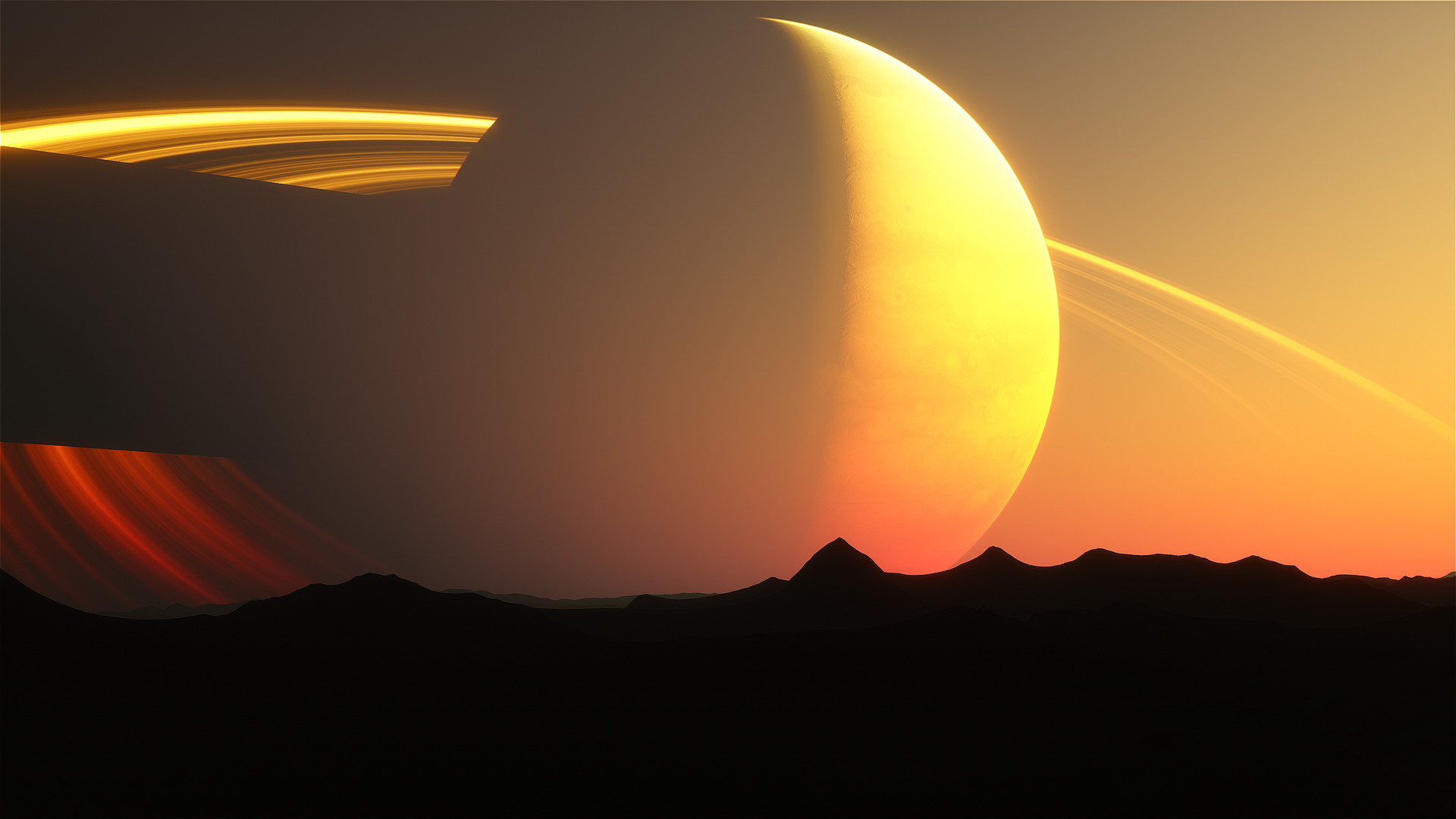
SpaceEngine is a science‑based Universe simulator that renders billions of galaxies, nebulae, stars and planets at their true astronomical dimensions. The scale is 1:1, so every object appears at its full real‑world size. Travel is seamless: you can cruise from a planet’s surface to intergalactic space, accelerate time to watch orbital motions, and explore procedural terrain with detailed textures. The program also supports mod creation, VR immersion, and a Flight Simulator mode for Newtonian ship piloting.
01 / THE GUIDE
1:1 Scale Universe Exploration
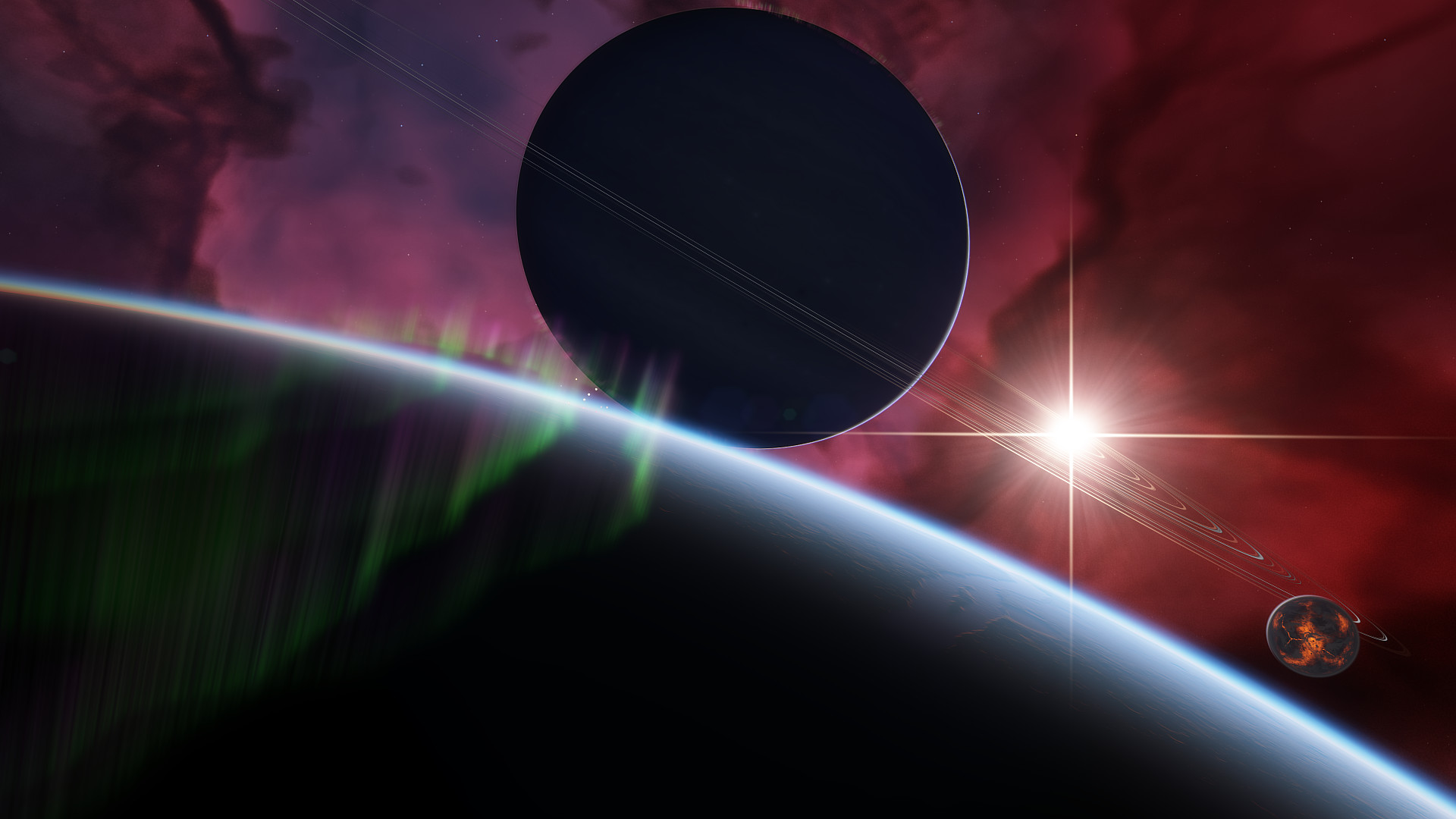
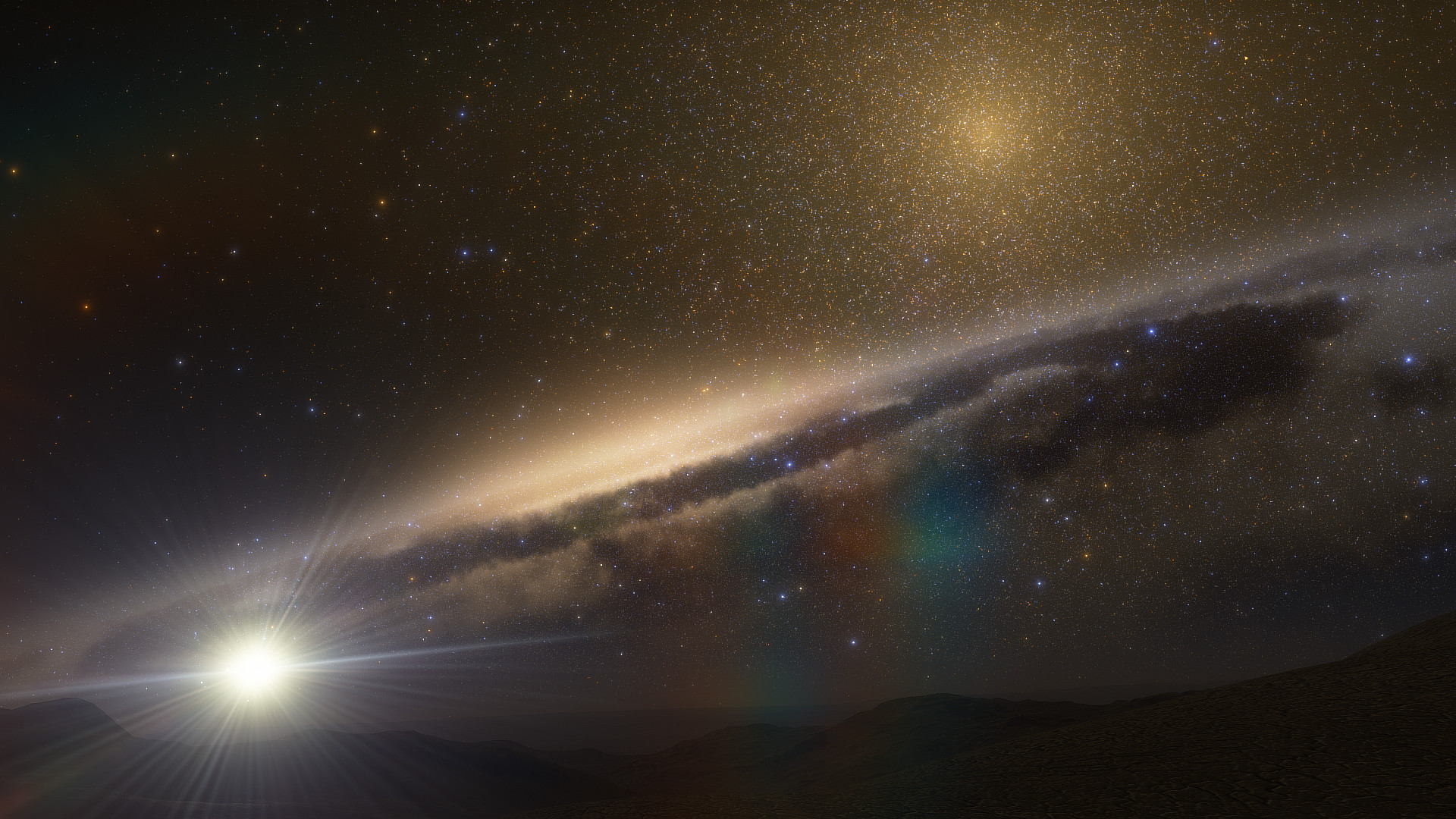
SpaceEngine renders galaxies, nebulae, stars and planets at their true astronomical dimensions, letting you move from a planet’s surface to intergalactic space instantly.
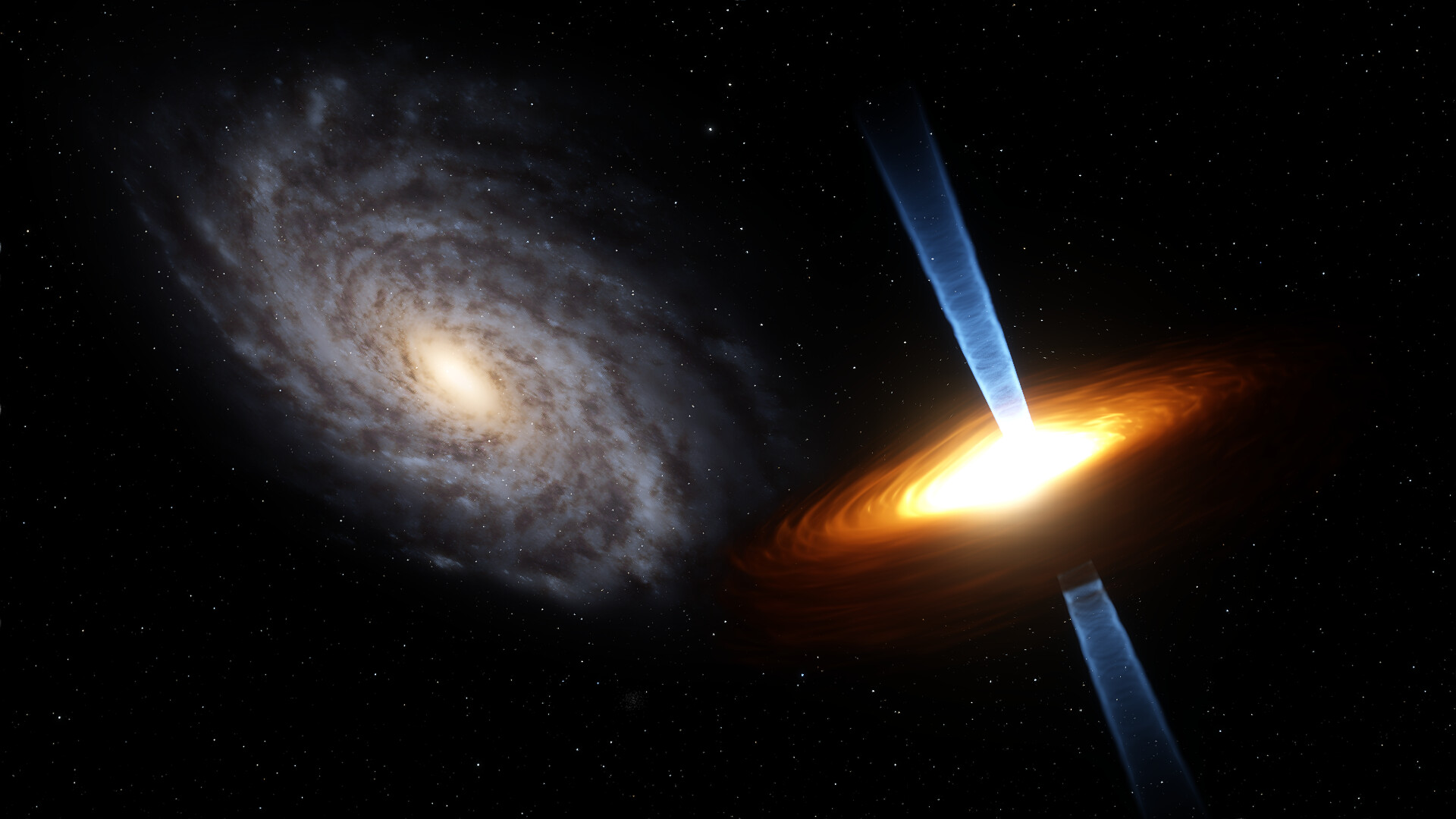
Even procedurally generated objects keep real size, so a black hole can be approached from millions of kilometres away.
- Start with nearby Solar System objects to gauge distances.
- Use the scalable map to jump to distant galaxies quickly.
02 / THE GUIDE
Procedural Planetary Terrain
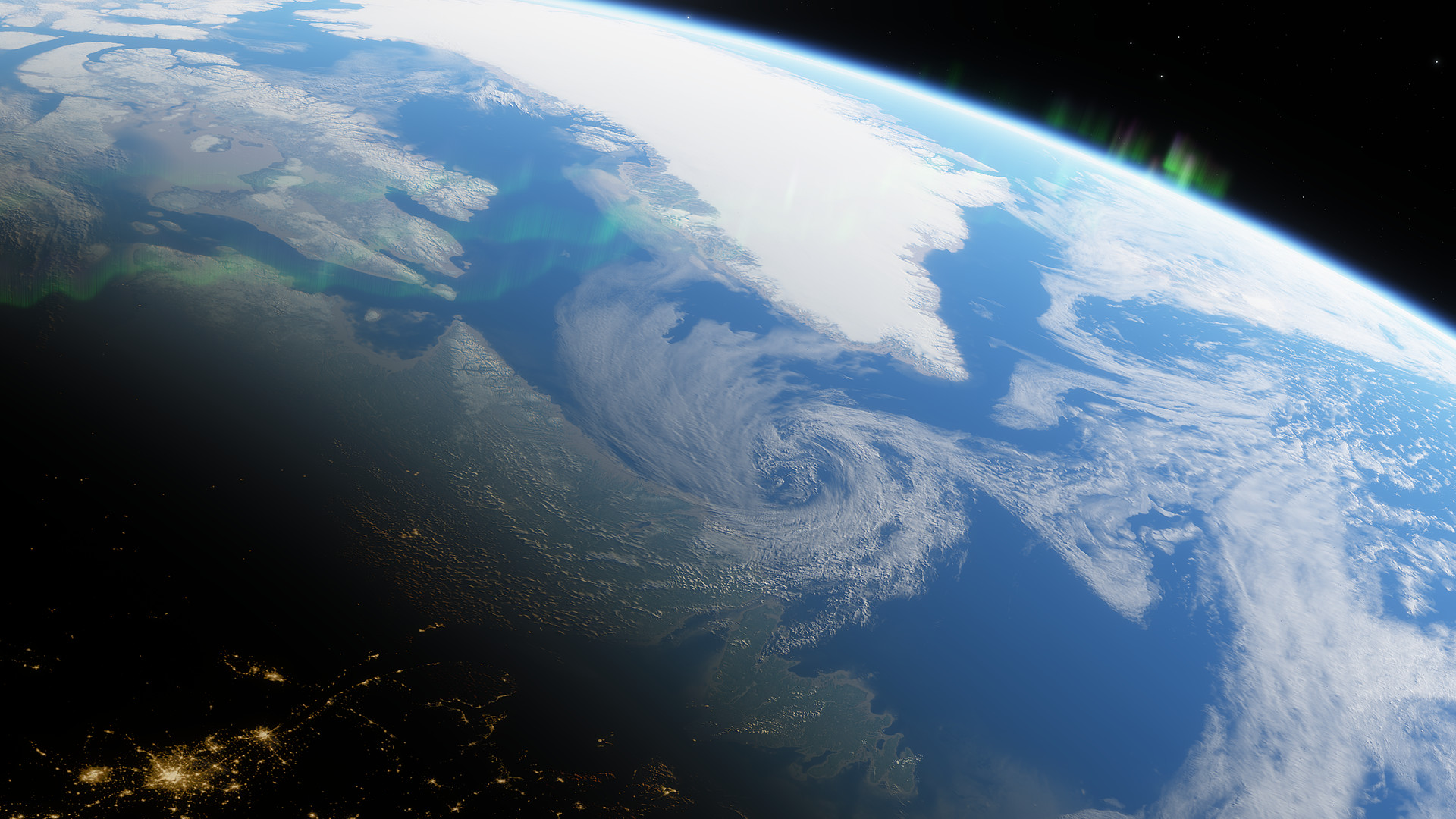
Planets you visit are built on the fly using GPU‑based algorithms, producing 3D landscapes with detailed textures.
For Solar System bodies, the program can swap in high‑resolution data from space probes, while uncharted worlds remain fully procedural.
- Enable the high‑resolution texture packs for familiar planets.
- Observe how atmospheric scattering changes with altitude on procedural worlds.
03 / THE GUIDE
Newtonian Flight Simulator
SpaceEngine includes a Flight Simulator mode where spacecraft follow Newtonian physics and can be guided by an autopilot assist.
You may pilot ships using WASD keys or a gamepad, and travel at speeds up to a million times light speed.
- Experiment with the autopilot to maintain stable orbits.
- Try extreme speeds to see distant galaxies blur.
04 / THE GUIDE
Modding and Add‑on Creation
The engine is designed for creators, allowing import of custom planets, star systems, galaxies, spacecraft models and GUI skins.
All user content can be shared through the Steam Workshop, making community expansions easy to distribute.
- Browse the Workshop for planet packs that extend the known catalog.
- Use the built‑in tutorials to learn the import workflow.
05 / THE GUIDE
Virtual Reality Support
SpaceEngine runs in VR on Oculus and SteamVR headsets, rendering the universe in stereoscopic 3D.
Partial controller support lets one hand select objects while the other moves through space; new users are advised to start in 2D first.
- Begin in 2D mode to learn navigation before switching to VR.
- Use the single‑hand selection to jump to distant objects quickly.
COMMUNITY
Player discussion