 GameWiki
GET YOUR BEARINGS
About Space Simulation Toolkit
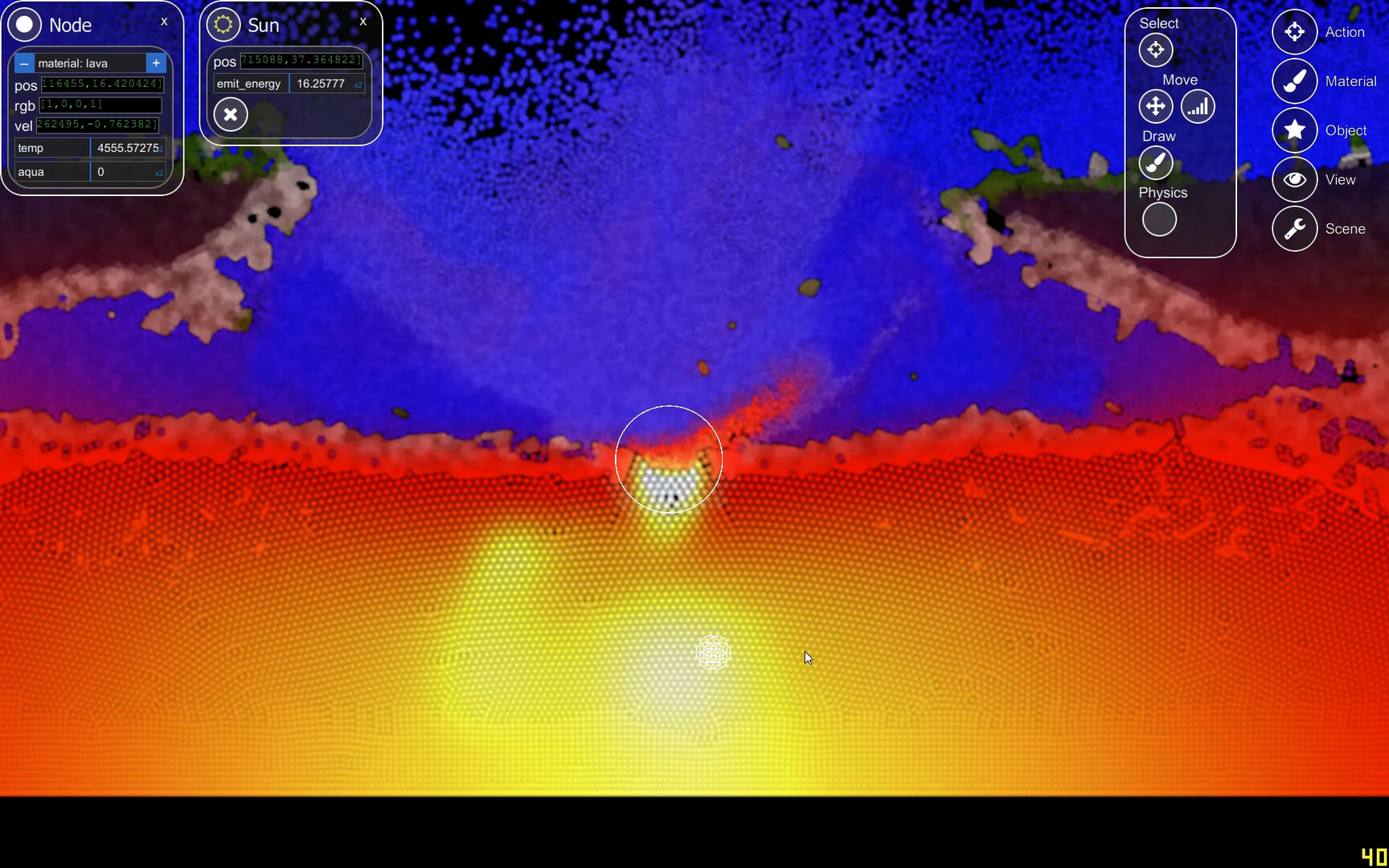
Space Simulation Toolkit (SST) is a sandbox particle simulator that lets players build custom simulations, alter physics laws, and experiment with evolution and AI. The engine runs on a graphics card, using CUDA for NVIDIA GPUs and OpenCL for AMD cards, with performance scaling to GPU power. Currently in deep Early Access, the game is single‑player, supports Steam Workshop content, and offers Family Sharing on Windows.
01 / THE GUIDE
GPU Requirements
SST relies on the graphics card as a supercomputer to calculate physics, meaning a more powerful GPU yields richer simulations. The game was initially developed for NVIDIA cards and runs most efficiently with CUDA, though an OpenCL port enables most AMD cards to operate. Users are advised to keep video drivers up to date to avoid crashes. The demo can confirm compatibility before purchase.
- Test the free demo on your system to verify GPU compatibility.
- Update your video driver before launching the full version.
02 / THE GUIDE
Simulation Building Blocks
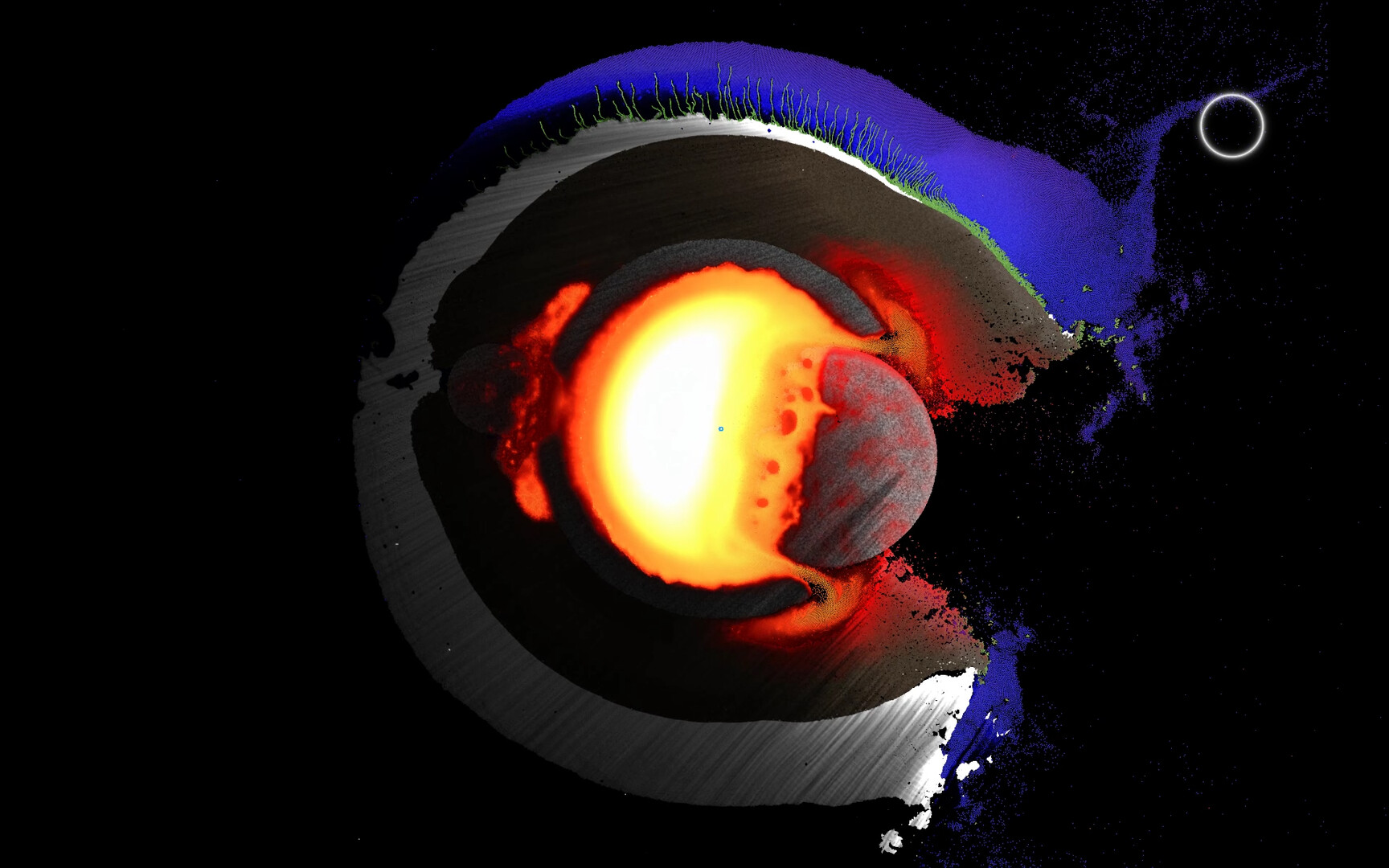
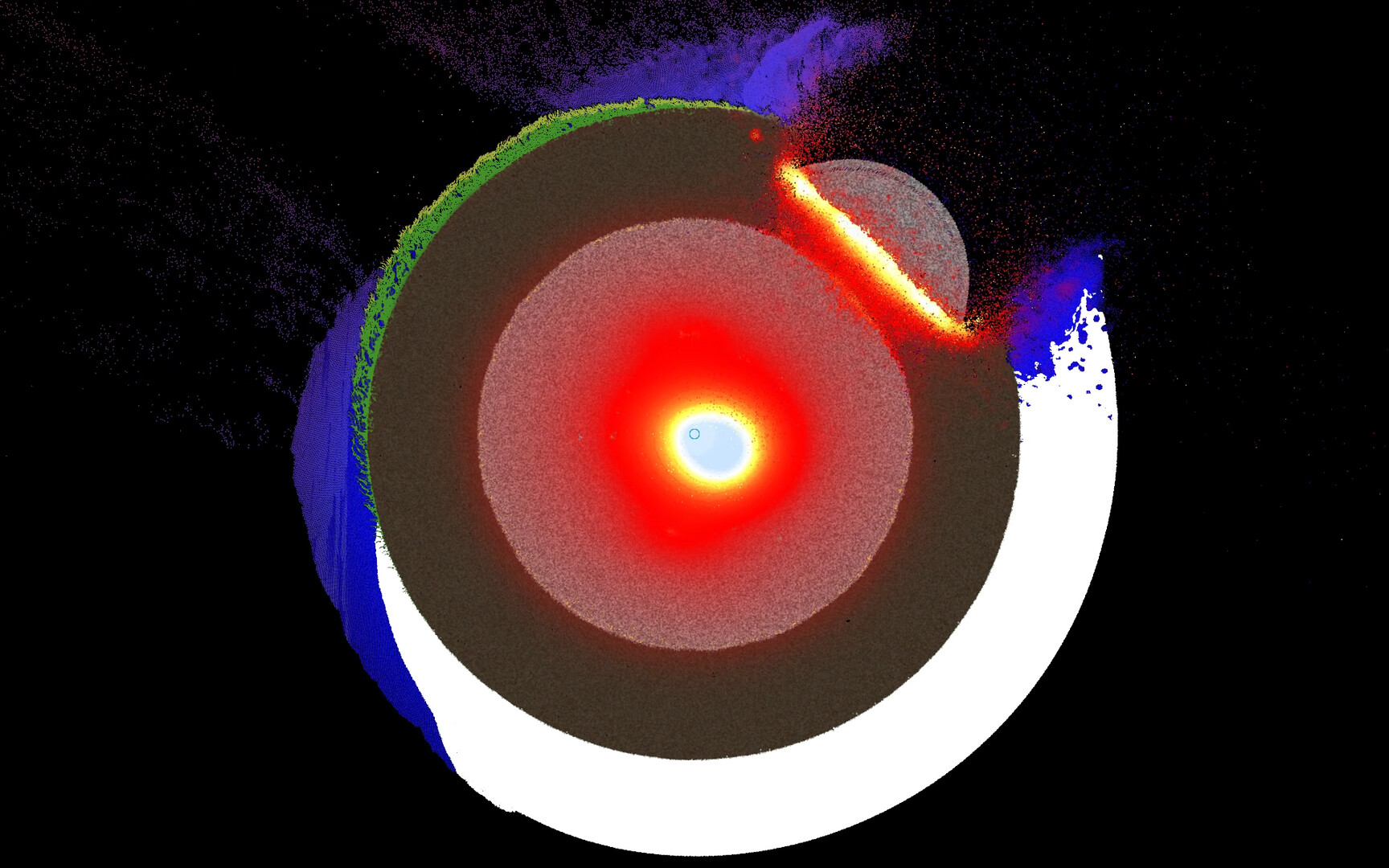
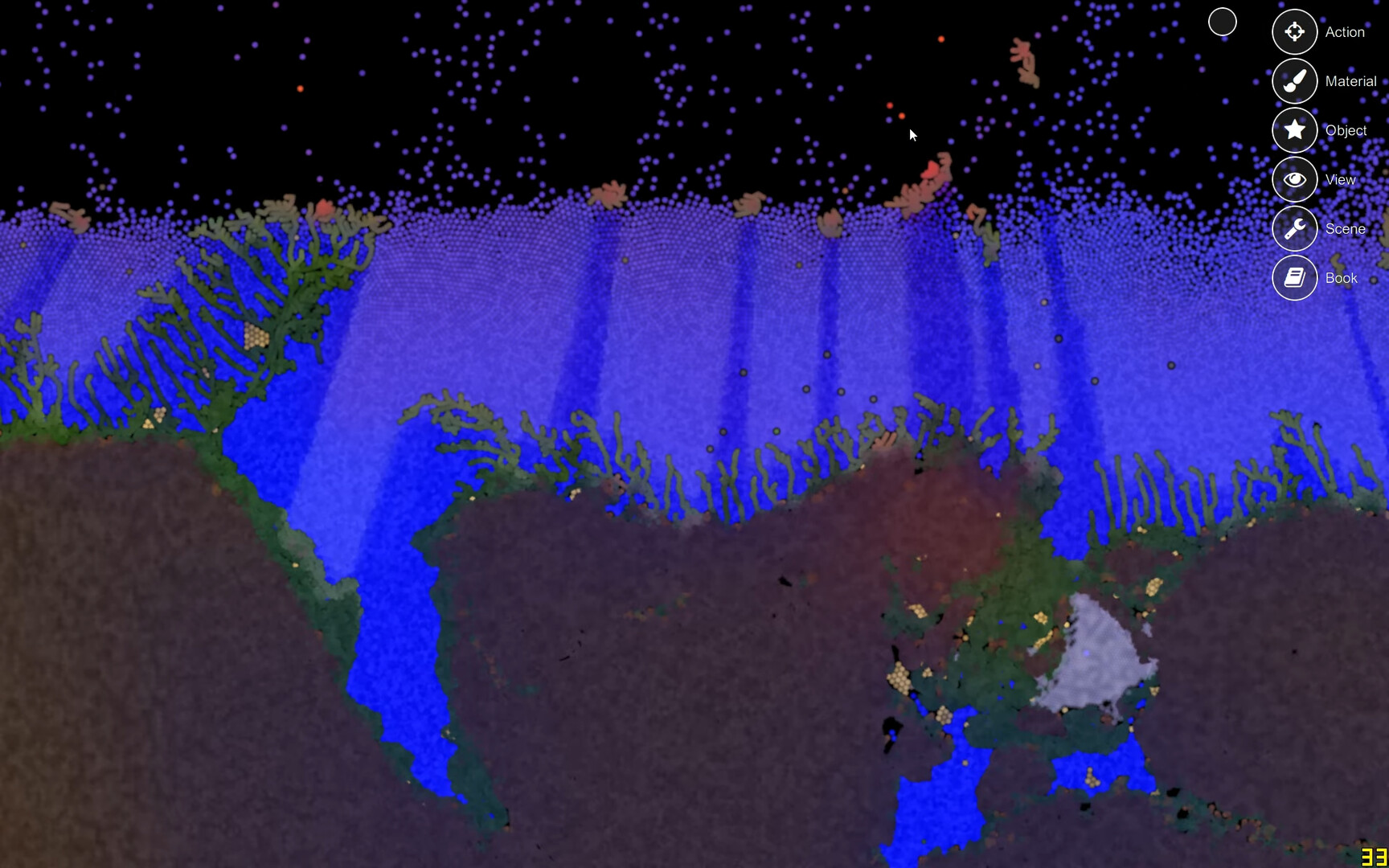
Atoms form the core building block of every world in SST, and they can be linked to create spatial structures. Varying material properties allow simulation of gases, liquids, soft and solid bodies, as well as diverse chemical processes. This flexibility supports the creation of virtual ecosystems like the “Protobiome,” which includes light, water, earth, plants, and creatures governed by evolutionary genetics.
- Link atoms to experiment with different material states.
- Explore the Protobiome example to see complex interactions.
03 / THE GUIDE
Early Access State
SST is currently in a deep Early Access phase, meaning the software may be unstable or fail to run on some systems. Users should expect potential bugs and instability. Because of this status, the developers recommend trying the free demo first to ensure the game functions on the player’s hardware before purchasing the Early Access version.
- Record your simulation setups before updating so you can recreate them if needed.
- Report crashes to help improve stability.
04 / THE GUIDE
Steam Workshop Integration
SST supports Steam Workshop, allowing players to share and download community‑created simulations. This feature encourages collaborative experimentation and expands the range of available scenarios. The game also supports Family Sharing, so multiple accounts can access the same installation, though each user experiences the single‑player mode independently.
- Browse the Workshop for ready‑made simulation templates.
- Use Family Sharing to let friends explore your creations.
05 / THE GUIDE
Platform Compatibility
SST is officially released for Windows only; macOS and Linux are not supported. The game’s performance depends heavily on GPU drivers, so a recent driver version is essential regardless of the operating system. While the game runs on both NVIDIA and AMD hardware via CUDA and OpenCL respectively, it does not guarantee compatibility beyond Windows platforms.
- Confirm you are running Windows before purchase.
- Check driver versions regularly for optimal performance.

COMMUNITY
Player discussion