 GameWiki
GET YOUR BEARINGS
About Space Bear
Space Bear is a free, single‑player typing adventure for Windows. Players control an impatient bear in a talking spacesuit and complete sentences by rapidly mashing keys, a twist on typical typing games.
The experience lasts about thirty minutes, blends multiple‑choice narrative with the mash mechanic, and includes simple graphics described as “some art.” Family Sharing is supported for shared accounts.
01 / THE GUIDE
Gameplay Mechanics
Instead of typing full sentences, the game lets you finish text by mashing the keyboard, reflecting the bear’s impatient nature. This “paw‑mash” system is highlighted as the core interaction method.
The adventure also presents multiple‑choice prompts that guide the story. Although the description notes the overall narrative is fairly linear, the choices still require selection during play.
- Maintain a steady key‑mash rhythm to keep up with on‑screen prompts.
- Observe how each choice appears; they are presented as distinct options rather than hidden actions.
02 / THE GUIDE
Story and Setting
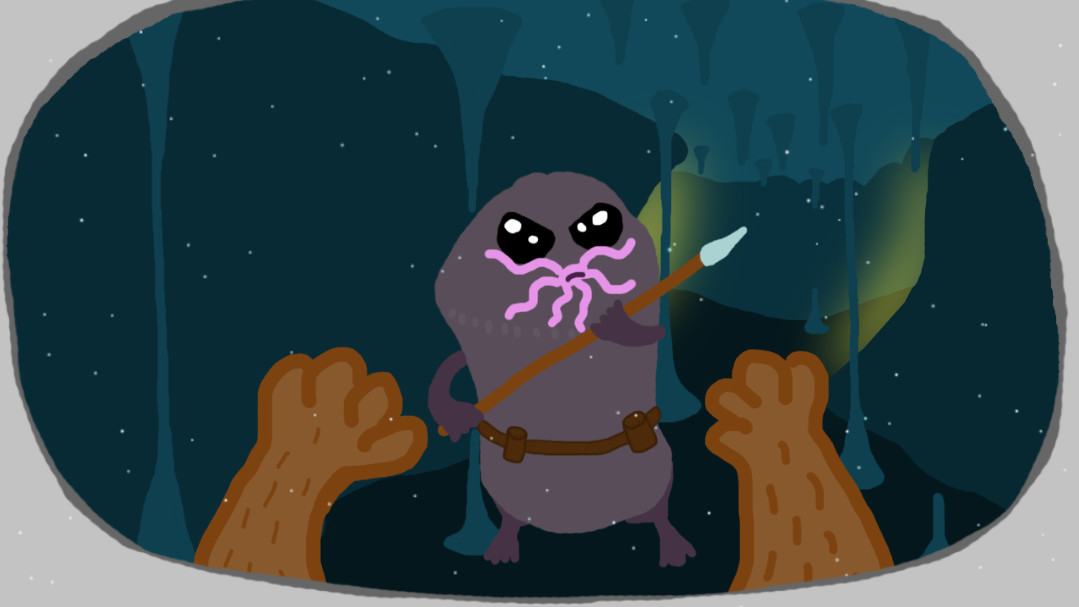
The plot follows a bear wearing a talking spacesuit who must save his planet from the Void Moles. The description uses a long list of heroic adjectives to convey the bear’s mission.
The setting is presented as a space‑themed world where the bear confronts the Void Moles, providing a simple but clear conflict for the short adventure.
- Pay attention to the dialogue for hints about the bear’s motivations.
- Notice how the Void Moles are referenced as the primary antagonists.
03 / THE GUIDE
Duration
Space Bear is designed to be completed in roughly thirty minutes, offering a concise play session. The description explicitly states the game’s length as “only about 30 minutes long.”
Because the experience is brief, it can be finished in a single sitting without requiring extended commitment.
- Allocate a short block of time to experience the full story in one go.
- Use the limited duration to focus on mastering the mash mechanic.
04 / THE GUIDE
Visual Style
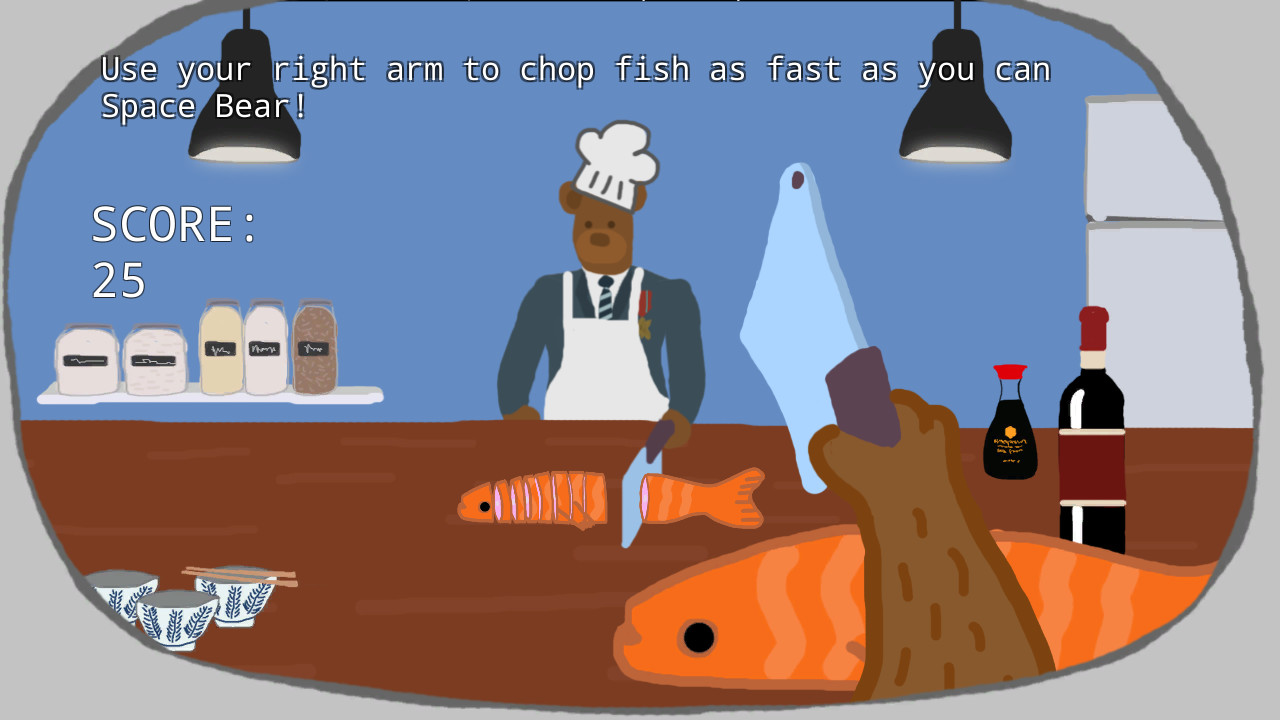
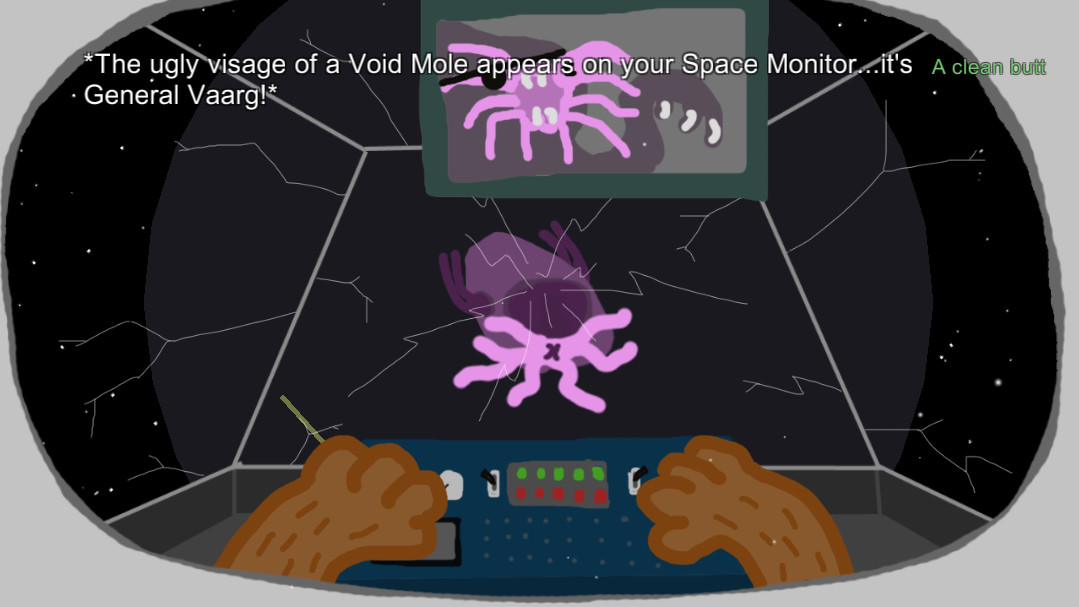
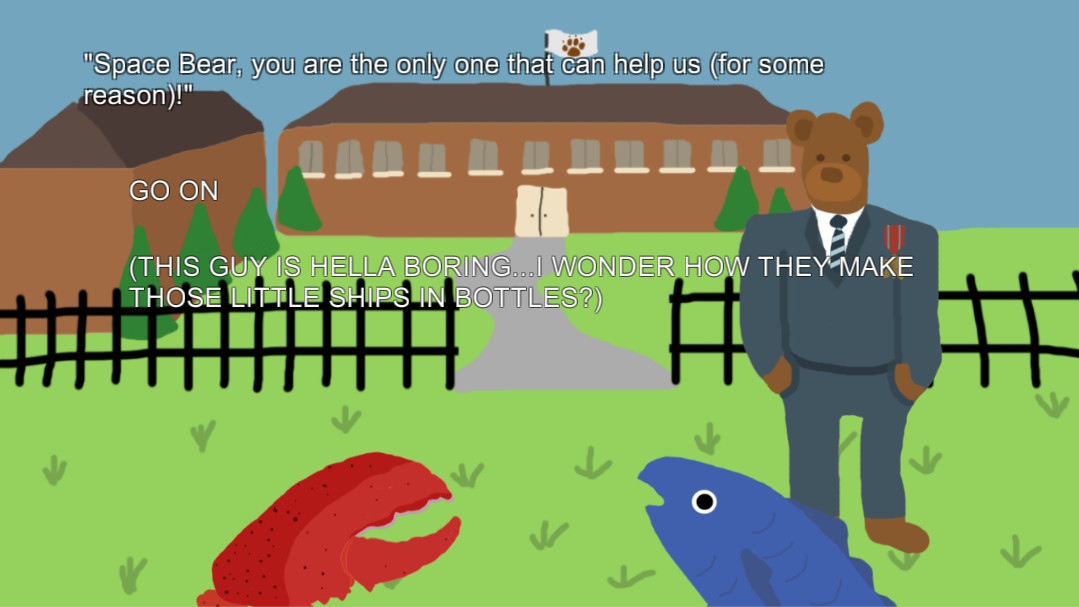
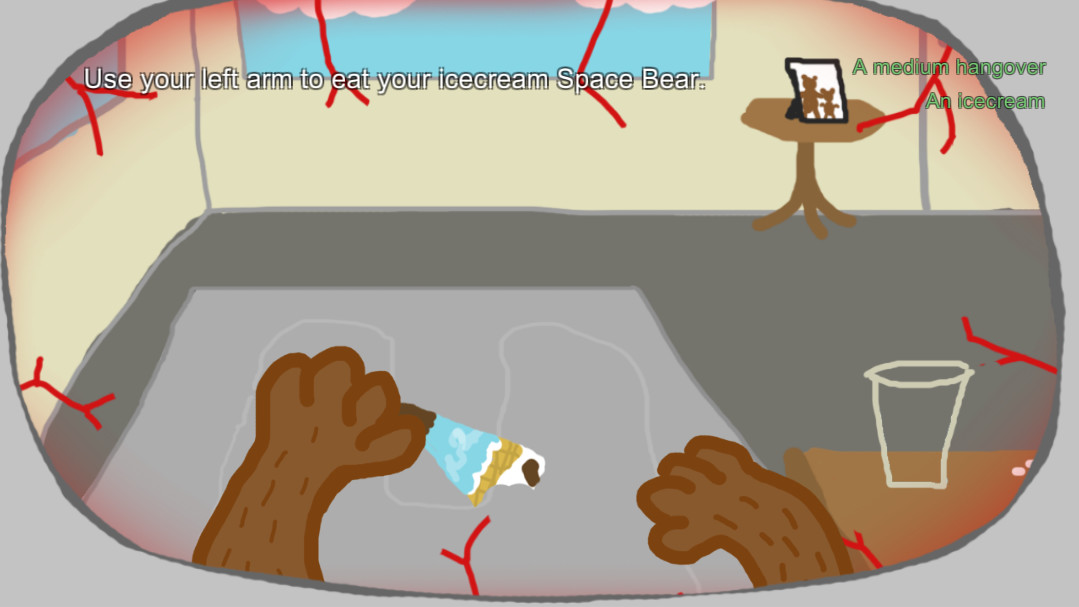
Graphics are described as “some art” with a note that quality may vary (“YMMV”). This suggests a deliberately simple, possibly child‑like aesthetic.
The visual approach aligns with the indie, low‑budget nature of the project, keeping attention on the typing interaction rather than high‑fidelity visuals.
- Appreciate the art as a stylistic choice rather than a technical shortfall.
- Observe any on‑screen cues that accompany the text, as they may aid timing.
05 / THE GUIDE
Monetization and Access
The game is completely free to download and play, with no upfront cost. The description playfully notes that players who enjoy advertisements, in‑game purchases and freemium mechanics will have to wait for the sequel, since Space Bear itself has none.
Family Sharing is supported, allowing multiple users on a shared account to access the title without additional purchases.
- Enable Family Sharing if you want friends or family to try the game on the same device.
- Expect a completely free experience with no ads or purchase prompts during play.
COMMUNITY
Player discussion