 GameWiki

GET YOUR BEARINGS
About Source Filmmaker
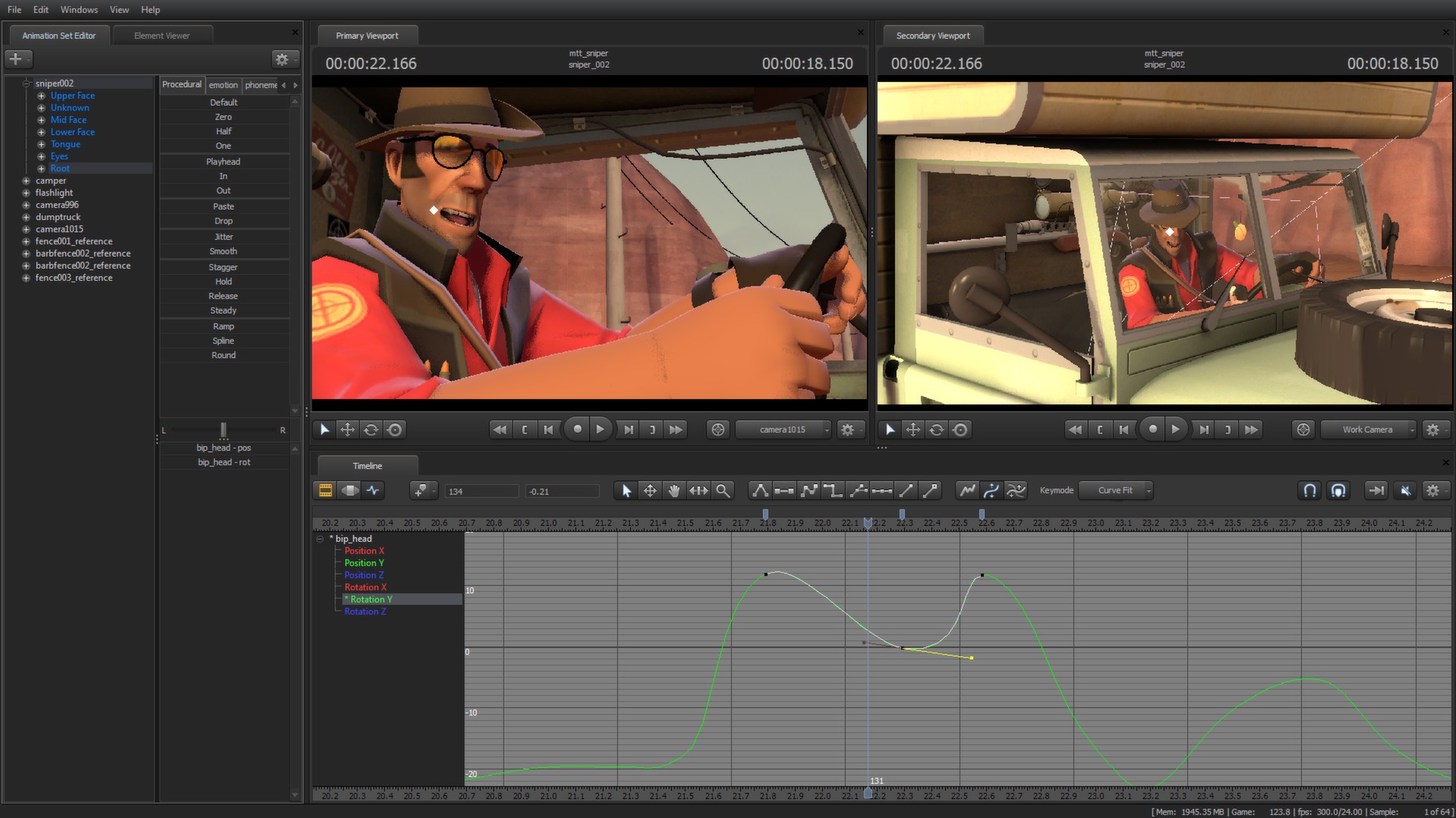
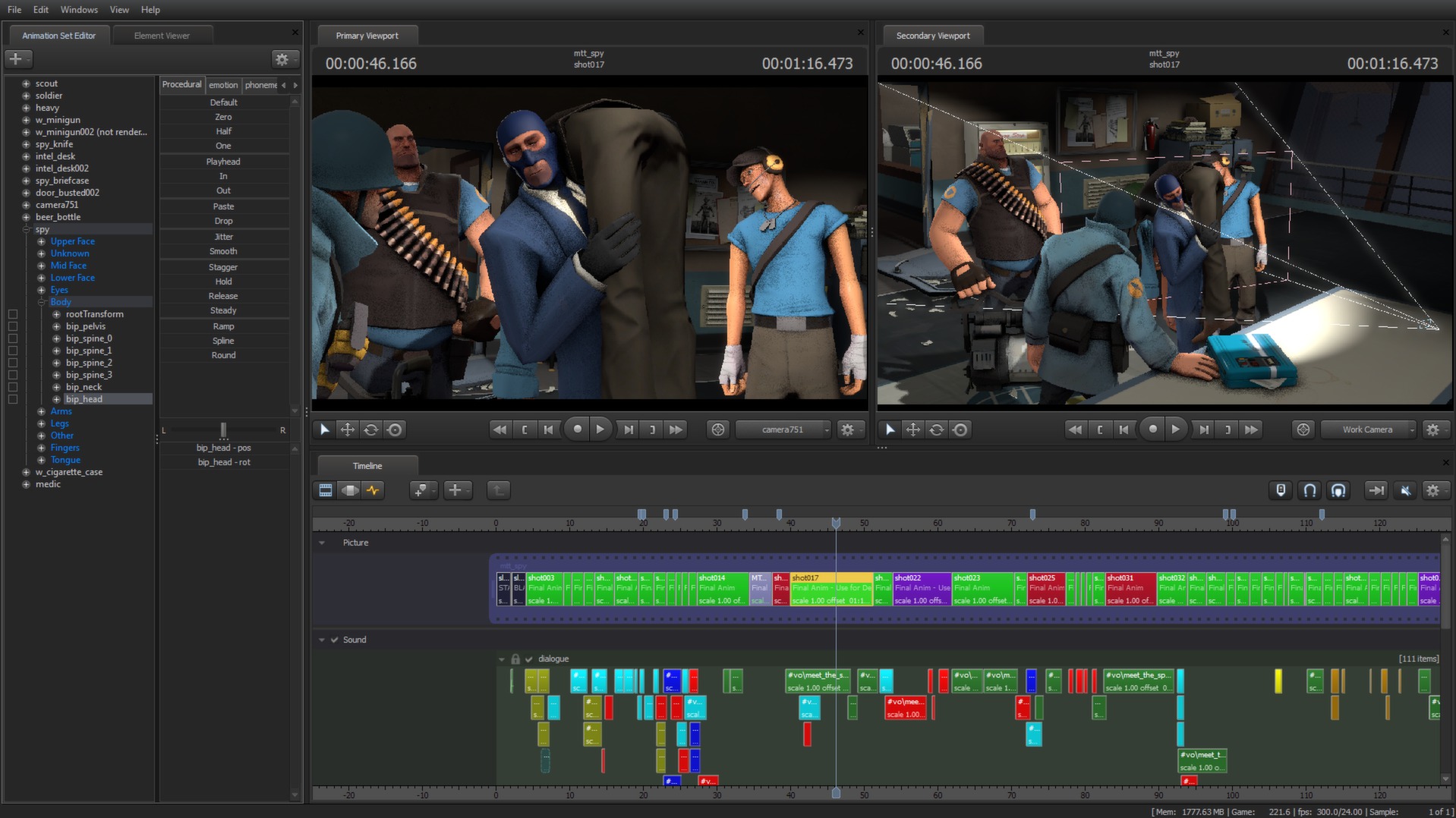
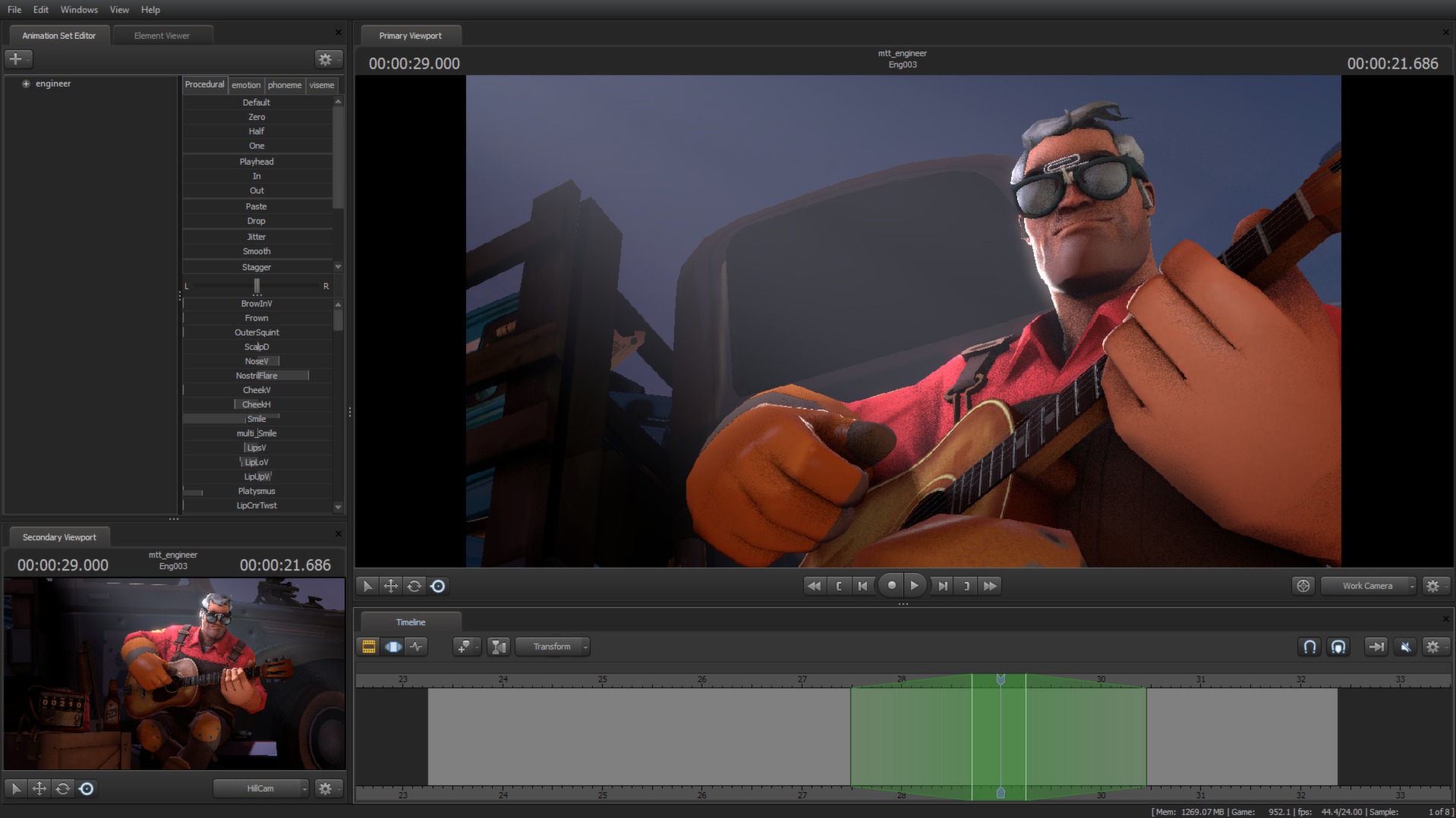
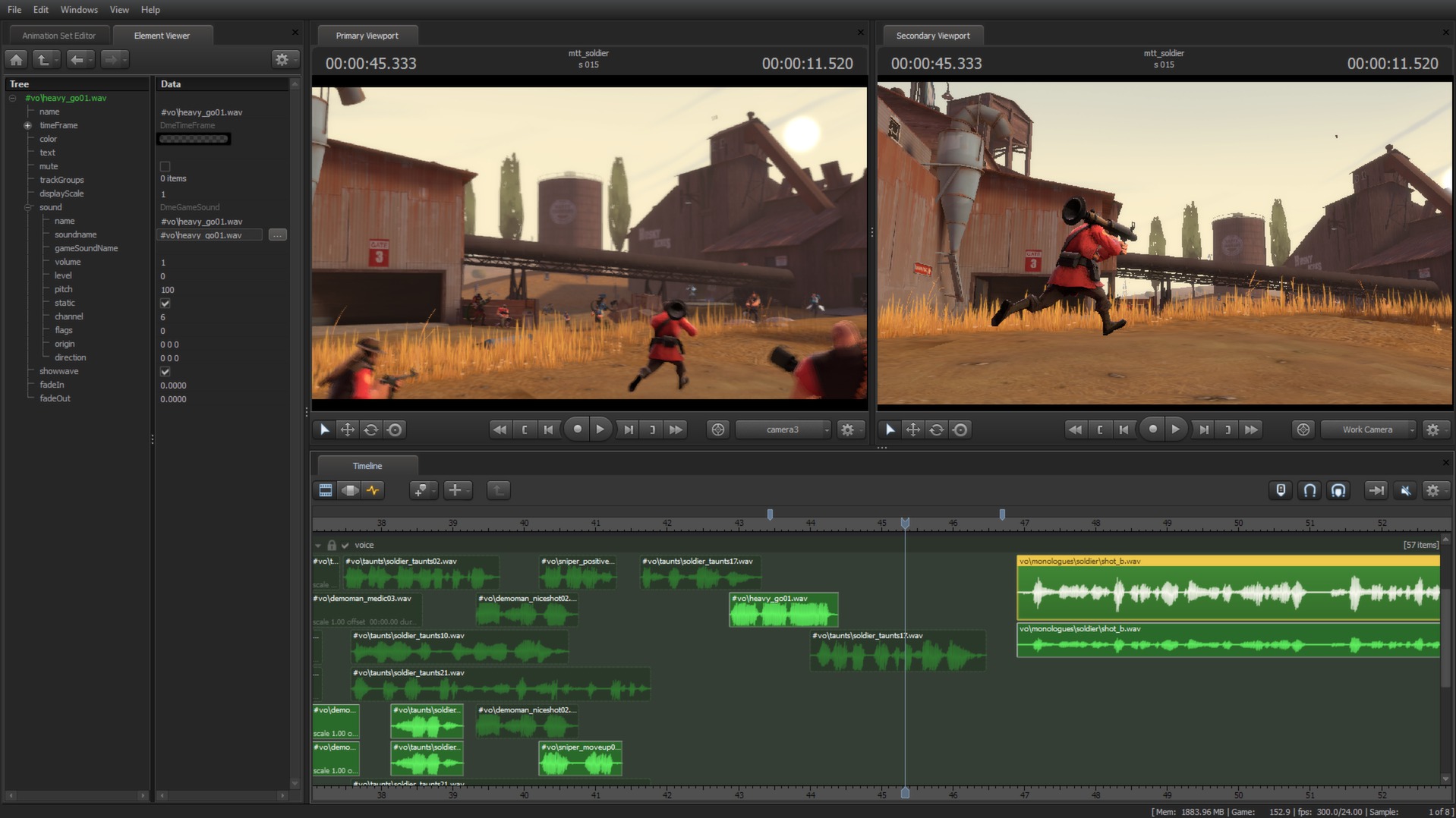
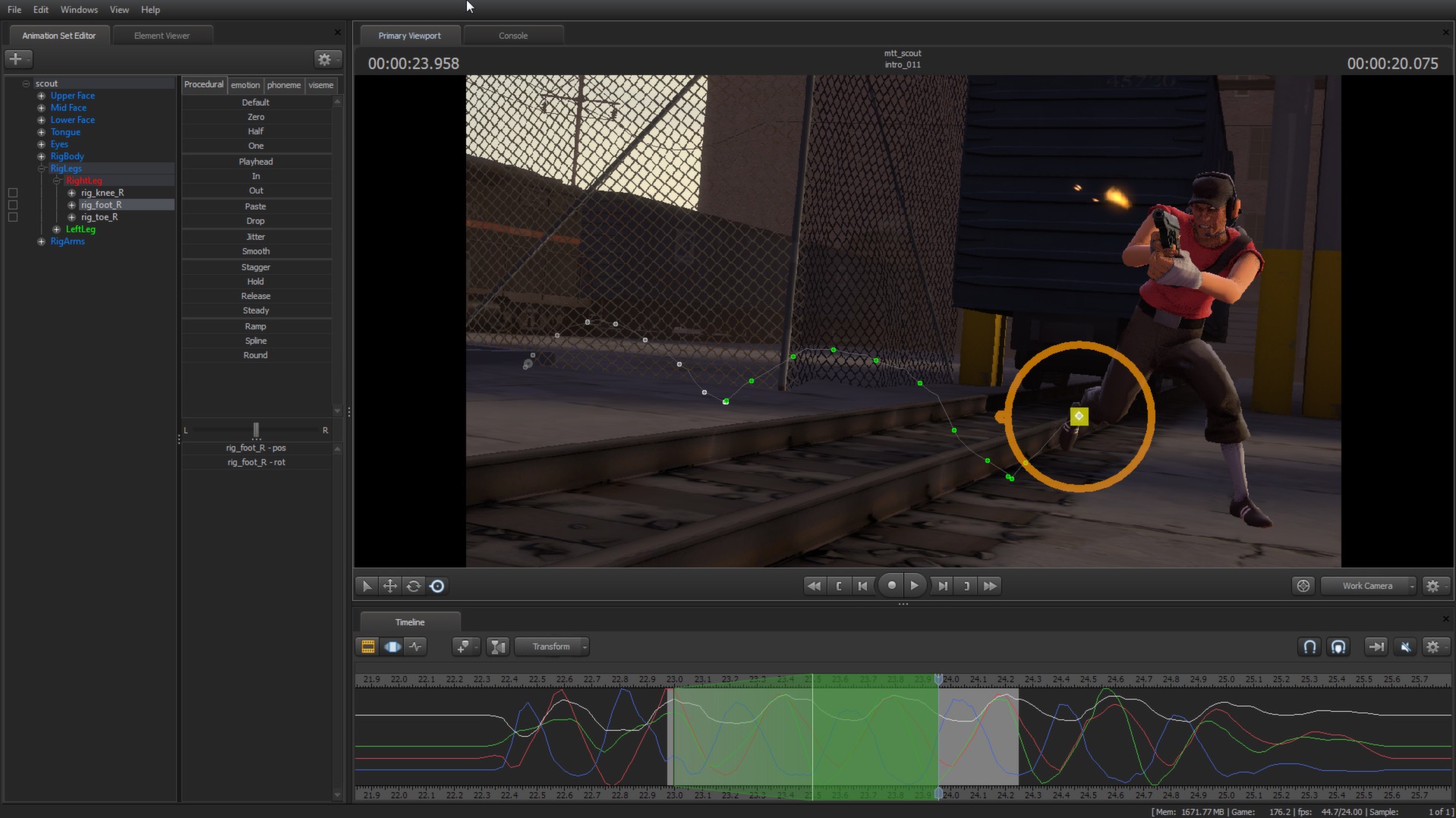
Source Filmmaker (SFM) is Valve’s in‑engine movie‑making application that runs on the Source engine. It lets creators build animated scenes using the same assets that appear in Valve games. Because SFM renders with a PC’s graphics hardware, users see exactly what the final video will look like. The tool ships with Team Fortress 2 assets and early “Meet the Team” film elements, and it is distributed through Steam for Windows.
01 / THE GUIDE
Getting Started
After launching Steam, click the install button for Source Filmmaker. The installer downloads the program and the bundled Team Fortress 2 asset pack. Installation is limited to Windows; no macOS or Linux versions are offered.
- Check disk space before installing.
- Run the installer as administrator for best compatibility.
02 / THE GUIDE
Built‑in Assets
SFM includes all base game assets from Team Fortress 2, giving immediate access to characters, weapons, and maps. It also contains assets from the first “Meet the Team” short films, allowing those models to appear in new scenes.
- Browse the asset browser to locate models quickly.
- Use the search filter to find specific TF2 props.
03 / THE GUIDE
Real‑time Rendering
SFM leverages the hardware rendering power of a modern gaming PC, providing a what‑you‑see‑is‑what‑you‑get workflow. This lets storytellers iterate directly in the context of the final audience’s experience.
- Enable V‑Sync to reduce tearing during preview.
- Adjust resolution to match target output for accurate timing.
04 / THE GUIDE
Learning Resources
Official Wiki Documentation, a Frequently Asked Questions page, and video tutorials are provided to help new users. Community discussions and bug‑report filing guides give additional support for troubleshooting and sharing techniques.
- Start with the official video tutorials for basic navigation.
- Visit community forums for user‑generated tips and tricks.
05 / THE GUIDE
Steam Workshop Integration
SFM is listed with the Steam Workshop feature, allowing creators to publish and download user‑made content directly through Steam. Workshop items can include custom models, animations, and complete scenes that other users can import into their projects.
- Subscribe to popular workshop packs to expand your asset pool.
- Read workshop item descriptions for compatibility notes.
COMMUNITY
Player discussion