 GameWiki

GET YOUR BEARINGS
About Soundpad
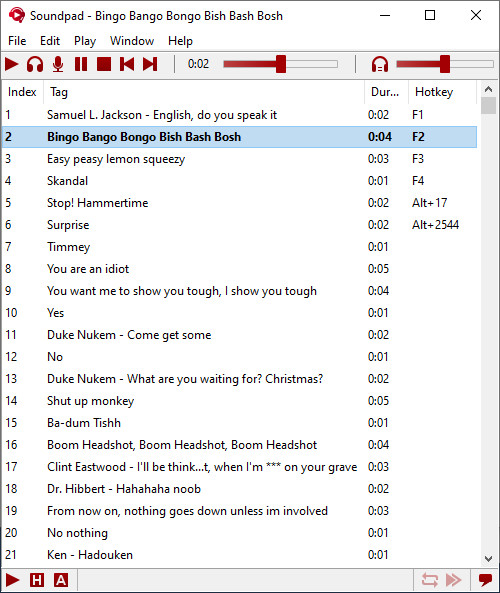
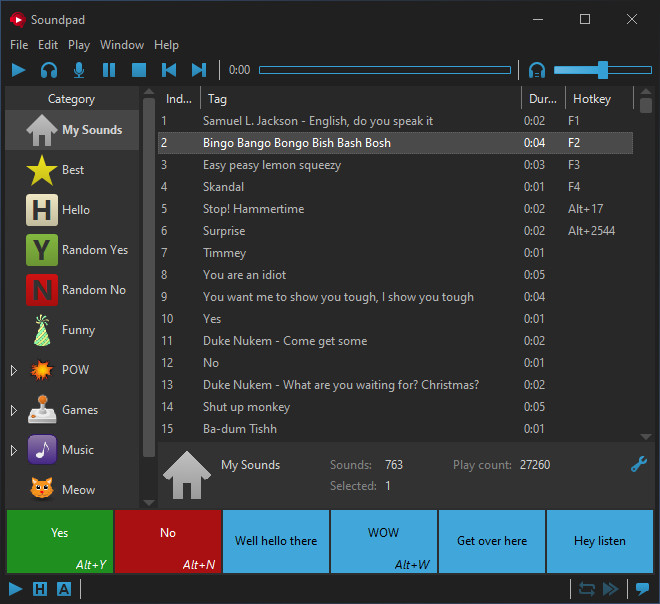
Soundpad lets you play audio clips directly into any voice‑chat application, turning your microphone into a live soundboard. It works with popular programs such as Discord, Teamspeak, Skype, and even in‑game voice channels like those in Dota 2, CS:GO, and PUBG. The utility includes a recorder, editor, and automatic volume normalization, so you can capture, trim, and balance sounds without extra software. A free demo is available, and the program supports a wide range of audio formats while extending your default recording device without installing new drivers.
01 / THE GUIDE
Voice Chat Integration
Soundpad routes audio through your default recording device, allowing any voice‑related application to receive the sounds as if they were spoken. This includes both dedicated chat programs and in‑game voice channels. Because it works at the device level, no additional virtual devices are required, simplifying setup for users who already have a microphone configured.
- Test the sound in a private voice channel before using it publicly.
- Adjust your microphone gain to keep your voice and sounds balanced.
02 / THE GUIDE
Hotkey System
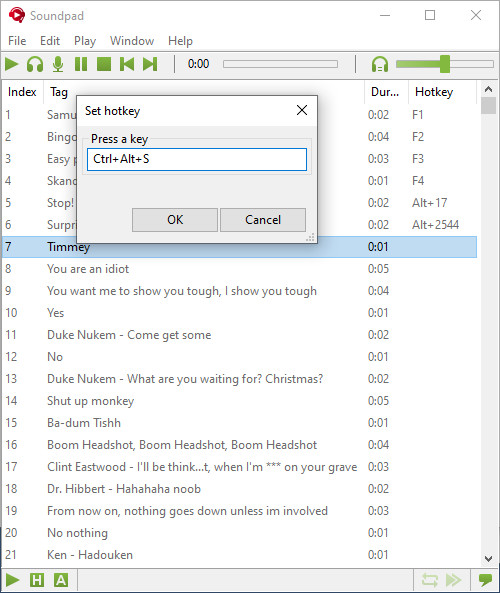
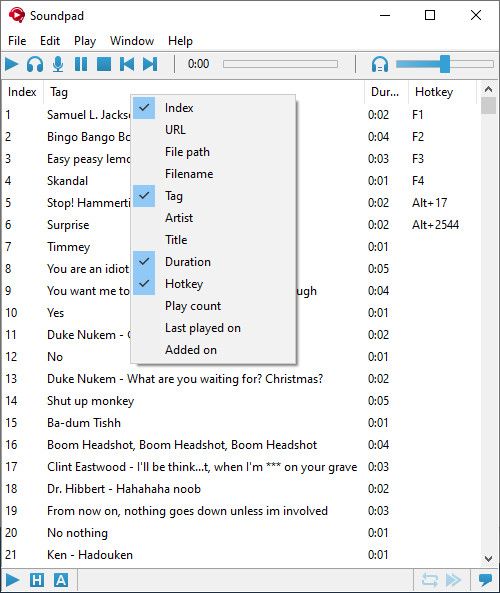
Each sound file can be assigned its own hotkey, enabling instant playback while you are gaming or chatting. The hotkeys operate independently of the voice‑chat software, so you can trigger sounds without leaving the game. This per‑sound hotkey mapping speeds up reactions and lets you build a personalized audio library for quick access.
- Choose key combinations that do not conflict with game controls.
- Group similar sounds under a common modifier key for easier recall.
03 / THE GUIDE
Built‑in Recorder & Editor
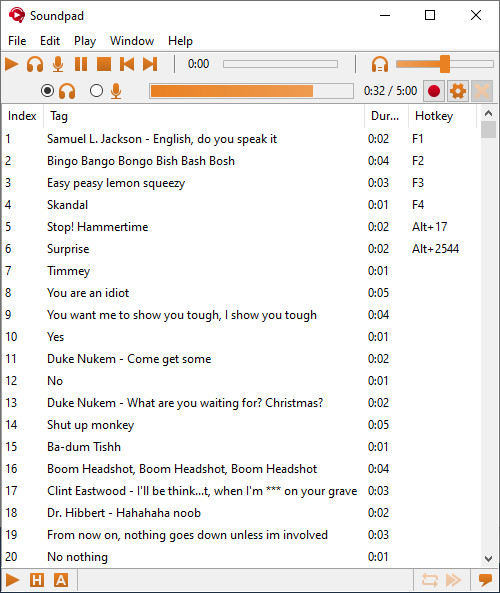
Soundpad includes a recorder that captures any audio you hear, then hands it directly to the integrated editor. The editor lets you cut clips quickly, so you can trim unwanted sections without external tools. All recorded and edited files remain within Soundpad, ready for immediate hotkey assignment or playback.
- Record short segments to keep file sizes manageable.
- Use the editor’s cut function to remove silence before assigning a hotkey.
04 / THE GUIDE
Volume Normalization
The utility can automatically equalize the loudness of each clip, ensuring that quiet sounds and loud sounds match the level of your voice. This prevents sudden volume spikes during playback. Normalization runs on import, so you only need to set it once per file before using the sound in chat.
- Run normalization after editing a clip to keep levels consistent.
- Listen to the normalized clip before assigning a hotkey to confirm balance.
05 / THE GUIDE
File Compatibility & Easy Setup
Soundpad supports a broad range of audio formats, including AAC, FLAC, MP3, OGG, OPUS, WAV, and WMA, so most sound libraries can be imported directly. The program extends your default recording device without installing extra drivers. Because it runs only on Windows, macOS and Linux users need an alternative, but Windows users benefit from a straightforward installation process.
- Convert rare formats to MP3 or WAV for maximum compatibility.
- Verify that your microphone is still the default device after installing Soundpad.
COMMUNITY
Player discussion