 GameWiki
GET YOUR BEARINGS
About Soundodger+
Soundodger+ blends bullet‑hell reflexes with rhythm‑game timing, letting you dodge patterns that move in sync with each track’s music. Over twenty curated songs and more than thirty DLC tracks are included, with multiple difficulties available for virtually every track, so the challenge scales with skill.
The game includes a robust Level Editor for creating custom stages, an Auto‑Gen mode that builds a level from any music you supply, and optional play styles such as Slo‑Mo, Zen and Smooth Listening. Mouse, keyboard and controller input are all supported.
01 / THE GUIDE
Gameplay Basics
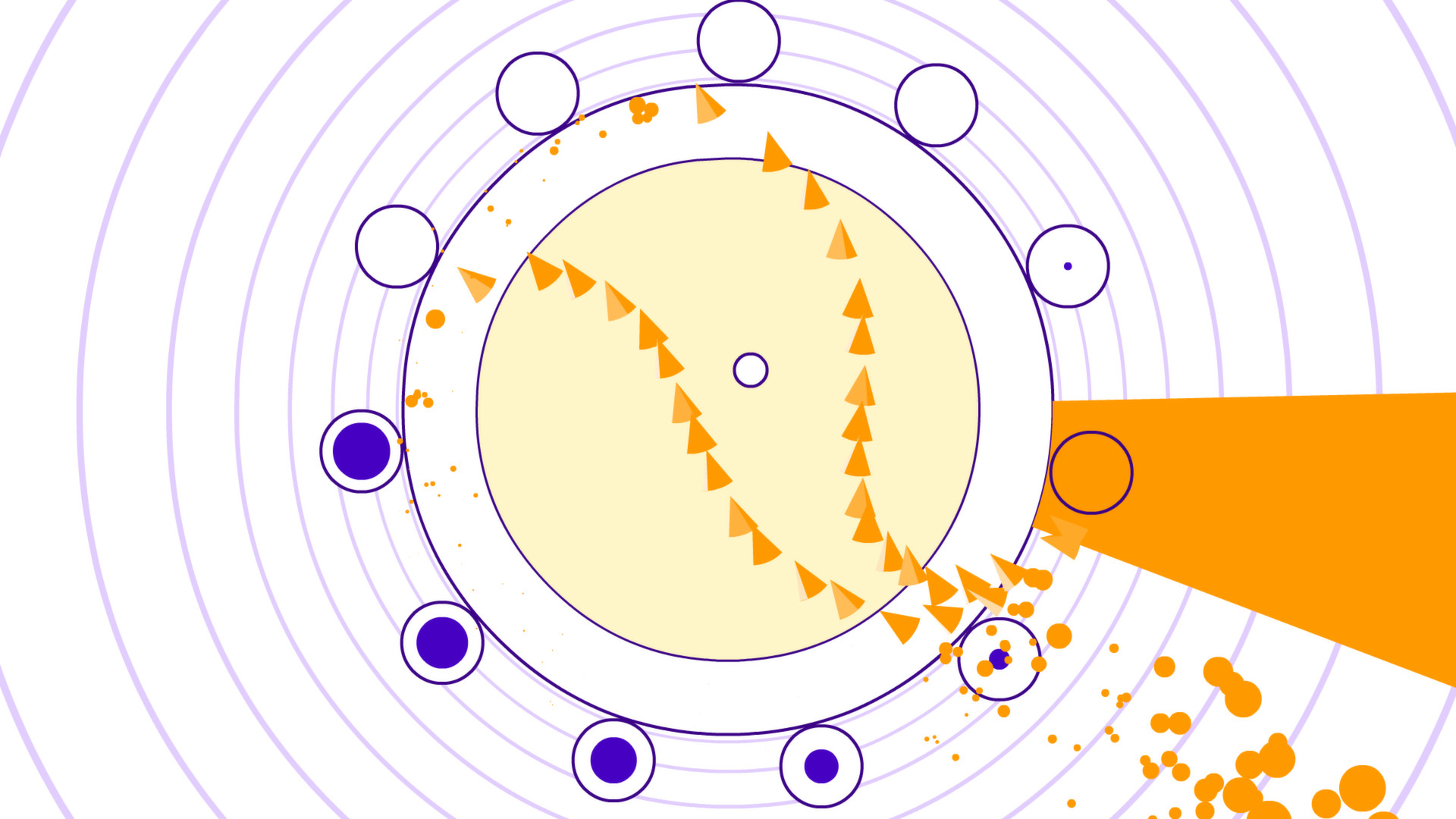
Each track presents a hand‑choreographed pattern of obstacles that line up with the beat, creating a rhythm‑driven bullet‑hell experience. The visual cues follow the music so that successful dodging feels like moving with the song.
Virtually every track provides multiple difficulty settings, and hidden hearts can be collected for extra insurance against tougher sections, and carrying them all the way to the end unlocks extra tracks and modes.
- Observe the opening beats to anticipate obstacle timing before the difficulty ramps up.
- When a hidden heart appears, move toward it; the extra insurance can ease later sections.
02 / THE GUIDE
Level Editor
Soundodger+ ships with a Level Editor that lets you place obstacles to match a chosen soundtrack, allowing you to craft a custom stage from start to finish. The editor is built for hand‑crafting the level of your dreams.
Community‑made levels are available for download, showcasing what an "impossible" level can look like. Studying these levels can give ideas for pacing, obstacle density, and heart placement in your own creations.
- Start with a short music segment to test obstacle timing before expanding the full level.
- Browse community levels for examples of how creators balance difficulty and heart placement.
03 / THE GUIDE
Auto‑Gen Mode
Auto‑Gen creates a playable stage instantly from music you provide, letting you jump right into the action with your own music. This offers a quick way to experience the core gameplay without manual design.
Because Auto‑Gen builds a level from your own music, it can be a quick way to try out new tracks within the game.
- Choose a track with a steady beat for clearer obstacle patterns.
- Compare the difficulty of an Auto‑Gen level with a similar curated track to gauge challenge.
04 / THE GUIDE
Play Styles
Three optional modes adjust the experience: Slo‑Mo slows the action, Zen removes point scoring, and Smooth Listening prevents music interruption. These settings let you tailor the experience or focus on the music.
These are simply optional ways to play, such as taking a breather with Slo‑Mo or relaxing in Zen mode where the points don't matter.
- Use Zen mode when learning a new track to concentrate on timing without score pressure.
- Try Slo‑Mo for practice on sections that feel too fast at normal speed.
05 / THE GUIDE
Input Options
Players can navigate patterns using mouse controls, keyboard, or a supported controller. Full controller support indicates that any of these devices can be used for movement during gameplay.
No specific button layout is required by the source; you simply choose the device that feels most comfortable for dodging the rhythm‑aligned obstacles.
- Experiment with mouse and controller to see which gives finer control for fast patterns.
- If a particular input feels harder, switch to another device to compare comfort.




COMMUNITY
Player discussion