 GameWiki
GET YOUR BEARINGS
About SOS OPS!
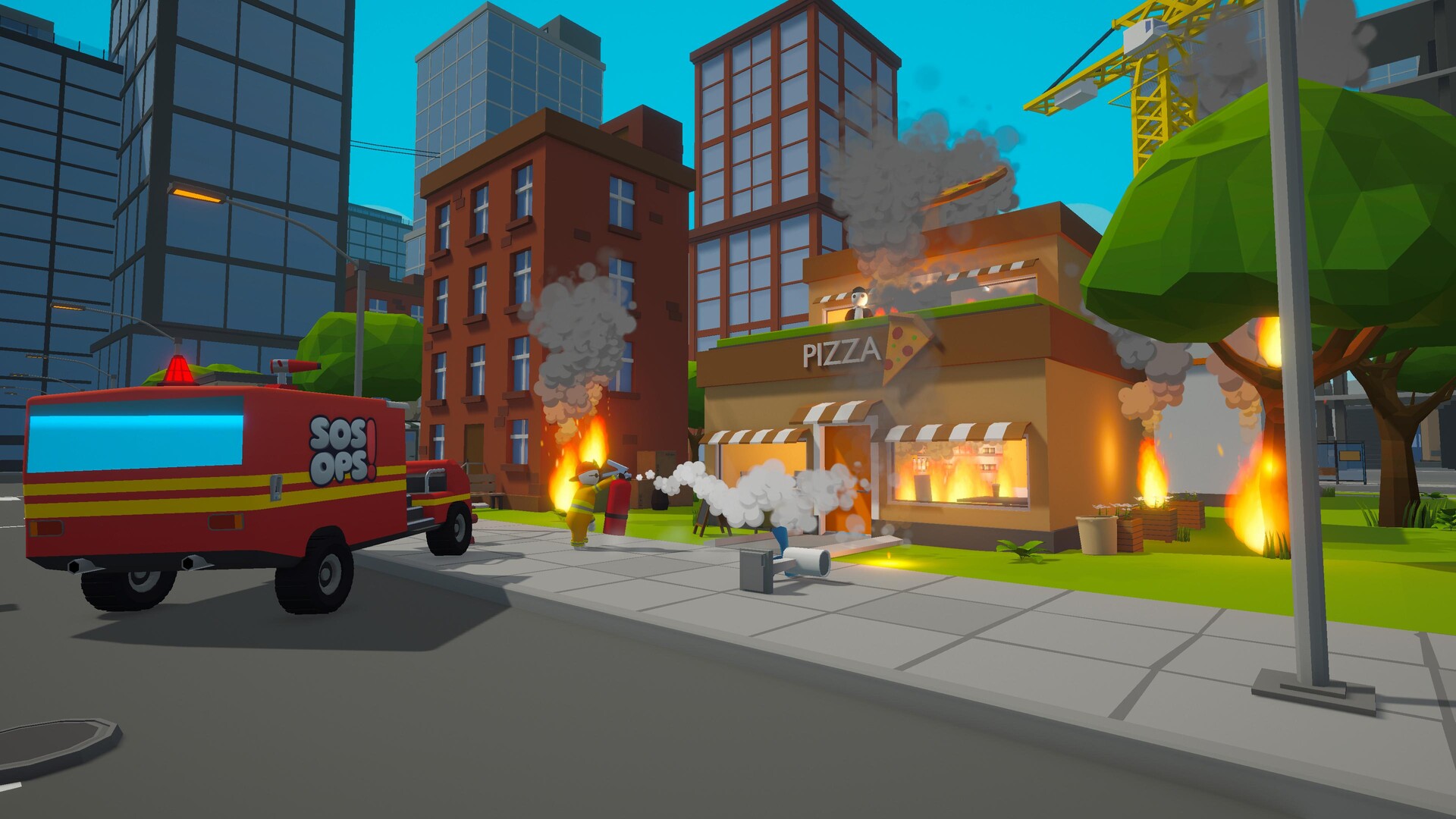
SOS OPS! drops up to four players into a chaotic city where each teammate pretends to be an emergency responder. Missions are fast‑paced, physics‑driven, and reward loud, spontaneous moments more than perfect completion.
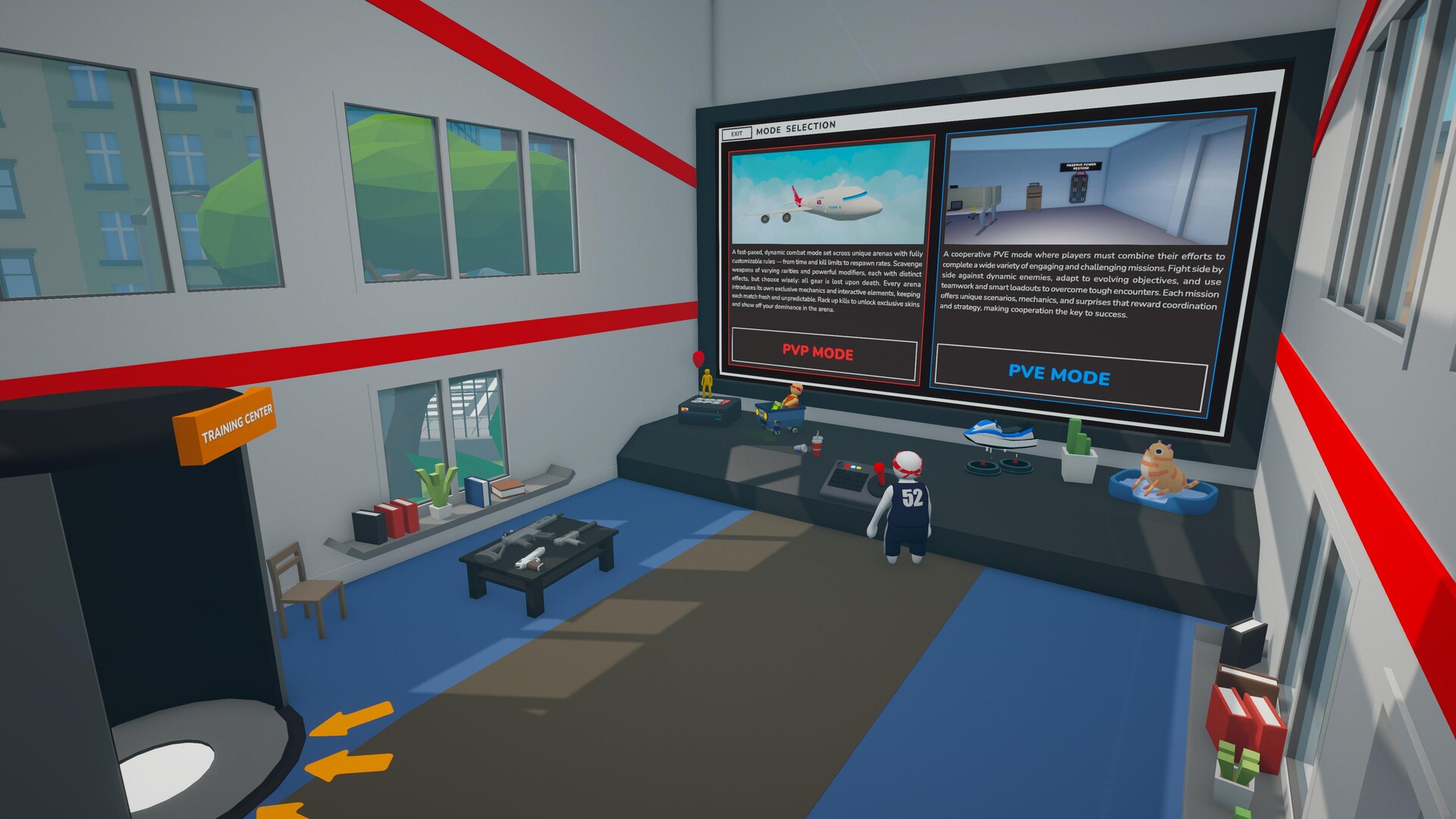
A recent major update adds a PvP mode that lets friends pick one of five arenas and set custom match rules such as time limit, kill goal, infinite mode, and gear spawn rate, extending the mayhem beyond cooperative play.
01 / THE GUIDE
Co‑op Chaos Gameplay
Teams of up to four players tackle absurd tasks—putting out fires, rescuing cats, or simply surviving random mishaps—while the game’s physics system constantly reshapes the environment. The design encourages rapid movement and comedic failure over strict objectives.
There is no tutorial or scripted sequence; each mission unfolds unpredictably, and the game rewards loud, spontaneous moments more than level completion. Players must adapt on the fly as physics can turn simple actions into chain reactions.
- Watch how objects bounce or roll after being dropped; they can create unexpected shortcuts.
- Allow teammates flexibility in their approach, since the physics may invalidate rigid plans.
02 / THE GUIDE
PvP Mode and Arena Rules
The PvP mode lets players choose an arena—Volcano Crater, SOS Factory, Flight 747, Pyramid, or Tower—through an in‑game computer and start a match instantly. Players define parameters such as time limit, kill goal, infinite mode, and gear spawn rate.
Weapons and power‑ups appear on the map and are lost upon death, creating a fast‑paced competitive environment where rule customization directly shapes the flow of each battle.
- Try a short time limit for quick, high‑intensity matches.
- Adjust gear spawn rate to balance chaos and strategy for your group.

03 / THE GUIDE
Physics‑Driven Interactions
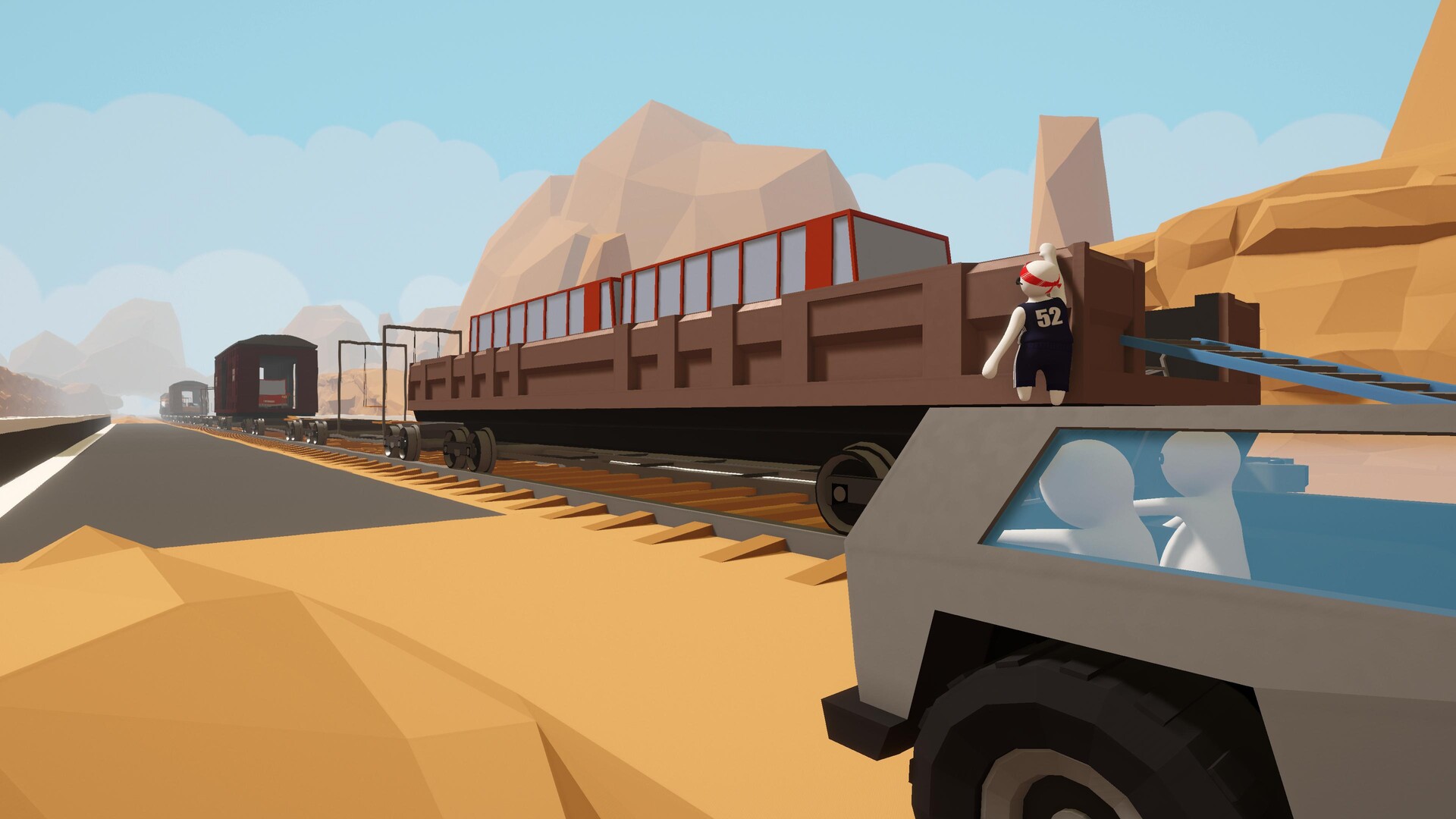
Every action interacts with a robust physics engine, causing objects, players, and weapons to react realistically. This often breaks plans and generates ridiculous situations that can turn a simple mistake into a surprising victory.
Because physics influences movement and combat, two runs of the same mission can feel dramatically different, encouraging players to experiment with environmental effects rather than rely on memorized routes.
- Observe how dropped items roll or bounce; they can be used to knock opponents.
- Anticipate that a missed jump may affect nearby teammates, creating chain reactions.
04 / THE GUIDE
Multiplayer Connection Types
SOS OPS! supports online, LAN, and shared/split‑screen co‑op, allowing friends to join locally or over the internet. The same three connection types apply to PvP, giving flexibility in how matches are organized.
All listed modes work on Windows, the sole supported platform, and and the feature list includes each of these connection types.
- Use split‑screen co‑op for a couch‑friendly experience that matches the game’s chaotic vibe.
- Choose LAN play when multiple PCs are in the same location to reduce latency.
05 / THE GUIDE
Platform Features and Support
The game runs on Windows and includes DualShock and DualSense controller support, as well as partial controller support for other devices. Steam Cloud saves progress, and Steam Achievements and Trading Cards are available.
Family Sharing and Remote Play Together let a single purchase be enjoyed by multiple users, while the listed controller support ensures basic compatibility without specifying extra functions.
- Enable Steam Cloud if you switch between multiple PCs to keep progress synced.
- Collect Steam Trading Cards if you enjoy completing platform‑specific collections.

COMMUNITY
Player discussion