 GameWiki
GET YOUR BEARINGS
About Sort The Capybaras
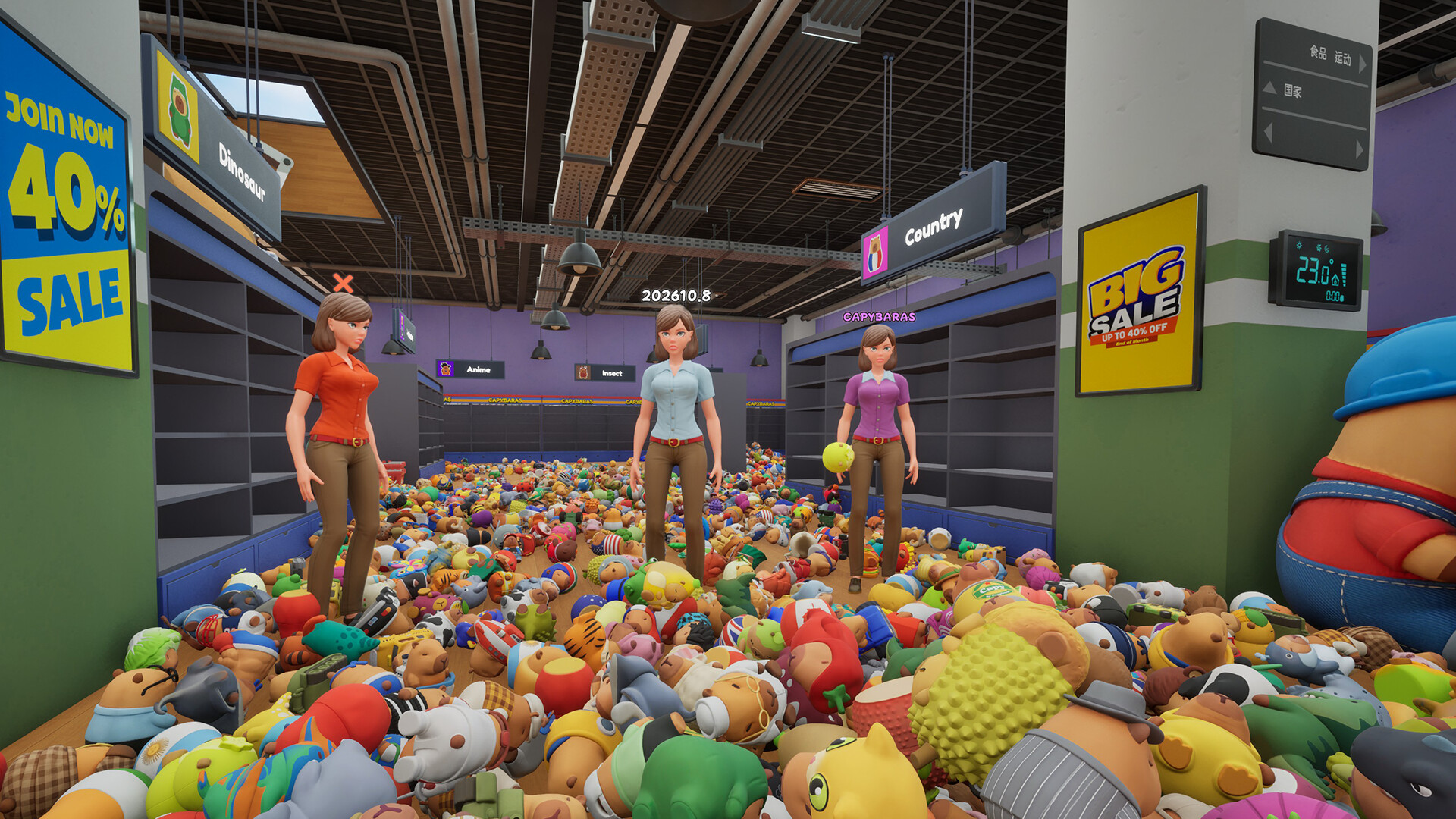
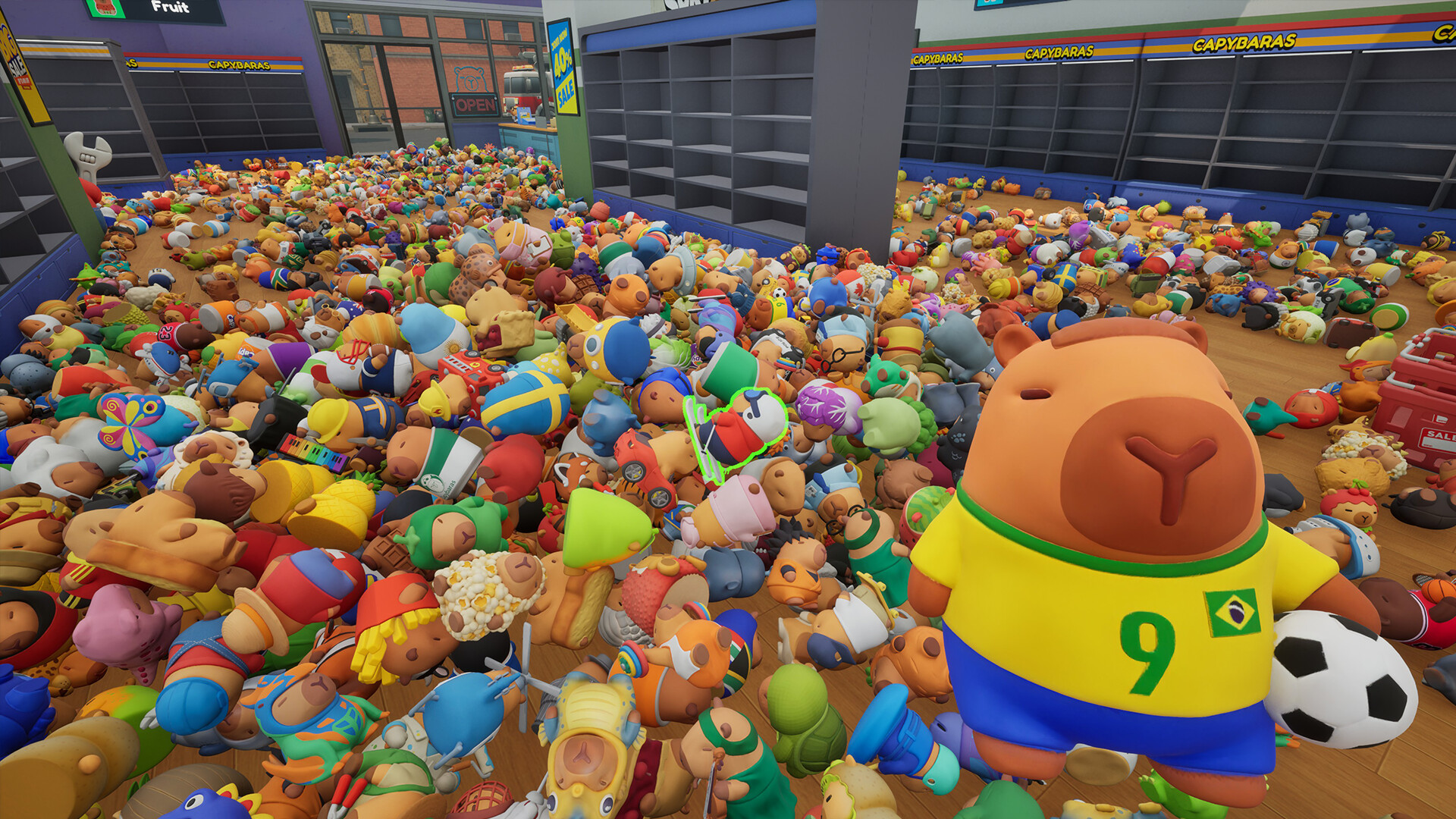
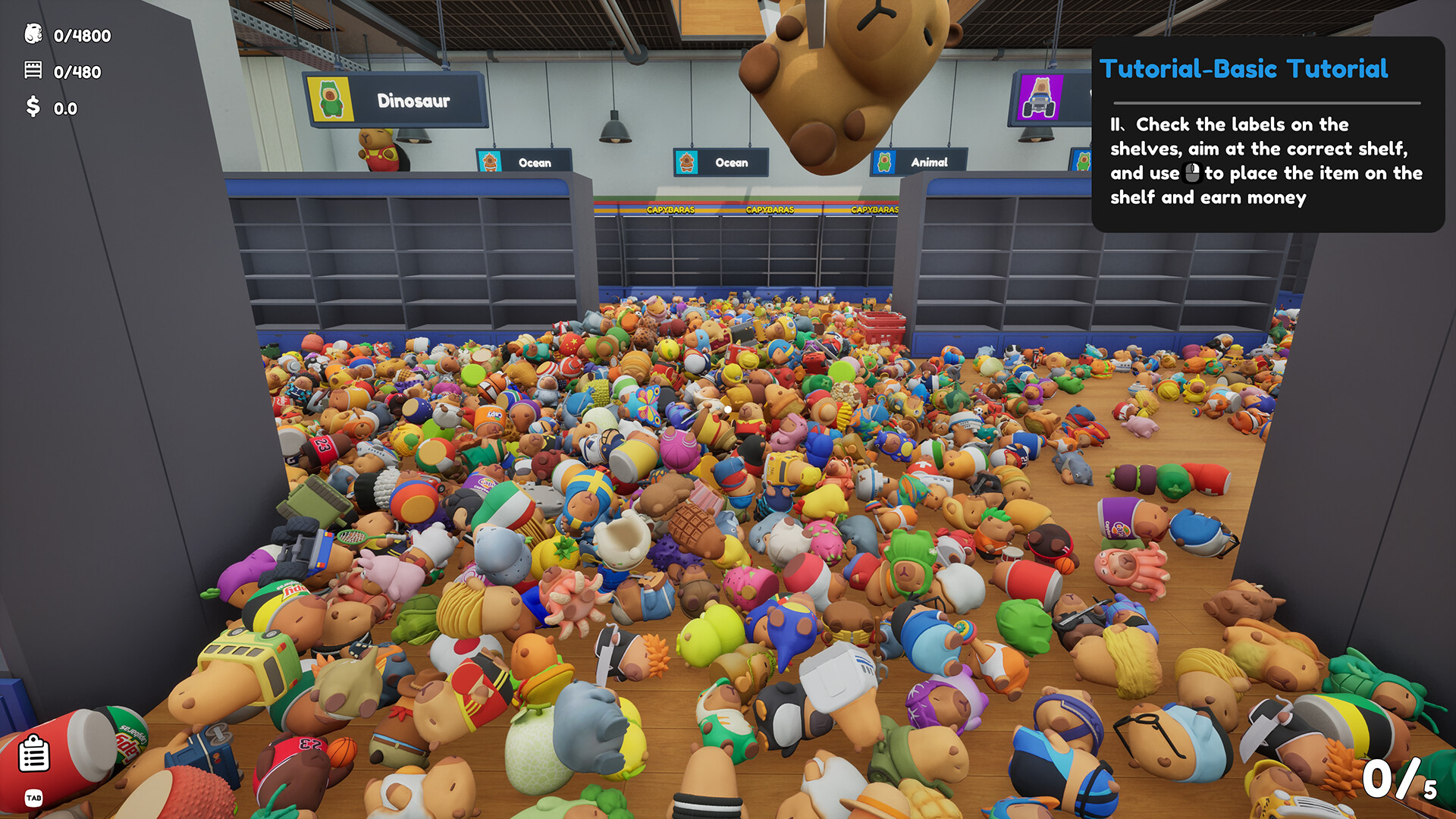
Sort The Capybaras is a cozy organizing game set in a capybara‑toy store that begins in complete chaos, with 4,800 toys scattered on the floor. Players pick up each toy, identify its type, and place it on the matching shelf, earning money instantly for every correct sort.
Earned money can be spent on sorting super‑powers that speed up identification and placement. The game supports solo play and up to four players online via Steam lobbies, and it allows saving at any time with Steam Cloud backup.
01 / THE GUIDE
Core Sorting Gameplay
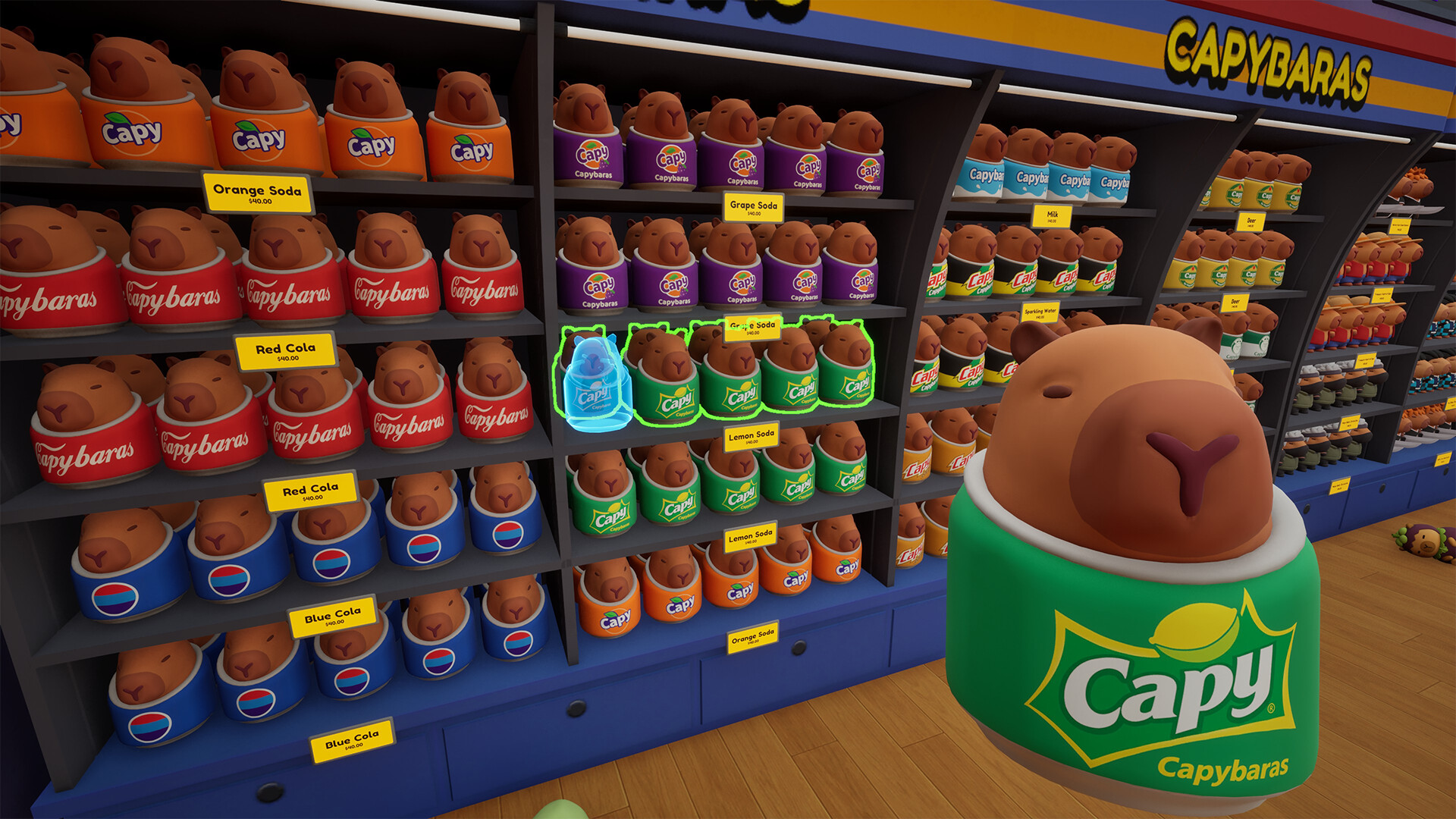
A capybara toy is picked up from the floor, examined, and then matched to a shelf signboard. Placing the toy on the correct shelf grants money immediately, creating a loop of identification and placement.
The store starts in complete chaos, and as toys are sorted the shelves fill, gradually turning the environment from disorder to an organized layout.
- Check the shelf sign before picking up a toy to reduce misplacements.
- Focus on one shelf at a time to keep the visual field clear.
02 / THE GUIDE
Sorting Superpowers
Money earned from sorting can be spent to unlock abilities such as highlighting all toys of the same type, carrying more toys at once, auto‑highlighting correct shelves, and instantly collecting matching toys from the whole store or nearby area.
With these abilities unlocked, players can sort faster and increase their earnings.
- Try the auto‑highlight ability first to locate correct shelves quickly.
- Use the multi‑carry power when many toys of the same type are scattered.
03 / THE GUIDE
Co‑op Multiplayer
Up to four players can join a shared lobby on Steam, each using the same sorting mechanics as solo play. All participants work together to place toys on the appropriate shelves.
Each player contributes to the overall organization while the store progresses toward tidiness.
- Assign each player a specific shelf range to avoid overlap.
- Communicate which toy types each player will focus on for efficiency.
04 / THE GUIDE
Saving and Cloud Sync
Players may save the game at any moment, preserving the current state of the store and any money earned. Saved data can be reloaded later.
Steam Cloud integration backs up saved files, allowing the same progress to be accessed on any computer linked to the same Steam account.
- Save after completing a major shelf to secure recent earnings.
- Ensure Steam Cloud is enabled if you plan to switch devices.
05 / THE GUIDE
Audio and Volume Controls
The game features stereo sound and custom volume controls, letting players adjust the game's volume. These settings are reachable from the options menu.
Audio adjustments shape the sound environment while you sort.
- Lower music volume if you prefer focusing on visual cues.
- Raise effect volume to hear placement confirmations clearly.

COMMUNITY
Player discussion