 GameWiki

GET YOUR BEARINGS
About SOMA
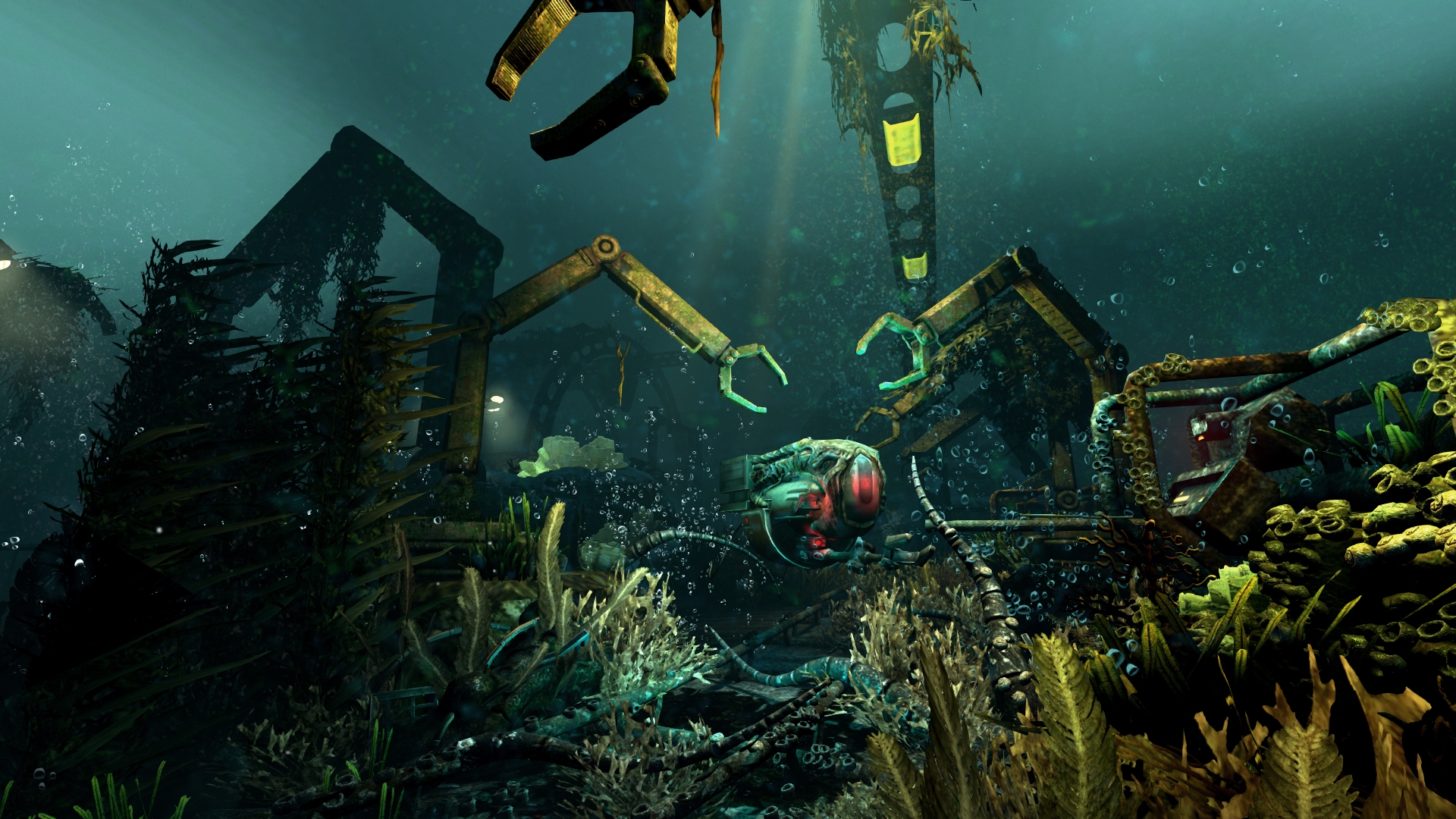
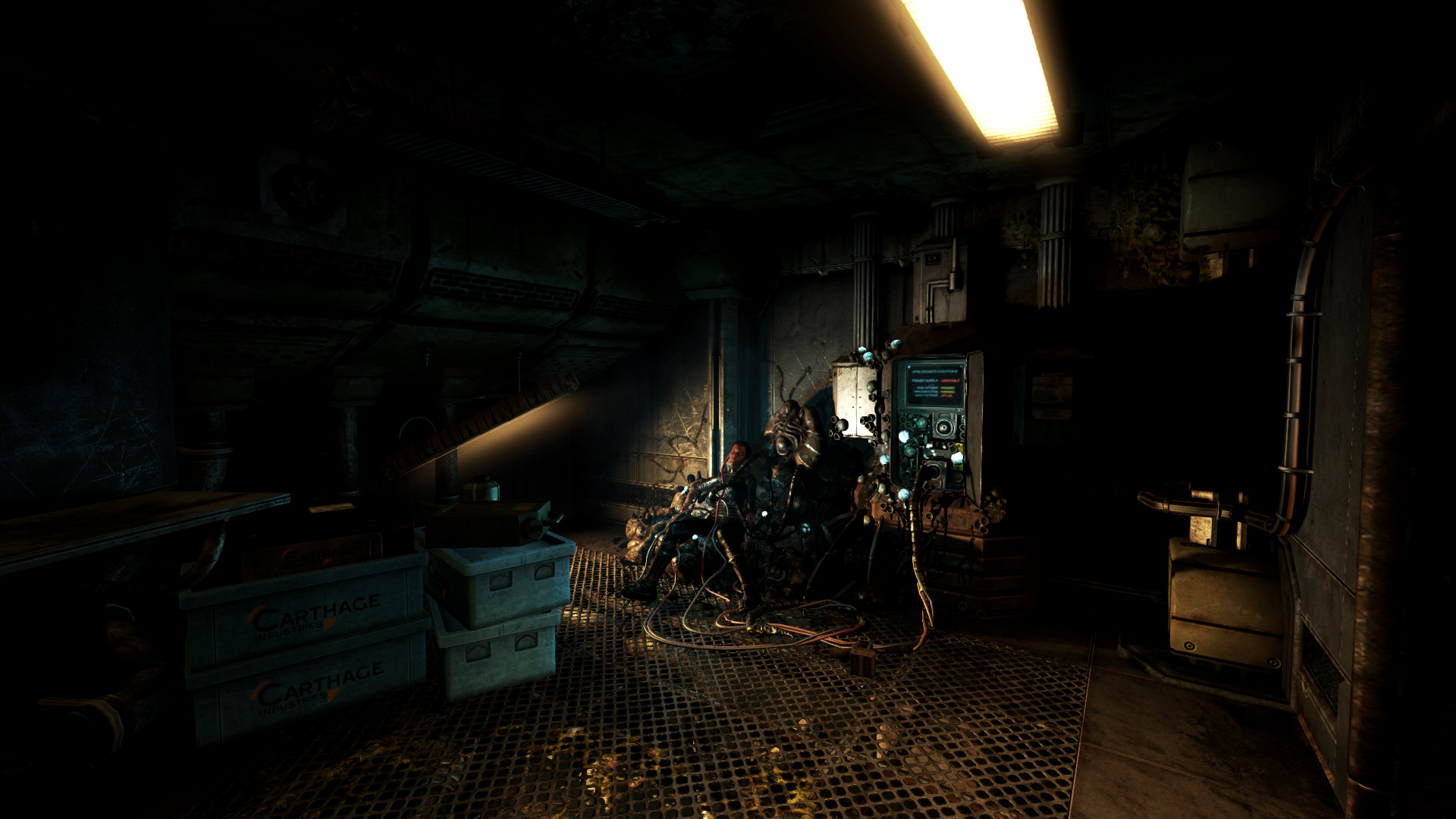
SOMA is a sci‑fi horror title from Frictional Games, the studio behind Amnesia: The Dark Descent. The game explores identity, consciousness and humanity within the isolated underwater complex PATHOS‑II.
Players navigate a world where machines believe they are people, food supplies dwindle, and an omnipresent AI watches. The experience relies on outsmarting threats, uncovering documents, and making difficult choices that shape the station’s fate.
01 / THE GUIDE
Narrative and Setting
The plot follows an underwater facility called PATHOS‑II that has endured extreme isolation. The story asks questions about what makes sense when survival is uncertain and what remains worth fighting for.
Through locked terminals and secret documents, players piece together the chaos that has overtaken the station, learning about the last inhabitants and the AI that governs them.
- Read every terminal entry; they often reveal hidden motivations.
- Pay attention to environmental cues that hint at past events.
02 / THE GUIDE
Core Gameplay Mechanics
SOMA offers a single‑player experience where combat is absent. Players must outsmart enemies or flee, using the environment and puzzle solving to survive.
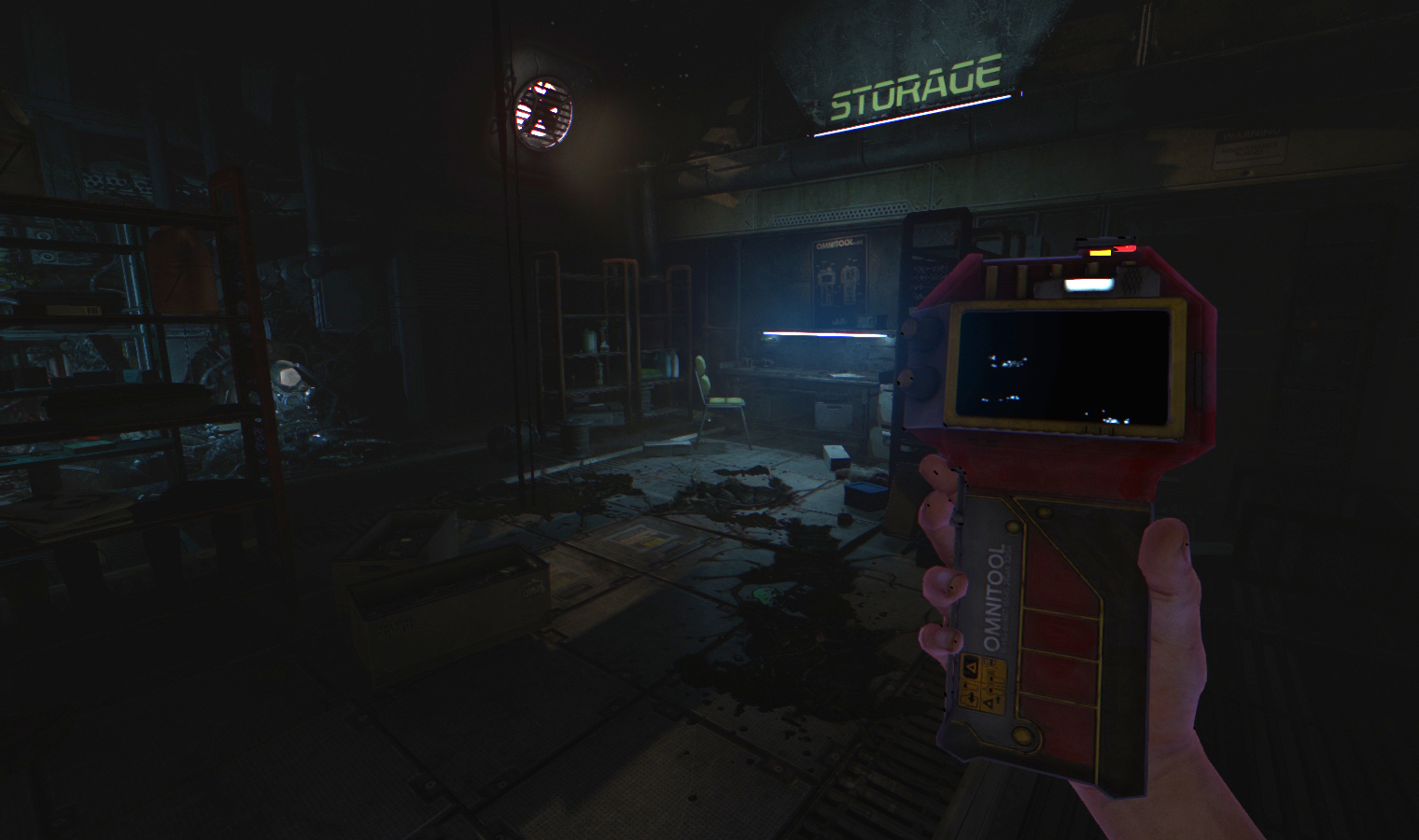
Exploration involves delving through locked terminals and secret documents, requiring players to locate keys, power sources, and other tools to progress.
- Conserve resources; many puzzles rely on limited power.
- Observe enemy patterns to find safe escape routes.
03 / THE GUIDE
Hostile Entities
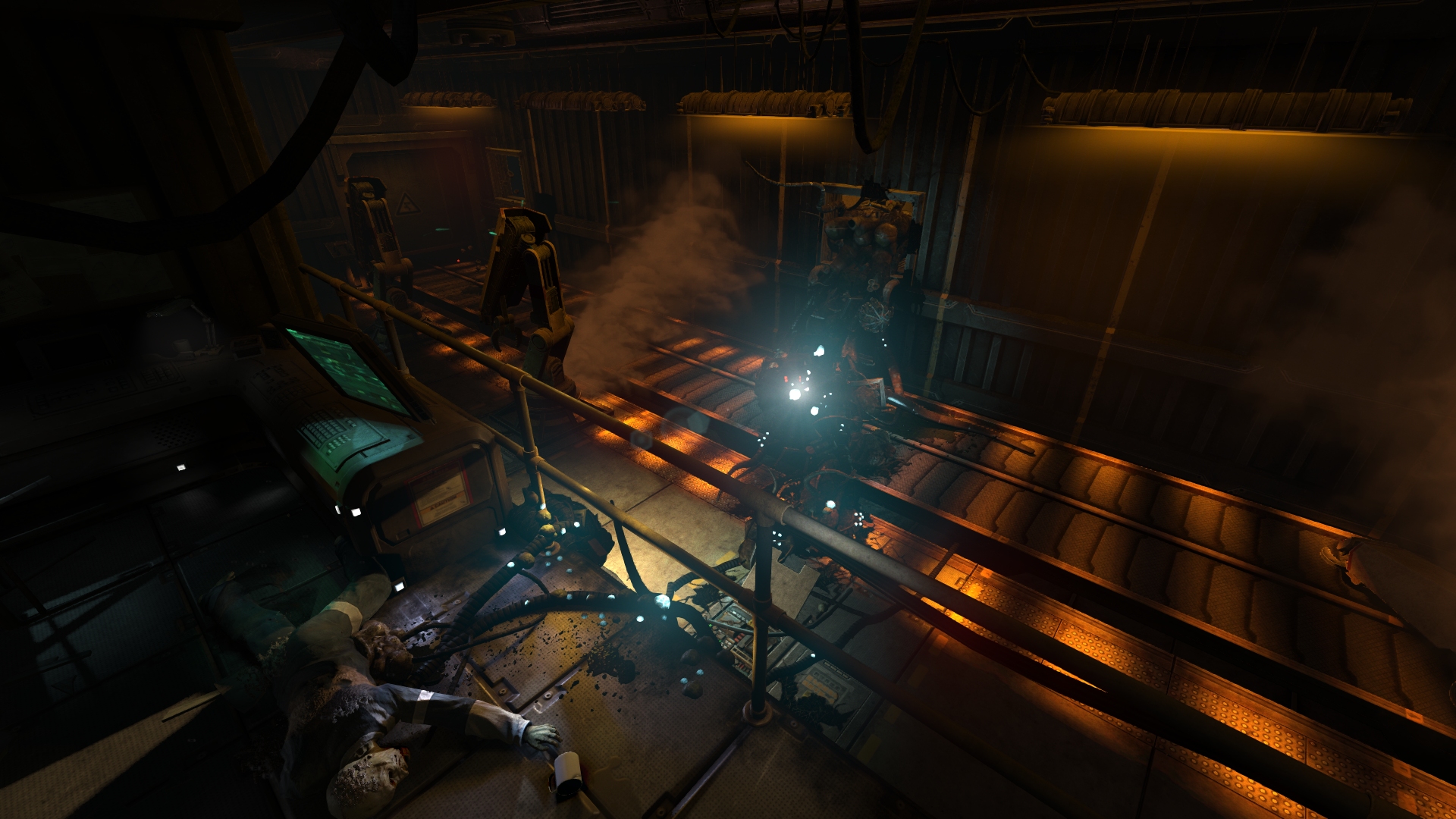
The facility is populated by corrupted humans, twisted creatures, and insane robots, each presenting a unique threat that cannot be defeated through combat.
An inscrutable omnipresent AI also influences events, adding a psychological layer to the danger.
- Avoid direct confrontation; stealth is often safer.
- Listen for audio cues that signal approaching threats.
04 / THE GUIDE
Environmental Interaction
Players must locate and interact with terminals, documents, and hidden passages to uncover the station’s history and unlock new areas.
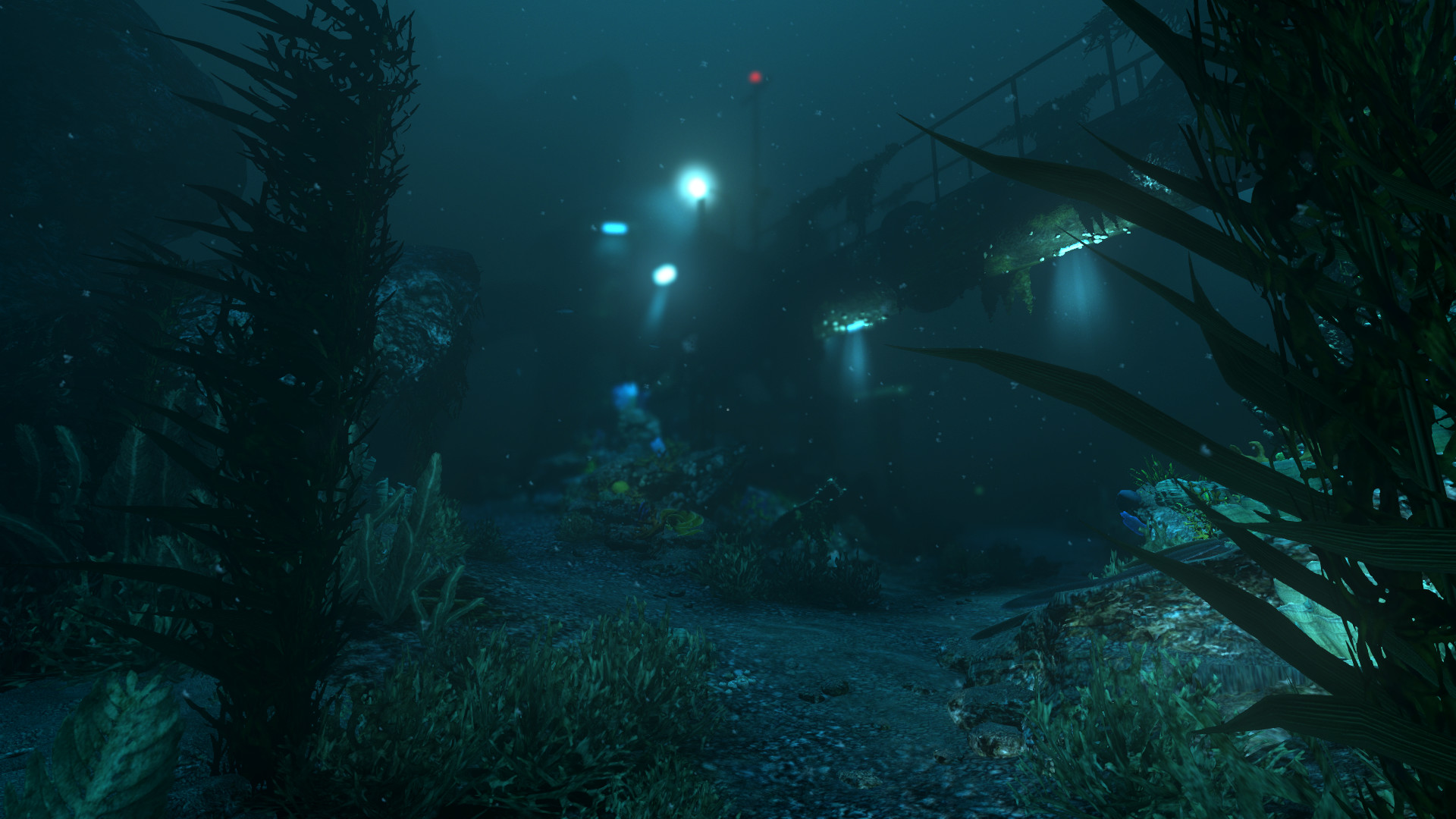
The underwater setting creates a claustrophobic atmosphere, encouraging careful movement and observation.
- Mark visited terminals to avoid redundant backtracking.
- Use lighting to reveal hidden pathways.
05 / THE GUIDE
Steam and Platform Support
SOMA runs on Windows, macOS and Linux, supporting full controller input, Steam Cloud saves, and remote play options for TV or shared sessions.
Additional Steam features include achievements, trading cards, workshop integration and family sharing.
- Enable Steam Cloud to keep progress across devices.
- Try Remote Play Together for a shared viewing experience.
COMMUNITY
Player discussion