 GameWiki
GET YOUR BEARINGS
About Soccer Online: Ball 3D
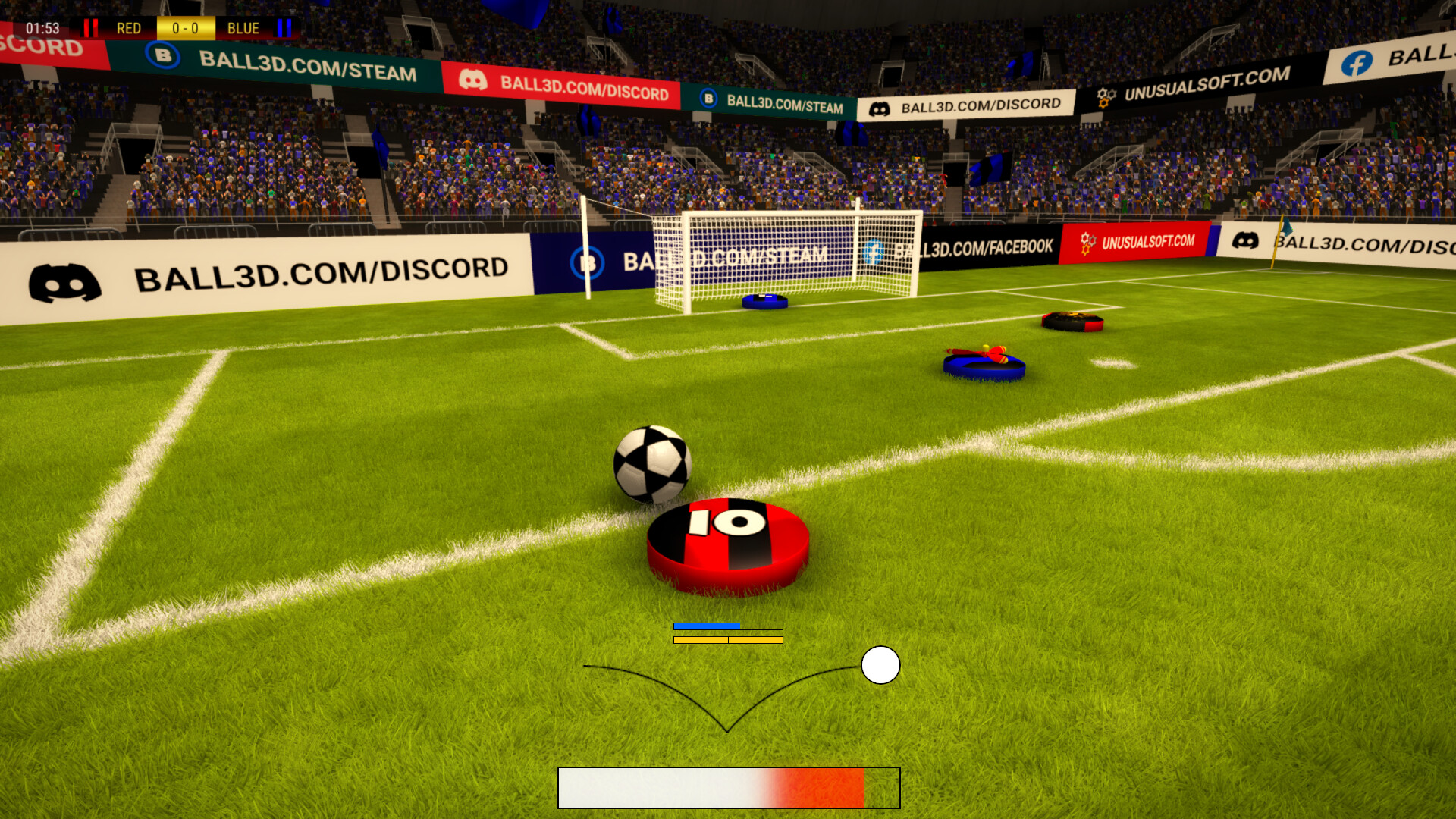
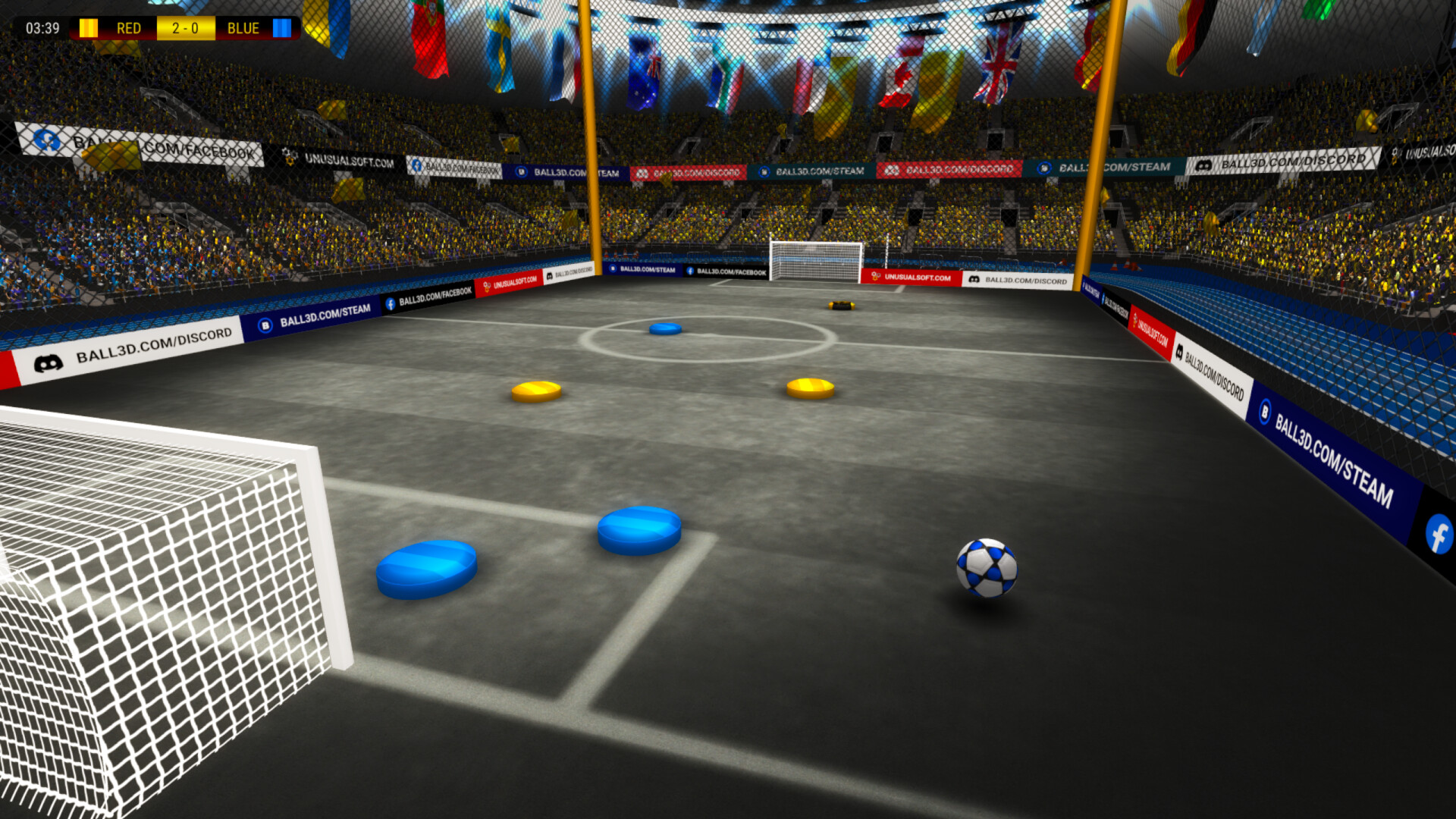
Soccer Online: Ball 3D is a physics‑driven soccer simulation where you control a single player from a third‑person view. The professional physics engine governs ball behavior, letting you kick, curve, lob, dribble, sprint and perform tricks with precise geometry interaction.
The title includes a ball editor, team‑building tools, dedicated servers with an anti‑lag system, and multiple replay cameras. It runs on Windows and macOS, supports cross‑platform multiplayer, and hosts over a million active players.
01 / THE GUIDE
Gameplay Controls
Players control one avatar and can execute high or low kicks, hard or light strikes, curves, lobs, jumps, dribbles, sprints (dash) and various tricks. The third‑person camera frames the field, making spatial awareness essential for timing each action.
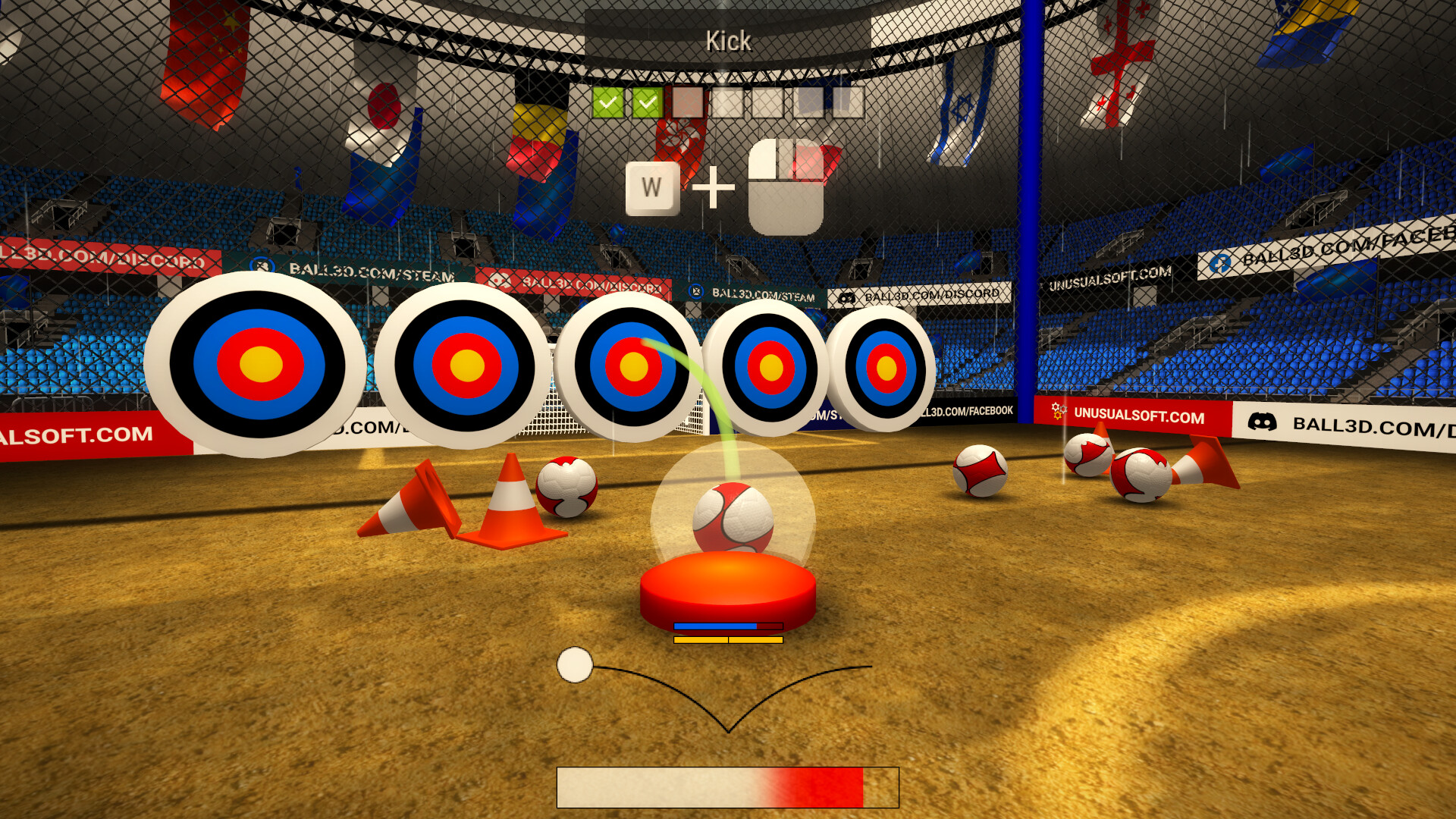
Because the physics engine ties movement to in‑game geometry, the angle and force you apply directly affect ball trajectory. A built‑in tutorial offers a sandbox where newcomers can practice these moves before joining live matches.
- Use the tutorial to feel how different kick strengths change ball flight.
- Watch your own replays to fine‑tune timing for curves and lobs.
02 / THE GUIDE
Multiplayer Modes
Online matches run on dedicated servers that employ client‑side prediction and an anti‑lag system, providing low‑ping play across regions. Players can join friends or be matched with strangers in 11‑v‑11 co‑op or PvP games.
The game also offers a single‑player mode against AI bots for practice before entering live matches. Cross‑platform multiplayer lets Windows and macOS users compete together, while a local‑network option is also available.
- Start with bot matches to learn positioning before online play.
- Select a server region close to you to reduce latency.
03 / THE GUIDE
Ball Editor & Visual Customisation
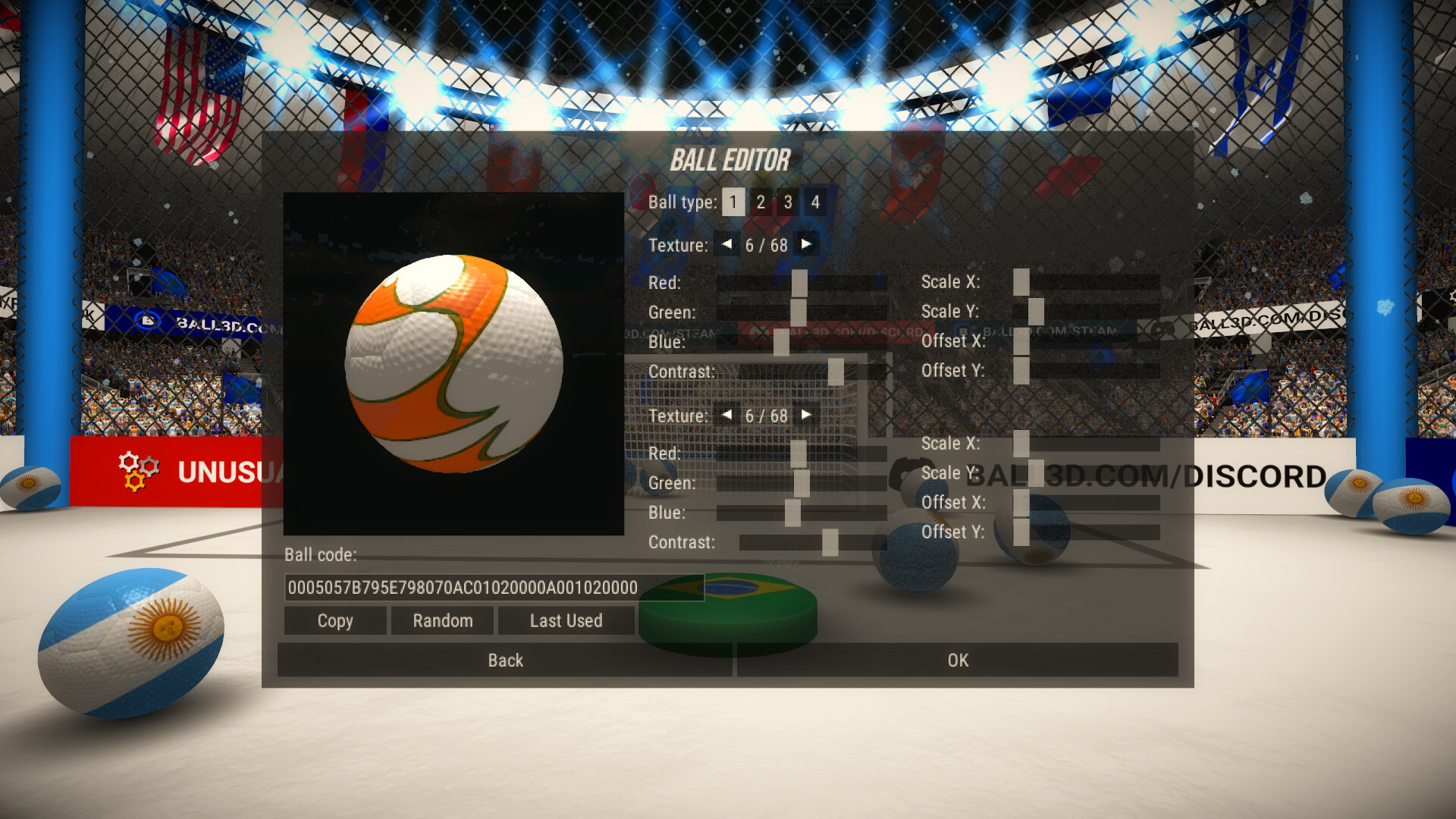
The game includes a ball editor, and customisation options let players create unique styles for each match. Customisation also includes emotion items and stylized shot effects such as fire balls or rainbow cubes.
These options let you express a personal style while the documented physics engine continues to govern ball behavior.
- Save several ball presets to switch styles quickly between matches.
- Combine emotive items with shot effects for memorable goal celebrations.
04 / THE GUIDE
Replays and Camera Views
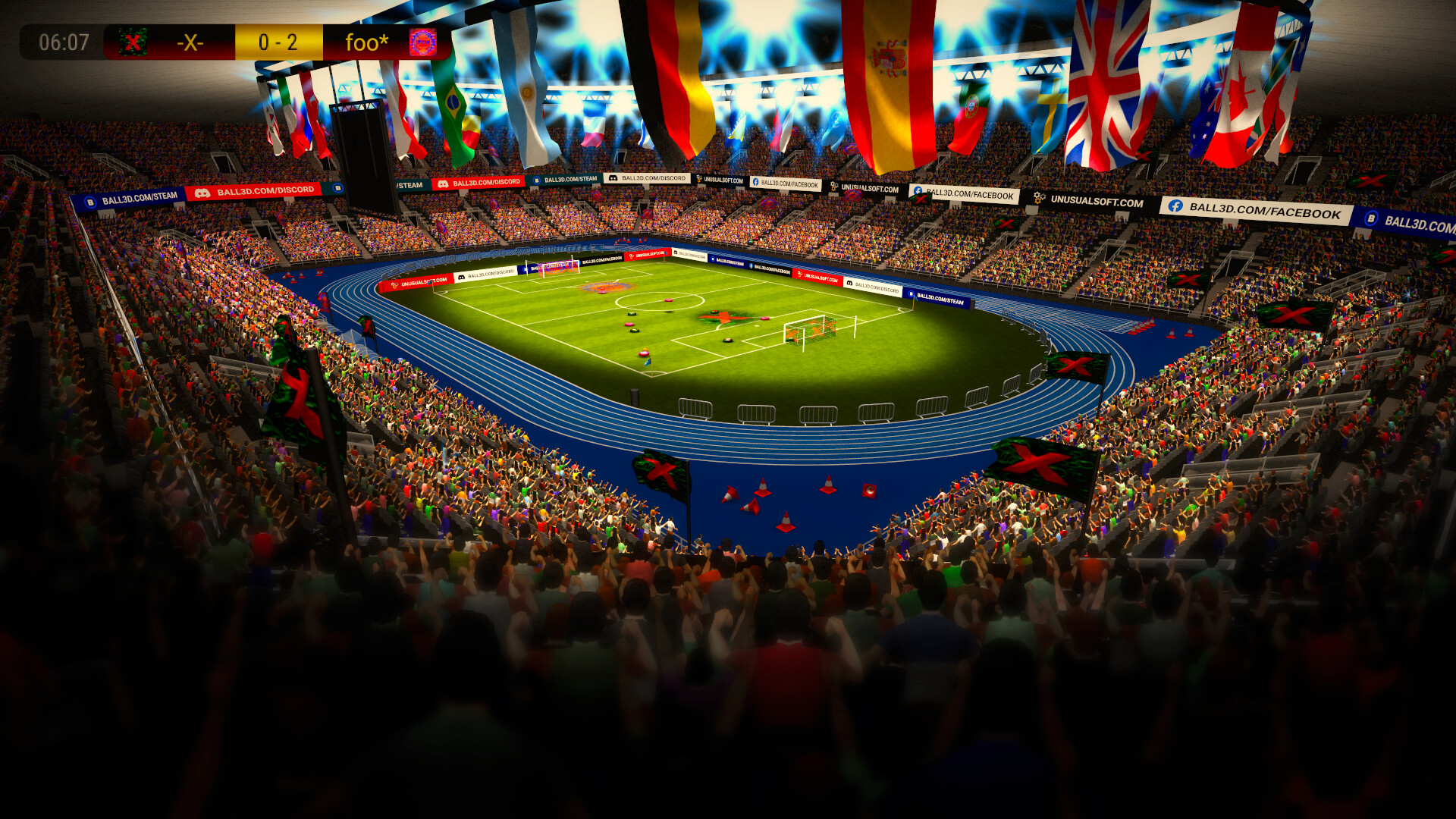
After each match, players can record replays and view them from multiple camera angles, including TV, Action, Top‑Down and automatic perspectives. Replays serve both as a showcase for impressive goals and a tool for technique analysis.
During live play the third‑person view remains active, while replay mode offers cinematic options you can save for later review.
- Save replays of goals you find impressive to study timing.
- Use the Top‑Down camera in replays to see overall team formation.
05 / THE GUIDE
Team Building and Leagues
Players can create a team by choosing a name or tag and inviting friends, then compete in global leagues, cups and tournaments. Coaches decide tactics such as striker count, defender layout and passing style for each match.
The “Man of the Match” accolade displays the top player’s name on a board, providing an individual goal within the team environment and encouraging competitive performance.
- Test different formations in friendly matches before entering a league.
- Coordinate set‑piece routines with teammates to improve scoring chances.
COMMUNITY
Player discussion