 GameWiki
GET YOUR BEARINGS
About Soak & Splash
Soak & Splash blends traditional sauna culture with party gameplay, inviting friends to gather in a steamy environment. Players enter the sauna, feel the heat, and can choose to whisk each other with a broom, spar with sauna equipment, or simply chat and sing. After the sauna session, the game lets players cool off in a nearby pool or shower, emphasizing social bonding and light‑hearted competition. The free‑to‑play title supports online multiplayer and tracks player stats, offering a casual yet lively experience on Windows.
01 / THE GUIDE
Steamy Sauna Entry
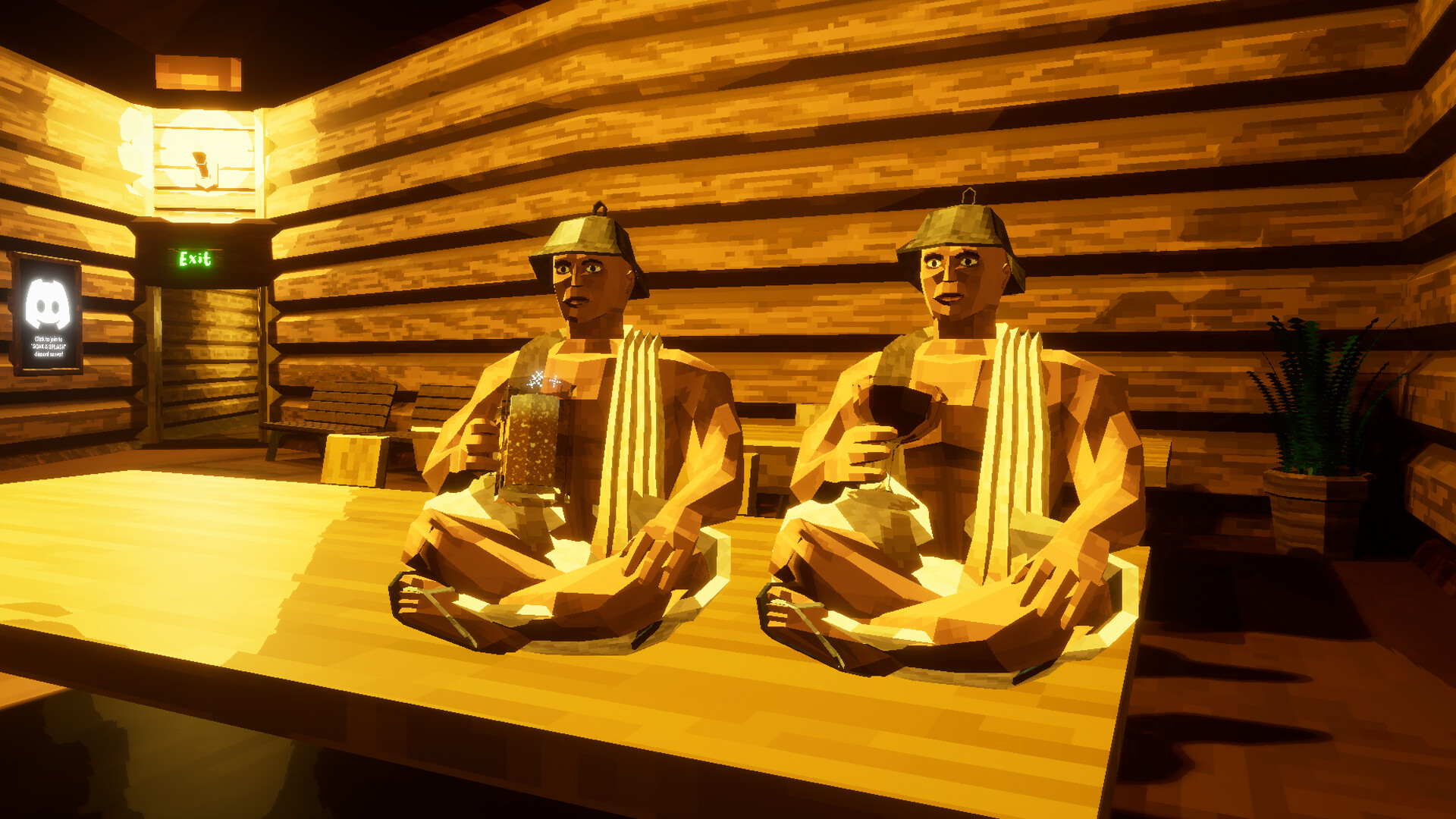
The game begins by stepping into a sauna where heat and humidity envelop the player’s body. This initial setting establishes the core atmosphere for all subsequent activities. Inside, players can immediately start interacting with friends, setting the tone for either relaxed conversation or competitive play.
- Observe how the heat feels before jumping into active actions.
- Use the initial moments to gauge your friends’ preferred play style.
02 / THE GUIDE
Whisking with the Broom
One social option is to whisk each other with a broom, a traditional sauna activity turned into playful interaction. This mechanic encourages light competition without requiring combat. The broom action can serve as an ice‑breaker, prompting laughter and friendly rivalry among participants.
- Try a gentle whisk to keep the mood light.
- Coordinate whisking with jokes for added fun.
03 / THE GUIDE
Sauna Equipment PvP
For players seeking more intensity, the game offers fights using sauna equipment. This PvP mode adds a competitive edge while staying within the sauna theme. Combat remains informal, focusing on the novelty of using everyday sauna items as weapons.
- Watch opponents’ equipment choices to anticipate moves.
- Balance aggression with moments of humor to keep the session enjoyable.
04 / THE GUIDE
Relaxing, Chatting, and Singing
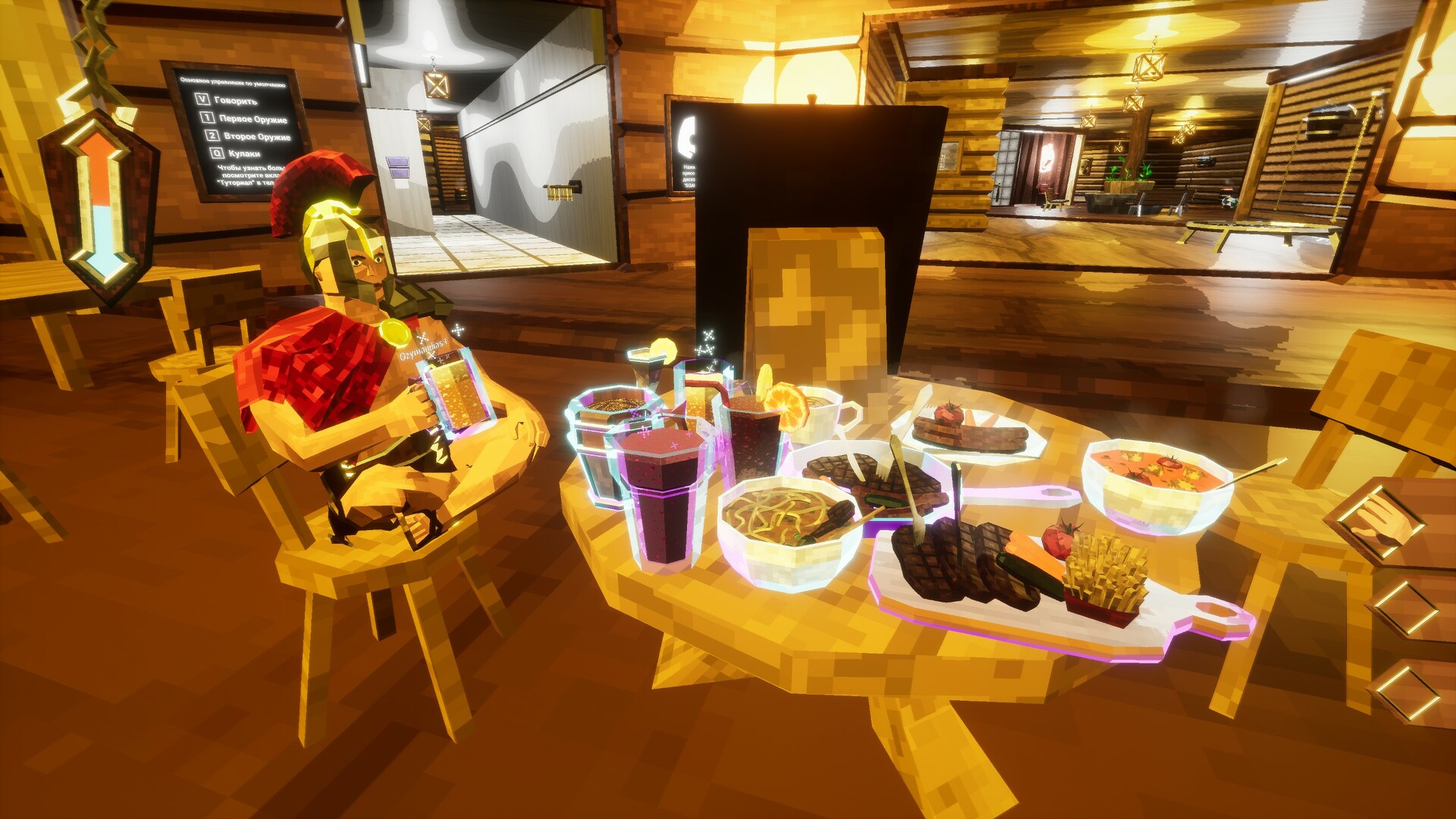
Beyond competition, players may simply relax, chat, sing, or tell jokes while inside the sauna. This option highlights the social bonding aspect of the game. The relaxed mode allows conversation to flow naturally, making the sauna a virtual gathering spot.
- Use the quiet moments to share stories or jokes.
- Encourage others to join in singing for a shared experience.
05 / THE GUIDE
Pool and Shower Cool‑Down
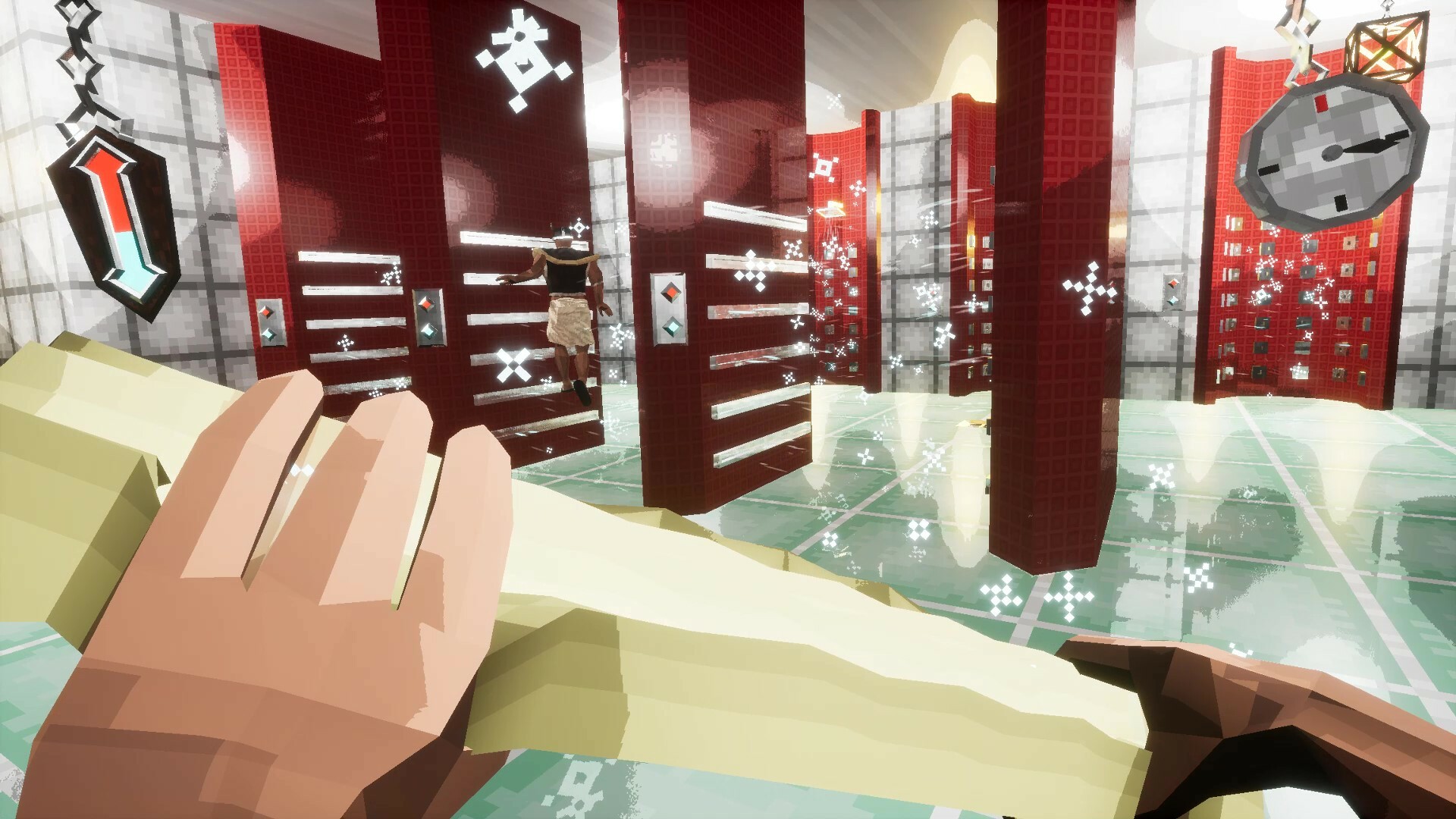
When the sauna session ends, players can transition to a nearby pool or shower to cool off. This shift provides a natural conclusion to the heated gameplay. Cooling down reinforces the cycle of heat and relief, mirroring real sauna practices.
- Take a moment in the pool to discuss the previous round.
- Use the shower to reset before starting a new sauna session.
COMMUNITY
Player discussion