 GameWiki
GET YOUR BEARINGS
About So, uh... a spaceship crashed in my yard.
In this indie adventure, a crashed alien ship named Aria lands in your front yard, prompting you to locate the components she needs to leave Earth. The game plays like a short walking‑simulator with light puzzles, NPC dialogue, and item combination, wrapping up in about half an hour. The title is free to download, offers a single ending, and contains strong language and many jokes about pants. It runs on Windows, supports full controllers, and includes Steam achievements and Family Sharing.
01 / THE GUIDE
Crash Setup
The story begins when Aria’s spaceship crashes into your front yard, instantly setting the premise for the adventure. This event frames the player’s goal of gathering parts for the ship’s departure.
The crash is presented without additional backstory, focusing the experience on the immediate task of helping Aria escape.
- Observe the crash site for visual clues that may hint at needed parts.
- Compare the wreckage layout to later item locations for easier navigation.
02 / THE GUIDE
Walking Simulator Style
Gameplay is described as a walking‑simulator, meaning movement through environments is the primary interaction. Light puzzle elements are interspersed, keeping the pace relaxed.
The design encourages exploration over combat, letting players focus on story and item discovery.
- Take your time to explore each area; hidden items often reward thoroughness.
- Notice environmental details that may serve as puzzle hints.
03 / THE GUIDE
NPC Interaction
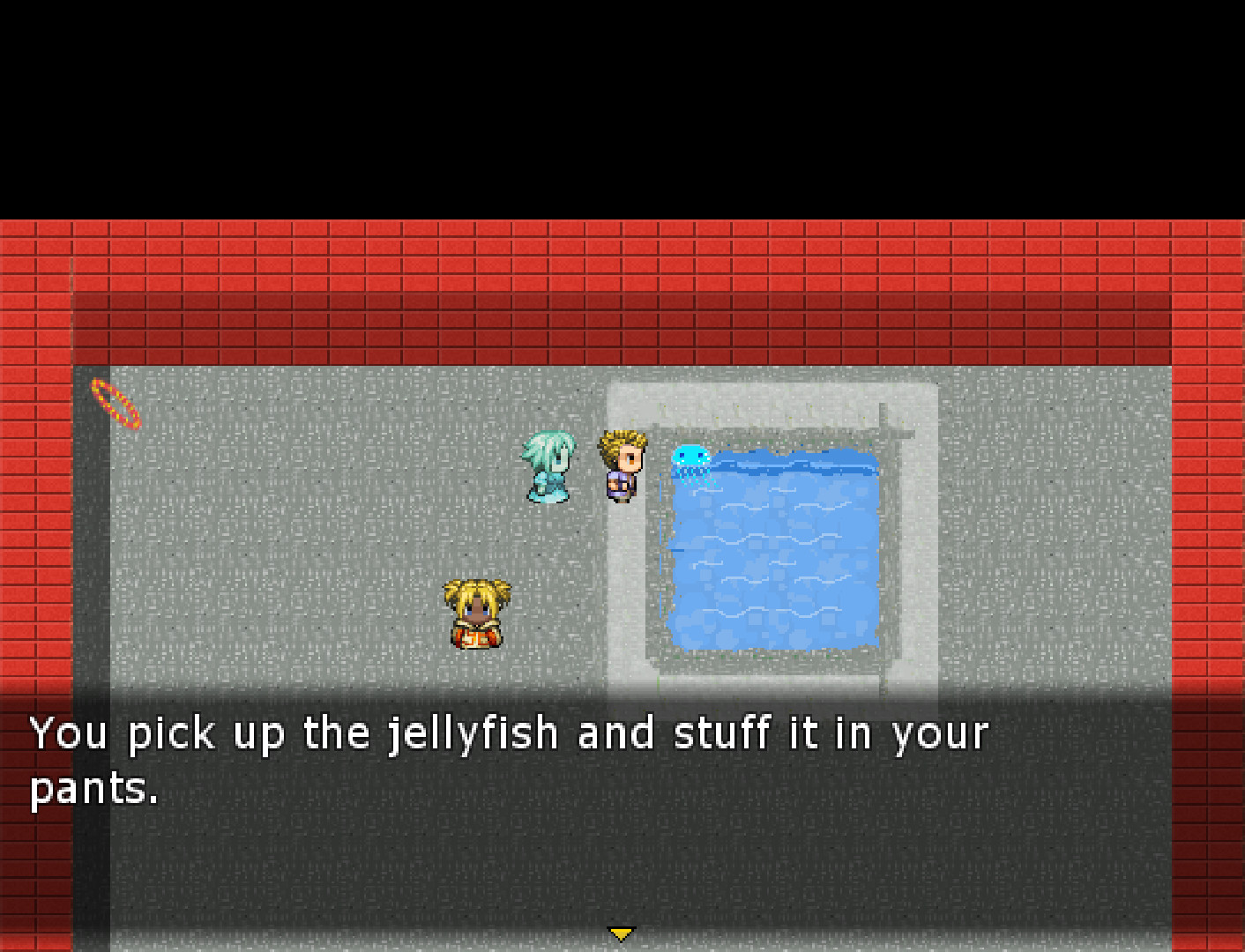
Players meet and talk to various NPCs throughout the yard, receiving dialogue that can guide the search for ship parts. These conversations are the main source of narrative context.
Interactions with NPCs are straightforward and story‑focused, centering on dialogue rather than action.
- Listen closely to NPC lines; they may reference needed items.
- Compare different NPC hints to piece together the required components.
04 / THE GUIDE
Item Combination
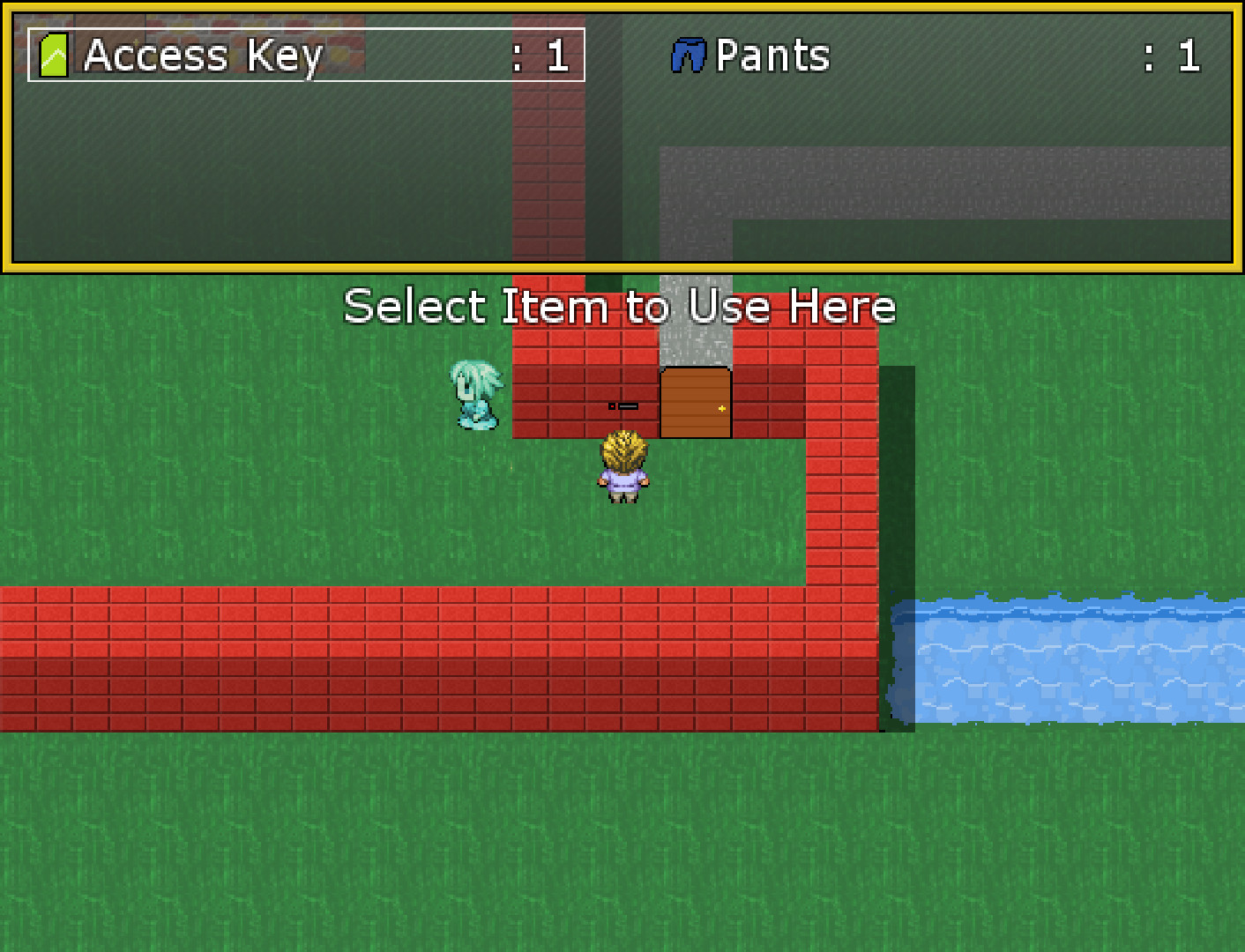
Finding and combining items is essential to assemble the parts Aria requires. The combination system is simple, allowing players to merge discovered objects into functional ship components.
There is no indication of a complex crafting tree; items are combined directly toward the escape goal.
- Keep a mental list of collected items to avoid redundant searches.
- Test combinations as soon as you have the necessary pieces.
05 / THE GUIDE
Ending Choice
The game concludes with a single selectable ending, giving players a final decision that wraps up the narrative. No multiple outcomes are mentioned.
This ending reflects the success of gathering all required parts and Aria’s departure.
- Confirm you have all parts before triggering the ending.
- Reflect on the jokes about pants for a lighter post‑game mood.
COMMUNITY
Player discussion