 GameWiki
GET YOUR BEARINGS
About SNØ: Ultimate Freeriding
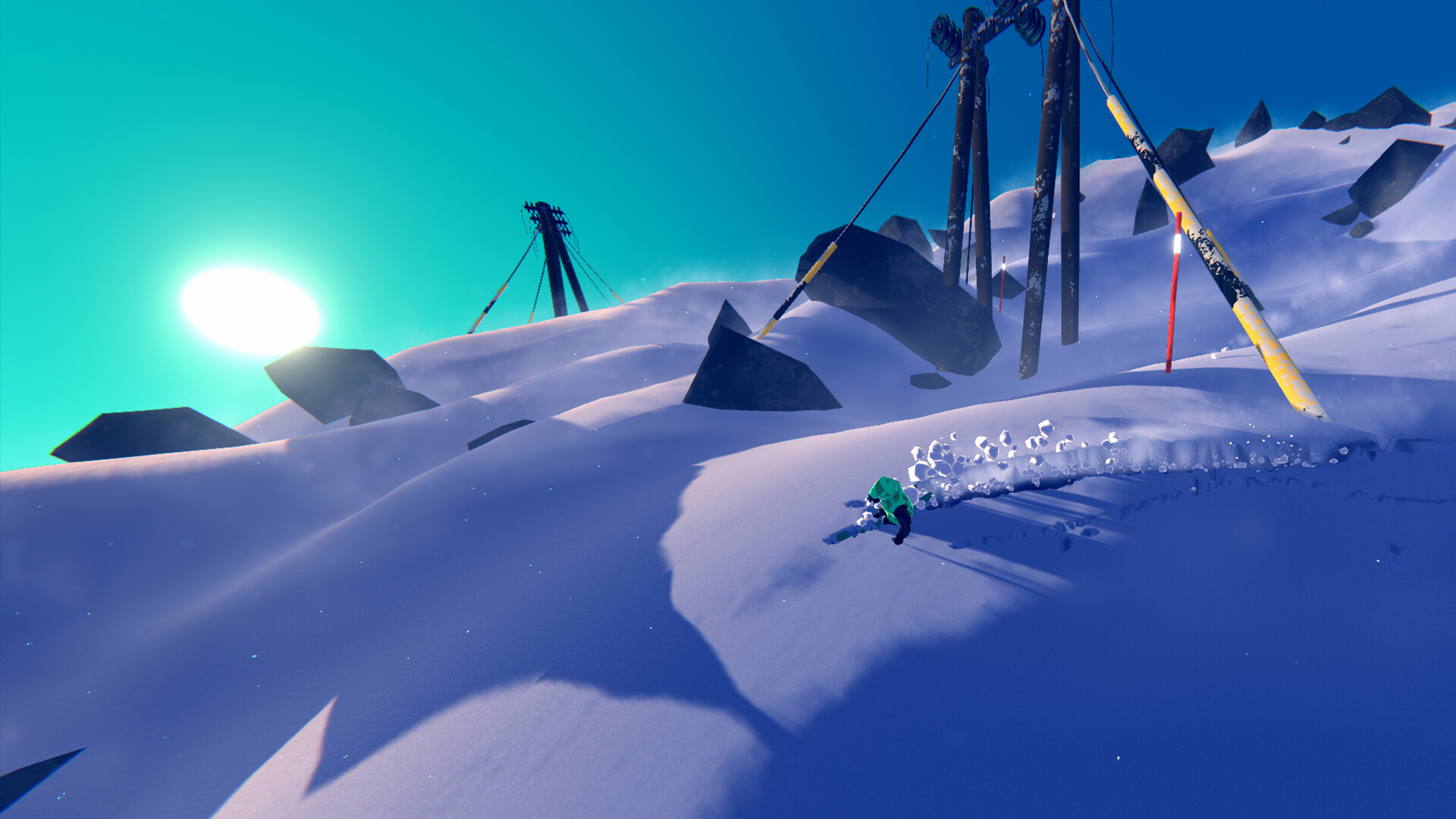
SNØ: Ultimate Freeriding is a minimalist downhill‑skiing game where players carve through endless, procedurally generated mountainscapes. The focus is on smooth, fast freeriding, rewarding high‑risk proximity tricks and precise control. Players can chase leaderboard glory or relax in a score‑free Zen mode, making each run a short, skill‑driven session.
Developed by a two‑person Norwegian studio, SNØ runs on Windows and macOS with full keyboard and gamepad support. Optimized for the Steam Deck, it maintains 60‑90 FPS on high settings, offering first‑person, third‑person, and drone camera views, plus a photo mode for sharing mountain moments.
01 / THE GUIDE
Gameplay Mechanics
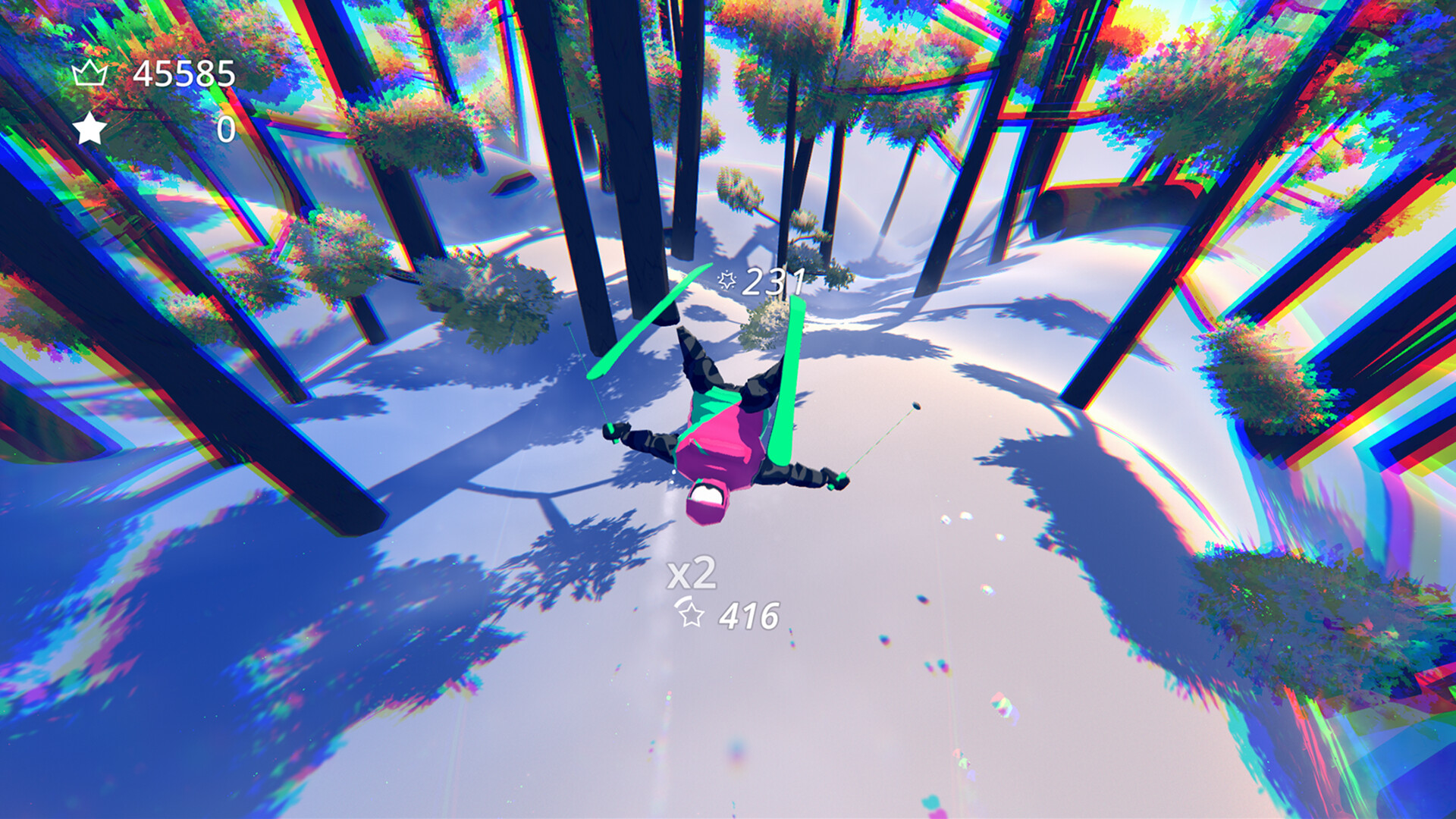
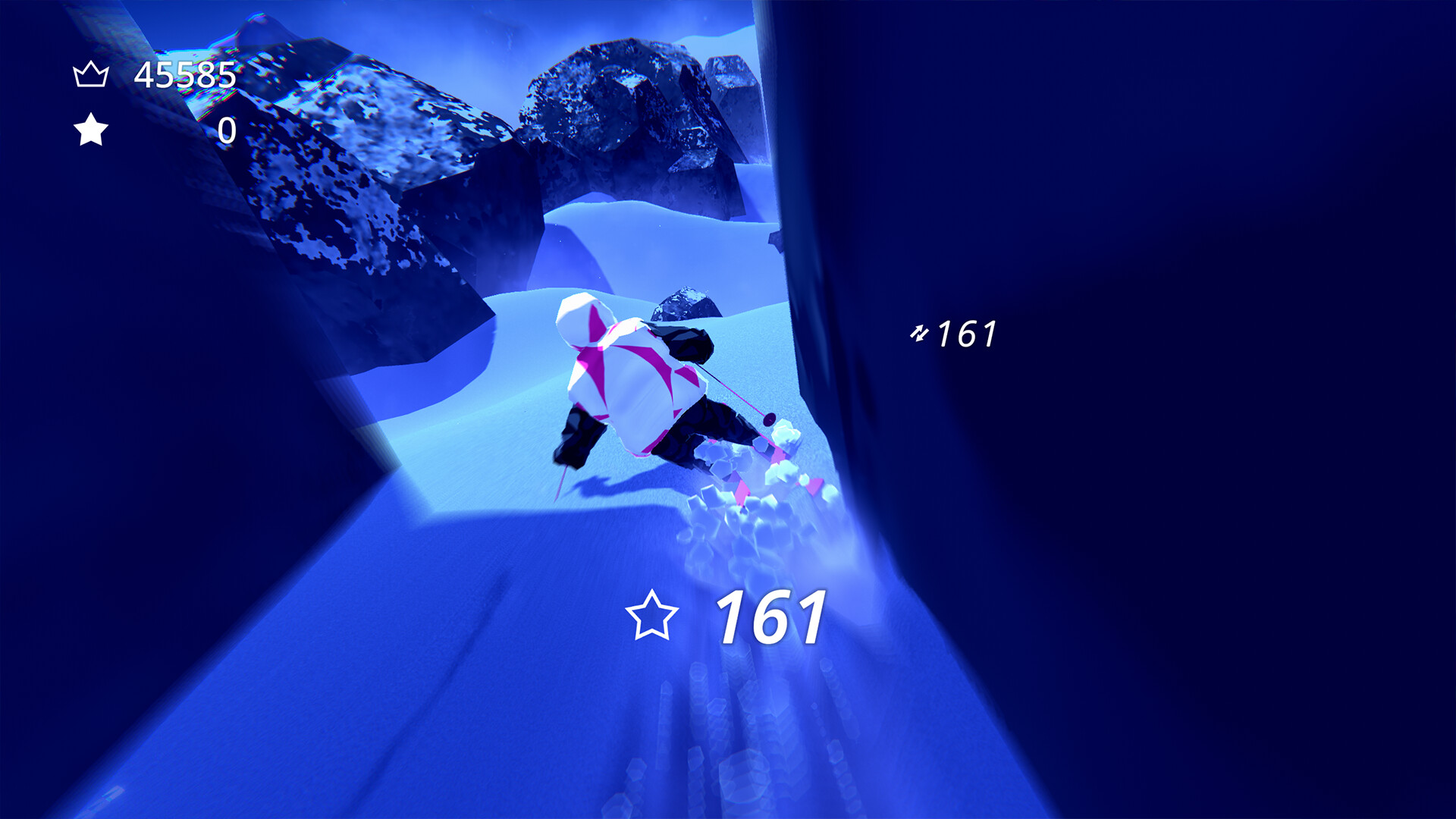
The core loop has you descending procedurally generated slopes, aiming to pull off proximity maneuvers and tricks for points. Mastery of the controls and terrain directly influences your score, turning each descent into a test of flow and precision.
Scoring is based on the risk and execution of these maneuvers, encouraging players to balance speed with daring lines. The endless mountain generation ensures no two runs feel identical, keeping the challenge fresh.
- Experiment with different line choices to discover higher‑risk paths that boost scores.
- Observe how terrain shapes your speed; adjusting your carving angle can improve trick windows.
02 / THE GUIDE
Ride Styles
SNØ offers three distinct ride styles: skis, snowboard, and sit‑ski. Each style changes the visual silhouette, offering a different way to experience the slopes.
Unlocking skins adds visual variety, and each new skin requires skill to obtain, encouraging continued play and mastery across the different ride options.
- Try each ride style to see which feels most natural for your control preferences.
- Pursue skins as milestones; each one requires skill to unlock.
03 / THE GUIDE
Camera & Photo Mode
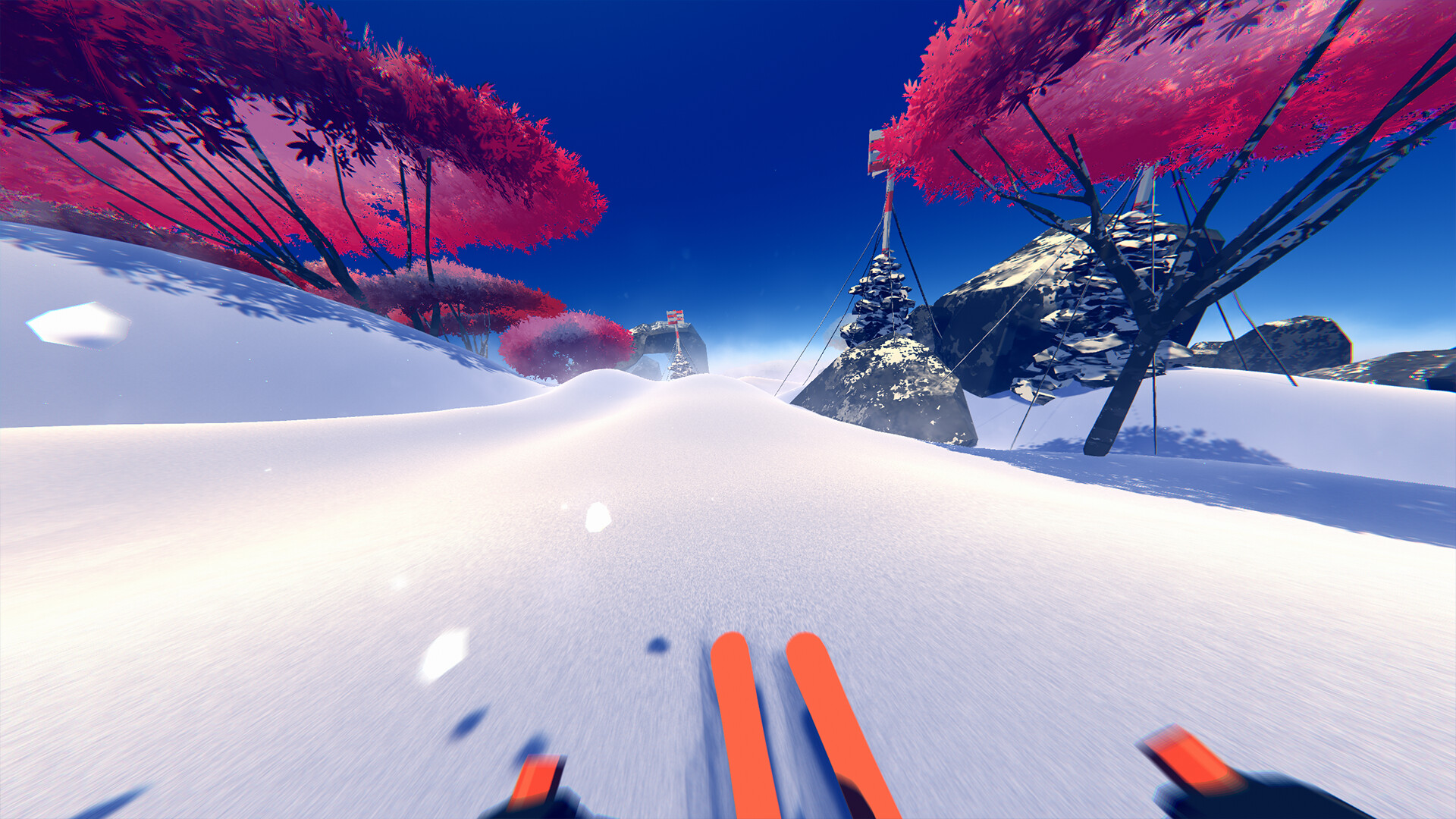
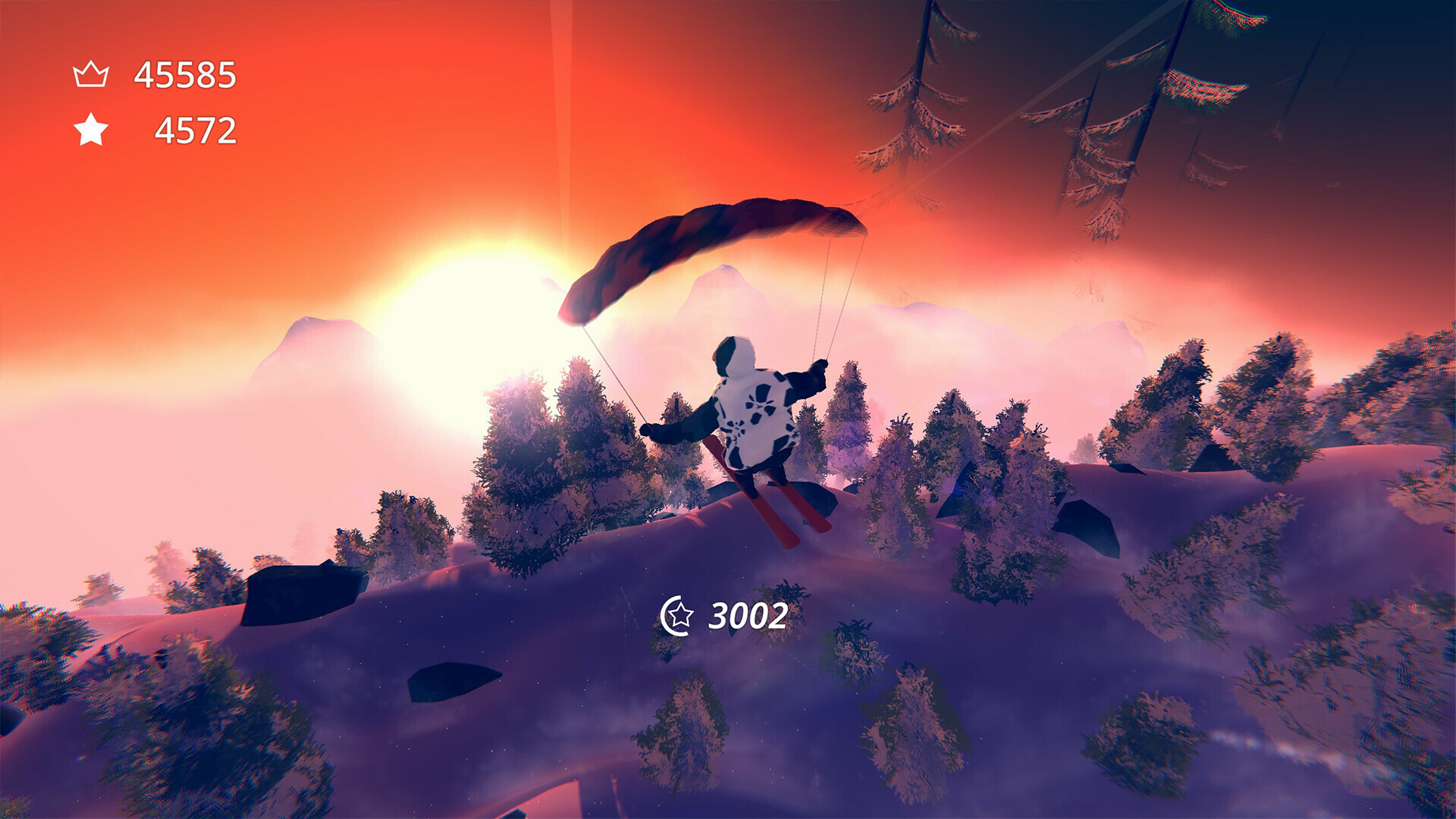
Players can switch between first‑person, third‑person, and drone camera perspectives, allowing varied views of the descent. A dedicated photo mode lets you capture and share striking mountain moments.
These camera options give players creative freedom to frame their runs however they prefer.
- Use the drone view for a broader sense of the mountain layout before committing to a line.
- Capture high‑speed sections in photo mode for dramatic screenshots.
04 / THE GUIDE
Zen Mode
Zen mode disables scoring, offering a pure riding experience focused solely on the mountain and your movement. It’s ideal for relaxed sessions or practice runs without leaderboard pressure.
Even without points, the same procedural mountains and ride styles apply, letting players enjoy the game's flow at their own pace.
- Use Zen mode to explore new mountain seeds without worrying about score.
- Practice tricky lines in Zen mode before attempting them in scored runs.
05 / THE GUIDE
Leaderboards & Seeds
Global and friends leaderboards track top scores, and each mountain can be revisited directly via its seed. This allows players to challenge themselves on known terrain or compare performances.
Visiting top‑scoring mountains provides insight into high‑level line choices, while sharing seeds fosters community interaction around particularly interesting runs.
- Check the leaderboard to find seeds with high scores and study their routes.
- Share your favorite seeds with friends to create friendly challenges.
COMMUNITY
Player discussion