 GameWiki
GET YOUR BEARINGS
About SMITE
SMITE is a free‑to‑play, third‑person action MOBA that lets players control mythological deities. With over 100 gods, each offering distinct weapons and powers, the game attracts a community of more than 40 million players. It runs on Windows and supports full controller use, including DualSense and DualShock devices.
The title blends action, strategy and RPG elements, offering casual modes like auto‑buy Arena as well as competitive ladders that can lead to the SMITE World Championship. In‑app purchases and Steam features such as achievements and trading cards round out the experience.
01 / THE GUIDE
Extensive God Roster
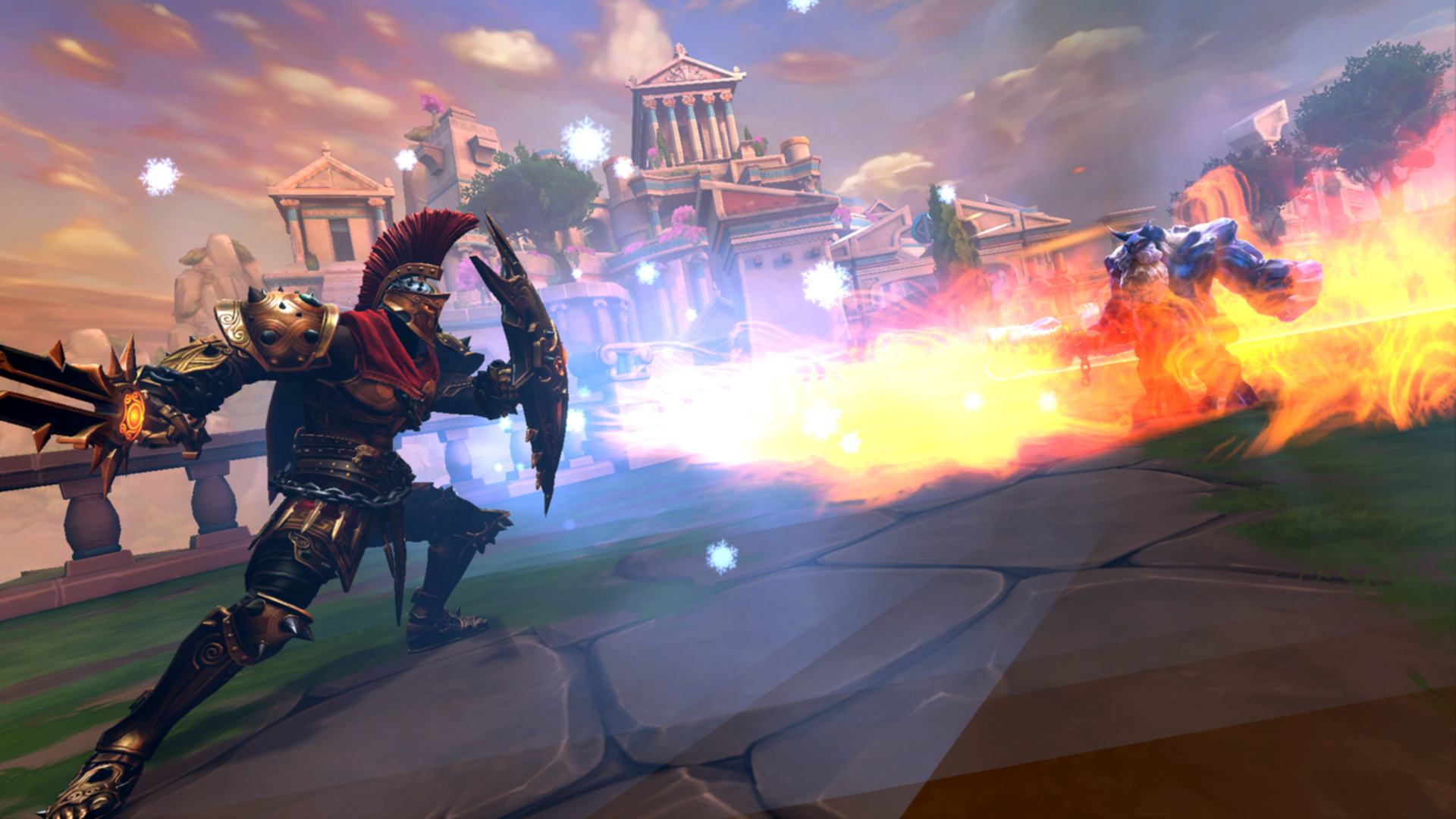
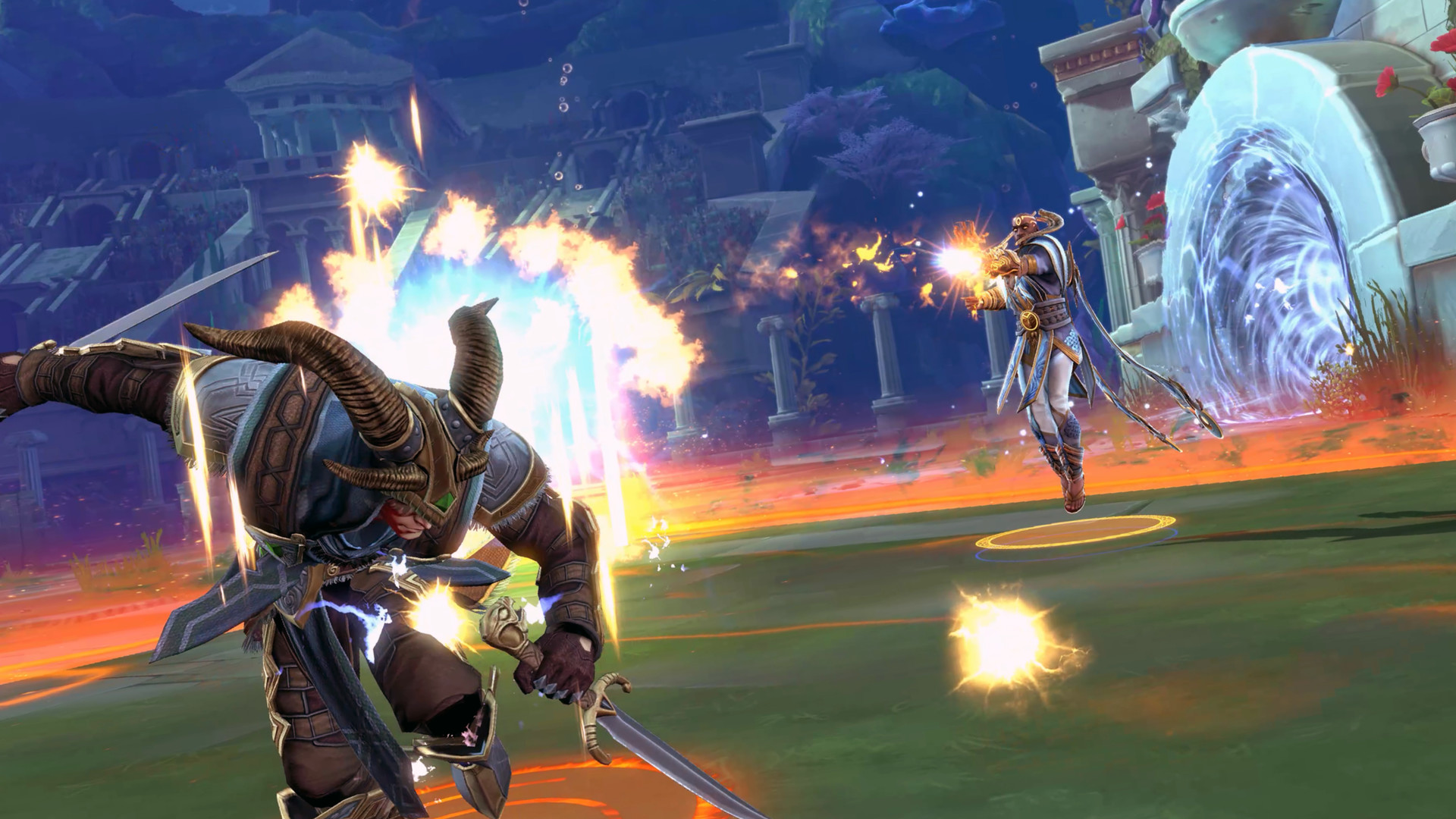
SMITE features a roster of over 100 mythological figures, from Thor’s hammer‑wielding might to Medusa’s petrifying gaze. Each deity brings unique strategies, legendary weapons and earth‑shattering powers to the battlefield.
The variety encourages players to experiment with different playstyles, whether preferring ranged lightning from Zeus or stealthy assassinations as Loki. This breadth supports both casual experimentation and deep mastery.
- Try a few gods in the free Arena mode to discover which playstyle fits you best.
- Watch beginner guides for each deity to learn signature abilities early.
02 / THE GUIDE
Third‑Person Action Viewpoint
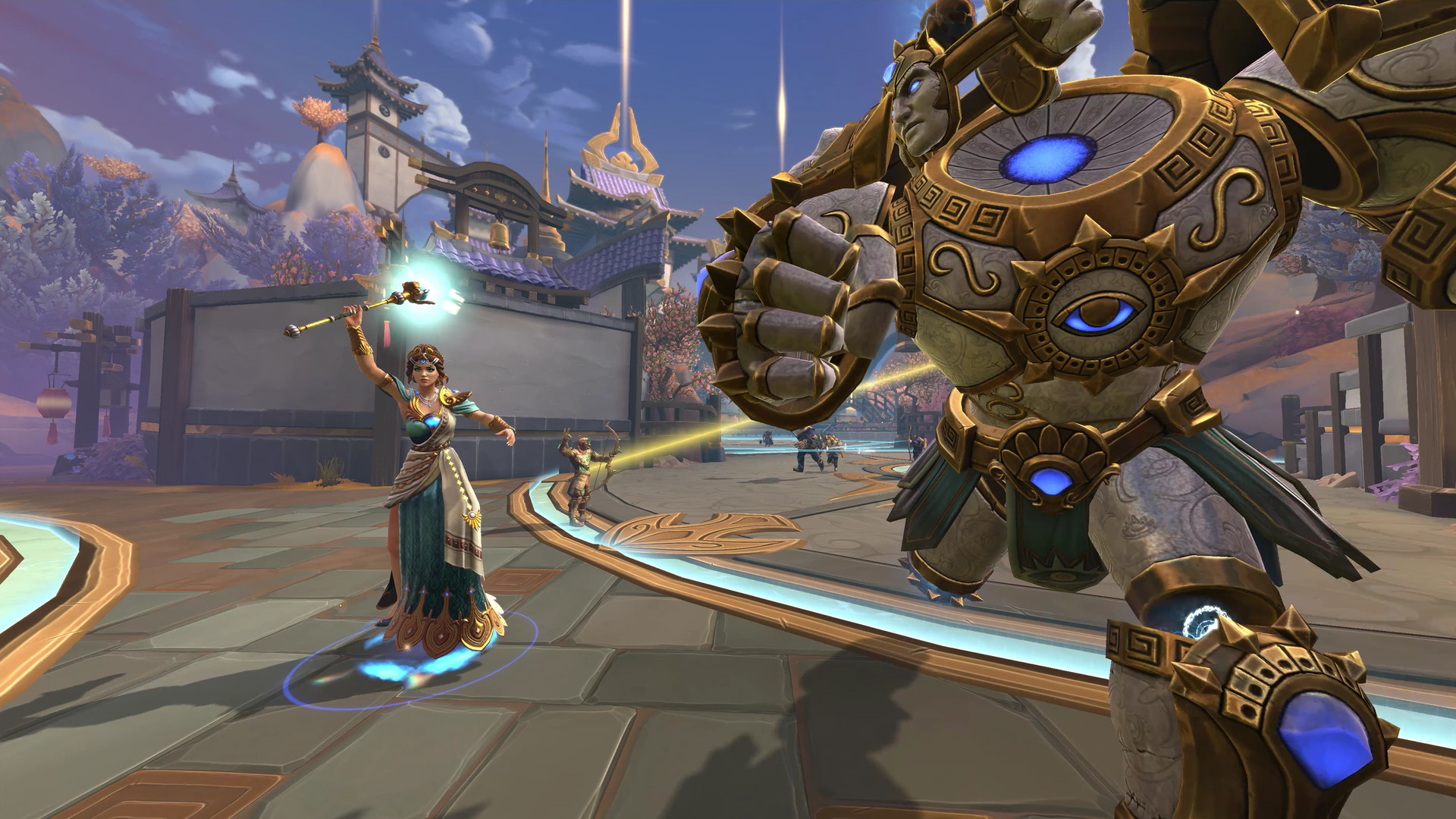
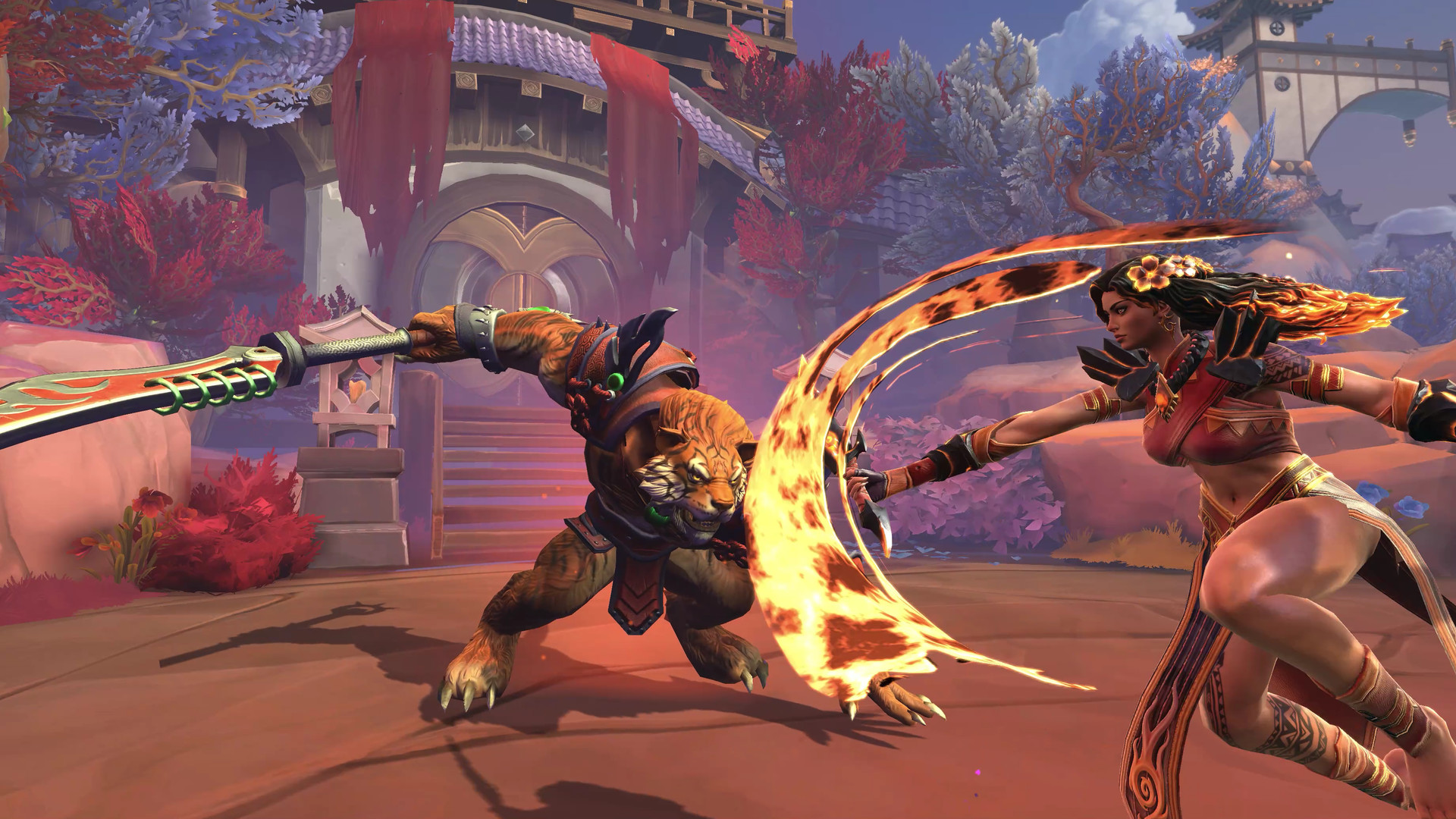
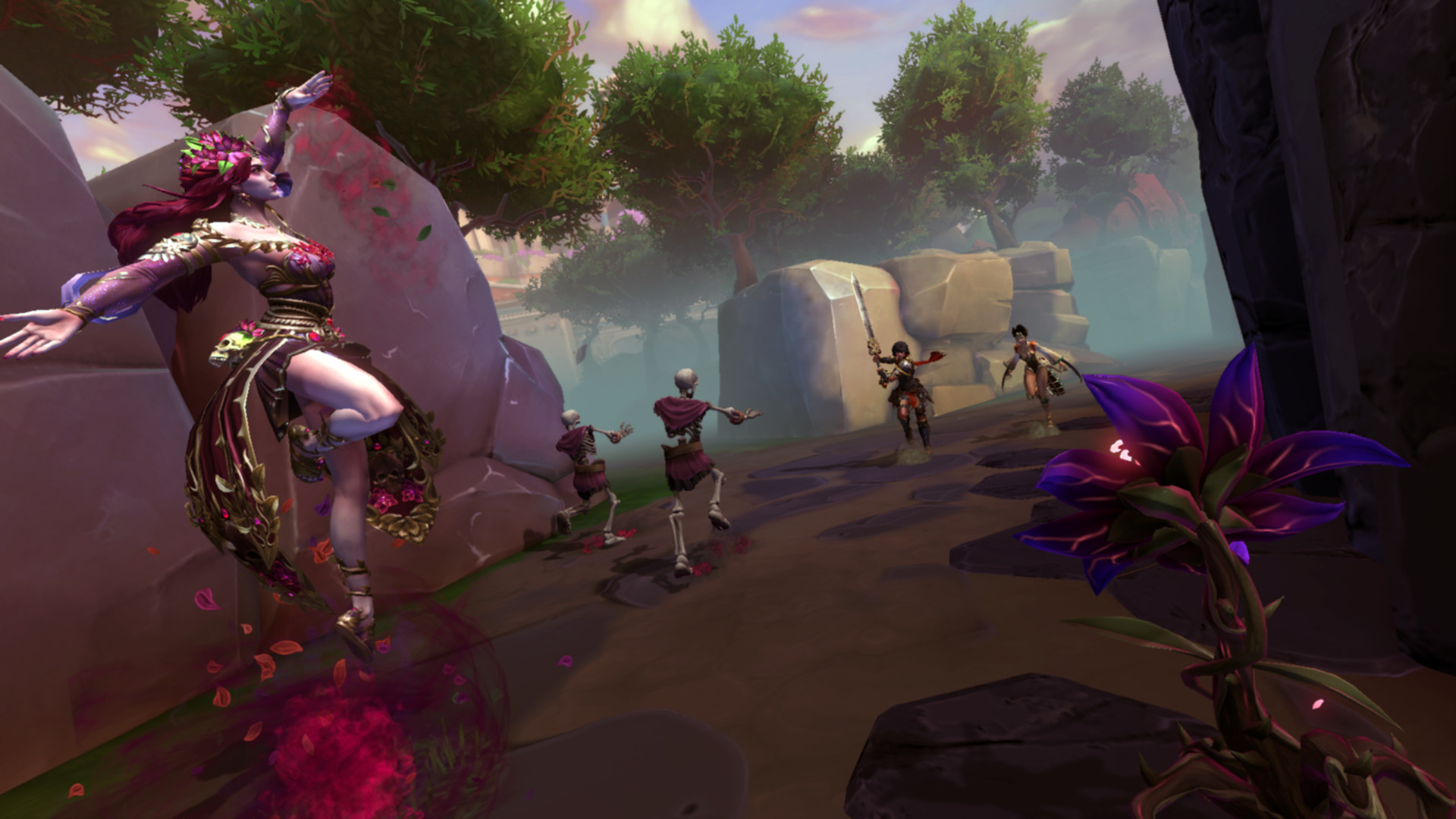
SMITE distinguishes itself by placing the player directly on the battlefield with a third‑person perspective. This view allows for blind‑side ambushes, aimed shots and dynamic movement unlike traditional top‑down MOBAs.
The perspective emphasizes skillful aiming and positioning, turning each match into a more visceral combat experience that rewards precise timing and spatial awareness.
- Adjust camera distance to keep enemies in view while maintaining clear targeting.
- Practice movement combos in a low‑stakes match to get comfortable with the view.
03 / THE GUIDE
Auto‑Buy, Auto‑Level & Arena Mode
For newcomers, SMITE offers auto‑buy and auto‑level options that handle item purchases and skill upgrades automatically. The deathmatch‑like Arena mode pairs these conveniences with a fast‑paced, no‑penalty environment.
These features let players jump straight into divine MOBA action without worrying about complex builds, making the game approachable while still retaining its core combat depth.
- Enable auto‑buy when first learning a god to focus on movement and abilities.
- Switch to manual purchases once comfortable to fine‑tune your build.
04 / THE GUIDE
Competitive Play & World Championship
SMITE supports a ranked ladder where players can climb toward the top tiers. Joining a competitive team opens the path to the SMITE World Championship, the pinnacle of the game's esports scene.
Success in ranked matches can lead to visibility among professional organizations, offering a route from casual play to high‑level competition.
- Focus on consistent performance in ranked matches to improve your ladder position.
- Communicate clearly with teammates; coordinated play is key at higher ranks.
05 / THE GUIDE
Platform Availability & Controller Support
SMITE is available on Windows and includes full controller compatibility, supporting DualShock and DualSense devices. Steam features such as achievements, trading cards and family sharing are also integrated.
The robust controller support ensures that players can enjoy the third‑person action using gamepads, while PC keyboard‑mouse users retain their preferred input method.
- Test both DualShock and DualSense configurations to find the most comfortable layout.
- Enable Steam controller settings for customizable button mapping.
COMMUNITY
Player discussion