 GameWiki
GET YOUR BEARINGS
About Smile For Me
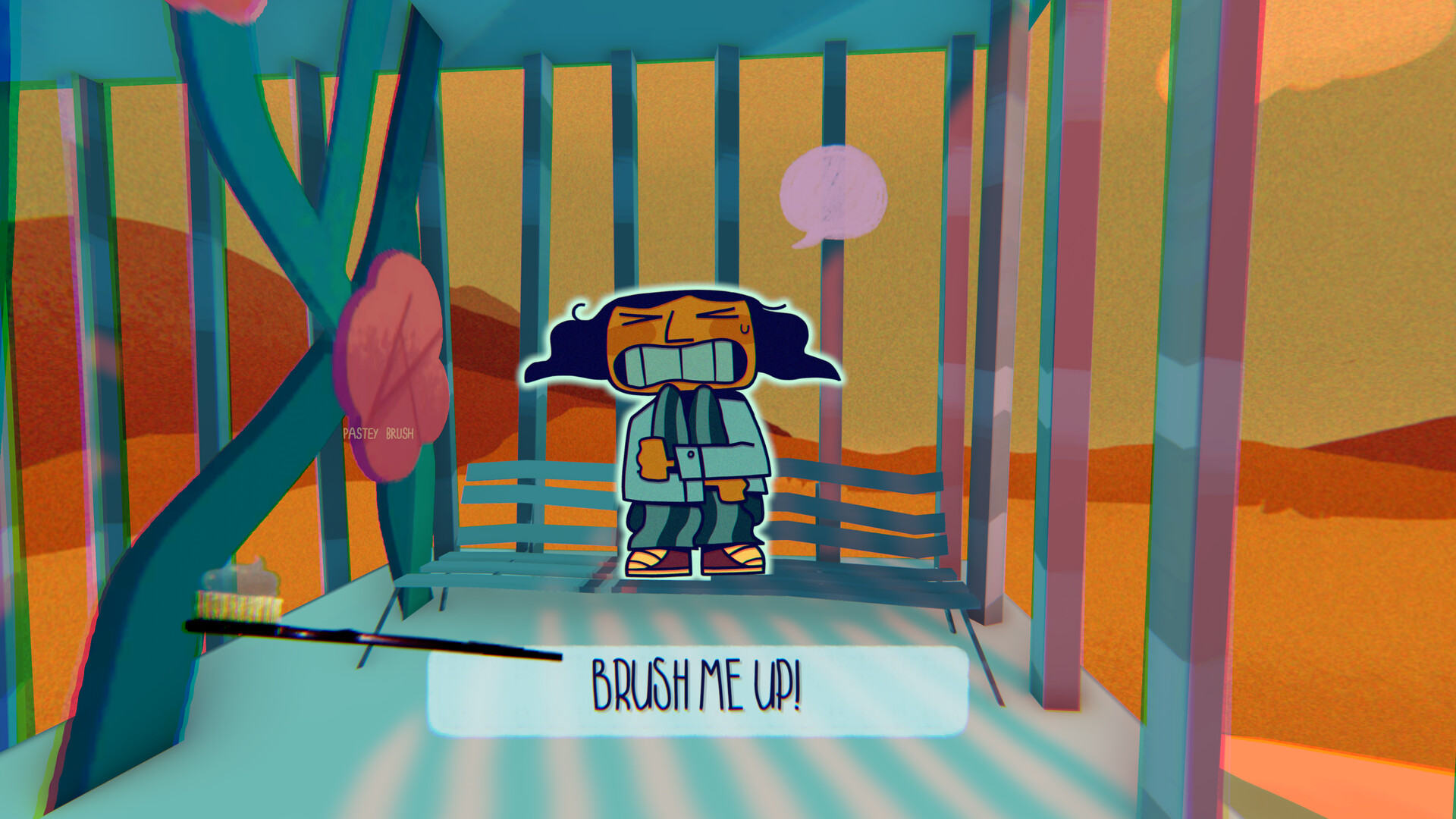
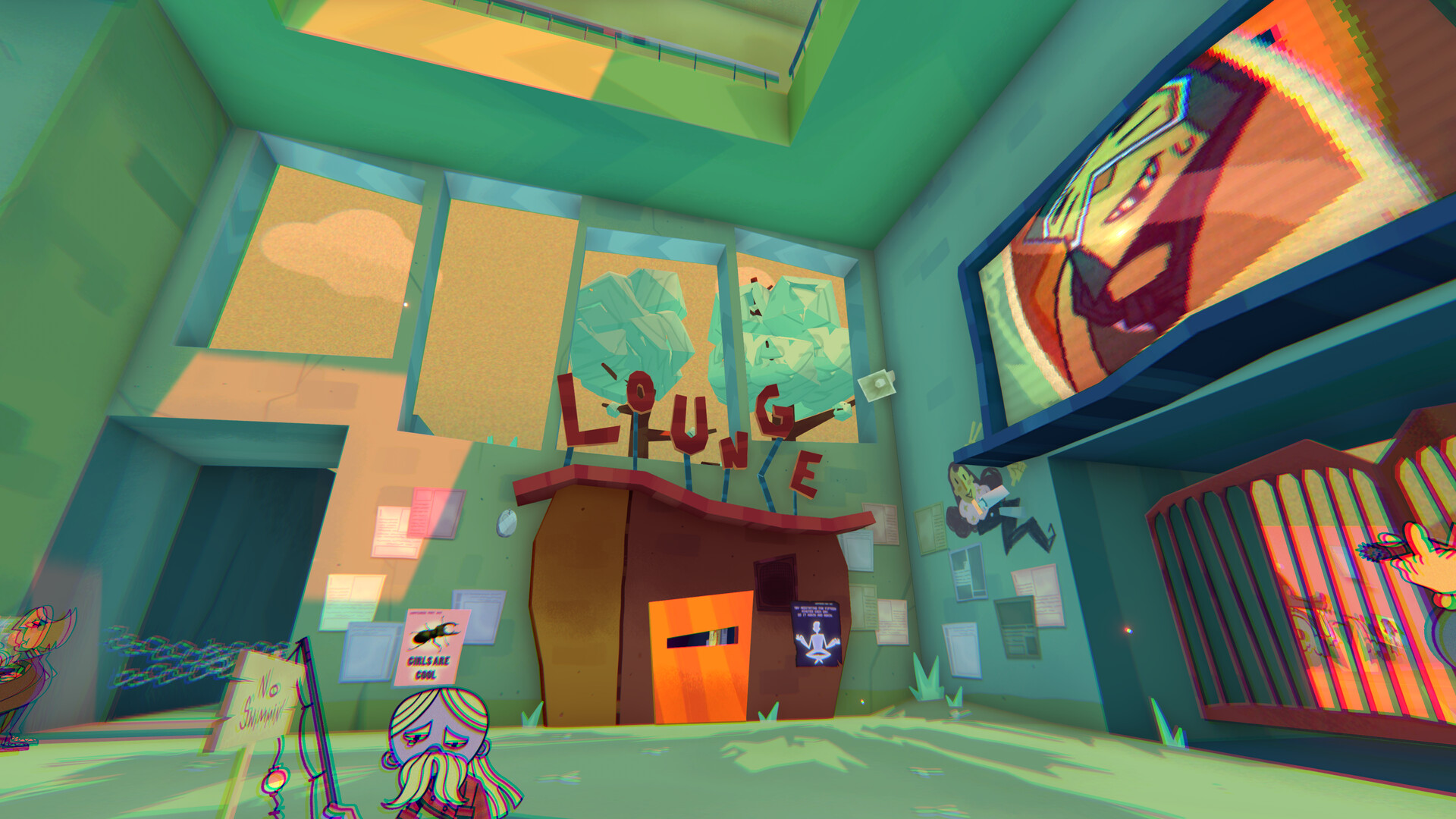
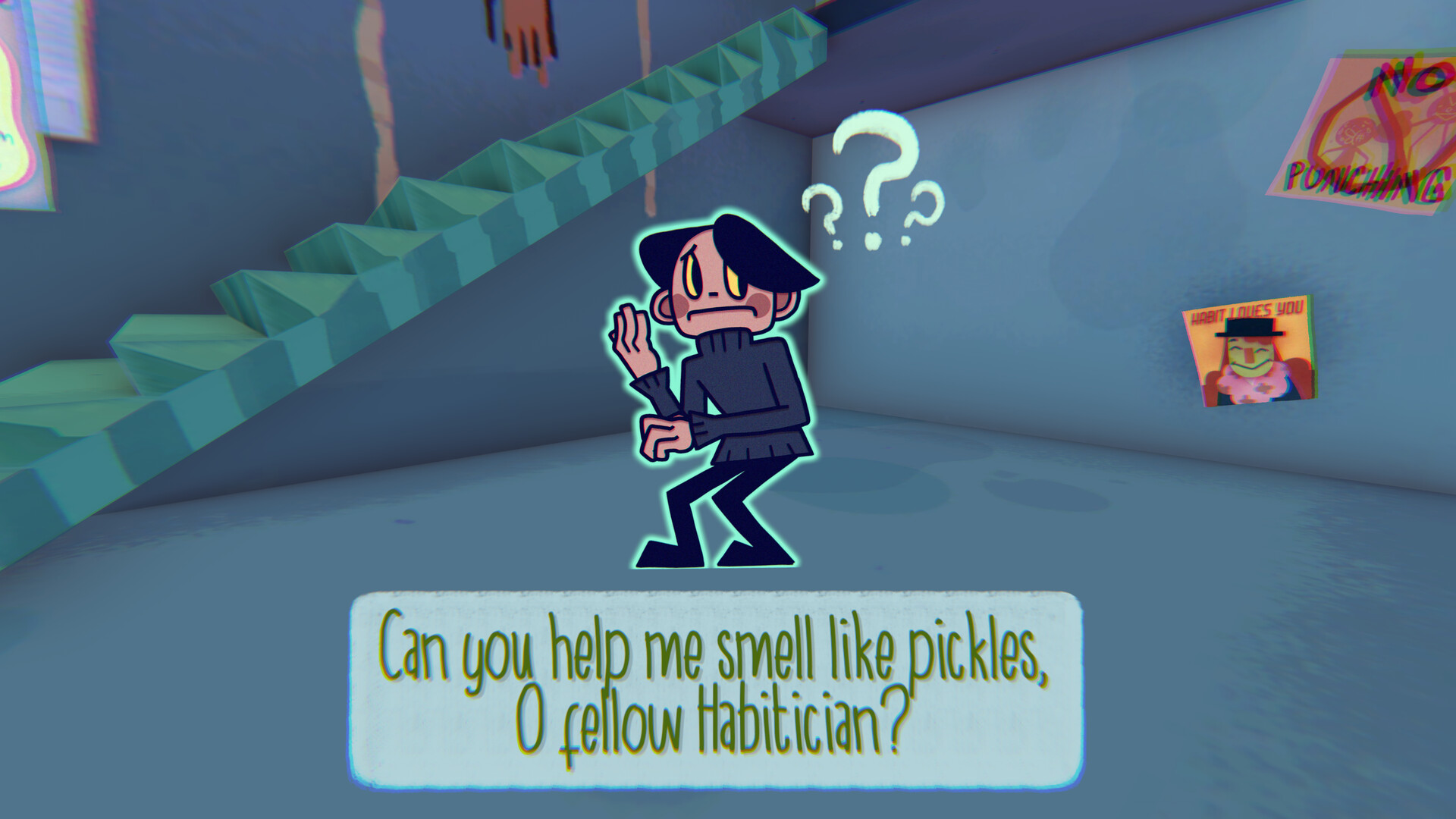
Smile For Me is a point‑and‑click adventure that places you in an abstract Habitat filled with 23 quirky characters. Communication is limited to nodding or shaking your head, turning each encounter into a silent dialogue that reveals personal quirks and hidden troubles.
The single‑player experience offers a blend of whimsical animation, wacky puzzles, and a secret narrative thread. Full controller support, a suite of accessibility options, and Steam Cloud saving let you explore at your own pace while keeping progress safe.
01 / THE GUIDE
Nod‑and‑Shake Communication
All conversation in the game is performed by nodding or shaking your head, replacing traditional text dialogue. Each gesture prompts a reaction from the Habiticians, allowing you to learn their quirks and decide how to help them.
Because the system is gesture‑based, the same character can respond differently to a nod versus a shake. Observing these reactions is essential for uncovering each character’s backstory and advancing the story.
- Watch facial cues before choosing a gesture to anticipate the character’s response.
- Try both gestures with the same character to see how outcomes differ.
02 / THE GUIDE
Wacky Puzzle Solving
The game presents a “mouthful of tricky puzzles” that are integrated into the abstract environment. Puzzles often reflect the emotional state of the characters you are helping, tying gameplay to narrative tone.
Play is described as “playable without timed input,” meaning you can experiment with solutions at leisure. This design choice removes pressure and encourages thoughtful exploration of each challenge.
- Note recurring visual motifs; they often hint at puzzle logic.
- Consider a character’s emotional context for clues that may influence the solution.

03 / THE GUIDE
Accessibility Options
Smile For Me includes captions, subtitles, adjustable text size, color alternatives, and custom volume controls. These settings let players tailor visual and audio presentation to personal comfort levels.
Camera comfort settings are also provided, and camera comfort settings are also provided. This flexibility supports a wide range of player needs throughout the adventure.
- Set text size early to avoid strain during long dialogue sections.
- Enable color alternatives if the default palette is hard to distinguish.
04 / THE GUIDE
Save Anywhere & Cloud Sync
The “Save Anytime” feature lets you record your exact spot whenever you choose, preserving both puzzle and story progress without needing to reach a specific checkpoint.
Saved files are synchronized through Steam Cloud, supporting continuity across sessions when you play on another computer.
- Save before entering a new character’s area to enable easy backtracking.
- Verify cloud sync after major plot choices to confirm data is backed up.
05 / THE GUIDE
Art, Sound, and Narrative Tone
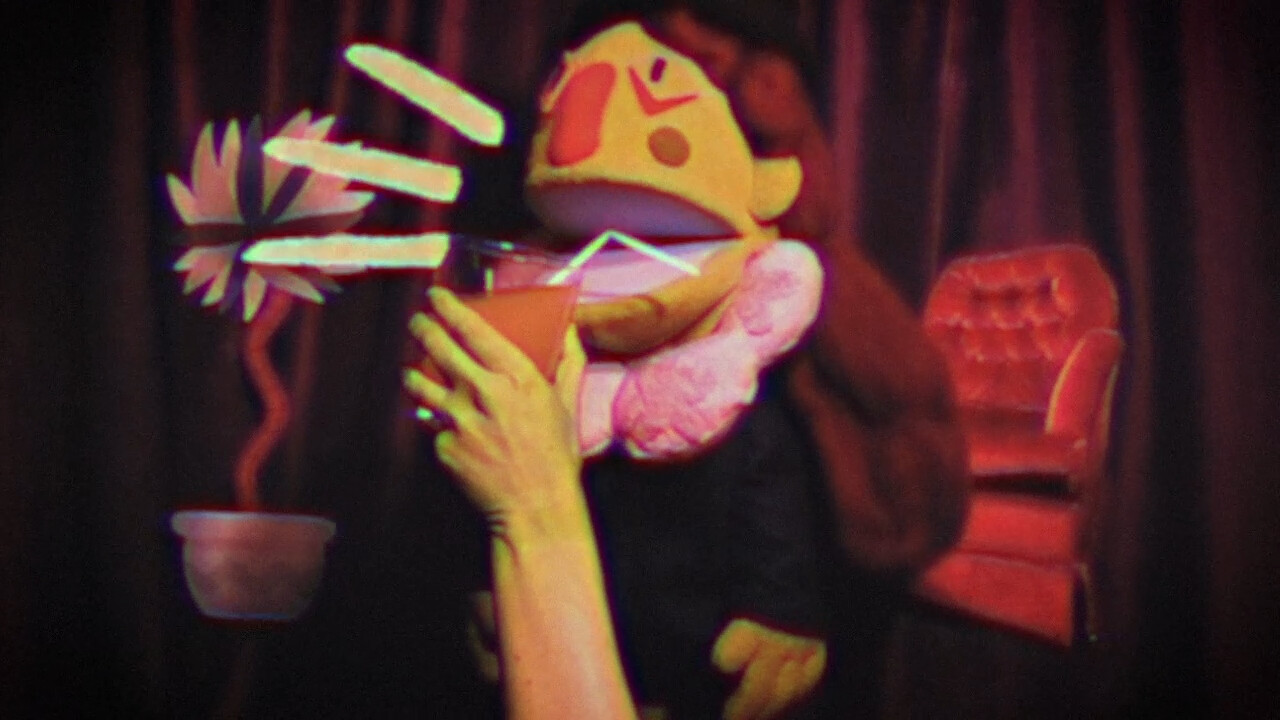
The world features charming animations, alarming puppetry, and a condescending narrator, creating a blend of whimsy and unsettling atmosphere that underpins the game’s themes.
Stereo sound and custom volume controls let you balance music, narration, and ambient cues, highlighting emotional baggage and hidden darkness within the story.
- Lower narration volume if you prefer focusing on ambient sounds.
- Re‑listen to scenes with different volume mixes to notice subtle audio hints.
COMMUNITY
Player discussion