 GameWiki

GET YOUR BEARINGS
About Small Spaces
Small Spaces, developed by Niklas of smilestone games, is a single‑player, casual simulation focused on interior design. It places you in pre‑made apartments across three cities, letting you arrange furniture, lighting, and décor while watching the day‑night cycle from a first‑person view. The game emphasizes a relaxed, creative flow, unlocking new items as you meet each apartment’s objectives.
Early Access currently offers nine distinct layouts—three per city—each with its own story and residents. With over 500 hand‑drawn assets ranging from Scandinavian beds to Japanese lamps, players can personalize spaces without needing to import external models or design floor plans from scratch.
01 / THE GUIDE
City Locations
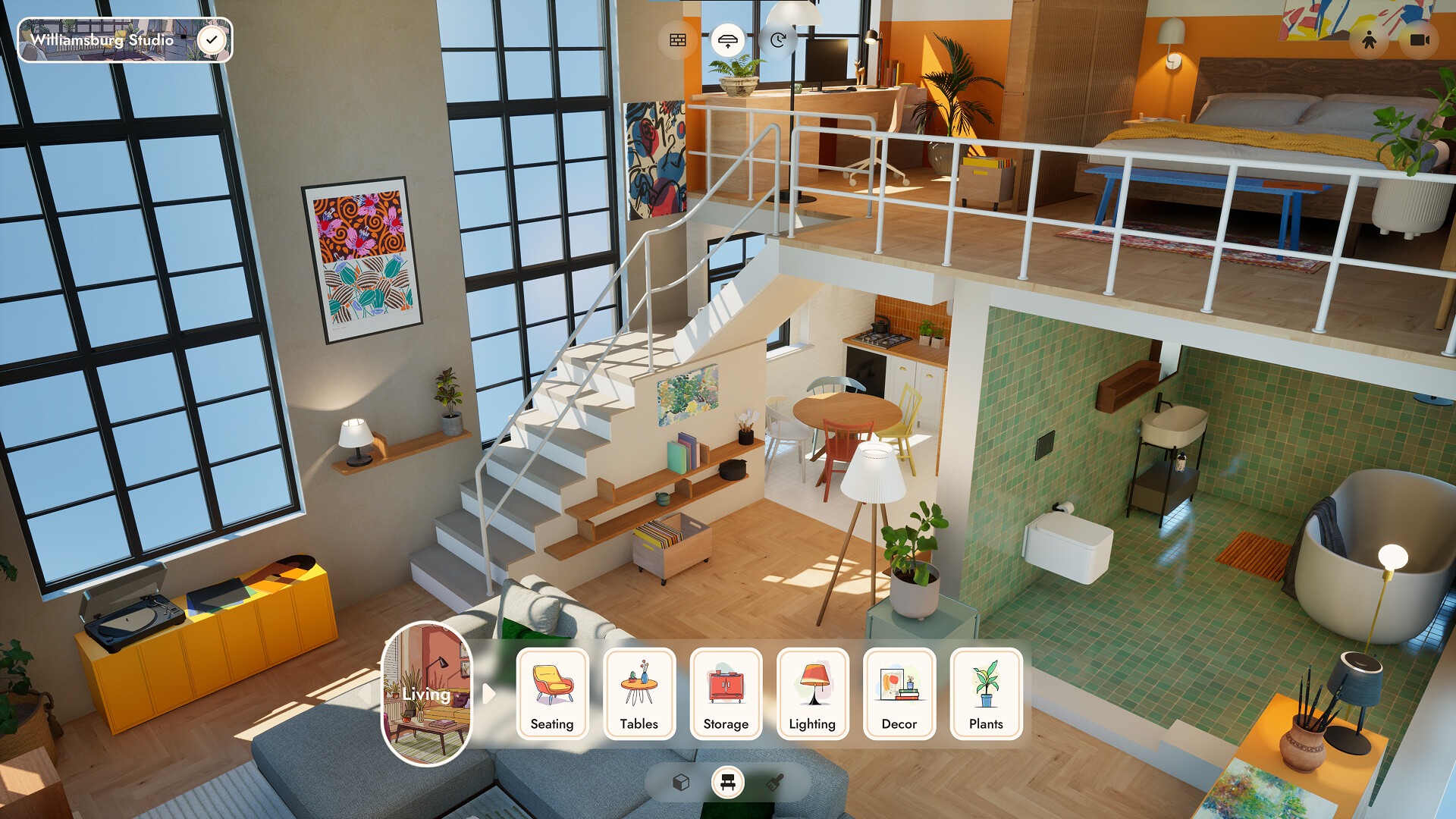
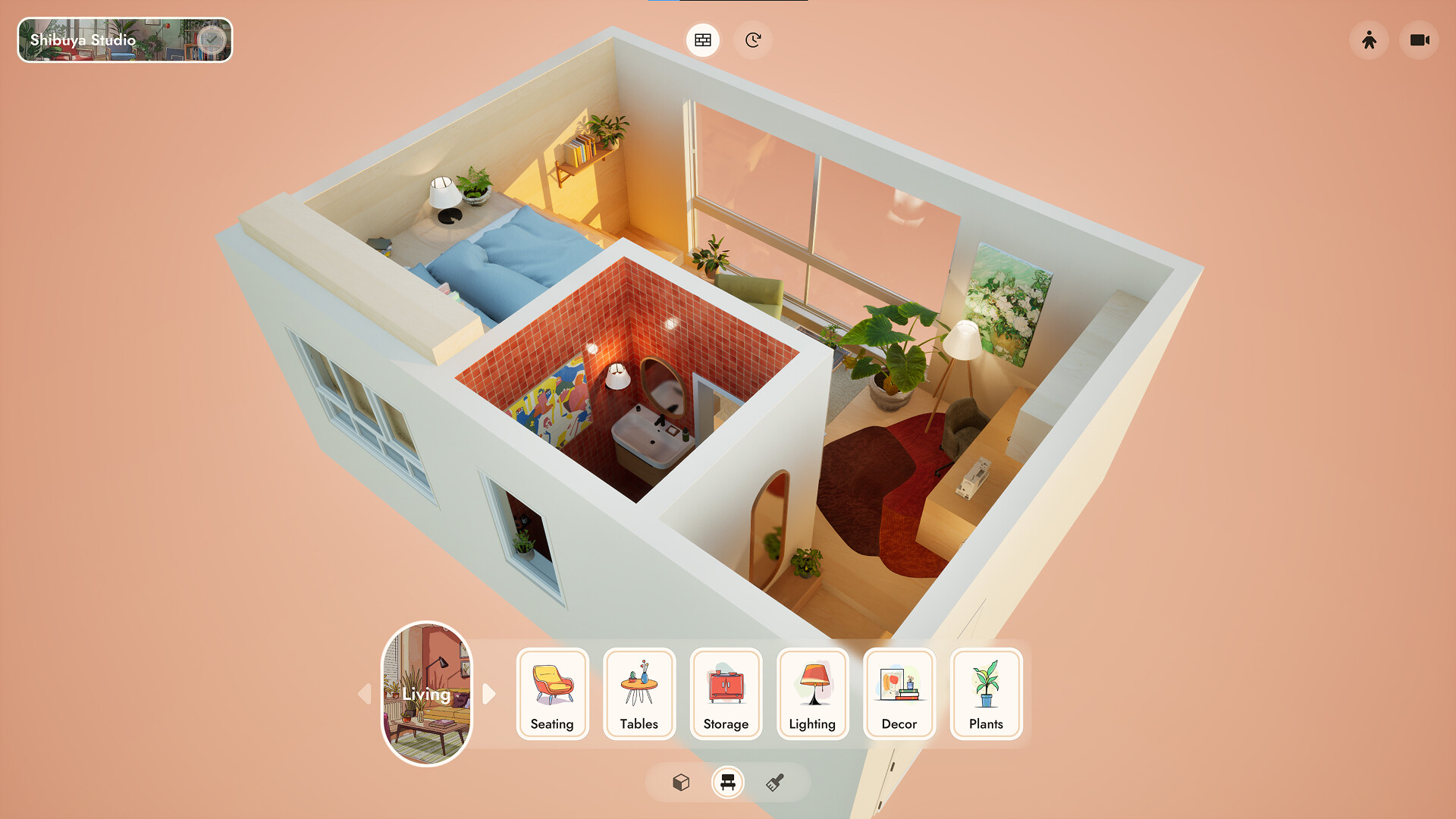
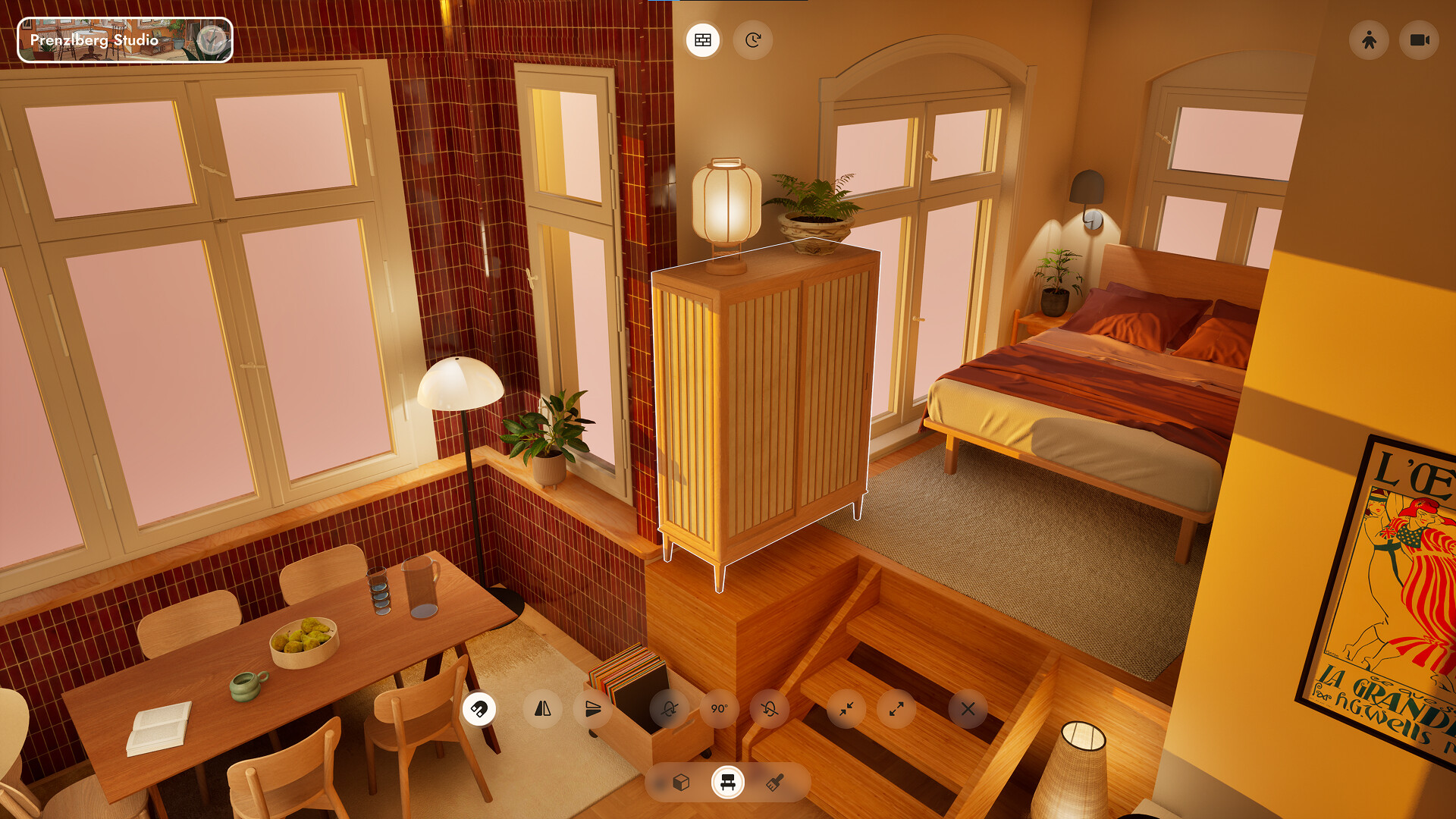
The game features three real‑world inspired cities: New York’s industrial lofts, Berlin’s historic apartments, and Tokyo’s mid‑century style flats. Each city provides three unique apartments, giving a total of nine distinct layouts to furnish.
These locations differ in architectural details such as high ceilings, bay windows, sliding doors, and concrete finishes, offering varied aesthetic challenges while keeping the core furnishing experience consistent.
- Explore each city’s typical architectural features to match décor styles for a cohesive look.
- Use the city‑specific lighting cues—like expansive windows in New York—to enhance mood.
02 / THE GUIDE
Design Objectives
Every apartment comes with its own objectives, story, and resident profile, ranging from a student in a shared flat to a couple in their first home. Objectives guide you to create spaces that are both attractive and functional.
Completing objectives unlocks additional furniture, materials, and tools, expanding your creative palette as you progress.
- Read each resident’s story to prioritize functional items they might need.
- Aim to fulfill objectives early to unlock more decorative options.
03 / THE GUIDE
Asset Library
Small Spaces includes more than 500 hand‑drawn furniture and décor items, covering styles such as Scandinavian, modern Japanese, and vintage accessories. Items range from beds and lamps to record players and sewing utensils.
All visual assets are original illustrations, ensuring a cohesive artistic direction throughout the game.
- Mix styles deliberately to create eclectic yet harmonious interiors.
- Use smaller decorative items to add personality without overcrowding.
04 / THE GUIDE
First‑Person View
Players can switch to a first‑person perspective to experience their designs from inside the space. This view shows how sunlight shifts from morning to evening and how indirect lighting you placed affects the ambience.
The perspective helps assess practical flow and visual impact, ensuring the space feels lived‑in.
- Toggle the view after major changes to verify lighting balance.
- Walk through doorways to check clear pathways for residents.
05 / THE GUIDE
Progression System
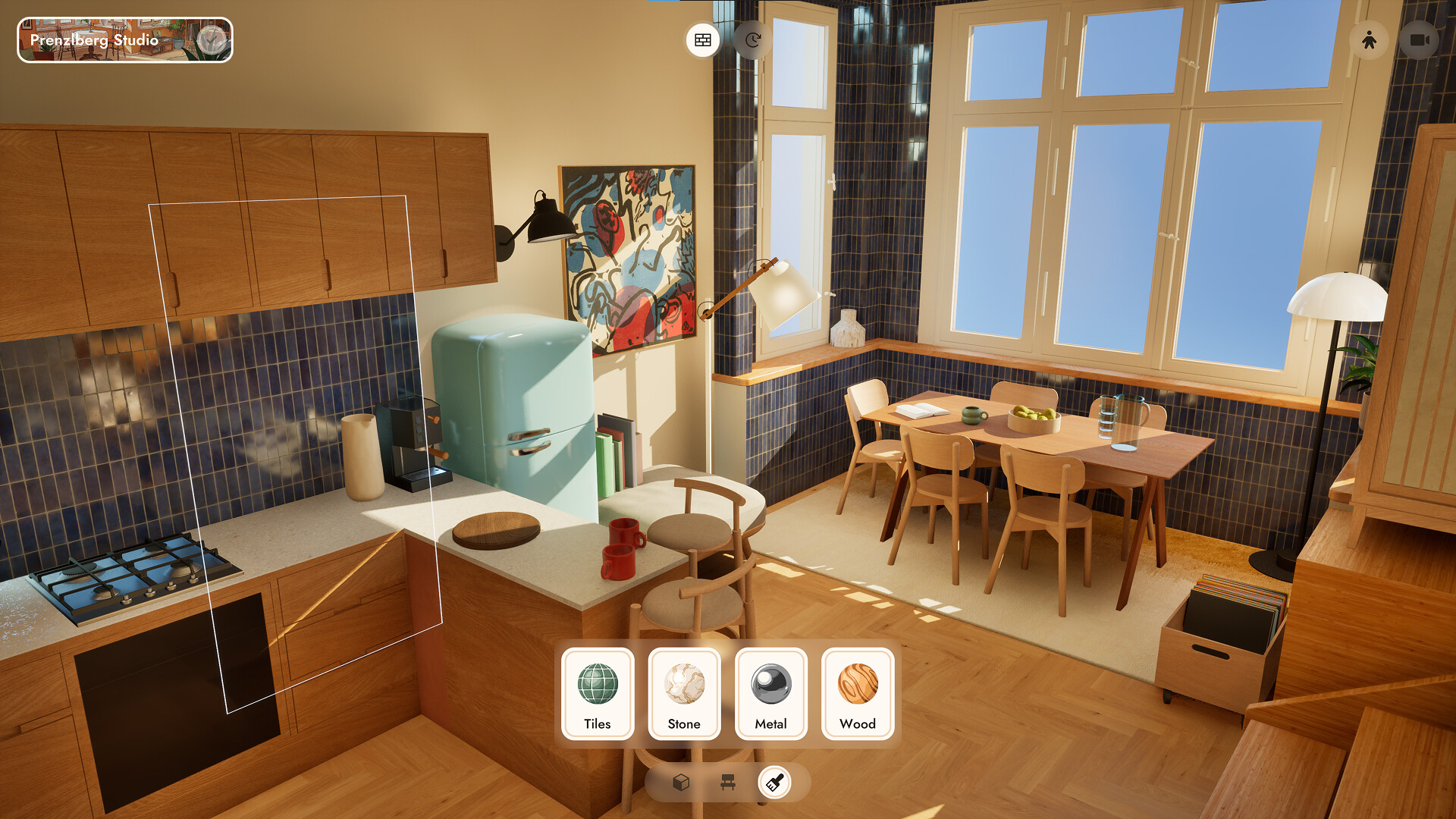
You begin with a limited set of tools and furniture. As you complete apartment objectives, new materials (stone, terrazzo, wood types) and tools become available, letting you build lofts, modular kitchens, and wall panels.
The system rewards continued creativity, gradually expanding the range of design possibilities.
- Focus on early objectives that unlock versatile material types.
- Experiment with newly unlocked tools to discover fresh layout options.

COMMUNITY
Player discussion