 GameWiki
GET YOUR BEARINGS
About Slow Roads
Slow Roads is a casual driving experience that lets you drift into a meditative state while cruising endless, procedurally‑generated roads. The game focuses on minimalism, offering no objectives or challenges, just the freedom to explore ever‑changing landscapes at your own pace.
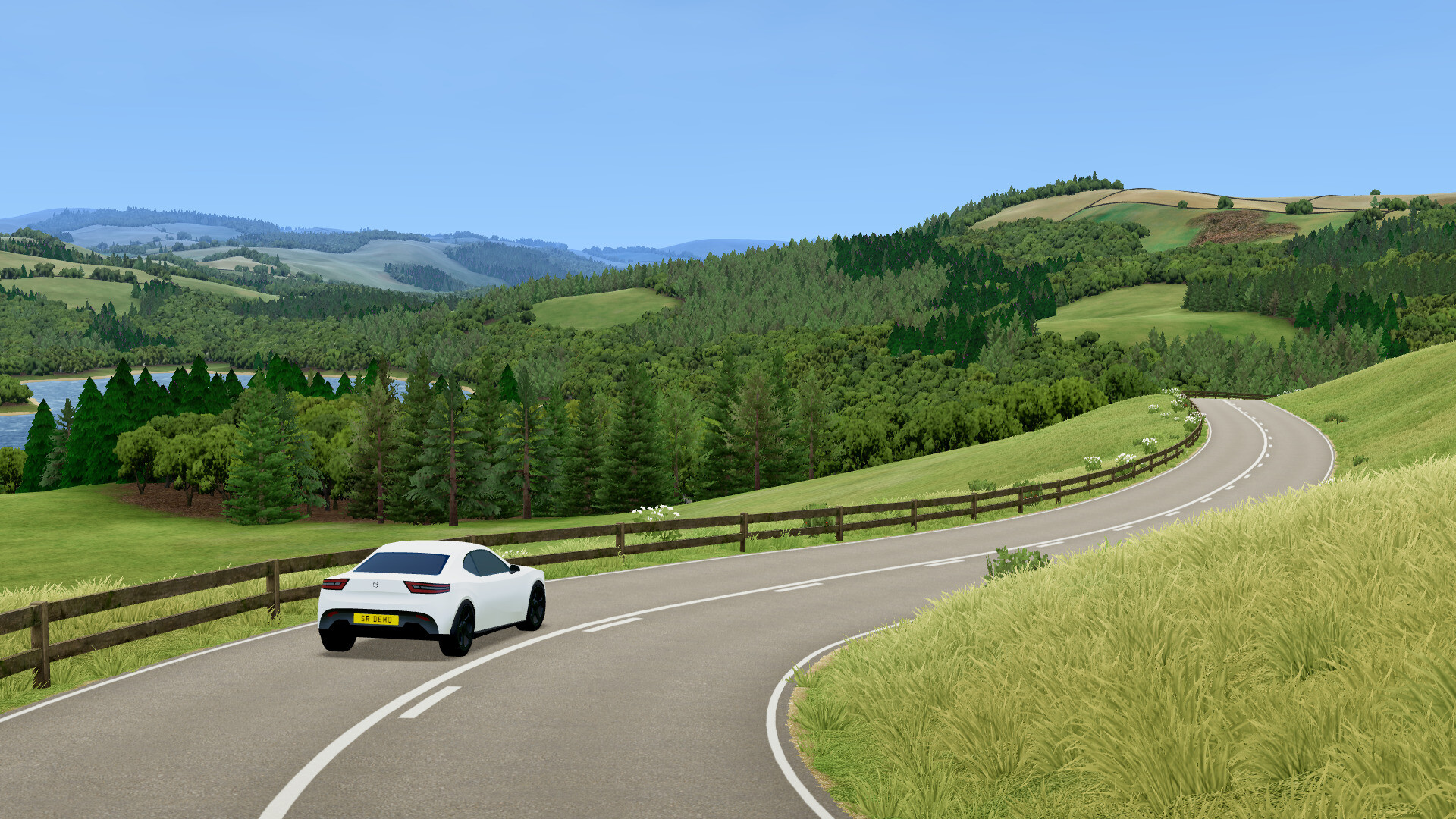
Available on Windows and Linux via Steam, it supports full controller, keyboard, and mouse input, and includes cloud‑saved profiles. Players can tailor locations, seasons, weather, vehicles and driving assistance to craft a personalized, stress‑free drive.
01 / THE GUIDE
Procedural World Generation
A custom procedural engine creates unique, non‑repeating roads and scenery each time you play, ensuring every stretch feels fresh. The generation is seeded, so you can revisit a particularly beautiful stretch by re‑using its seed.
Landscapes range from valleys and forests to coastlines, and the engine is optimized for real‑time creation rather than crash physics, keeping the experience smooth and endless.
- Experiment with different seeds to discover varied road patterns.
- Combine seed reuse with different weather settings for new visual experiences.
02 / THE GUIDE
Vehicle Customisation
Players can adjust colours, wheels, plates, engines, handling and more for each vehicle. Both electric and combustion powertrains are available, and combustion engines can be set to manual or automatic transmission.
Customisation affects the vehicle’s visual style and its physics tuning, letting you match the car, hatch, bike or coach to your preferred driving feel.
- Try a manual transmission on a sports car for a more engaged drive.
- Use colour and wheel changes to differentiate vehicles when switching frequently.
03 / THE GUIDE
Driving Modes & Assistance
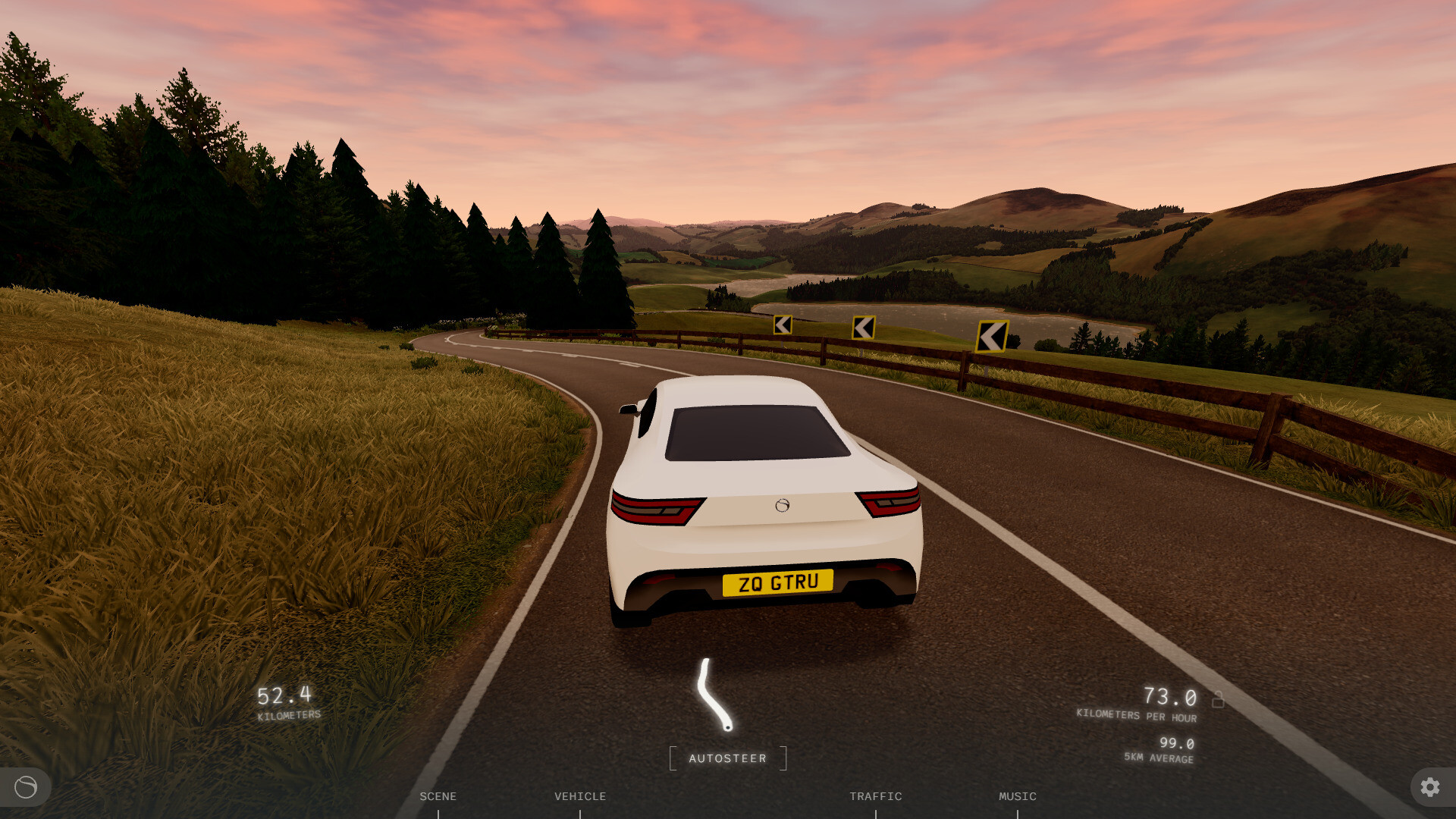
The game offers a spectrum from full manual control to automatic steering and speed control, allowing you to let the car drive itself if desired. Steer assist, camera pose and traffic density can also be tweaked.
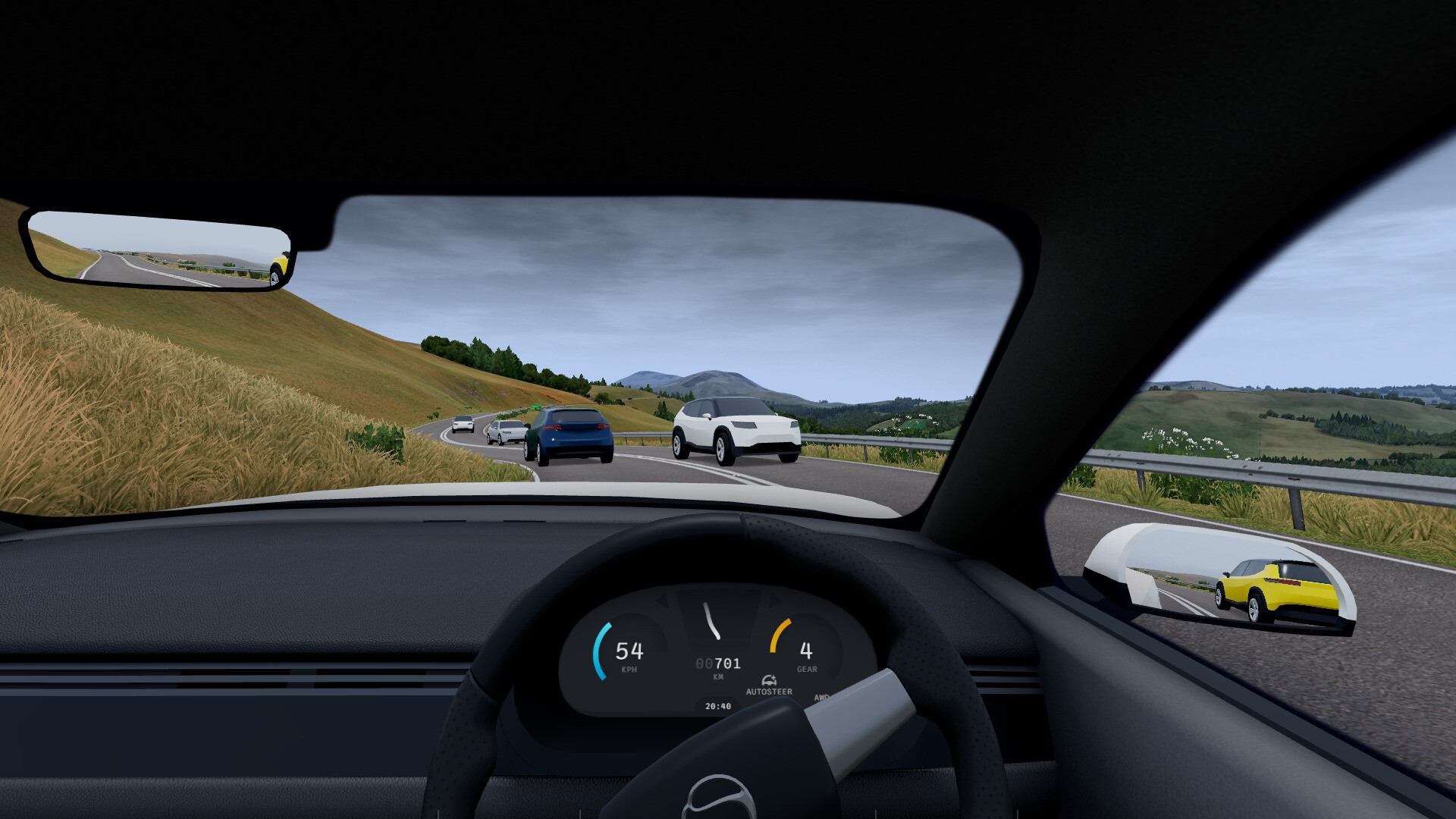
A cockpit view is available for a more simulation‑like feel, and the engine supports controllers and wheels, though force feedback is not yet implemented.
- Start with automatic steering to get a feel for the road layout before taking full control.
- Adjust traffic density to create a quieter environment for a more zen experience.
04 / THE GUIDE
Location, Season & Weather Settings
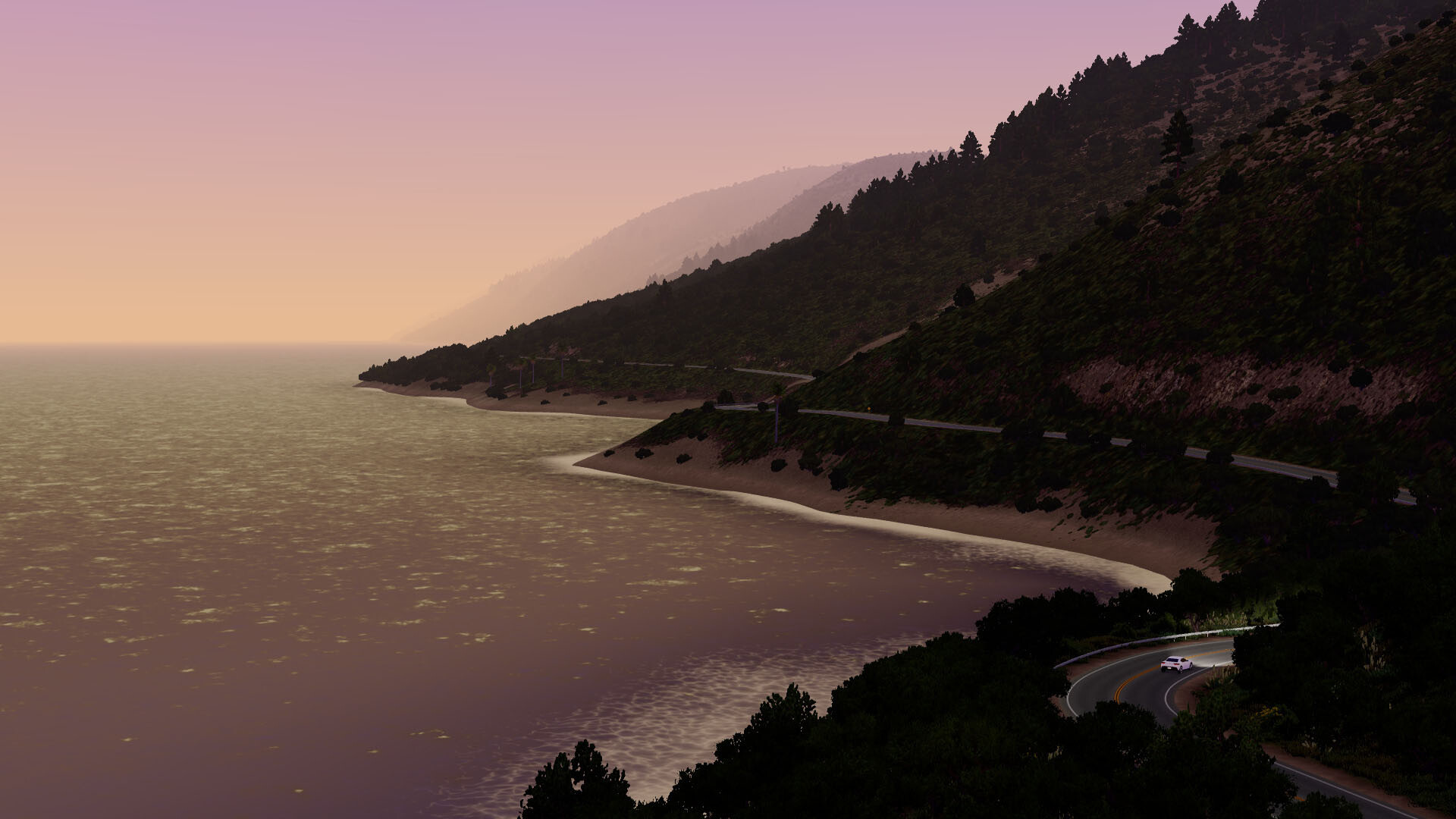
Select from real‑world inspired locations such as the Peak District, California coast, or an off‑world setting. Each location can be switched instantly between sun, clouds, snow and various times of day.
Seasonal and weather options let you tailor the ambience, while the seed‑based world generation ensures each combination produces a distinct visual experience.
- Mix a coastal location with snow weather for a striking contrast.
- Use time‑of‑day changes to explore how lighting affects the same road.
05 / THE GUIDE
Steam‑Exclusive Features
The Steam version adds new locations, road styles (including off‑road trails), extra vehicles like the Hatch and Sports car, and expanded vehicle customisation. It also introduces traffic mode controls, a music interface, higher‑definition assets and profile saving.
Achievements, cloud saves and expanded graphics settings round out the Steam experience, while the web version remains free, ad‑free and receives small updates.
- Enable the music interface to play personal playlists while driving.
- Experiment with the new off‑road trails for a change of pace from paved roads.

COMMUNITY
Player discussion