 GameWiki

GET YOUR BEARINGS
About Slime Rancher
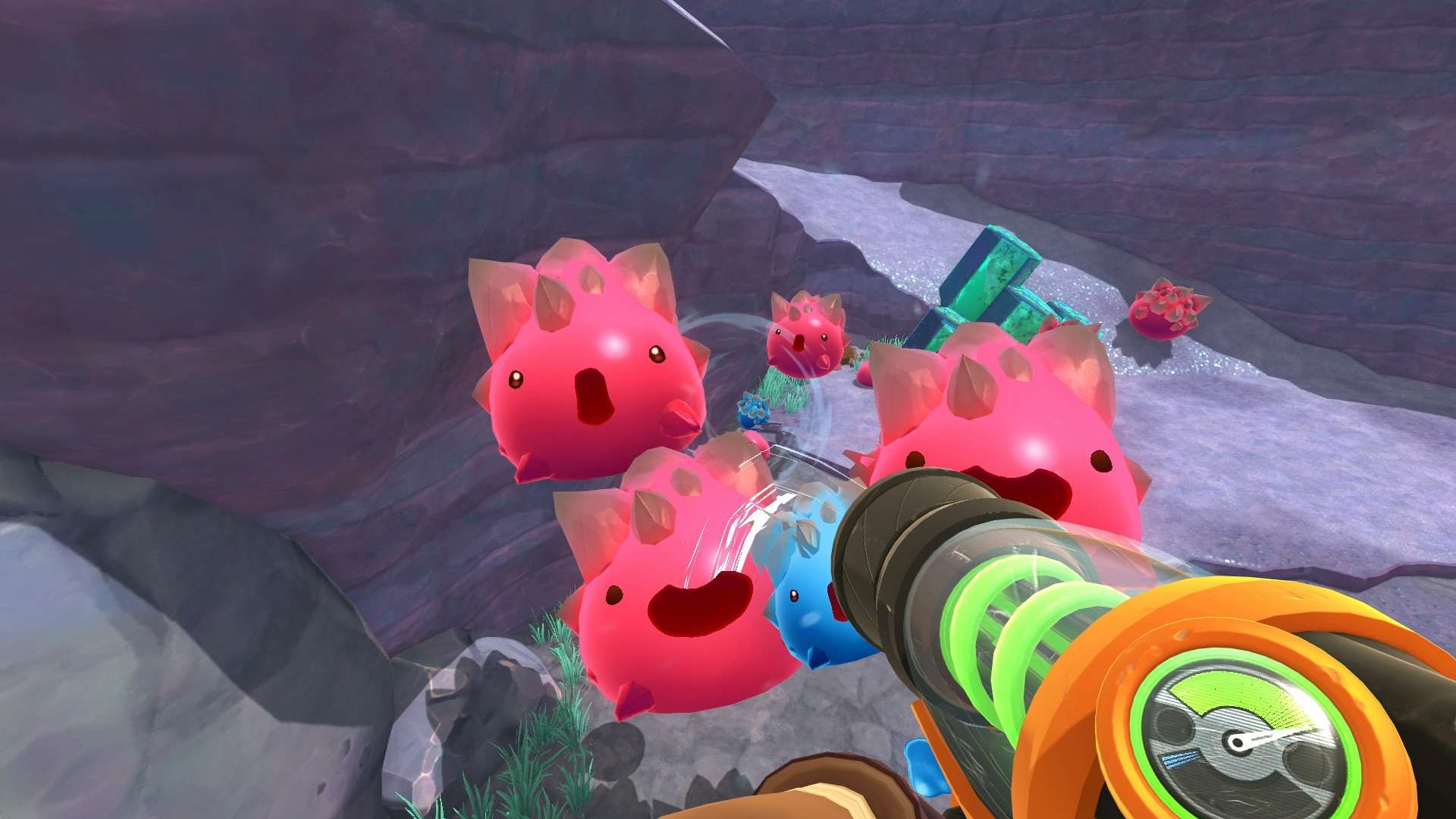
Slime Rancher is a first‑person sandbox game where you play as Beatrix LeBeau, a rancher on the distant planet Far, Far Range. You manage a slime ranch, collect colorful slimes, grow crops, and sell plorts to build wealth. The game blends exploration, resource gathering, and light puzzle elements across a world full of hidden secrets.
01 / THE GUIDE
Game Modes
Slime Rancher offers three distinct modes: Adventure, Casual, and Rush. Each mode adjusts the pacing and challenges, letting players choose how relaxed or demanding their experience will be.
Adventure focuses on story progression, Casual provides a more relaxed pace, and Rush adds time‑based pressure for players seeking a faster challenge.
- Try Casual first to learn the basics before tackling Rush.
- Switch modes via the main menu to match your current play style.
02 / THE GUIDE
Hybrid Slimes
Players can combine slimes to create over 150 hybrid varieties. Hybrids inherit traits from their parents, expanding the range of plorts you can harvest.
Hybrid creation is a core part of the sandbox experience, encouraging experimentation with slime pairings.
- Keep a notebook of successful pairings for future reference.
- Experiment with different food types to see how hybrids react.

03 / THE GUIDE
All‑Purpose Vacpack
The vacpack is your primary tool for collecting slimes, resources, and crops. It also allows you to transport items across the ranch and the wider world.
Upgrading the vacpack with earned money improves its capacity and efficiency, supporting larger ranch operations.
- Upgrade the vacpack early to reduce trips back to the corral.
- Use the vacpack to gather resources while exploring new areas.
04 / THE GUIDE
Plort Market
Each slime produces a plort, which can be sold on the market for profit. Managing which slimes you keep influences your earnings and ranch growth.
Daily requests from other ranchers provide bonus rewards, encouraging varied slime collections.
- Check daily requests to earn extra money and unique items.
- Balance high‑value plorts with low‑maintenance slimes for steady income.
05 / THE GUIDE
Platform and Controller Support
Slime Rancher runs on Windows, macOS, and Linux, and includes full controller support for players who prefer gamepads over keyboards.
Additional Steam features such as Cloud saves, Achievements, and Remote Play on phone, tablet, or TV enhance accessibility.
- Enable controller support in settings if you find it more comfortable.
- Use Remote Play to continue ranching on a TV or mobile device.



COMMUNITY
Player discussion