 GameWiki
GET YOUR BEARINGS
About Slime Lab
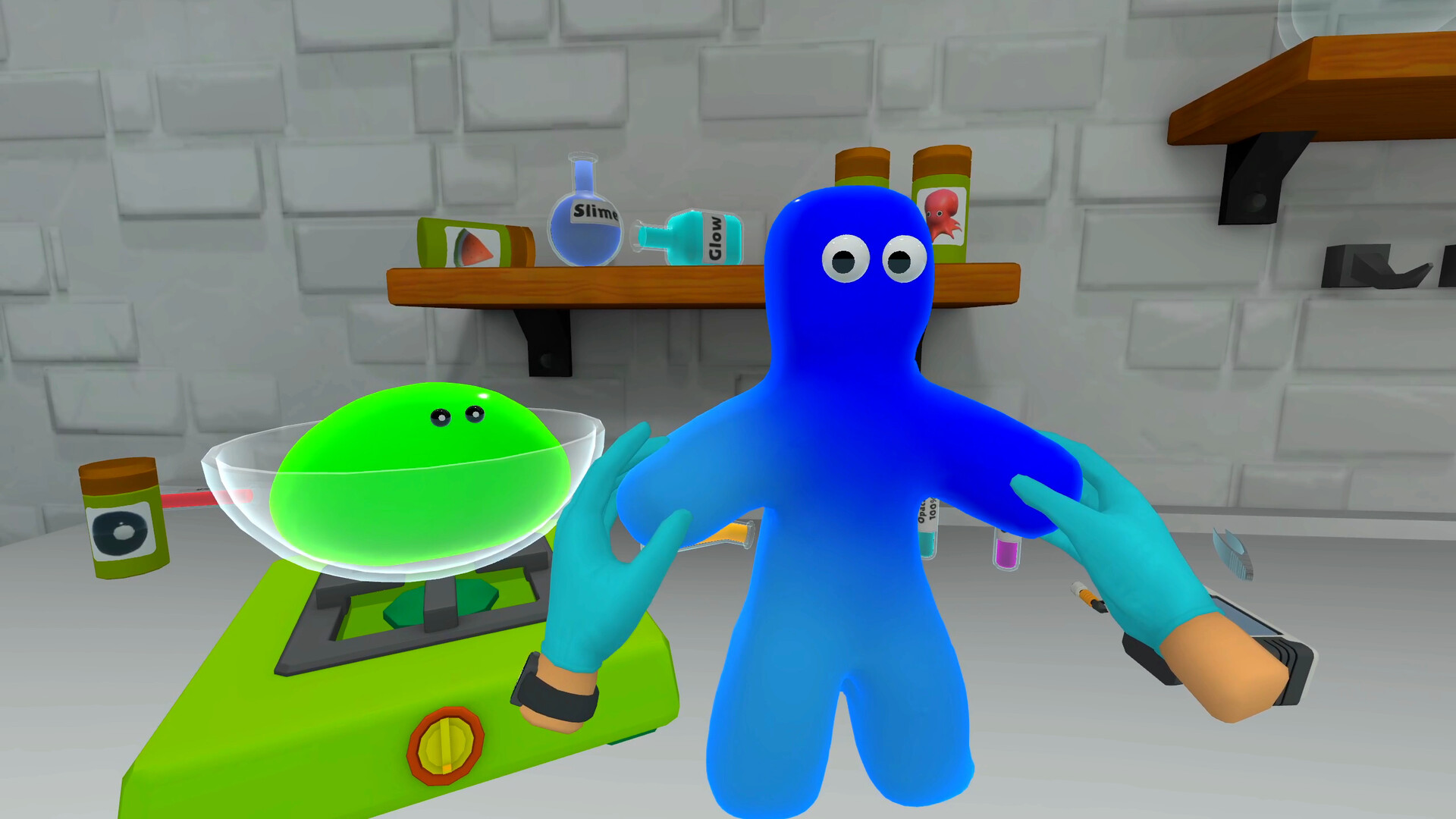
Slime Lab puts you in charge of a personal laboratory where slime‑making is the core activity. You mix ingredients, stretch the result and shape it into anything from food to pets, while keeping the lab stocked and tools upgraded.
The title is a VR‑only single‑player simulation for Windows, supporting tracked controllers, Steam Cloud, family sharing and Steam achievements.
01 / THE GUIDE
Lab Setup
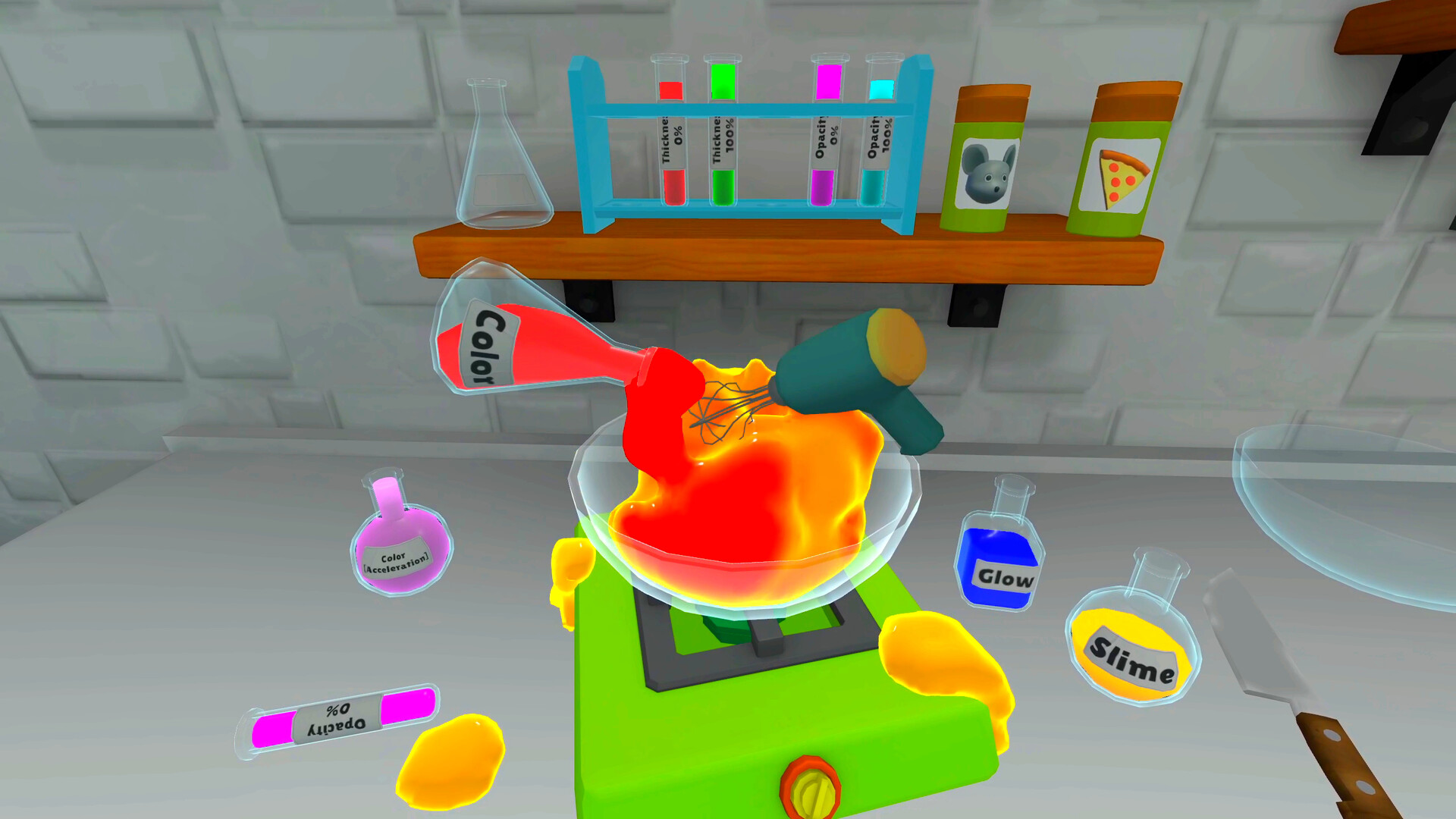
Your lab is the central hub for all slime‑making actions. It contains workstations and tools that let you mix, stretch and experiment, and staying organized lets you reach supplies quickly in VR space.
You can order new supplies, upgrade your tools, and unlock new ingredients, letting you create more complex slime designs.
- Observe how a tidy layout reduces the time spent searching for supplies in VR.
- Compare the effect of a tool upgrade versus simply adding more raw ingredients.
02 / THE GUIDE
Slime Creation
Slime is created by combining ingredients from your inventory. The system lets you experiment freely, adjusting ratios and adding effects to discover formulas you enjoy.
Each batch can be altered further by melting or freezing, giving you additional ways to reshape the material after it is formed.
- Record ingredient ratios that give the most satisfying stretch.
- Start with small batches to see how changes affect the final slime.

03 / THE GUIDE
Customization Options
Slime can be shaped into food, turned into pets, or crafted into any imaginative form. A wide palette of colors, charms and glow effects lets you personalize each creation.
You can also tweak stickiness, add charms, or apply melt and freeze transformations, providing endless visual and tactile variations.
- Try contrasting colors to make the slime stand out.
- Experiment with glow effects to see how they change visual appeal.
04 / THE GUIDE
Customer Orders
Customers submit specific slime requests, and your goal is to match those orders as closely as possible. After matching an order, you can see how your creation measures up.
Fulfilling orders provides feedback that can guide future experiments, helping you refine formulas to meet demand.
- Review past order feedback to spot popular ingredient combos.
- Prioritize orders that align with ingredients you already have stocked.
05 / THE GUIDE
Tool & Ingredient Management
Managing inventory involves ordering supplies, unlocking new ingredients and upgrading tools. Each upgrade expands the creative possibilities available in the lab.
Keeping your inventory stocked with essential components helps keep the slime‑making process uninterrupted.
- Balance spending between new ingredients and tool upgrades for steady progress.
- Track which ingredients you use most often to streamline future orders.


COMMUNITY
Player discussion