 GameWiki
GET YOUR BEARINGS
About Slider
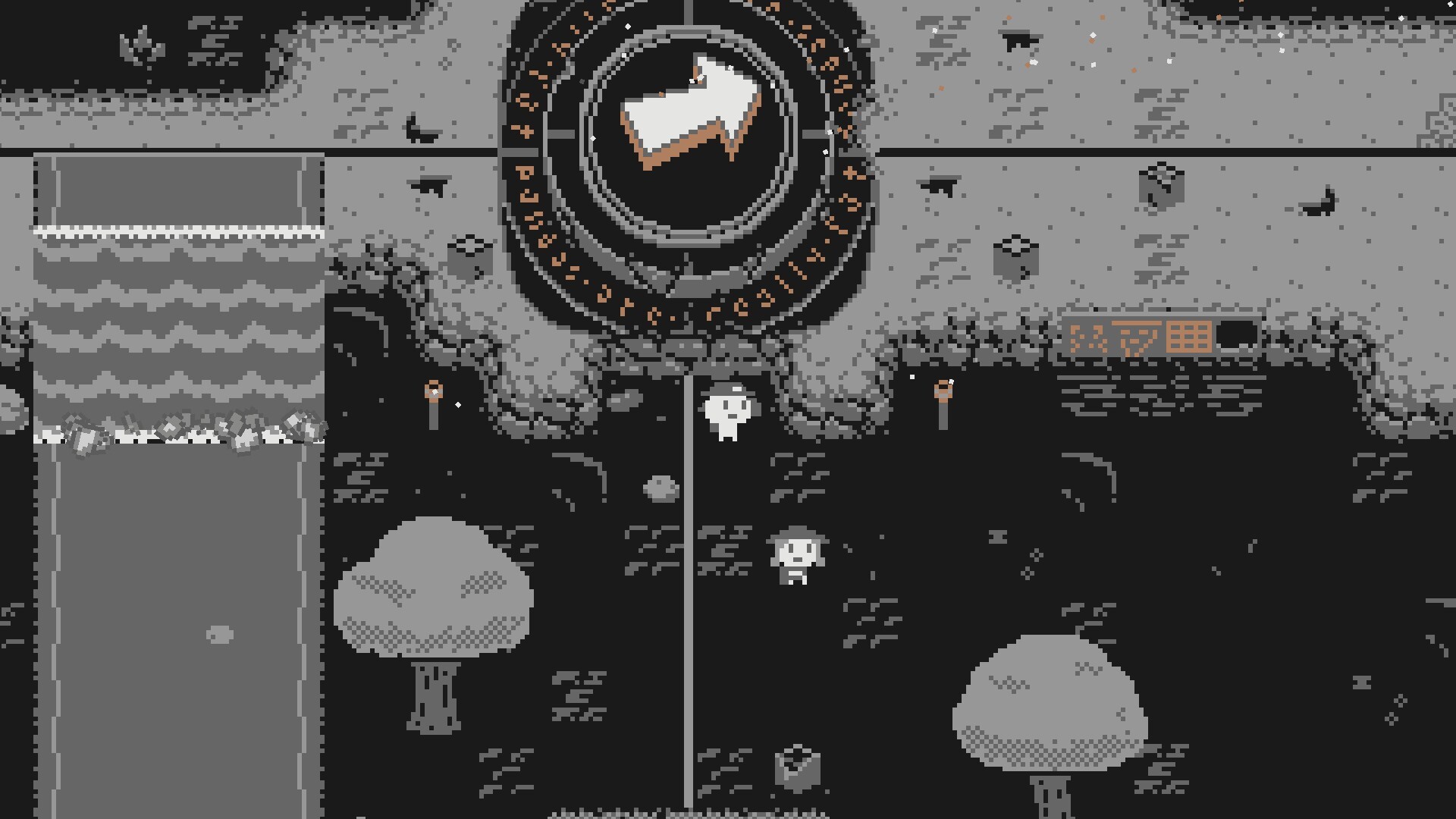
Slider is an award‑winning puzzle adventure where a cataclysmic event has shattered the world. Players wield The Artifact to slide tiles, reconnect humanity, and ultimately locate a missing cat. The game offers over ten hours of single‑player content and is free to play.
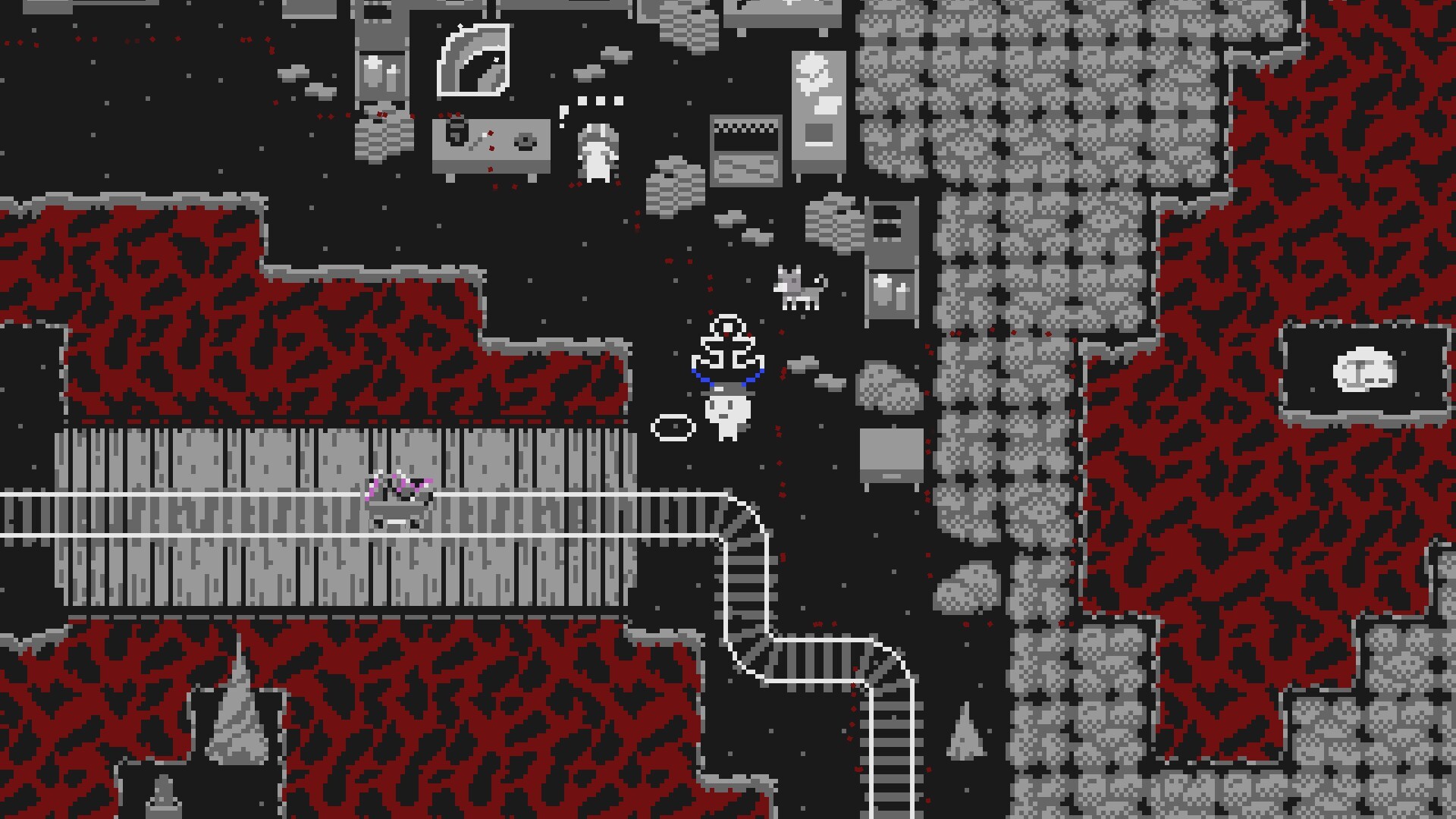
Across nine distinct regions, each area introduces a fresh twist on the classic 8‑puzzle—ranging from rotating environments to 3D grids and time‑travel mechanics. A growing toolbox of anchors, minecarts, buoys and lights lets players solve increasingly complex challenges while helping an odd cast of characters.
01 / THE GUIDE
Puzzle Mechanics
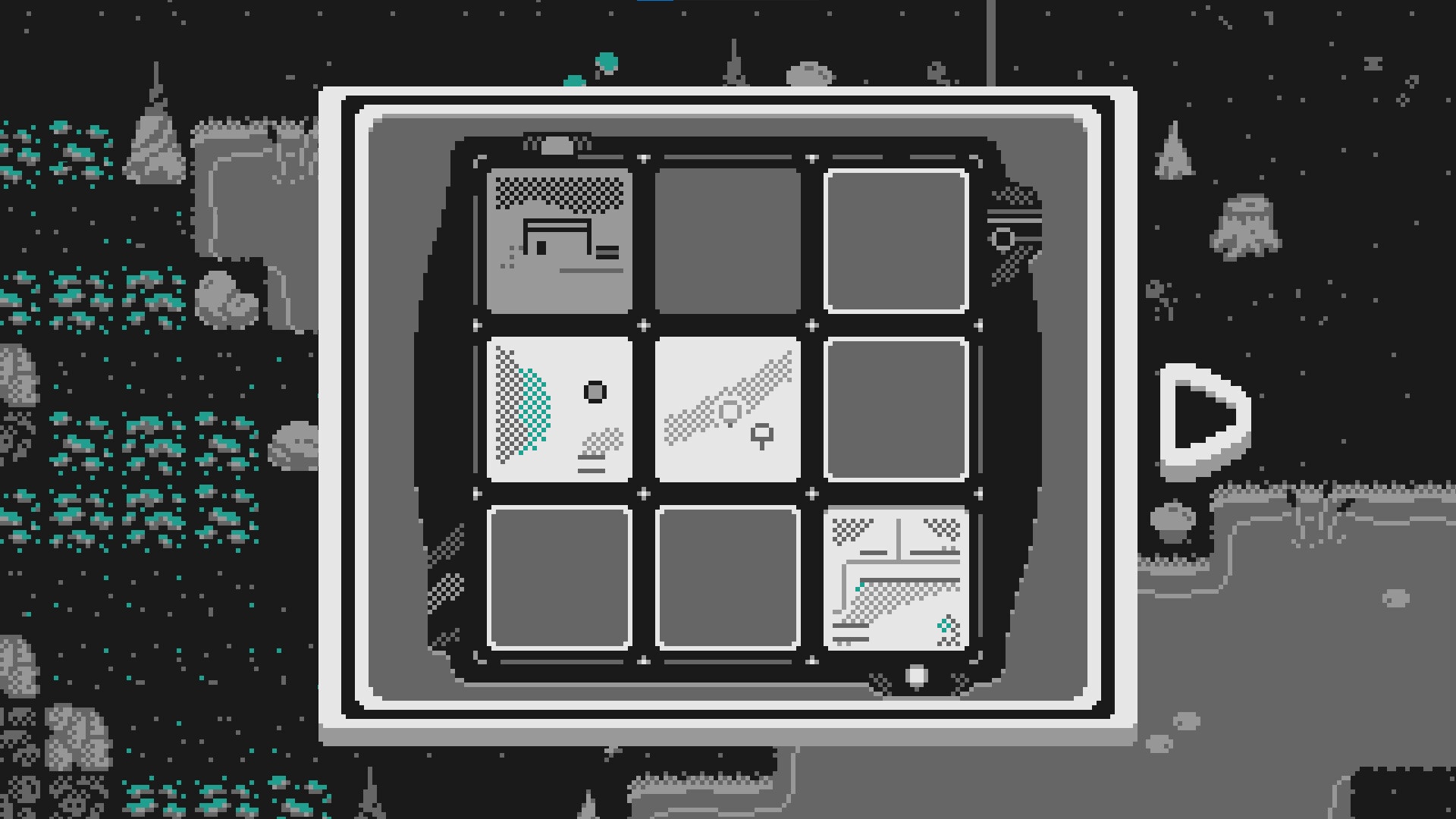
The core gameplay revolves around sliding tiles using The Artifact. As players progress, new tools such as anchors, minecarts, buoys and lights expand the range of possible solutions.
Each puzzle builds on previous mechanics, demanding careful planning and spatial reasoning. The sliding system is central, but the added objects create layered challenges that evolve throughout the game.
- Experiment with each new tool in a low‑stakes puzzle to understand its effect before tackling harder grids.
- Observe how earlier mechanics combine with later ones; sometimes a simple anchor can unlock a complex 3D solution.
02 / THE GUIDE
Unique Regions
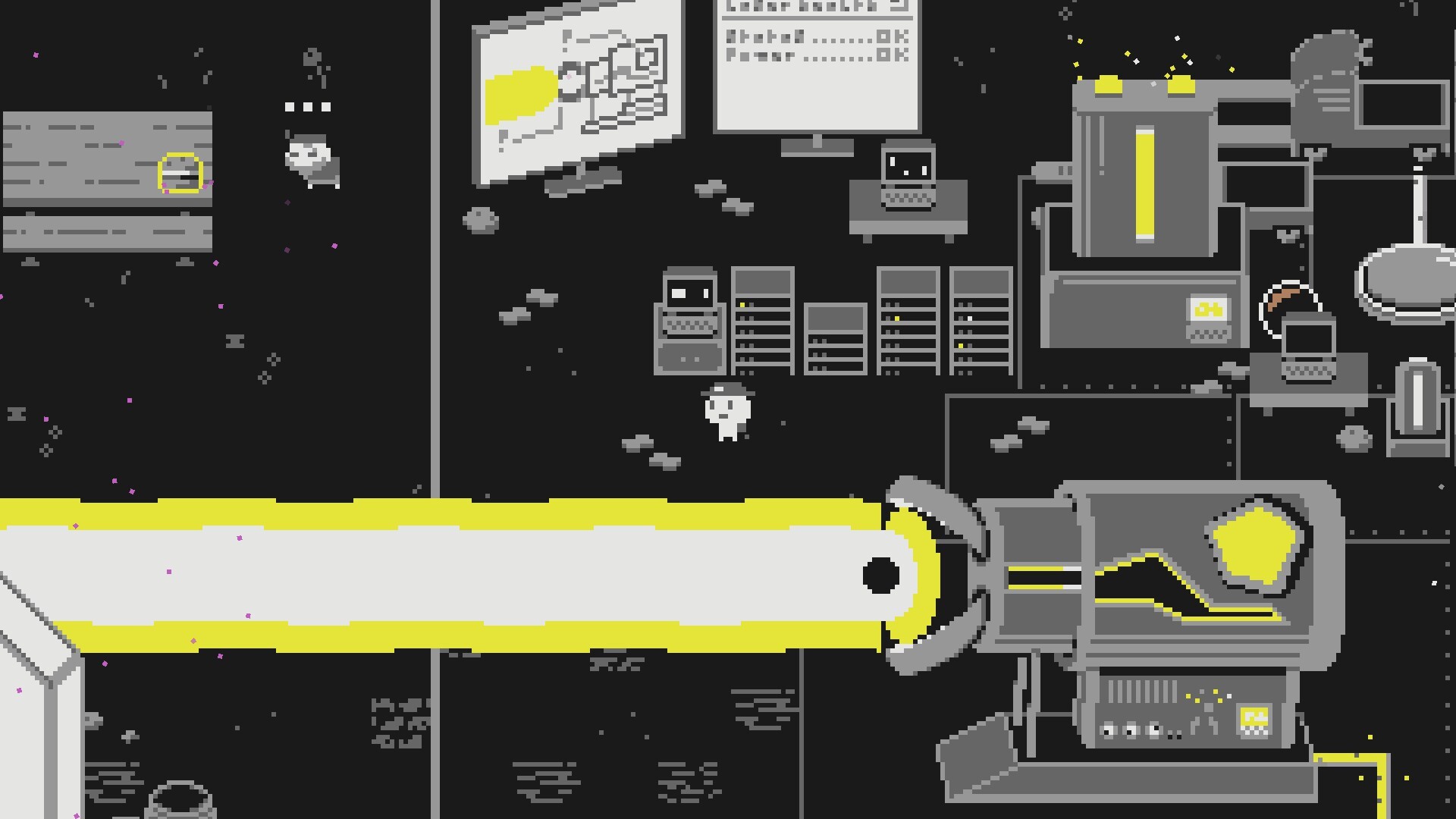
Slider features nine unique areas, each presenting a distinct variation on the sliding‑tile concept. Examples include rotating environments, tactical combat sections, three‑dimensional grids and time‑travel puzzles.
These regional twists keep the experience fresh, requiring players to adapt familiar mechanics to new spatial rules and visual perspectives.
- Take note of each region’s special rule; a quick mental checklist can prevent wasted moves.
- Compare a new region’s twist to earlier ones—similarities often hint at reusable strategies.
03 / THE GUIDE
Story & Characters
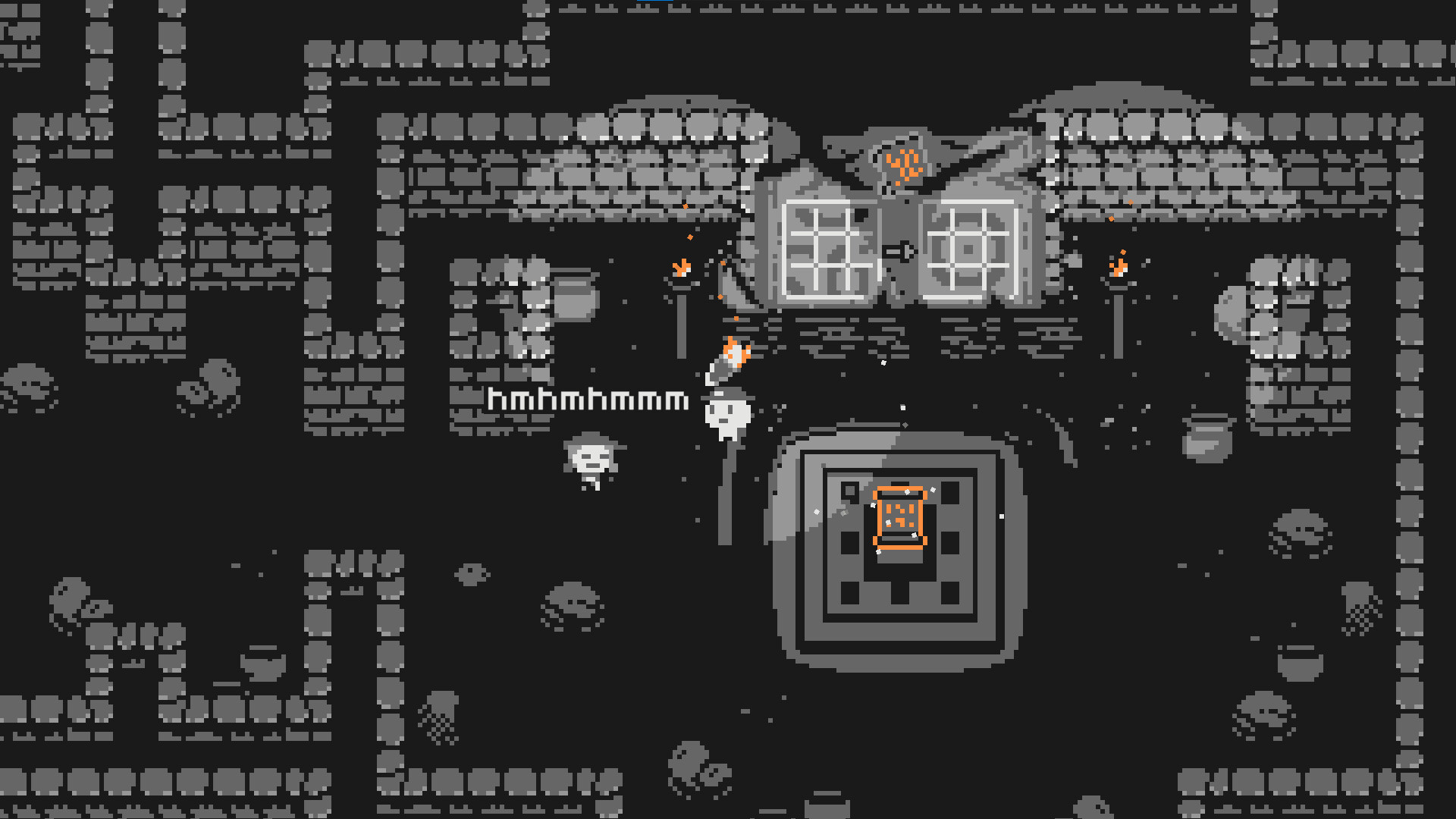
The narrative follows a shattered world where players must help an odd cast of characters reconnect their lives. The ultimate personal goal is to find the protagonist’s missing cat.
While the focus is on puzzle solving, the story unfolds through interactions with these characters, providing context for each region’s restoration efforts.
- Listen to character dialogue for hints about puzzle objectives; story cues often align with gameplay goals.
- Remember each character’s situation—reconnecting them can clarify the purpose of a particular grid.
04 / THE GUIDE
Accessibility Features
Slider includes adjustable text size, subtitle options, color alternatives, custom volume controls, camera comfort settings and a Keyboard Only Option. These options let players tailor the experience to their needs.
Full controller support and the ability to play without timed input further broaden accessibility, ensuring the puzzle focus remains approachable for diverse players.
- Enable subtitle options if you find spoken dialogue hard to follow; they often repeat key puzzle hints.
- Adjust text size early to avoid straining eyes during longer sessions.
05 / THE GUIDE
Progress & Save System
The game allows saving at any time, letting players pause and resume without penalty. Steam Cloud support ensures saved progress is retained across installations.
Family Sharing is also supported, so multiple users can experience the game.
- Save after completing a region to lock in new tools before experimenting with them later.
- If switching devices, verify Steam Cloud sync before loading to avoid overwriting recent progress.
COMMUNITY
Player discussion