 GameWiki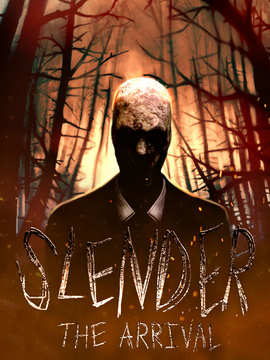
GET YOUR BEARINGS
About Slender: The Arrival
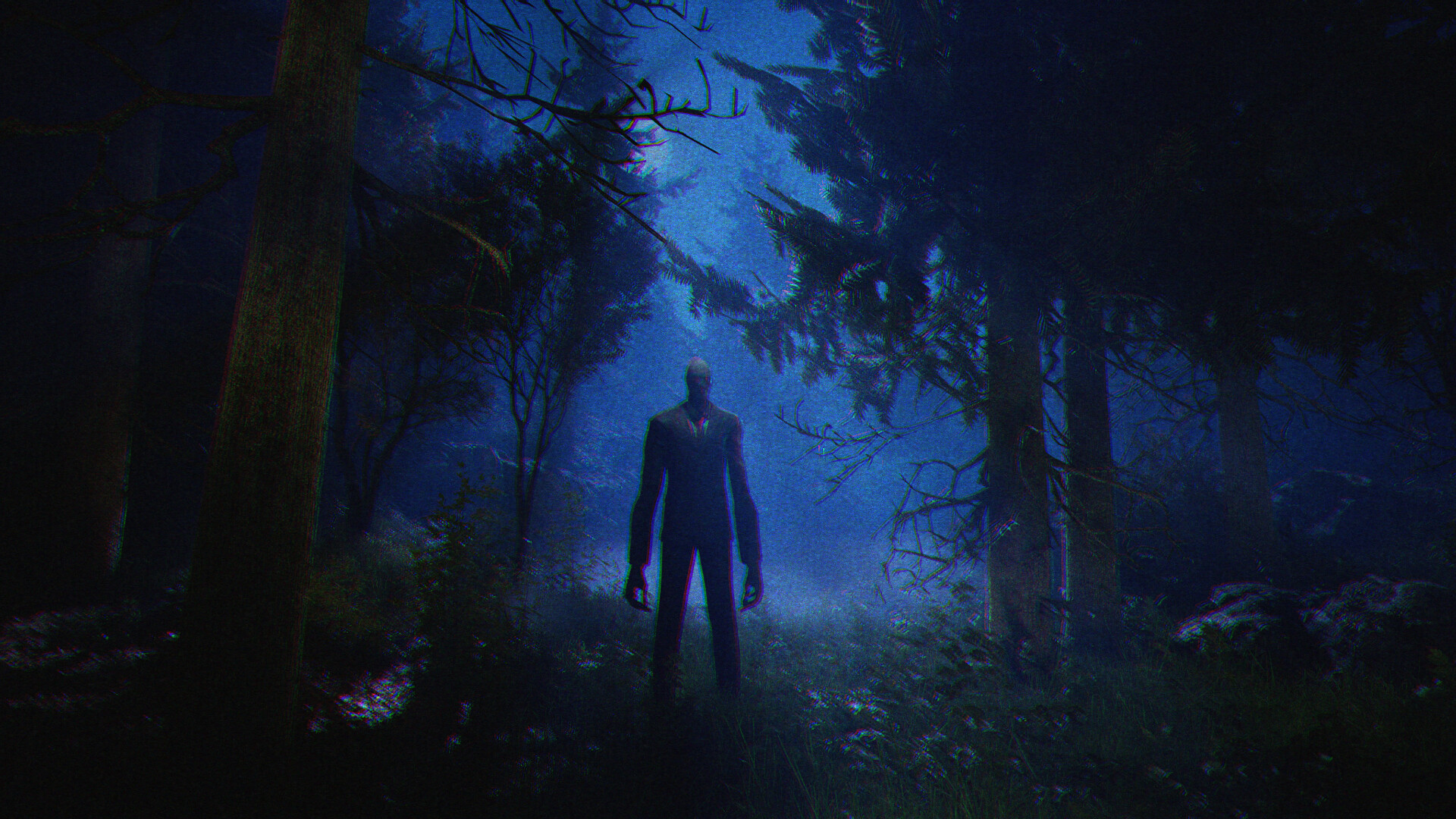
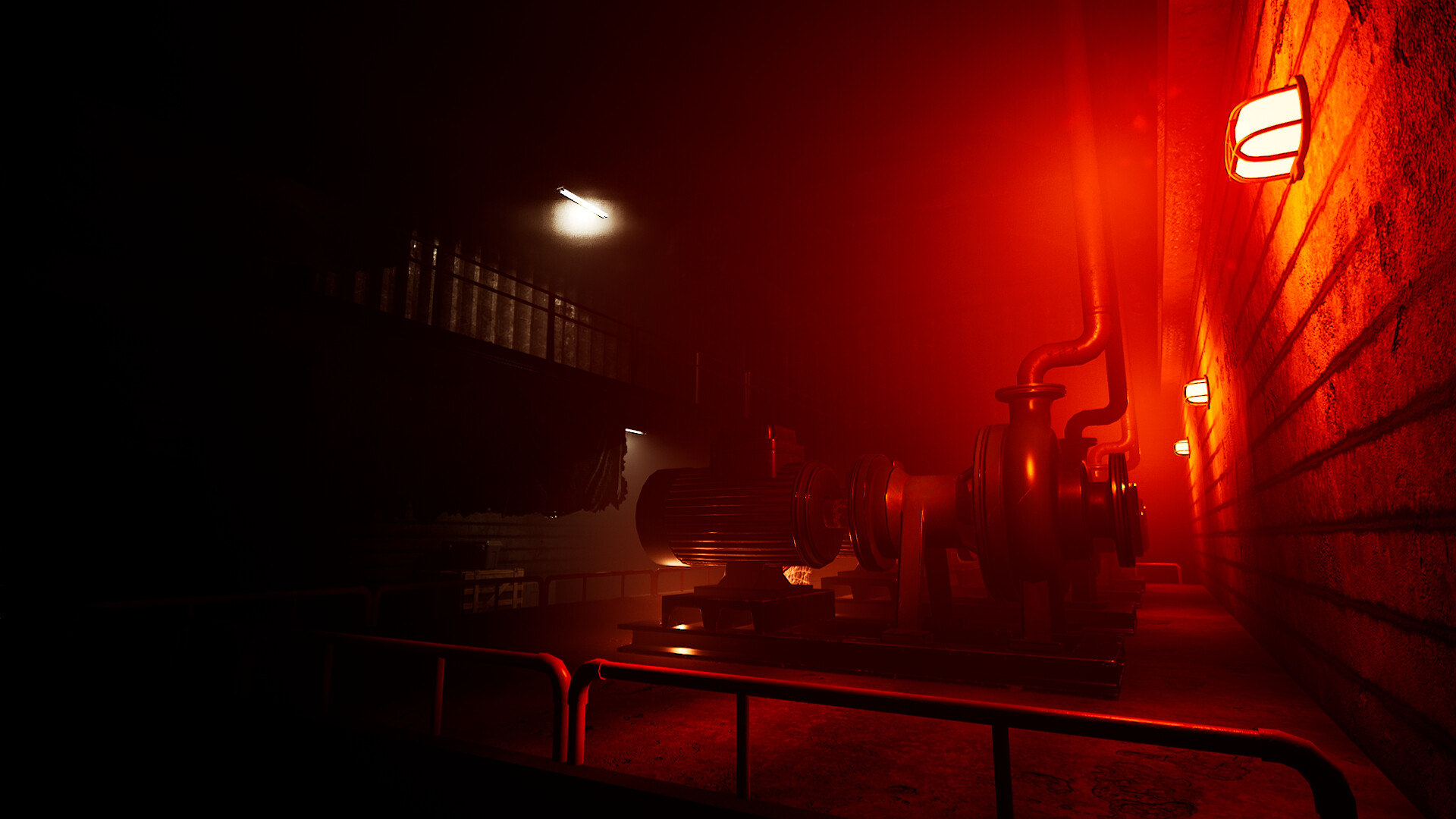
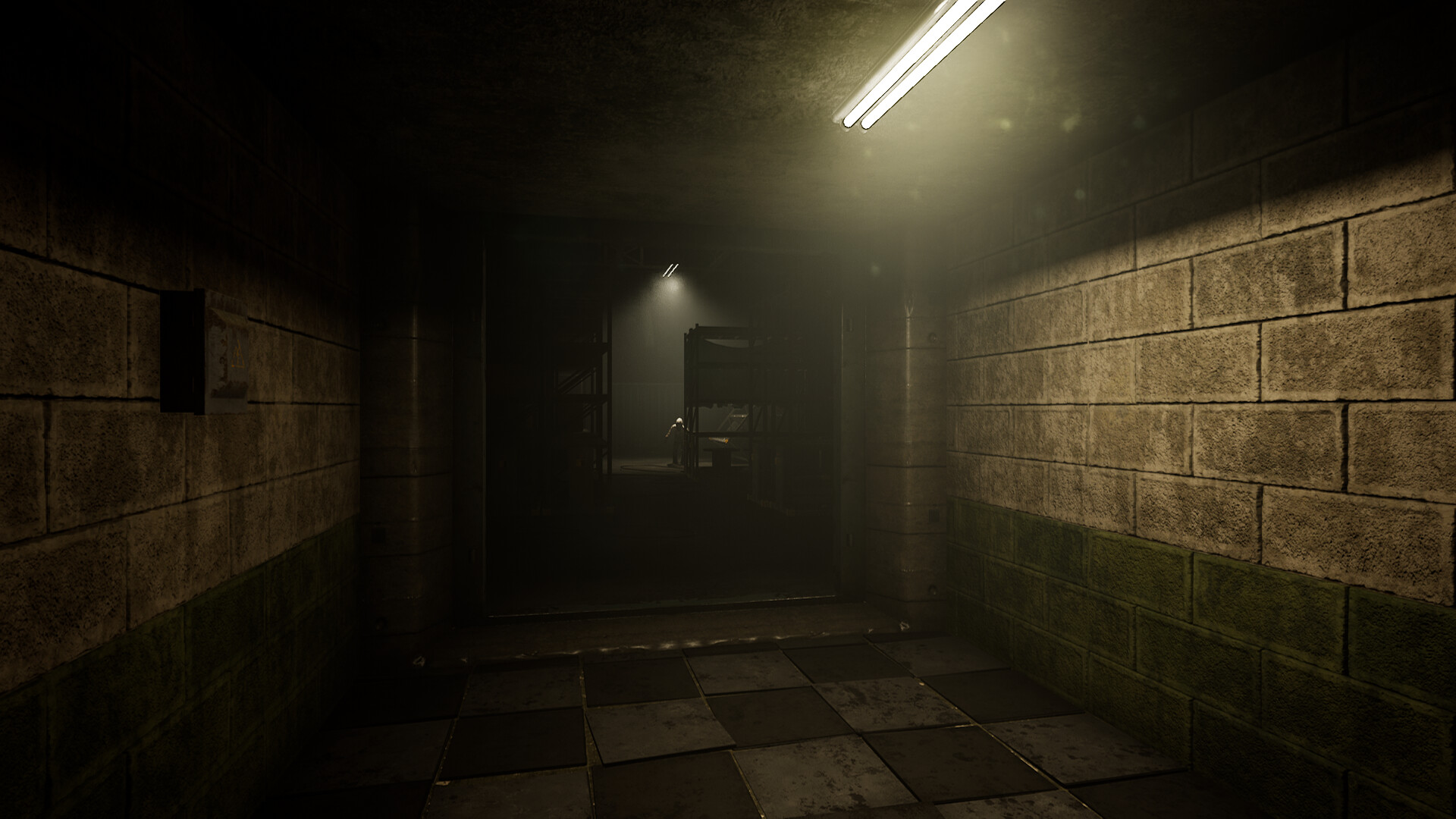
Slender: The Arrival returns with a 10th Anniversary Update that completely re‑renders every shadow, material, model and encounter with Slender Man. The visual overhaul re-renders the game's visuals in greater detail while the title remains a single-player survival-horror experience.
The update also introduces a brand‑new chapter following Charlie Matheson’s father, adds multilingual pickups, readable text and subtitles, and lets players switch between the original graphics and the updated build via Steam branches. Steam features such as achievements, cloud saves and leaderboards are also included.
01 / THE GUIDE
10th Anniversary Visual Overhaul
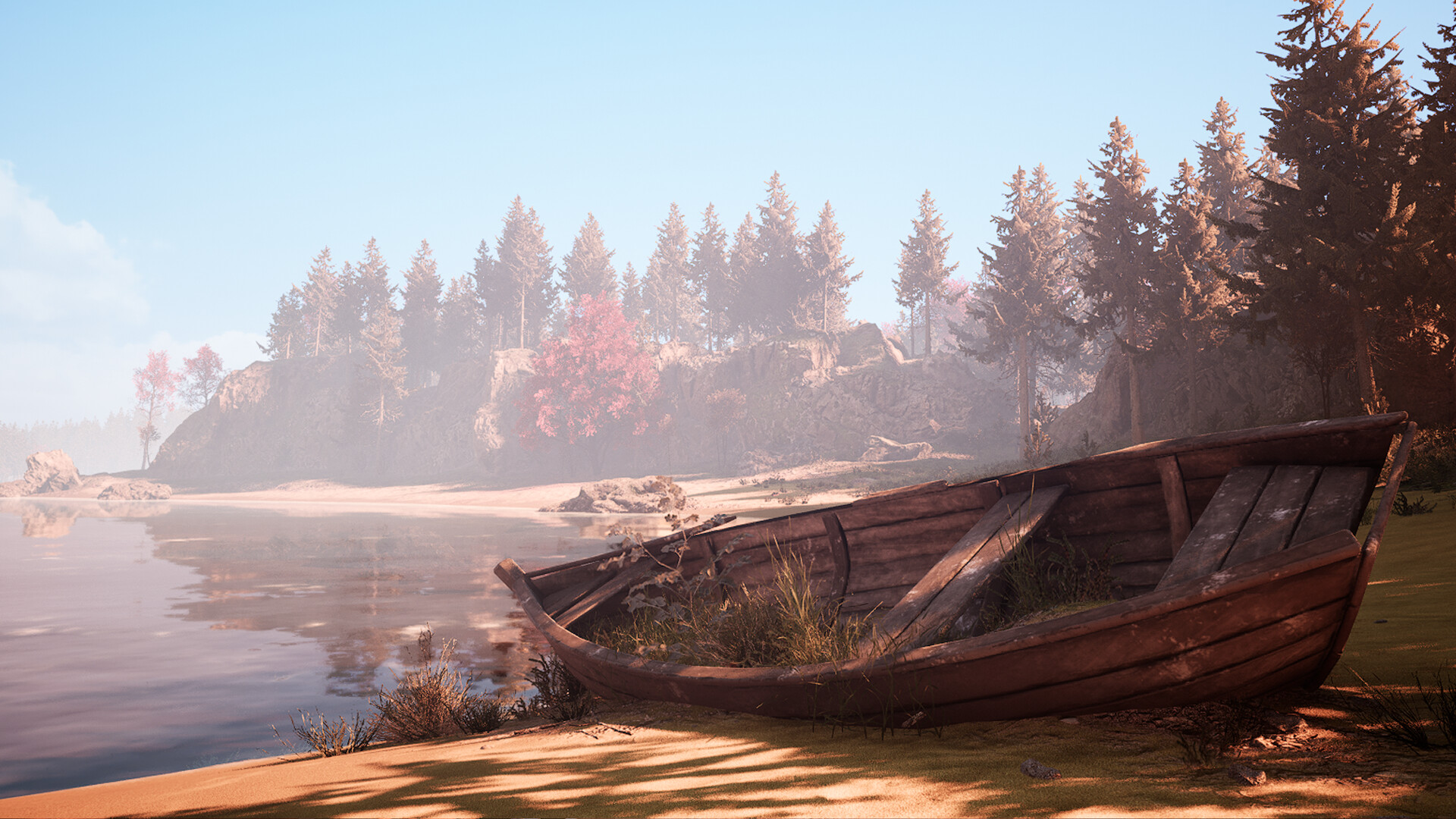
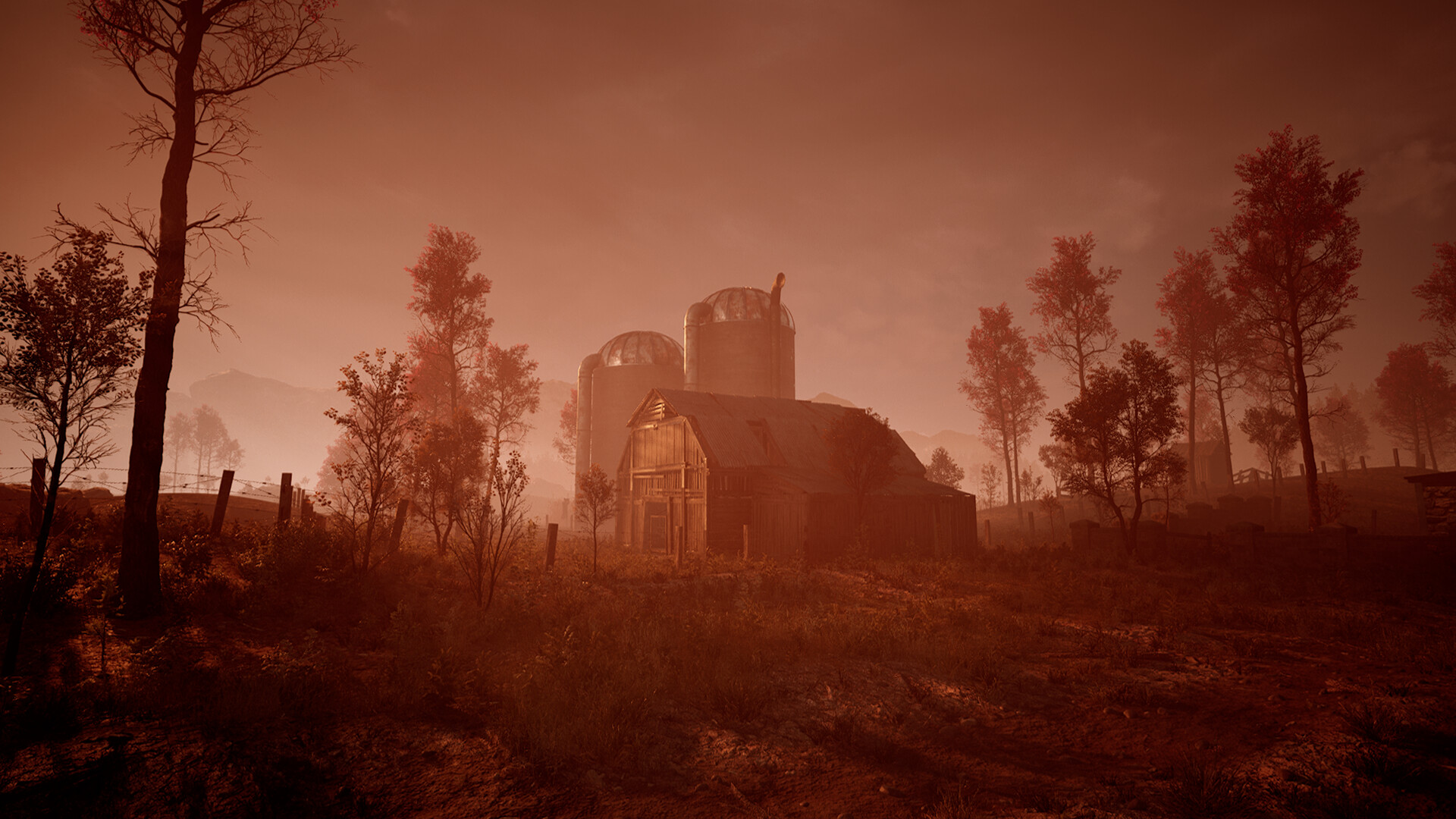
The update delivers a complete visual overhaul, re‑rendering every shadow, material, model and Slender Man encounter in higher detail, which can make the environment feel more immersive without altering any gameplay systems.
While the visual upgrade does not modify core mechanics, the increased detail may affect how players perceive distance and threat. Observing these visual cues can help gauge tension levels compared to the original graphics.
- Watch how the new lighting changes the atmosphere.
- Note any performance impact on your hardware after the upgrade.
02 / THE GUIDE
New Chapter Storyline
A new chapter adds a story where Charlie Matheson’s father experiences his worst nightmare. The narrative expands the original premise, presenting fresh environmental set‑pieces and scripted moments while keeping the same survival‑horror mechanics.
The chapter focuses on atmospheric storytelling rather than new gameplay systems. Players can compare its pacing and narrative beats to the original eight‑page segment to understand how the added story deepens the overall experience.
- Pay attention to environmental cues that hint at the father’s backstory.
- Compare the pacing of this chapter with the original segment.
03 / THE GUIDE
Multiple Language and Subtitle Support
Redesigned pickups, readable text and newly added subtitles enable the horror to be experienced in several languages. This support integrates translated narrative elements directly into the game world, ensuring clarity for non‑English speakers.
Newly added subtitles support the game's multiple language options. These features broaden accessibility without changing core gameplay loops.
- Test subtitle timing against in‑game events for clarity.
- Switch languages to see how the localized text reads.
04 / THE GUIDE
Switching Between Original and Updated Versions
Players can swap between the original version and the updated build by selecting different branches in the Steam client. This switch loads the chosen version of the game.
Branch selection simply determines which version of the game you play. Observing differences between branches can highlight the impact of the visual overhaul.
- Use the branch switch to benchmark performance differences.
- Observe how the original graphics affect the sense of dread compared to the updated visuals.
05 / THE GUIDE
Steam Integration Features
The title includes Steam Achievements, Trading Cards, Cloud saves, Stats, Leaderboards and Family Sharing. These features connect the game to the broader Steam ecosystem, allowing progress tracking and community interaction.
These Steam services do not modify the single‑player experience itself; they provide optional external records and sharing options that operate alongside the core gameplay.
- Check the Leaderboards after a run to see how your results compare.
- Enable Cloud sync if you plan to play on multiple devices.
COMMUNITY
Player discussion