 GameWiki
GET YOUR BEARINGS
About Skull Horde
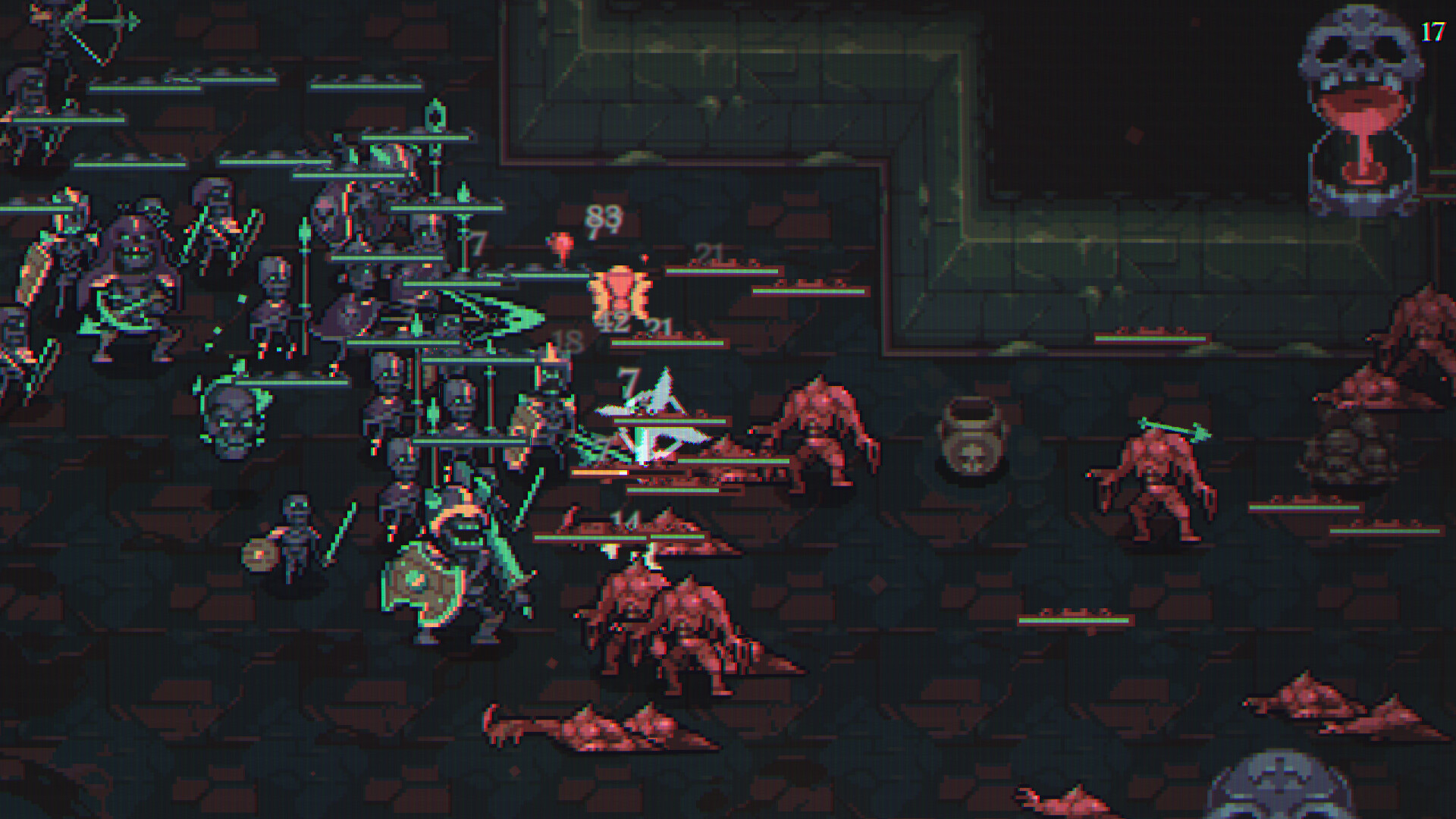
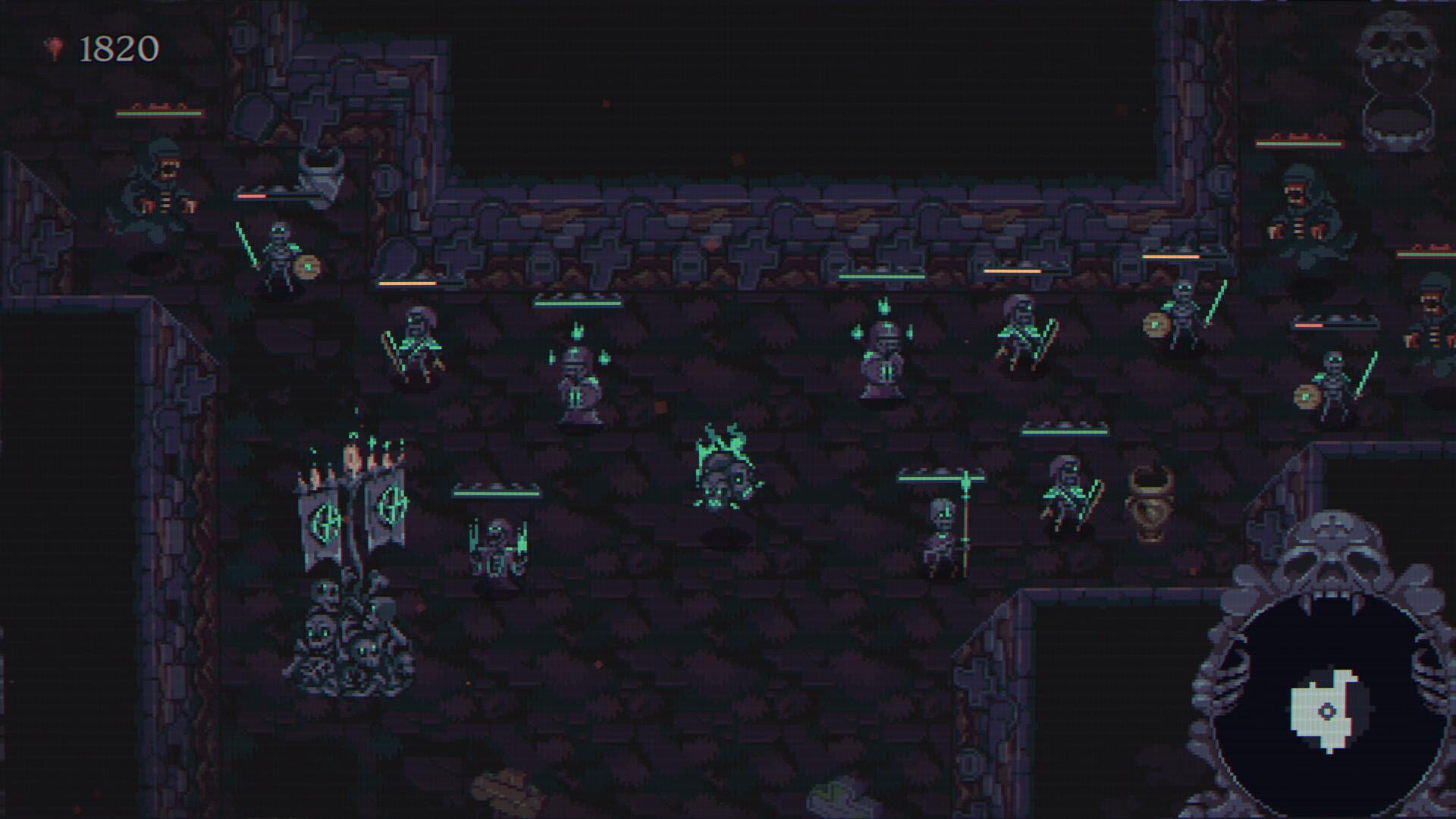
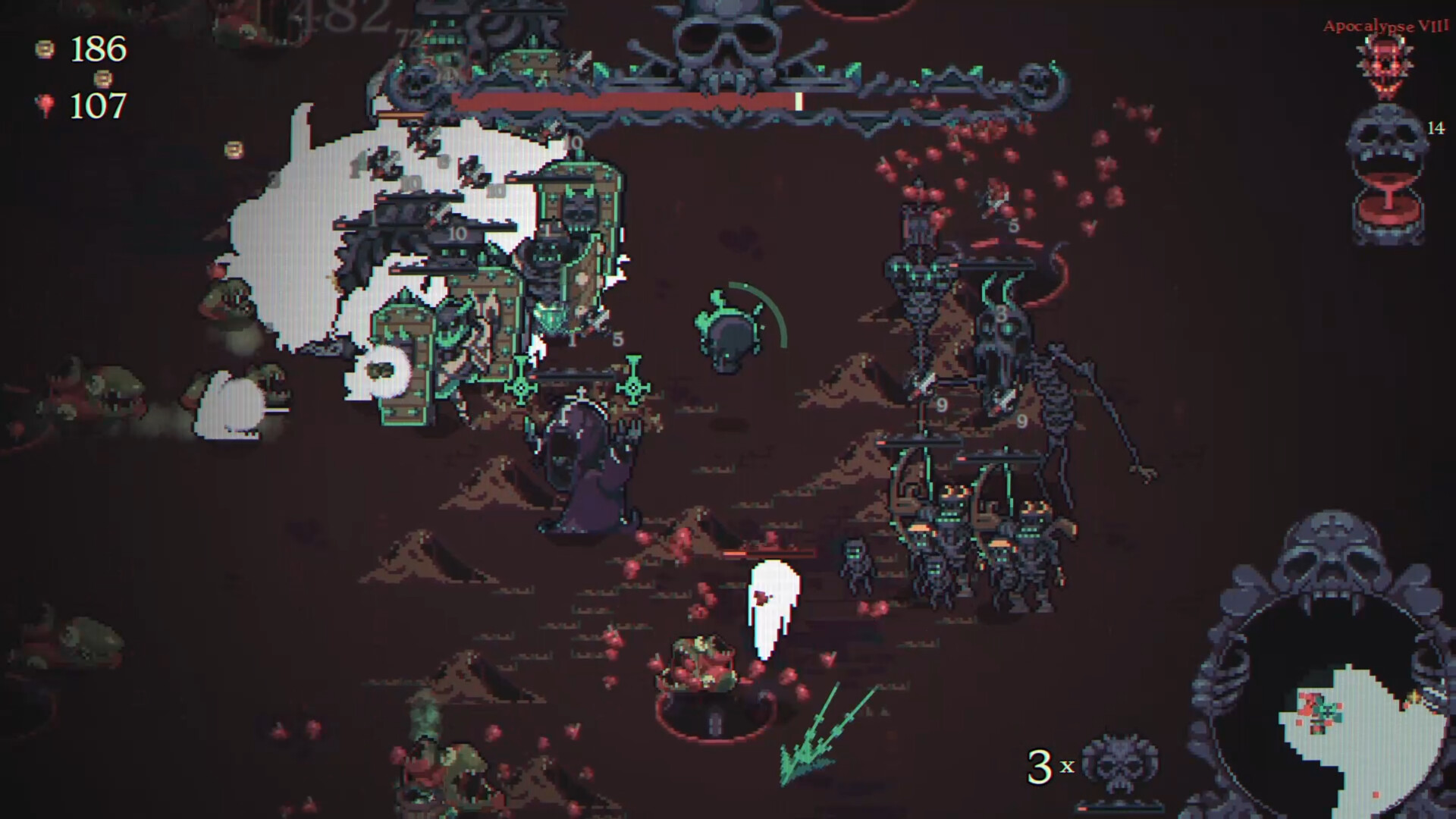
Skull Horde puts you in the role of a flying skull necromancer who raises skeletons to fight an endless tide of flesh enemies. The game runs in real‑time, letting your minions battle on their own while you manage squad composition, loot, and movement through procedurally generated dungeons.
Each run offers a selection of playable characters, unit types that can be merged into stronger versions, and powerful loot that interacts with unit tags. You also choose perks at the start of a run and tackle dungeon‑specific challenges that reward new content.
01 / THE GUIDE
Procedurally Generated Dungeons
Every dungeon layout, enemy placement, and chest location is created algorithmically, ensuring each run feels fresh. Unique enemy types appear in each dungeon, requiring you to adapt your squad’s composition.
The dungeons contain chests and shrines that grant loot and boons, but you must keep advancing to avoid being overwhelmed by the enemy tide.
- Observe enemy patterns early to decide which unit types will handle them best.
- Prioritize loot that matches the tags of your current units for immediate synergy.
02 / THE GUIDE
Unit Merging and Upgrades
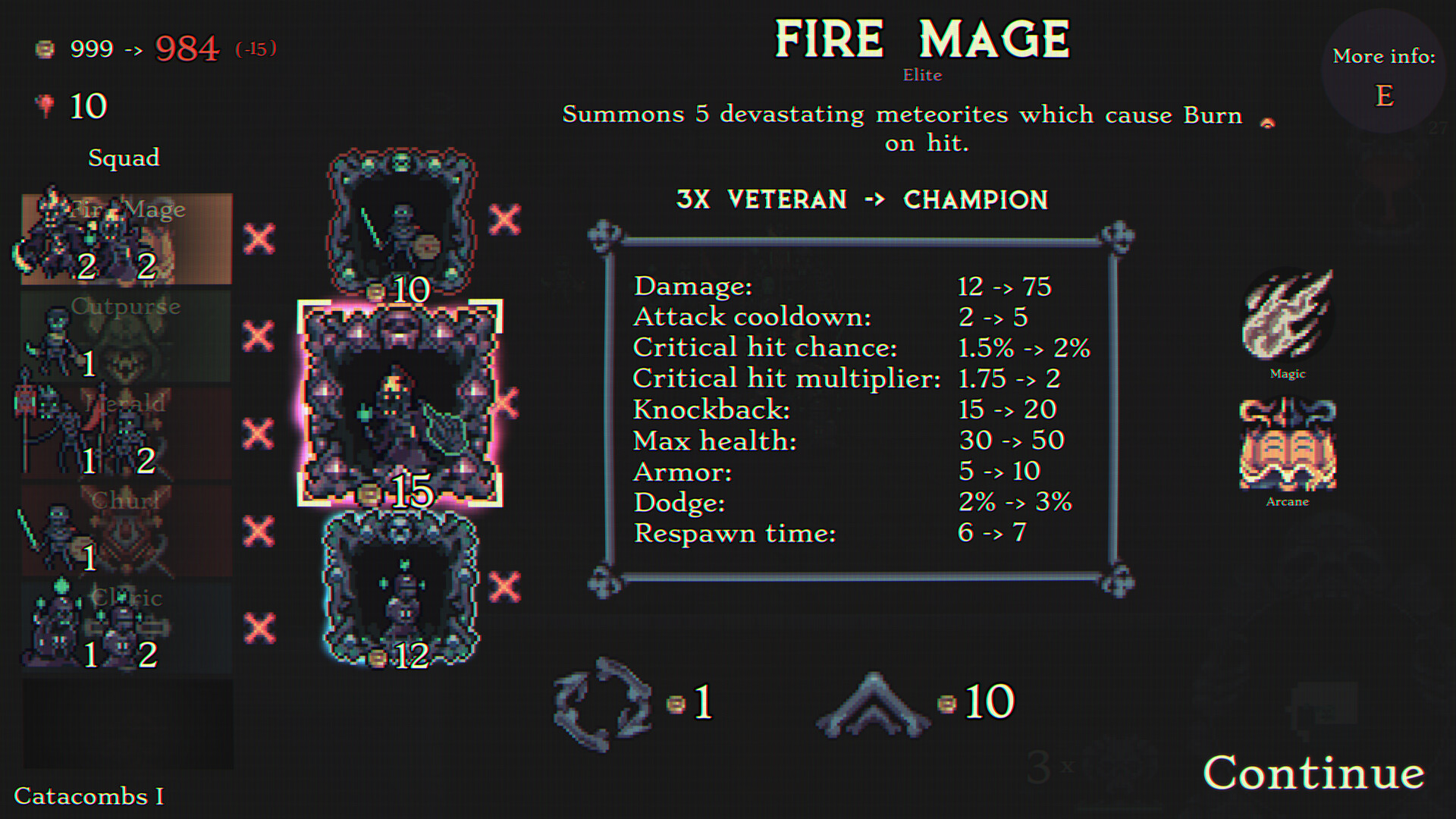
You can purchase a variety of unit types during a run; buying multiples of the same type merges them into stronger versions. Continued merging eventually unlocks a unique special ability for that unit.
Each unit possesses its own special ability, and merged units gain enhanced power, allowing you to craft synergies across your horde.
- Focus on merging a few key units to unlock their special abilities faster.
- Balance merging with acquiring new unit types to maintain tactical flexibility.
03 / THE GUIDE
Loot Interaction with Units
Loot found in dungeons interacts with unit classes and tags, providing powerful benefits when the right combinations are met. This encourages strategic planning of both loot acquisition and unit selection.
You can use resources to reroll units and loot, shaping your build toward a desired synergy before moving deeper into the dungeon.
- When rerolling, aim for loot that complements the dominant tags of your current squad.
- Keep an eye on shrine rewards; they often grant loot that triggers strong tag interactions.
04 / THE GUIDE
Perks and Playable Characters
At the start of each run you select powerful perks that shape your overall strategy. These perks combine with the unique special abilities of the playable characters you choose, forming the foundation of your build.
Different characters bring distinct abilities, so pairing the right perk with the right character can dramatically affect how you approach each dungeon’s challenges.
- Match a perk that enhances your character’s core ability for a more focused build.
- Experiment with different character‑perk combos to discover unexpected synergies.
05 / THE GUIDE
Dungeon Challenges and Rewards
Each dungeon type presents a set of unique challenges that demand creative builds to overcome. Completing these challenges rewards you with new unlocks and additional content.
The challenges vary between dungeons, encouraging you to adjust your squad composition and strategy for each new environment.
- Before entering a new dungeon, learn its unique challenges to anticipate which unit types you may need.
- Use the loot‑unit interaction system to tailor your squad toward the specific challenge requirements.
COMMUNITY
Player discussion