 GameWiki
GET YOUR BEARINGS
About skate.
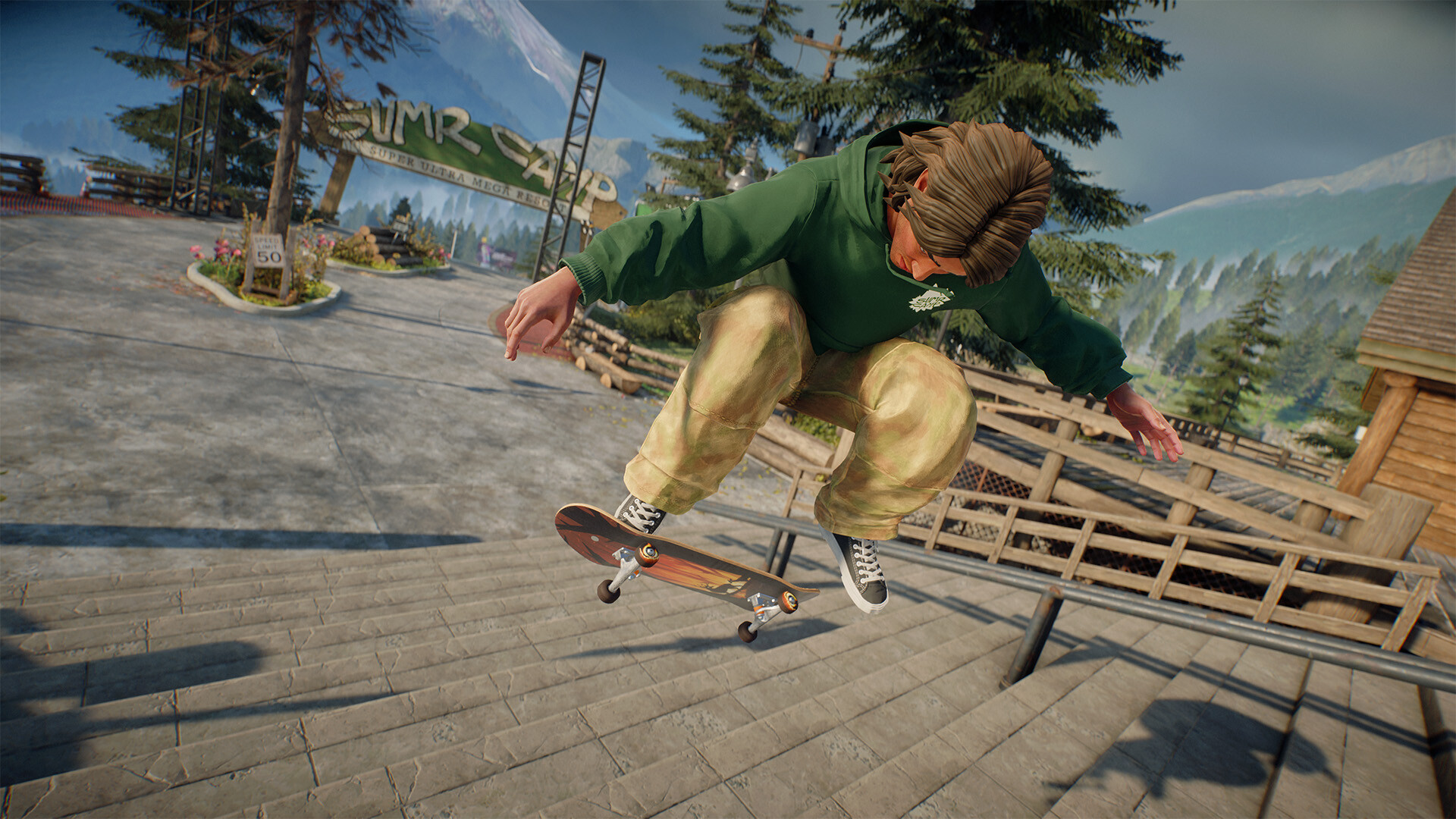
Skate. drops players into San Vansterdam, an online multiplayer city that expands each day with new skate spots, challenges and community events. The early‑access title blends free‑roam skating with a social hub where players can ride, walk, climb and customize their avatar and board.
Players enjoy refined Flick‑It controls, physics‑driven tricks and a suite of creative tools for building spots, launching Throwdowns and capturing replays. Cross‑play, co‑op challenges and cross‑progression let the experience continue across supported platforms while the city evolves through seasonal updates.
01 / THE GUIDE
Dynamic City of San Vansterdam
San Vansterdam is presented as an ever‑changing urban environment where each day brings new skate spots and activities. The city includes streets, parks, plazas, rooftops and ramps that serve as a canvas for players to explore and ride.
The world is designed for multiplayer interaction, allowing players to encounter one another while skating, walking or climbing to discover hidden locations across the map.
- Explore different vertical levels to find unique spots.
- Check community parks for spontaneous sessions.
02 / THE GUIDE
Control System and Movement
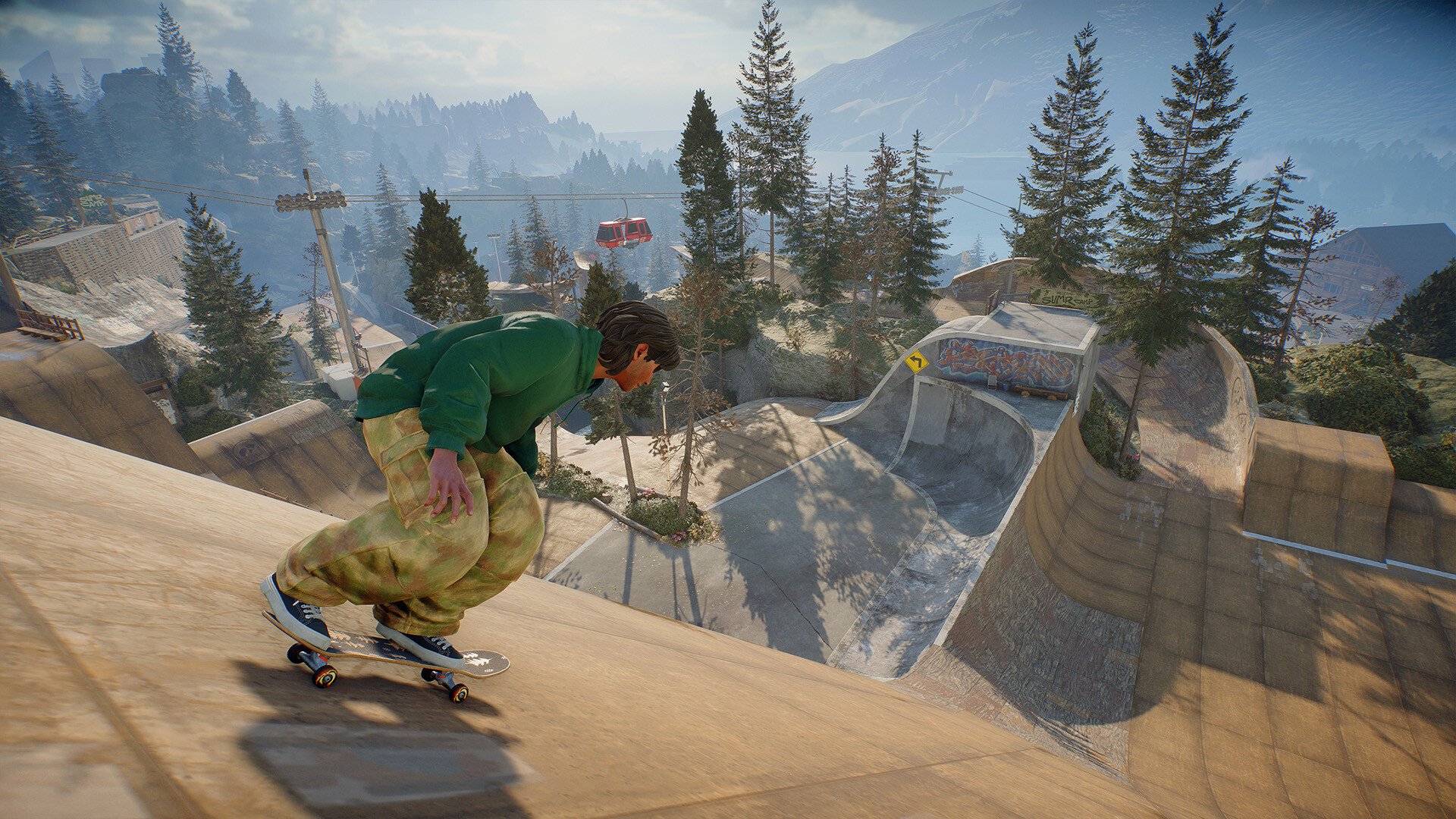
Skate. uses improved Flick‑It controls for board handling, letting players manipulate physics for signature moments. Players may also leave their board to move on foot and climb, enabling access to higher or hidden areas.
The game supports DualShock, DualSense and partial controller input, while also allowing play without timed input, giving flexibility in how players interact with the world.
- Experiment with foot movement to reach elevated spots.
- Use Flick‑It for precise trick execution.
03 / THE GUIDE
Character and Board Customization
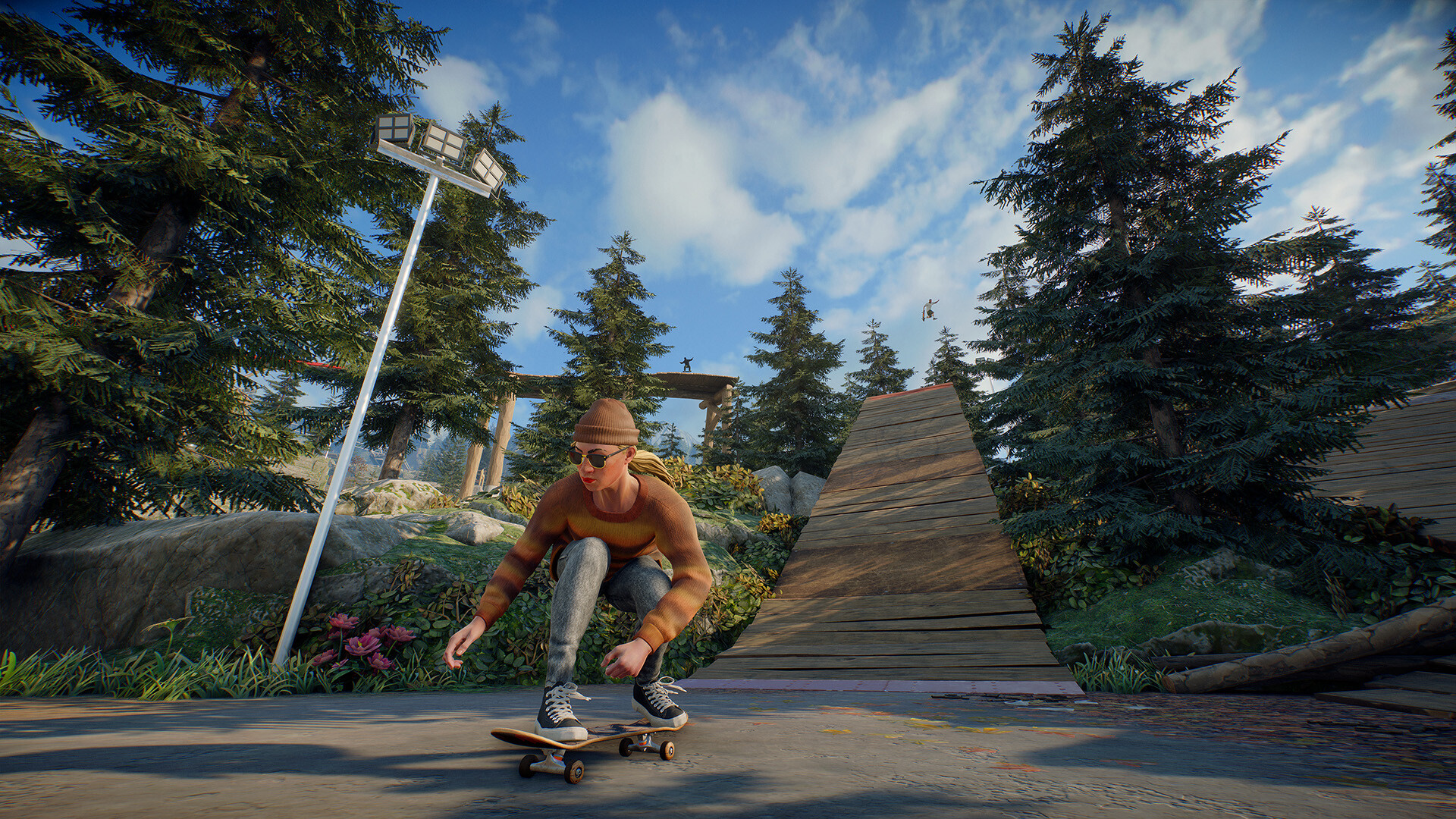
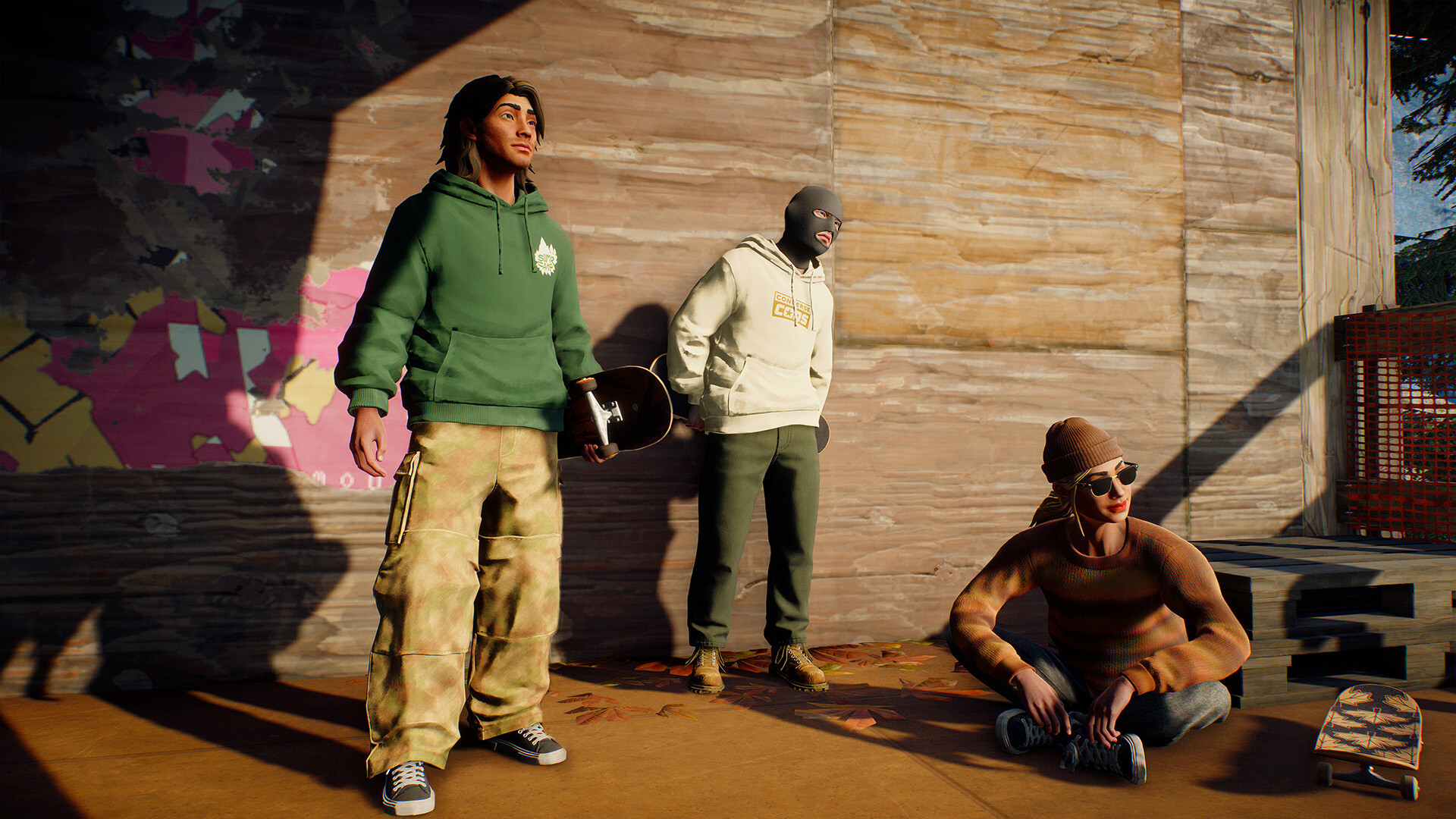
Players can personalize their skater with a growing inventory of hats, clothes, footwear and accessories from notable skate and street‑fashion brands. Boards are also customizable, offering choices for decks, grip tape, wheels, trucks and stickers.
These options let players develop a visual style that reflects their preferred tricks and favorite locations within the city.
- Mix and match accessories to create a distinct look.
- Upgrade board parts to match your skating style.
04 / THE GUIDE
Creative Tools and Community Play
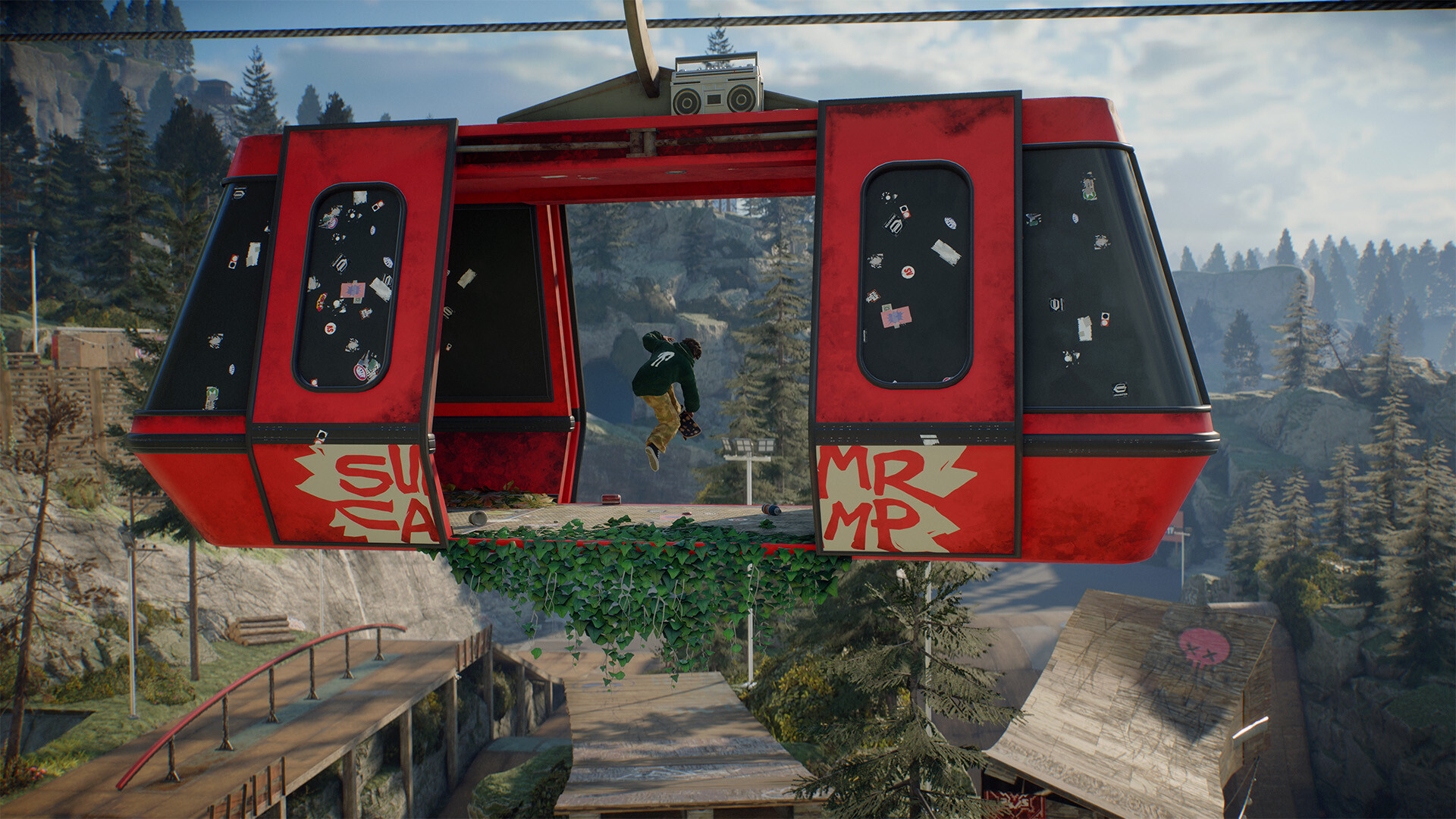
Quick Drop items let players place skateable objects in real time, building new spots throughout the city. Throwdowns enable players to set challenges for others, while Community Parks provide a shared space for group sessions.
The Replay Editor records tricks, slams and moments, allowing players to compile photos and clips for sharing with the community.
- Use Quick Drop to craft unique lines in underused areas.
- Organize Throwdowns to test friends’ skills.
05 / THE GUIDE
Multiplayer Features and Progression
Skate. supports cross‑play across platforms, 150‑player servers and cooperative challenges that grant greater rewards. Cross‑progression ensures earned items and rewards travel with the player regardless of platform.
Rewards, activities, challenges and events drive progression, letting players advance at their own pace while engaging with the broader community.
- Join cooperative challenges for bonus rewards.
- Play on multiple platforms to test cross‑progression.
COMMUNITY
Player discussion