 GameWiki
GET YOUR BEARINGS
About SimplePlanes
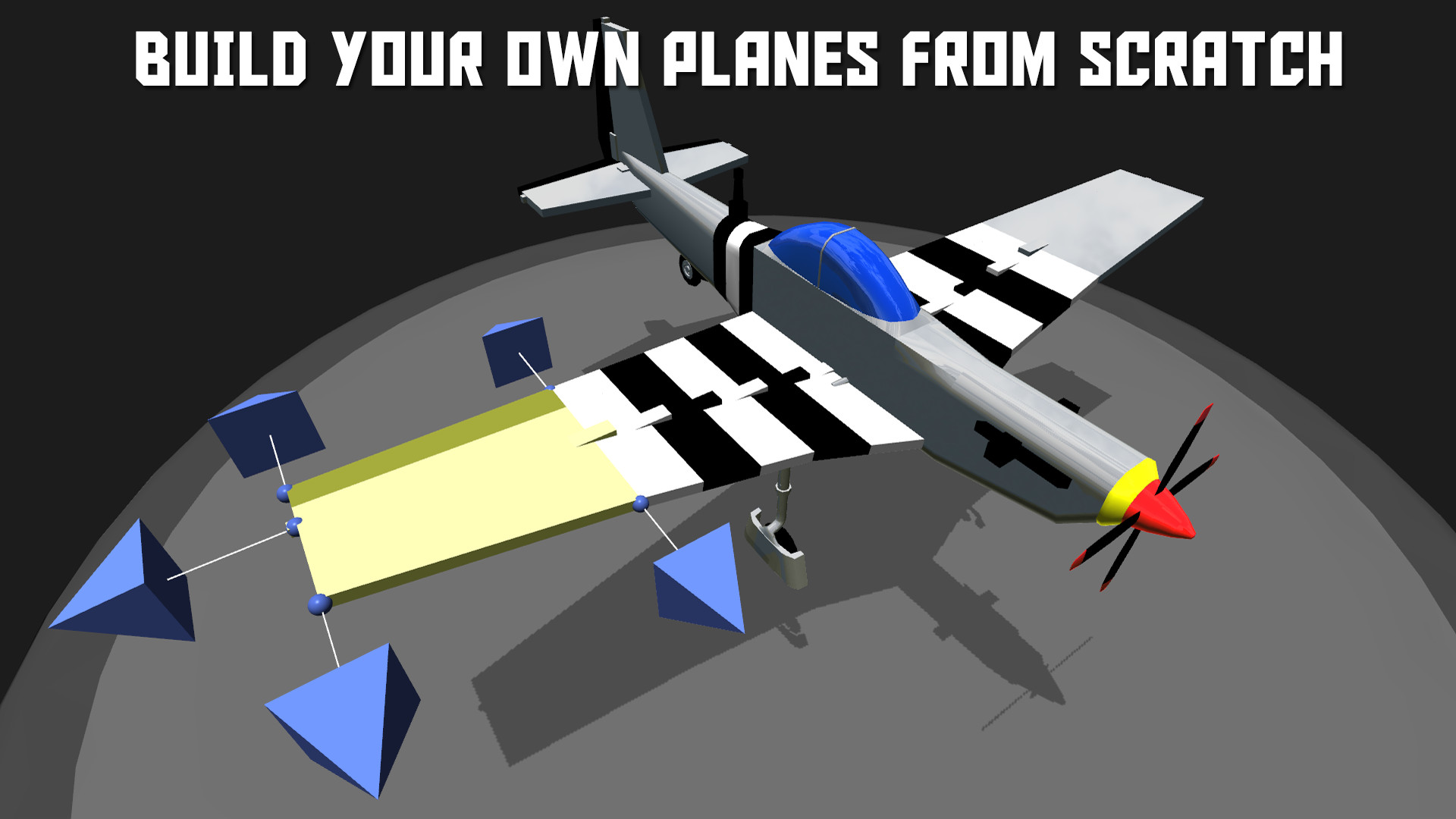
SimplePlanes lets you snap together bodies, engines, wings and other parts to create a flyable aircraft. Every design feeds a continuous flight model that calculates weight distribution, thrust, lift and drag while you pilot the craft.
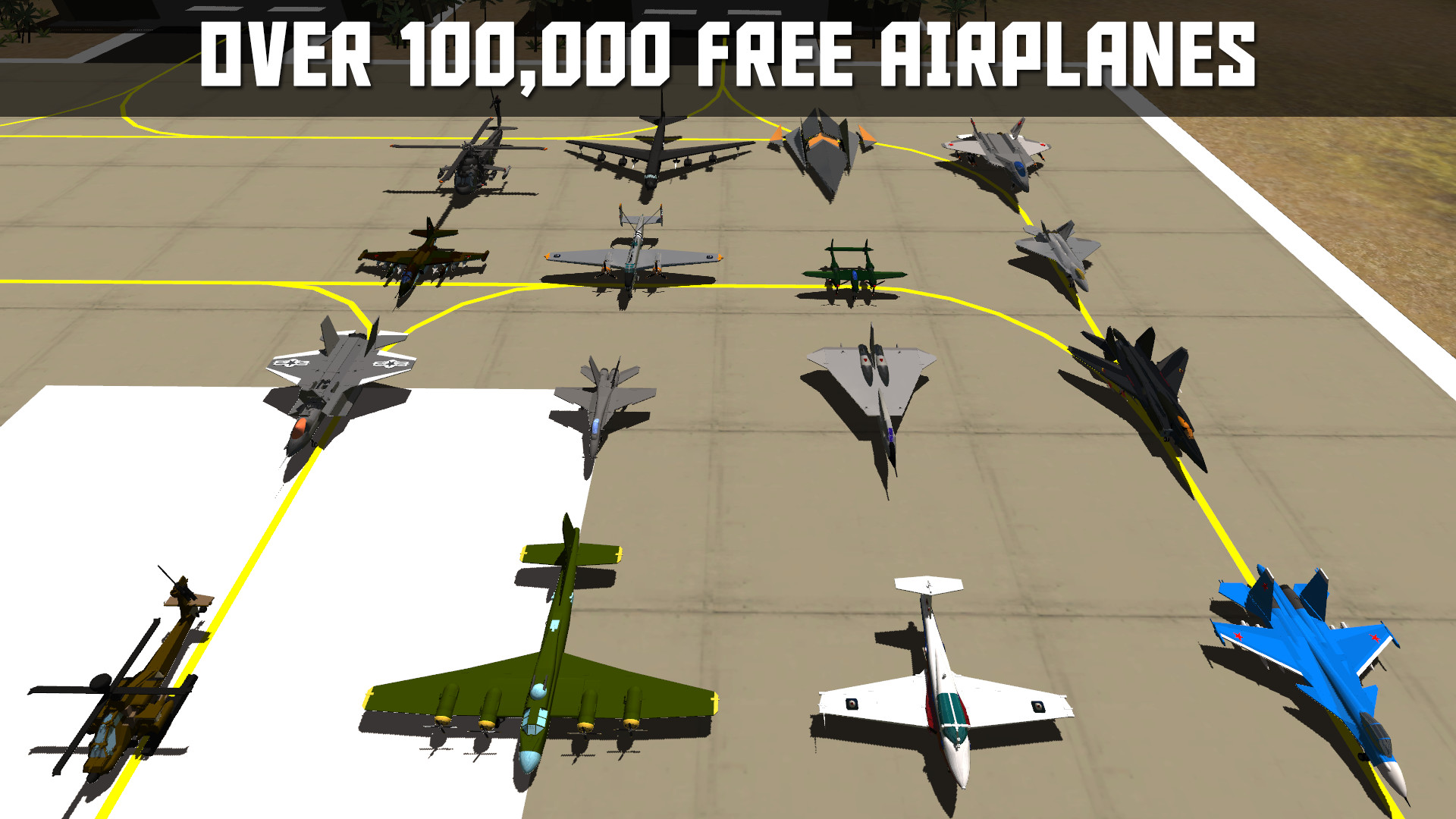
The game offers a free library of over 100,000 downloadable planes, a sandbox with no part limits, challenge missions such as carrier landings and missile dodging, and full mod support via a Unity package. VR can be enabled within the same build.
01 / THE GUIDE
Building Aircraft
The builder provides a part‑by‑part interface where you snap components together to form a fuselage, attach engines for thrust, and add wings for lift. Each decision is fed into the dynamic flight model, directly influencing how the finished plane will handle in flight.
You can upload your own creations, and the community’s downloads and ratings move you through builder ranks from bronze to gold. All parts available in the standard version remain usable when VR is enabled, though the aircraft builder itself is a feature of the standard version.
- Experiment with moving a wing forward to see how lift distribution changes.
- Add a small amount of rear weight to observe its effect on pitch stability.
02 / THE GUIDE
Dynamic Flight Model
During flight the engine continuously calculates weight distribution, thrust, lift and drag, producing realistic behavior for each aircraft. Parts may break off if overstressed or upon impact, yet the plane can stay airborne with missing components.
Because the model updates in real time, designers can test how small adjustments affect stability, power and aerodynamic efficiency before tackling challenges, allowing iterative refinement of balance and control.
- Watch wing stress during sharp turns to avoid breakage.
- Observe how moving the engine forward or backward shifts pitch response.
03 / THE GUIDE
Challenges Mode
Challenges place your aircraft in specific tasks such as landing on carriers, escorting bombers, dodging surface‑to‑air missiles, or racing through courses. Each scenario defines clear objectives that test both construction and piloting skills.
These missions are built into the base game and require no additional content, offering a variety of environments that keep gameplay engaging for extended periods.
- Start with simpler challenges to learn how your design reacts.
- After each attempt, tweak the aircraft to better meet the objective.
04 / THE GUIDE
Sandbox Mode
Sandbox removes all part restrictions, allowing any available component to be used in any combination. This open‑ended space lets you experiment with designs ranging from WW2 bombers to sci‑fi spacecraft without size limits.
Even the most imaginative builds are still subject to the same flight physics, giving immediate feedback on how unconventional configurations affect lift, drag and stability.
- Use sandbox builds to test extreme configurations before entering a challenge.
- Combine unusual parts to discover unexpected aerodynamic effects.
05 / THE GUIDE
Modding Support
SimplePlanes supplies a Unity package containing tools for creating custom parts and environments. Once crafted, these mods can be shared through Steam Workshop, expanding the game's content beyond the built‑in library.
Modders can introduce new aircraft types, scenery or gameplay tweaks while remaining within the same core engine, using the same core engine as the base game.
- Start with simple part edits to become familiar with the workflow.
- Test your mod in a sandbox session before publishing it.

COMMUNITY
Player discussion