 GameWiki
GET YOUR BEARINGS
About SimAirport
SimAirport puts you in charge of every airport detail, from runway layout to trash‑can placement. In Career Mode you must grow a profitable hub while keeping airlines and passengers satisfied, and the starter airport provides early cash flow.
Sandbox Mode removes financial limits, letting you experiment with complex terminals, fuel strategies, and infrastructure without a credit rating. The game simulates fuel, baggage, and passenger‑information systems, so each design choice can affect efficiency and profit.
01 / THE GUIDE
Career Mode
Career Mode tasks you with building an efficient international hub. You begin with a starter airport that quickly generates cash, then expand infrastructure, sign airline contracts, and manage daily flight schedules.
As passenger numbers rise, avoiding bottlenecks becomes critical. Concepts such as moving walkways, multi‑story terminals, staggered schedules, and careful standby gate allocation are highlighted for handling 10 000+ pax.
- Map gate standby capacity early to reduce peak‑time delays.
- Use one‑way taxiways to streamline aircraft movement.
02 / THE GUIDE
Sandbox Mode
Sandbox Mode offers unlimited funds, allowing you to design any airport layout without worrying about credit rating. You can construct elaborate terminals, test fuel tactics, or create artistic configurations.
With financial pressure removed, you can focus on mastering complex systems such as baggage handling, passenger‑info displays, and fuel market interactions while observing their impact on traffic flow.
- Try extreme runway configurations to see traffic effects.
- Experiment with fuel pricing to explore arbitrage possibilities.
03 / THE GUIDE
Fuel System Simulation
Fuel is simulated in detail, letting you buy, sell, or use it as a loss‑leader to influence airline satisfaction. The Fuel Marketplace lets you act on price differences for profit.
Managing storage capacity and monitoring marketplace trends can turn fuel operations into a significant capital source when arbitrage opportunities appear.
- Watch marketplace price changes before setting fuel rates.
- Maintain enough storage to exploit sudden price spikes.
04 / THE GUIDE
Baggage Handling
Every bag travels from conveyor to carousel and is individually tracked. Lost luggage reduces passenger happiness and can strain airline relationships, making efficient design essential.
Complex baggage networks require careful planning; the description warns against becoming a case study like KDEN, emphasizing the need for well‑thought‑out paths and capacity.
- Design short, direct routes between check‑in and carousels.
- Add extra capacity during peak travel periods.
05 / THE GUIDE
Robust Queue System
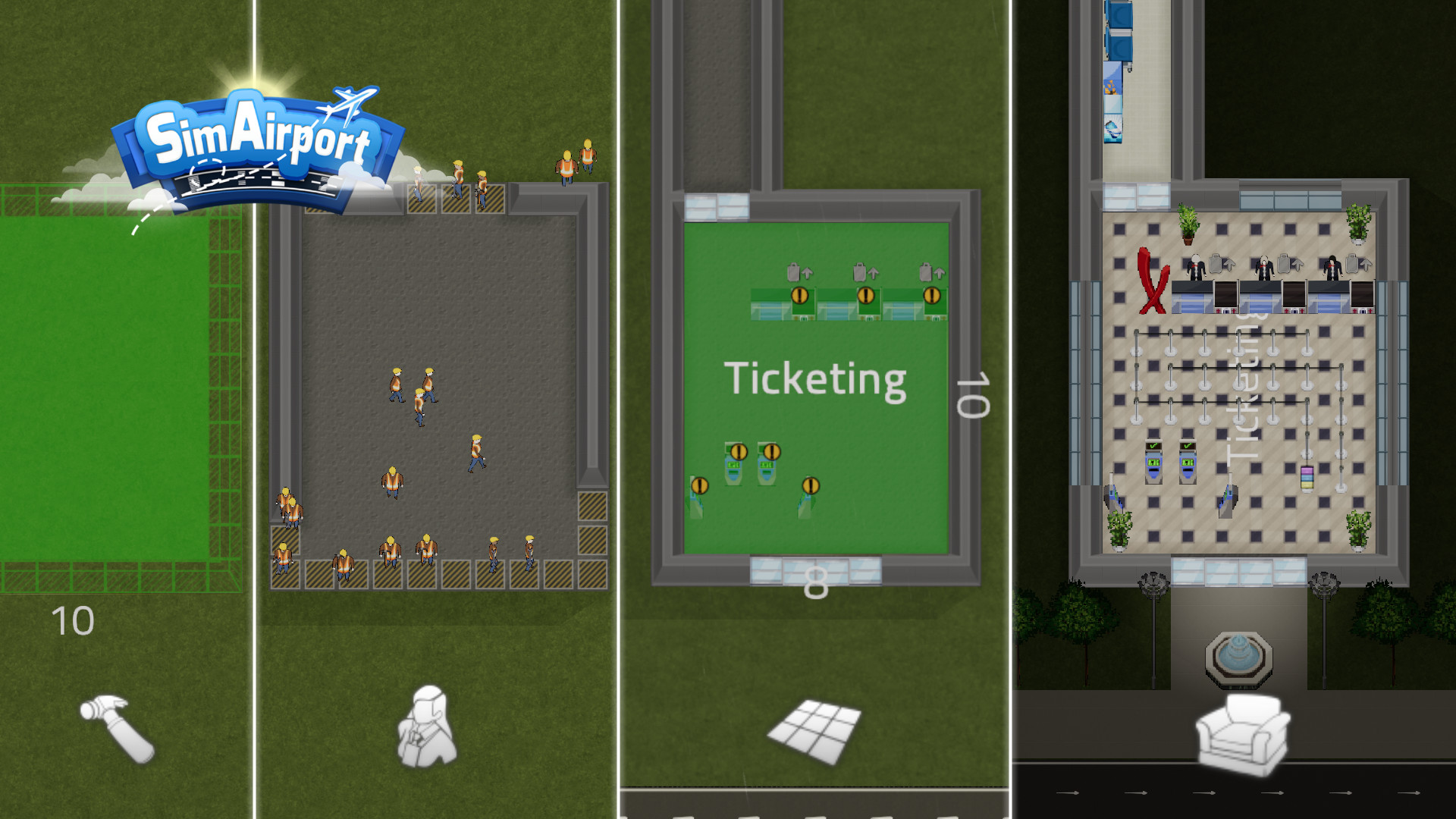
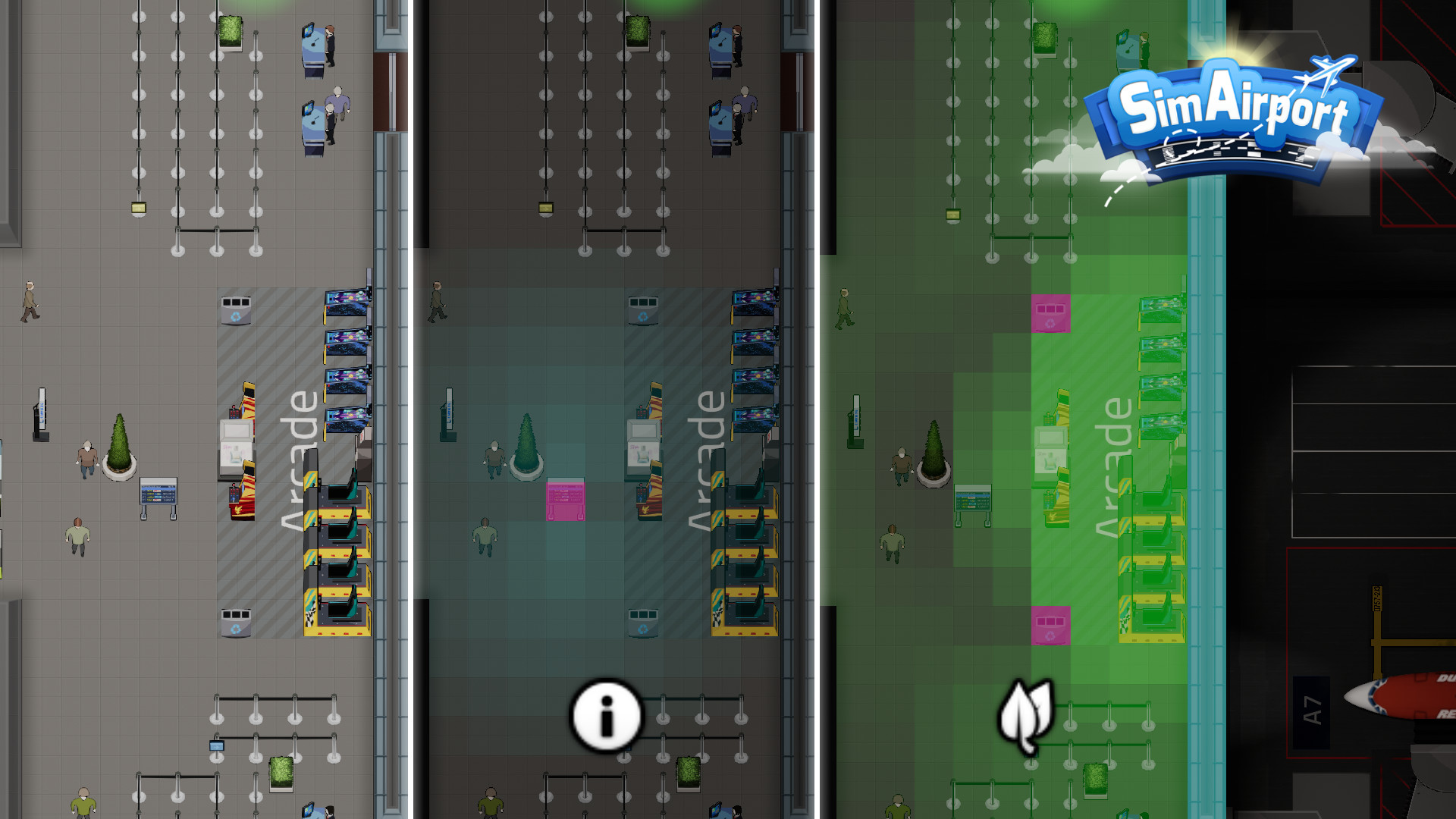
The queue system provides full control, supporting one‑to‑many desk configurations and allowing restrictions for different passenger classes, such as first class, coach, or crew.
Setting queue rules can reduce wait times and improve overall airport efficiency, especially when combined with dedicated expedited lines.
- Create separate queues for first‑class passengers.
- Use restrictions to prevent overcrowding at service desks.
COMMUNITY
Player discussion