 GameWiki
GET YOUR BEARINGS
About Sill Cats
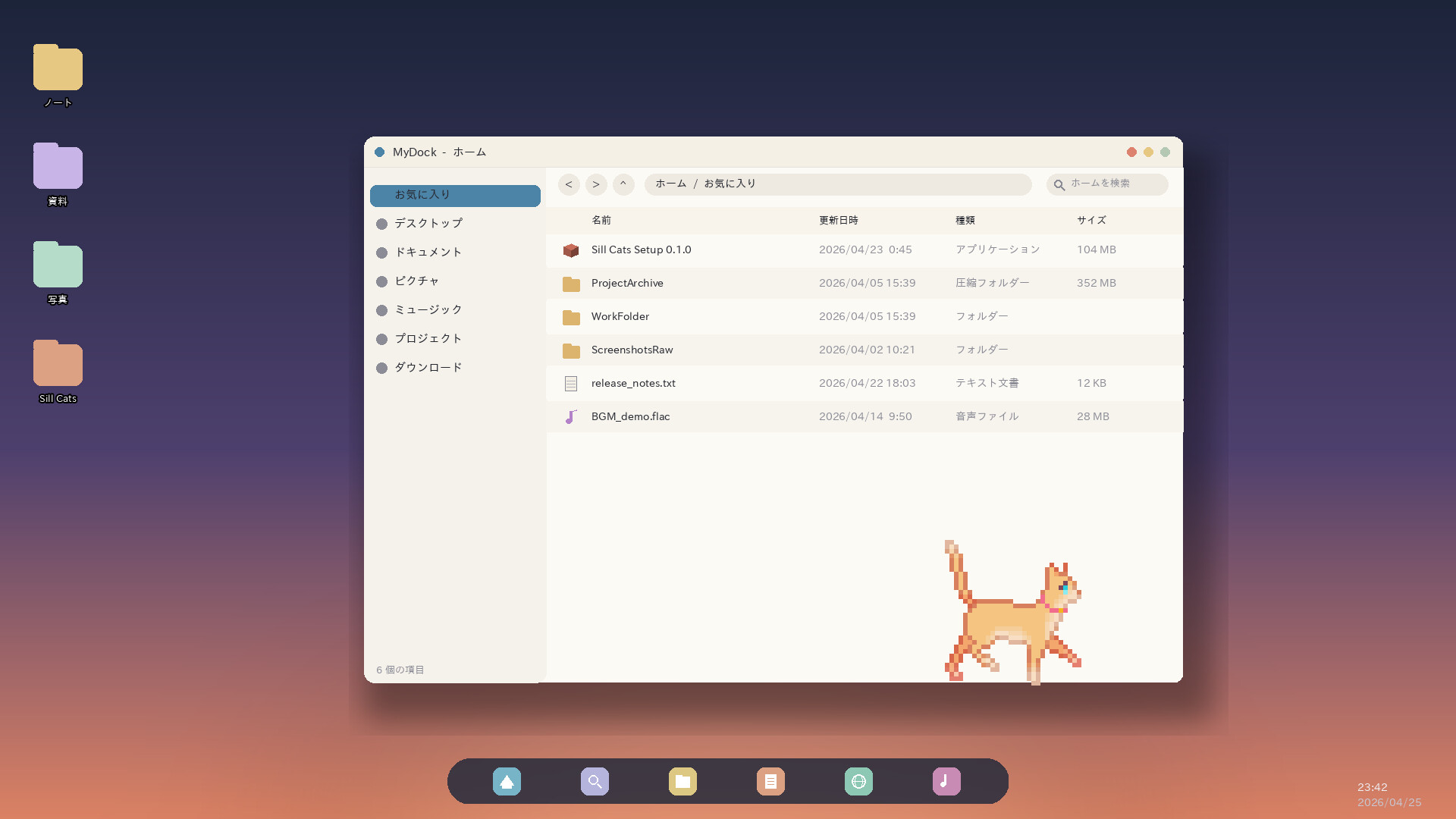
Sill Cats is an always‑on desktop app where tiny animated cats wander across your windows, curl up in corners, and react to mouse movement. Their activity follows a crepuscular pattern, becoming most lively at dawn and dusk and bursting into a rapid sprint between 1 a.m. and 4 a.m.
The app launches free with two adoptable cats—a sleek Abyssinian and a dashing Tuxedo. You can expand the family through breed DLC and add toys via the free Basic Toy Pack. All settings are accessed from a system‑tray menu, and streaming the cats is permitted without prior permission.
01 / THE GUIDE
Desktop Cat Behavior
Cats treat the entire desktop as their walking course, strolling over open windows and pausing in any corner they choose. When the mouse moves they may quietly sidle up to the cursor, or simply ignore it, mirroring real‑world feline curiosity.
At around 2 a.m. the cats often experience a sudden sprint—referred to as the zoomies—racing across the screen at full speed. Their mood shifts with the time of day: they are most energetic at dawn and dusk and become lazy around midday.
- Move the cursor slowly to see if a cat follows; subtle motion often draws attention.
- If you prefer a quieter desktop, keep the mouse still during midday when cats are naturally less active.
02 / THE GUIDE
Adopting Cats and Breeds
The free version lets you adopt two cats immediately: an Abyssinian and a Tuxedo. Additional breeds become available through paid breed packs, which add visual variety without changing the maximum number of cats shown on screen.
Each cat you adopt appears on the desktop as a distinct visual model. The breed packs only affect appearance; they do not alter the app’s core behavior or the number of cats that can be displayed simultaneously.
- Try the default Abyssinian and Tuxedo first to see how they fit your desktop layout.
- Explore breed packs later if you want more visual options without changing how many cats can appear on screen.
03 / THE GUIDE
Settings and Number of Cats
All configuration—changing breed, quitting, or adjusting other options—is accessed by clicking the cat signboard or right‑clicking the Sill Cats icon in the Windows system tray. If the icon is hidden, expand the hidden icons panel via the “^” button.
By default two cats appear, but the "Number of Cats" option in the settings menu lets you limit the display to a single cat. No more than two cats can be shown at once, regardless of any DLC installed.
- Use the right‑click tray menu for quick access to the "Number of Cats" setting.
- If the icon is missing, check the hidden icons area to locate it.
04 / THE GUIDE
DLC and the Basic Toy Pack
Purchasing DLC adds new cat looks and breeds, as well as optional toy packs that place toys on the screen. The free "Basic Toy Pack" is available for download and receives periodic updates with additional toys.
Toy DLC does not increase the maximum number of cats that can appear simultaneously; it only adds visual elements you can place on the screen.
- Start with the free Basic Toy Pack to see how the toys look on your screen.
- Check the Community Hub for announcements of new toy additions.
05 / THE GUIDE
Streaming Policy
Creators may stream or post videos of Sill Cats, monetized or not, without prior permission. Including the store page URL in descriptions is encouraged, and notifying the developers on Discord or X helps them promote your content.
Streams that are illegal, incite violence, or breach common‑sense decency may be asked to stop, but otherwise there are no restrictions on sharing gameplay footage.
- Add the store page link in video descriptions to support the developers.
- Drop a quick note in the Discord channel before a large live stream for possible promotion.


COMMUNITY
Player discussion