 GameWiki
GET YOUR BEARINGS
About Silica
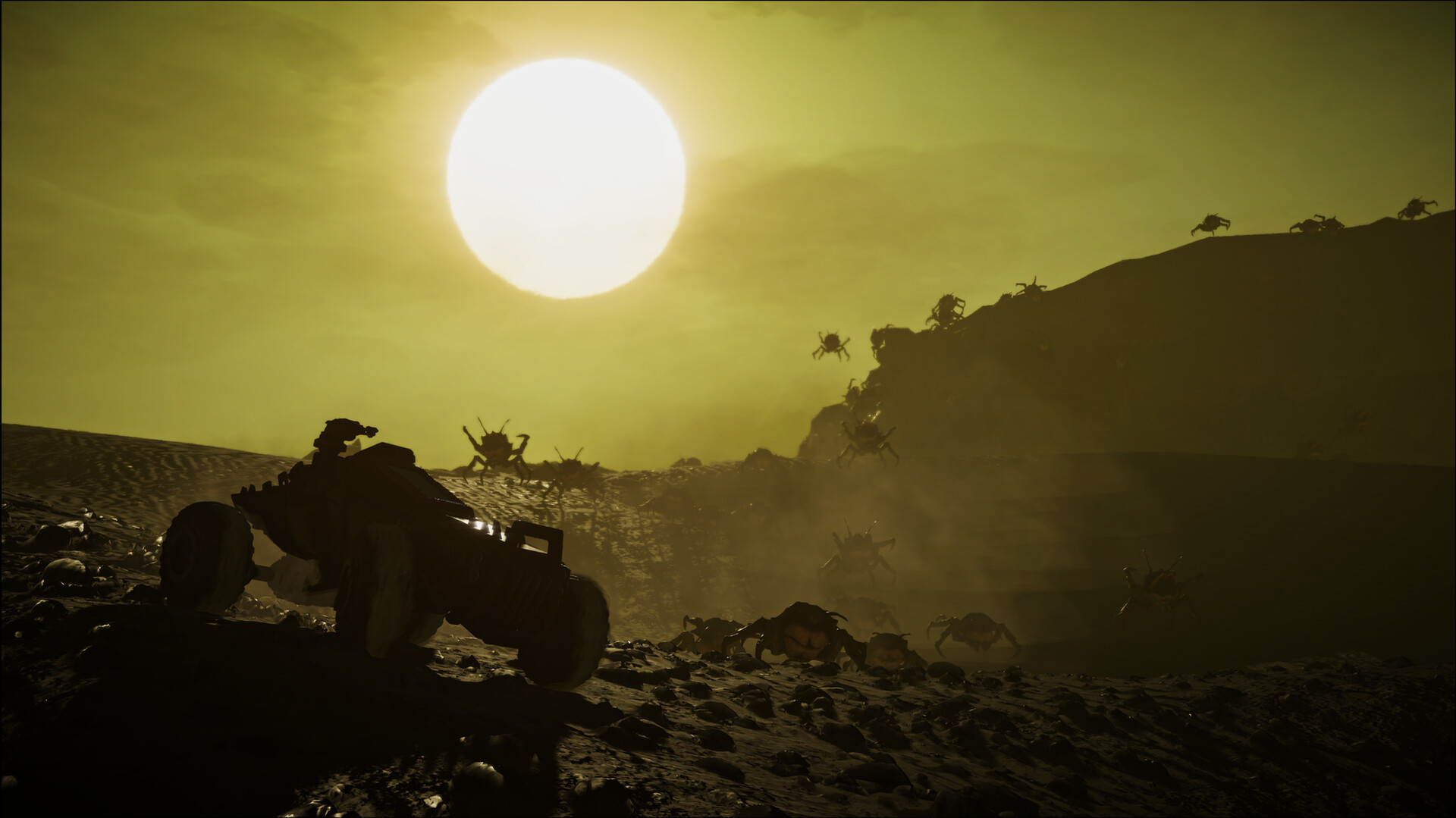
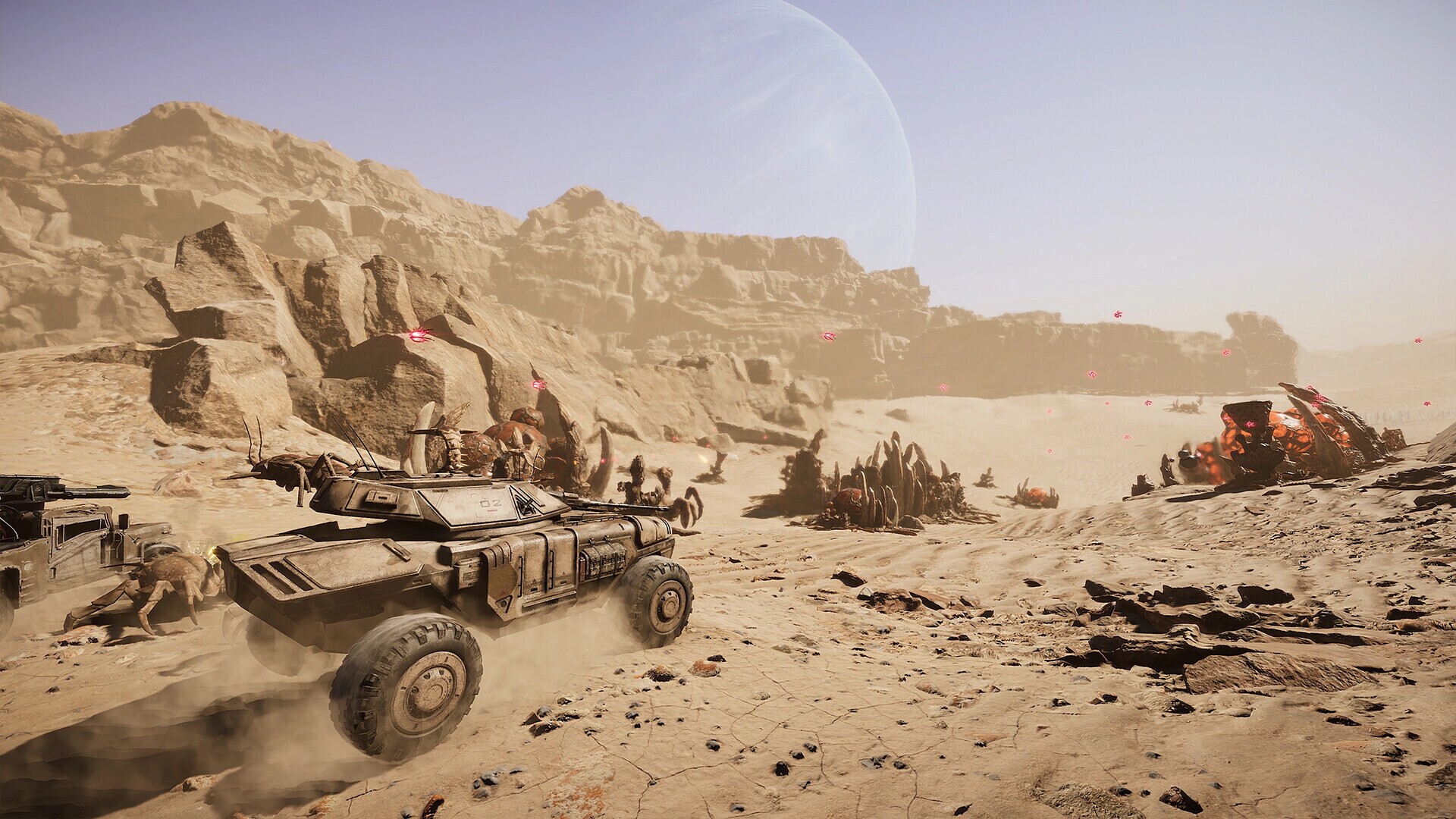
Silica fuses first‑person shooting with real‑time strategy, letting players fight as humans or aliens in photorealistic battles on the desert world Baltarus. You may command forces from a top‑down perspective or join the fight on foot, choosing the role that best fits the moment.
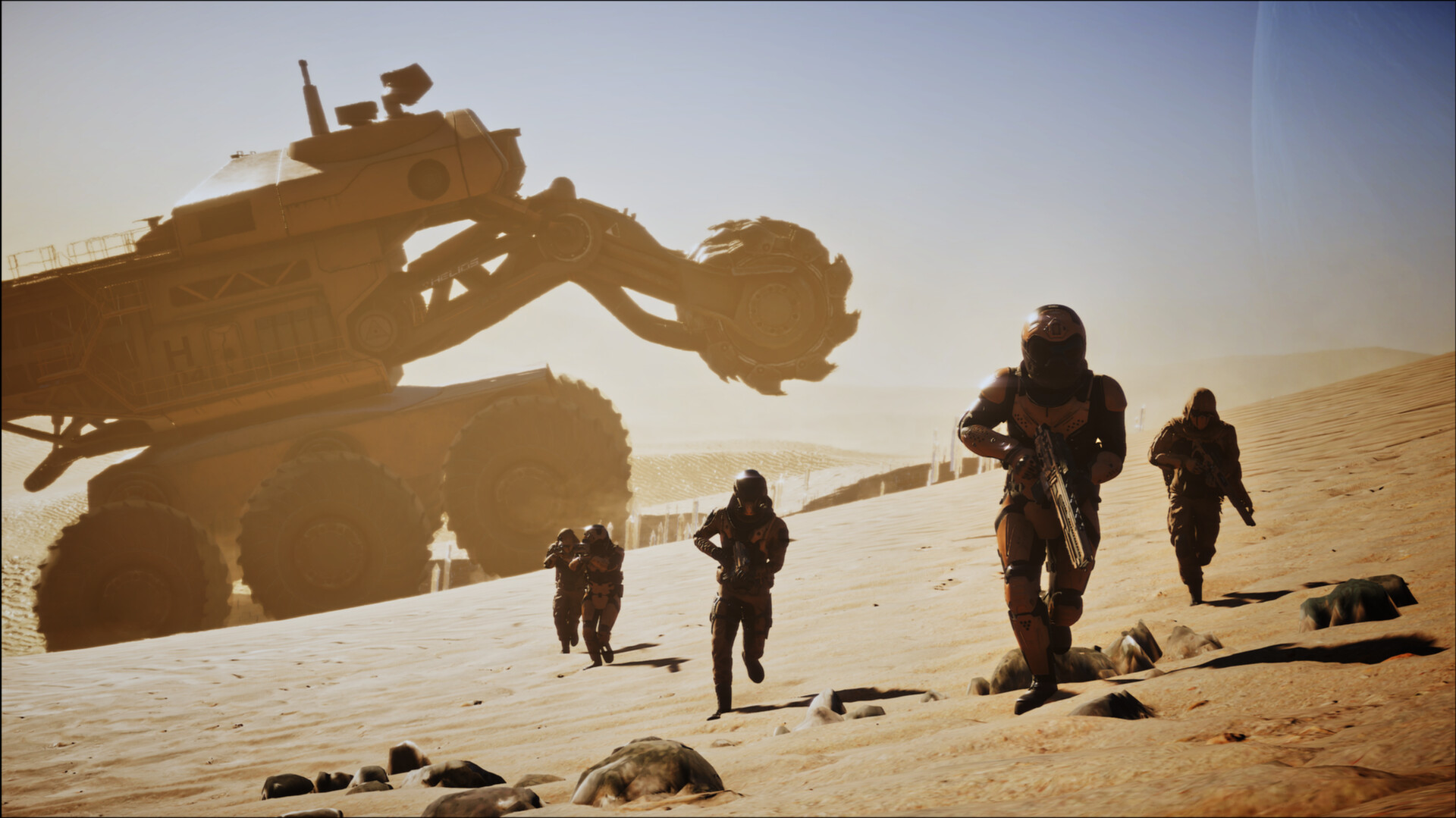
The game stresses combined‑arms warfare across land and sky, featuring everything from infantry squads to massive harvesters. Large‑scale units are rendered with realistic proportions, creating a vivid sense of size on the battlefield.
01 / THE GUIDE
Gameplay Modes
Silica provides both single‑player and multiplayer experiences, listed as Single‑player, Multi‑player, PvP, Online PvP, Co‑op and Online Co‑op. All of these modes center on the same large‑scale human‑versus‑alien battles.
Family Sharing is also noted, meaning the game can be accessed by multiple Steam accounts on the same PC. This expands who can experience the hybrid FPS/RTS gameplay without needing separate purchases.
- Try a single‑player match first to learn unit sizes before joining online matches.
- Use Family Sharing to let a friend test the commander role on your machine.
02 / THE GUIDE
Commander Perspective
When you select the commander role, you view the battlefield from a top‑down angle and issue orders to land and air units. This perspective focuses on tactical planning rather than direct shooting.
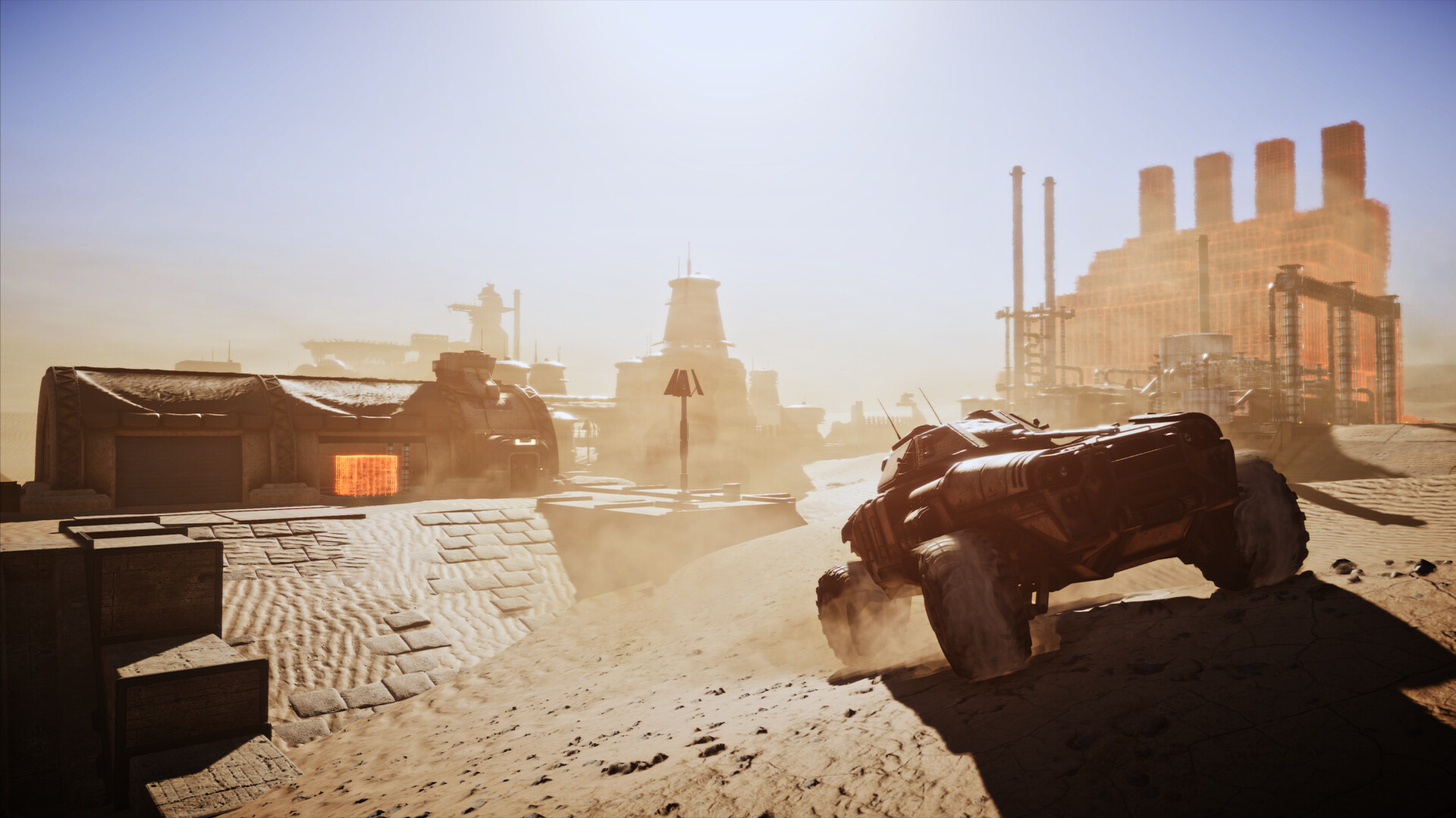
Commanders can coordinate complex operations across the sandy dunes of Baltarus, directing both infantry and vehicle formations to shape the flow of combat.
- Observe enemy movement from the commander view to anticipate attacks.
- Allocate units between ground and air to cover multiple fronts.
03 / THE GUIDE
Land and Sky Vehicles
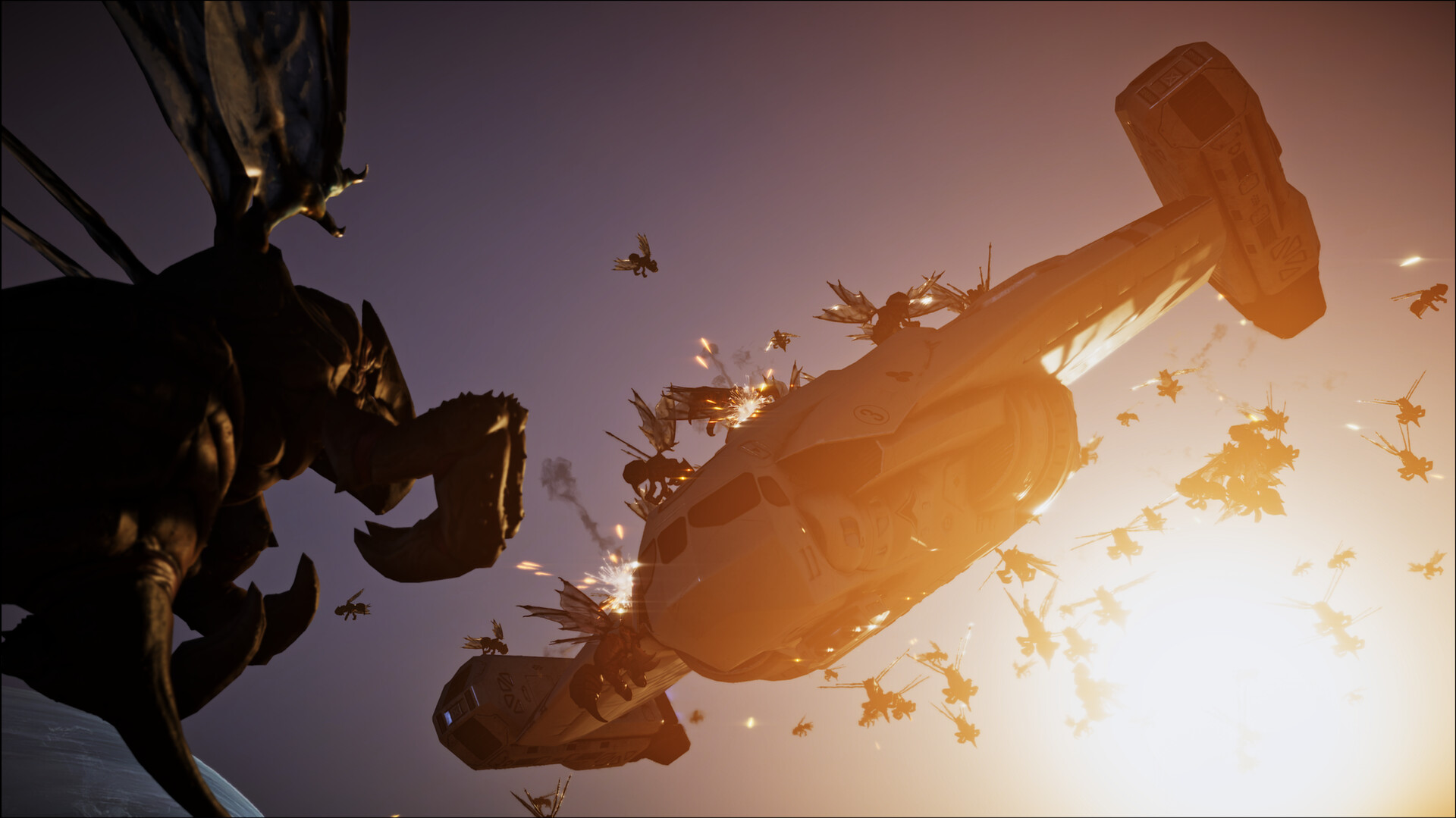
Players may control vehicles that operate on the ground or in the air, ranging from small fighters to gigantic harvesters. Vehicle control lets you assert power over the dunes from multiple angles.
Both vehicle types influence the strategic layer, as commanders can assign them to objectives while pilots directly engage opponents.
- Switch between vehicle classes to adapt to shifting battlefield conditions.
- Use aerial units for early reconnaissance before committing ground forces.
04 / THE GUIDE
Realistic Unit Scale
Silica features a spectrum of unit sizes, from infantry squads to colossal harvesters and massive buildings. Each unit’s model reflects its physical dimensions, reinforcing a realistic battlefield feel.
The stark contrast in size makes encounters visually distinct based on the units involved.
- Notice how larger units dominate open ground while smaller squads can maneuver through tighter spaces.
- Position infantry near larger vehicles to observe the size contrast up close.
05 / THE GUIDE
Platform Availability
Silica is released for Windows only; macOS and Linux are not listed as supported platforms. This focus ensures compatibility with the majority of PC gamers using Steam.
All documented features—including multiplayer, family sharing, and the hybrid FPS/RTS gameplay—operate within the Windows environment.
- Verify your Windows system meets the game's requirements before installing.
- Take advantage of Family Sharing on Windows to let multiple accounts access the title.
COMMUNITY
Player discussion