 GameWiki

GET YOUR BEARINGS
About Sid Meier's Civilization V
Sid Meier's Civilization V is a turn‑based strategy game where you guide a civilization from the dawn of humanity to the space age. The game blends warfare, diplomacy, technology research and empire building, letting you compete against historic leaders or other players.
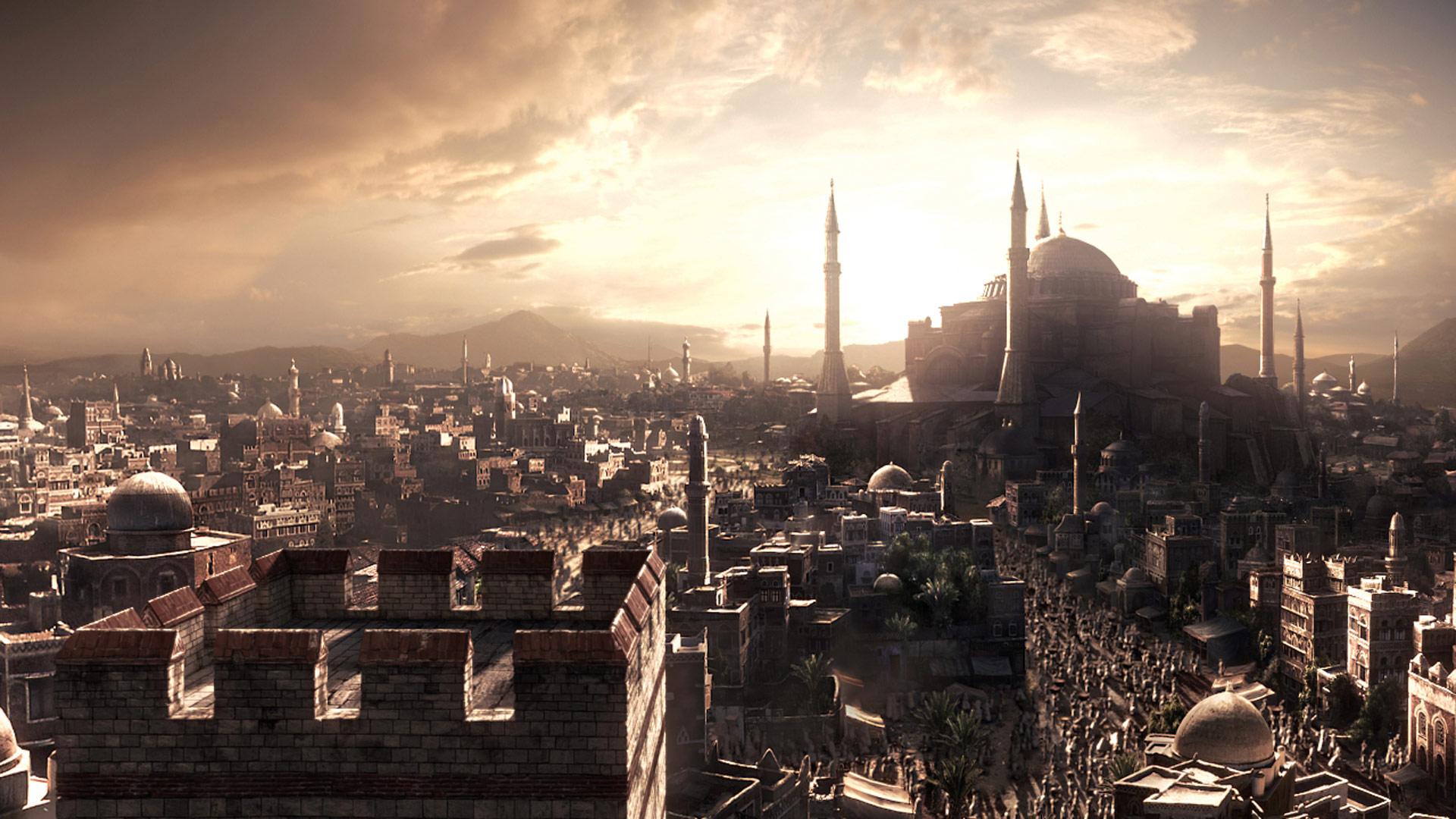
An intuitive interface eases new players in, while veterans can enjoy the depth of a hex‑based map, interactive diplomacy and city‑state mechanics. Ultra‑realistic graphics showcase lush landscapes for exploration and conquest.
01 / THE GUIDE
Hex‑Based Combat and Building
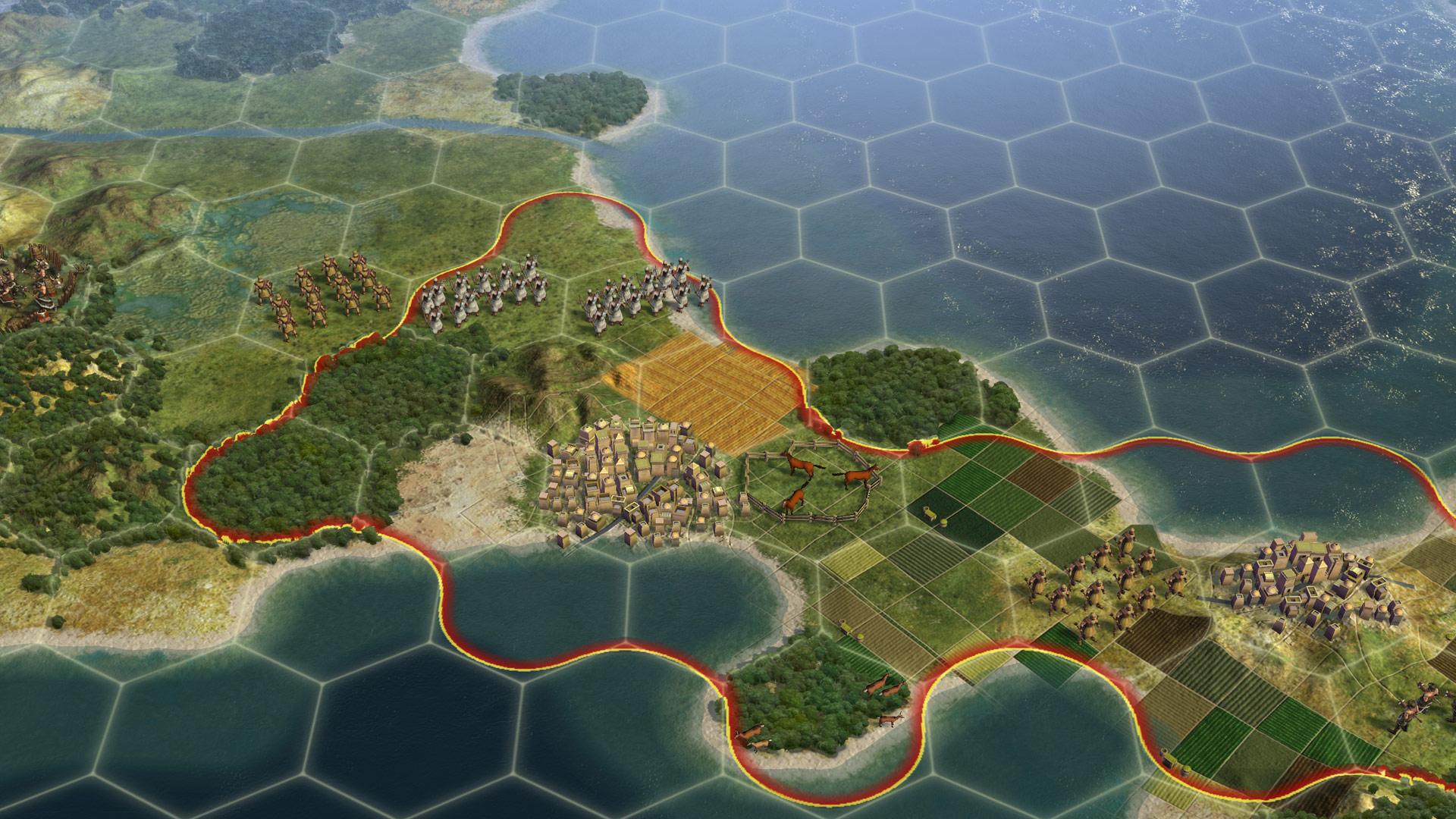
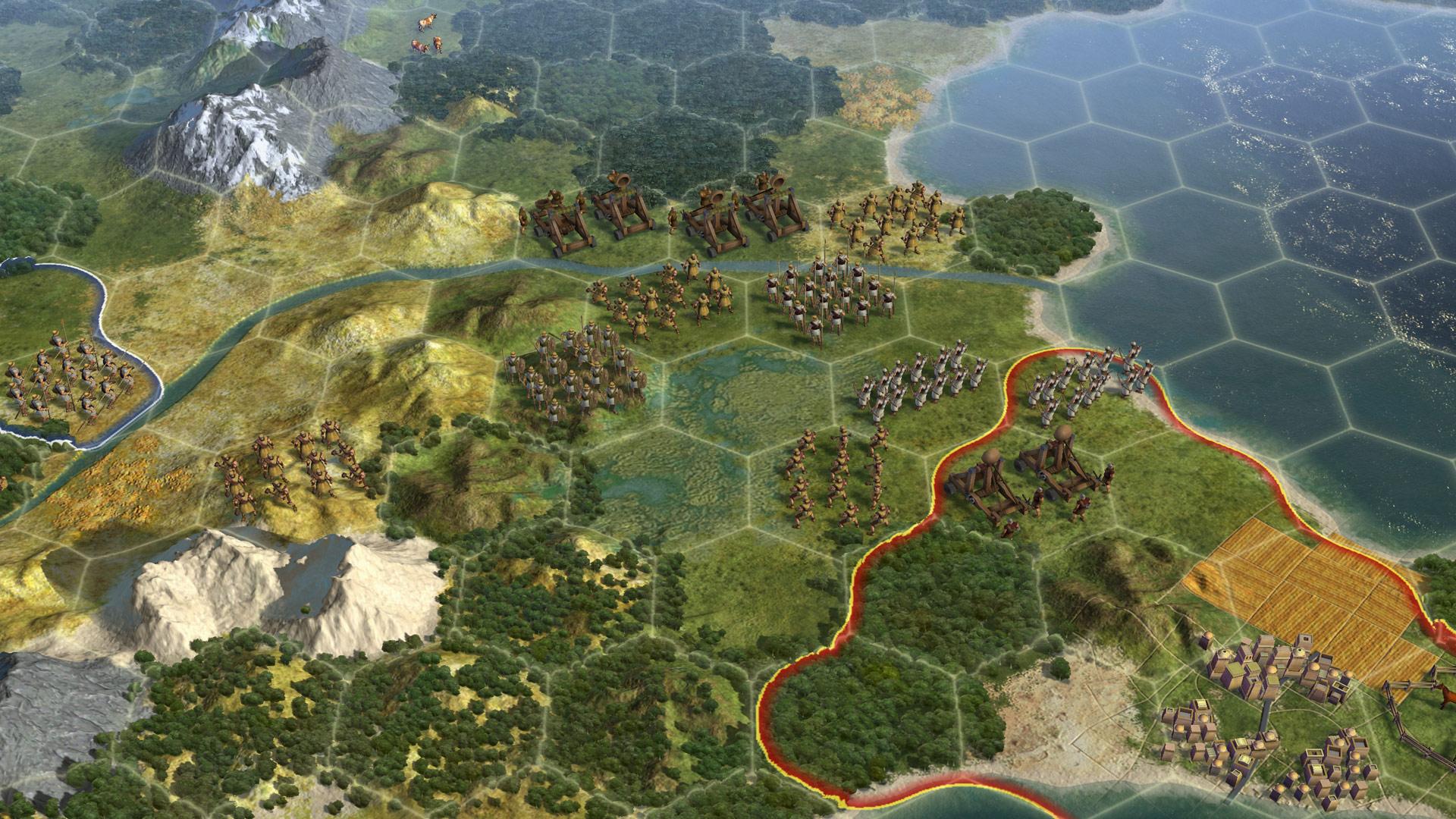
Civilization V uses a hexagonal grid for unit movement, combat and city placement. Each hex can contain terrain that influences how units fight and how cities expand, creating new tactical considerations compared with earlier titles.
Because city borders and resource tiles follow the hex pattern, planning where to settle and how to defend becomes a core part of strategic decision‑making throughout the game.
- Place units on hexes with favorable terrain before attacking.
- Locate cities where hexes provide a variety of resources.
02 / THE GUIDE
Improved Diplomacy System
Leaders are fully interactive, allowing you to negotiate treaties, trade deals and alliances directly through the diplomacy screen. Options include war declarations, research agreements and other diplomatic actions.
City‑states act as diplomatic resources, offering bonuses and influencing your standing with other civilizations when you engage with them.
- Maintain good relations with city‑states to gain diplomatic leverage.
- Review leader personalities before proposing treaties.
03 / THE GUIDE
Community, Multiplayer and Modding
Players can compete online via LAN or internet matches, and the in‑game community hub lets you browse, download and install mods without leaving the game. A free Modding SDK supports deeper customisation.
Steam features such as achievements, trading cards and cloud saves are integrated, providing a seamless multiplayer experience.
- Test a mod in single‑player before joining a multiplayer match.
- Use Steam Cloud to keep saves synced across devices.
04 / THE GUIDE
Wide System Compatibility
Civilization V runs on Windows, macOS and Linux, supporting a range of hardware from high‑end desktops to many laptops. The Mac and Linux versions are offered in English, French, Italian, German and Spanish.
Steam features like Remote Play on Tablet and Family Sharing extend accessibility, allowing the game to be played on additional devices and shared between accounts.
- Update graphics drivers on laptops for smoother performance.
- Enable Family Sharing to let multiple accounts access the game.
05 / THE GUIDE
Inviting Presentation and Strategic Depth
The interface is designed to let new players jump in at their own pace, while seasoned players can explore detailed controls that highlight the series' depth.
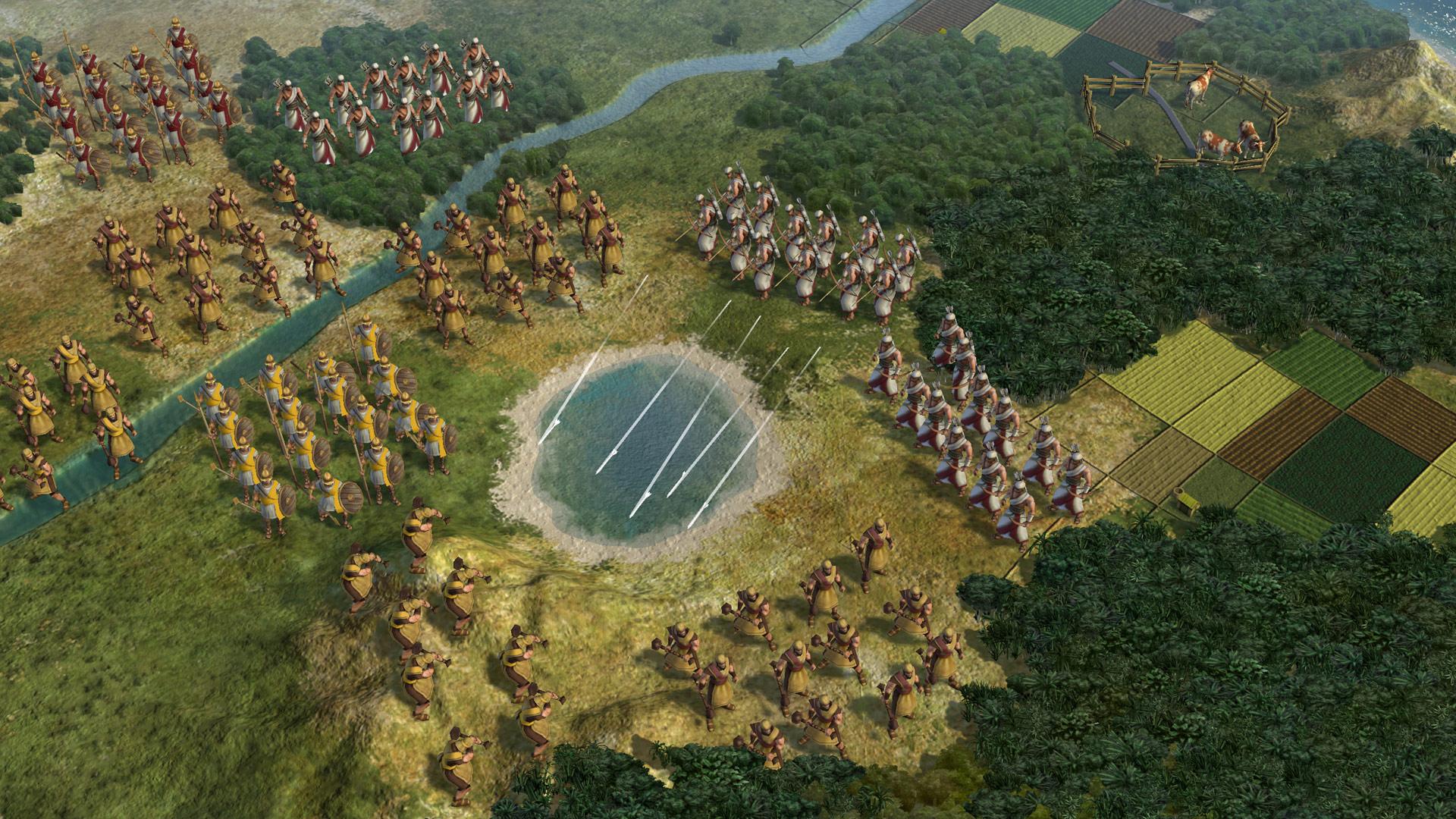
Ultra‑realistic graphics showcase lush landscapes, giving visual context to exploration, combat and city development across the map.
- Use the UI panels to monitor city production efficiently.
- Explore the map early to identify key terrain features.

COMMUNITY
Player discussion