 GameWiki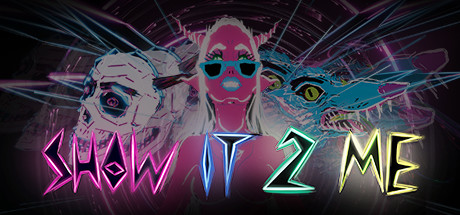
GET YOUR BEARINGS
About Show It 2 Me
Show It 2 Me is an interactive VR music video built with Tilt Brush’s audio‑reactive brushes, set to Night Club’s single of the same name. The experience delivers a trippy visual ride that reacts to the song’s rhythm and melody.
Created by Titmouse artists Chris Prynoski and Antonio Canobbio, the piece debuted at SXSW’s Virtual Cinema in 2017 and is available as a single‑player, VR‑only title with tracked controller support and family sharing.
01 / THE GUIDE
Interactive VR Music Video
The work is presented as an interactive VR music video, meaning viewers experience the song while navigating a three‑dimensional space. Interaction is limited to the tracked controllers supported by the title.
Because it is single‑player, the experience is designed for one person at a time, without multiplayer or competitive elements.
- Observe how the environment changes as the music progresses.
- Try different viewing angles to catch hidden visual details.
02 / THE GUIDE
Audio Reactive Brushes
Tilt Brush’s audio reactive brushes generate visual elements that pulse, move, or transform in sync with the song’s audio waveform. The brushes were used by the creators to craft the dynamic scenery.
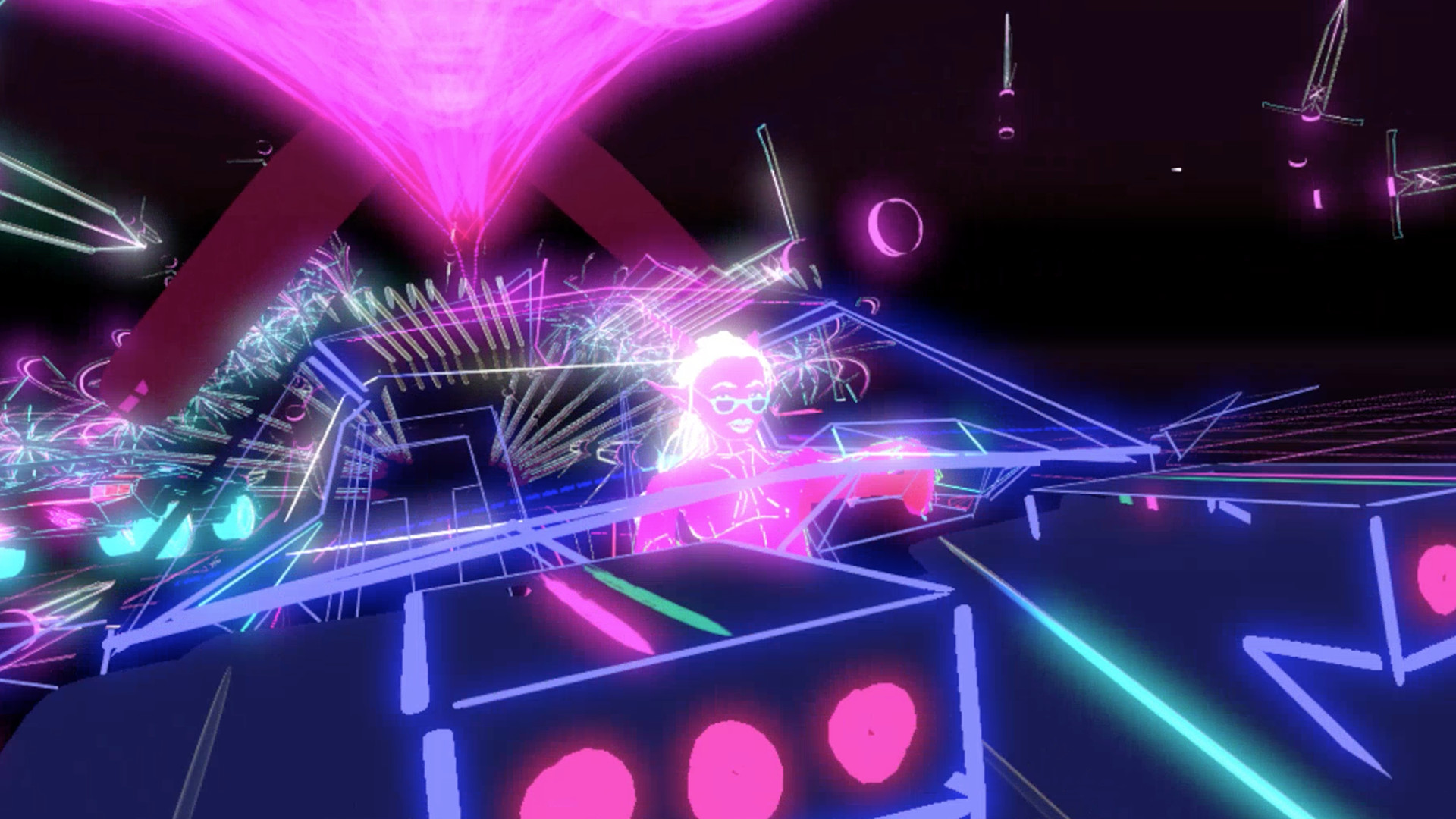
These brushes tie visual intensity directly to the music, producing effects such as pulsating brains and demonic cars that respond to beats and melodies.
- Notice the correlation between bass hits and visual spikes.
- Compare quieter sections to see subtler brush reactions.
03 / THE GUIDE
Visual Themes
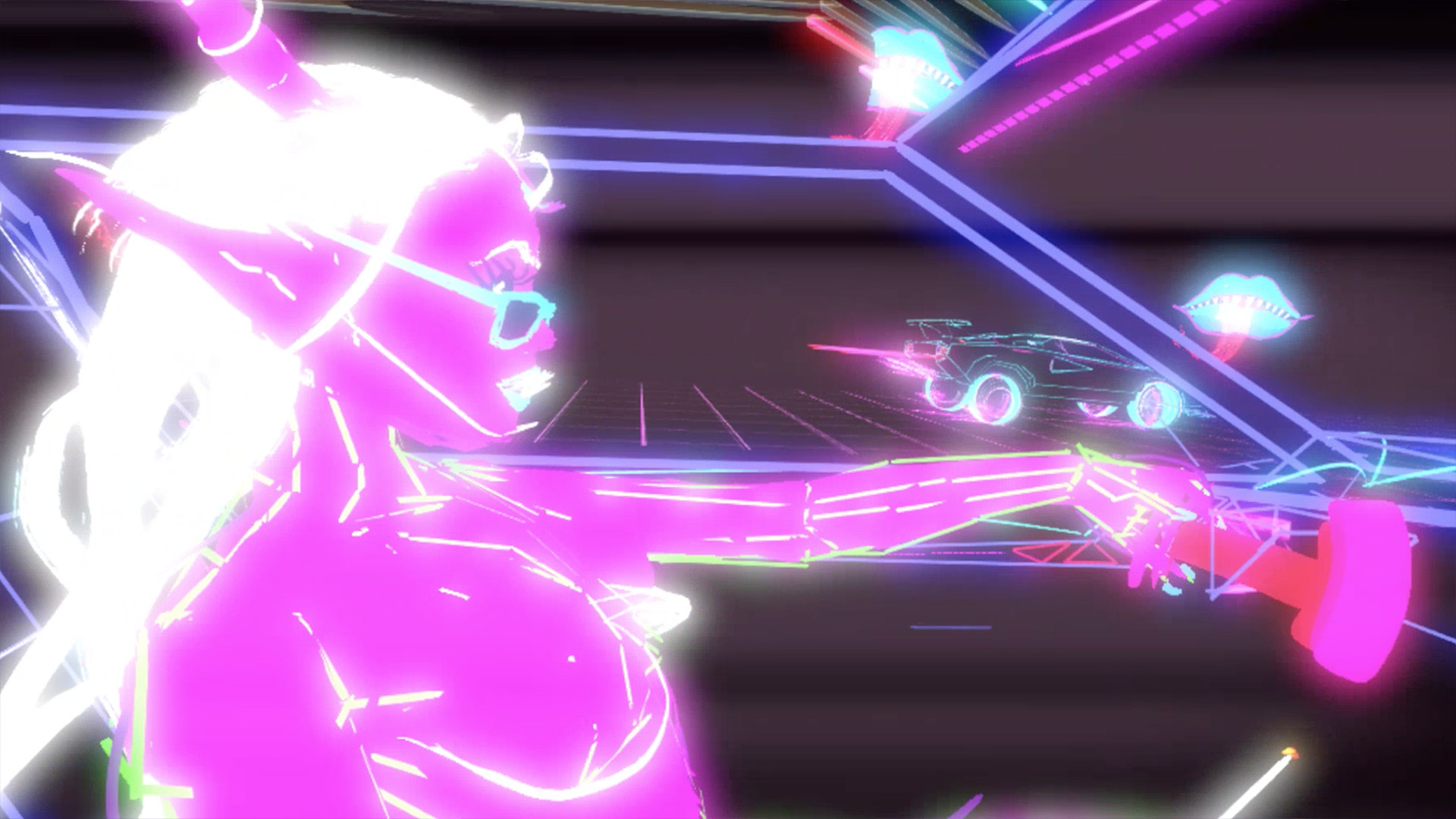
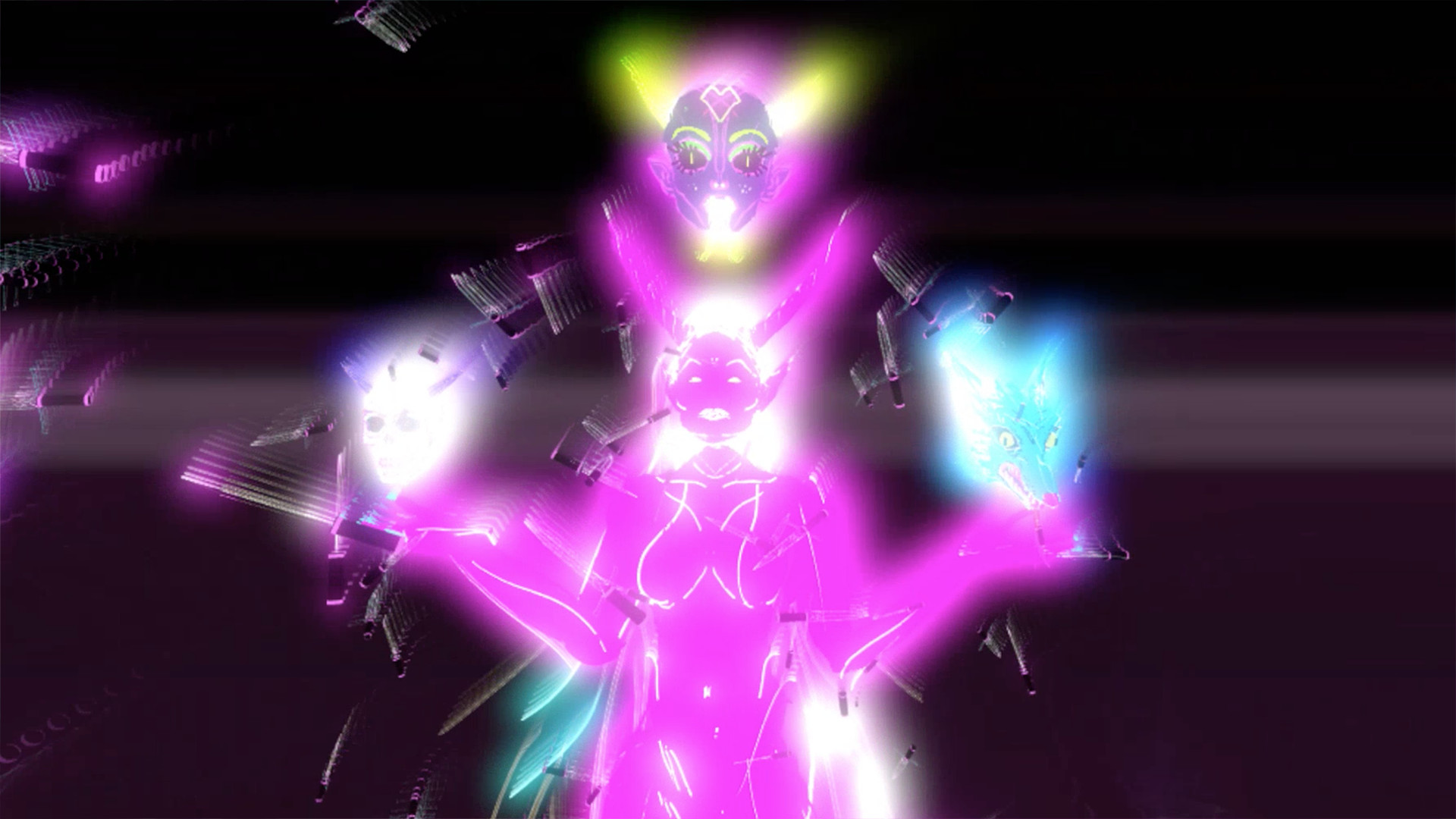
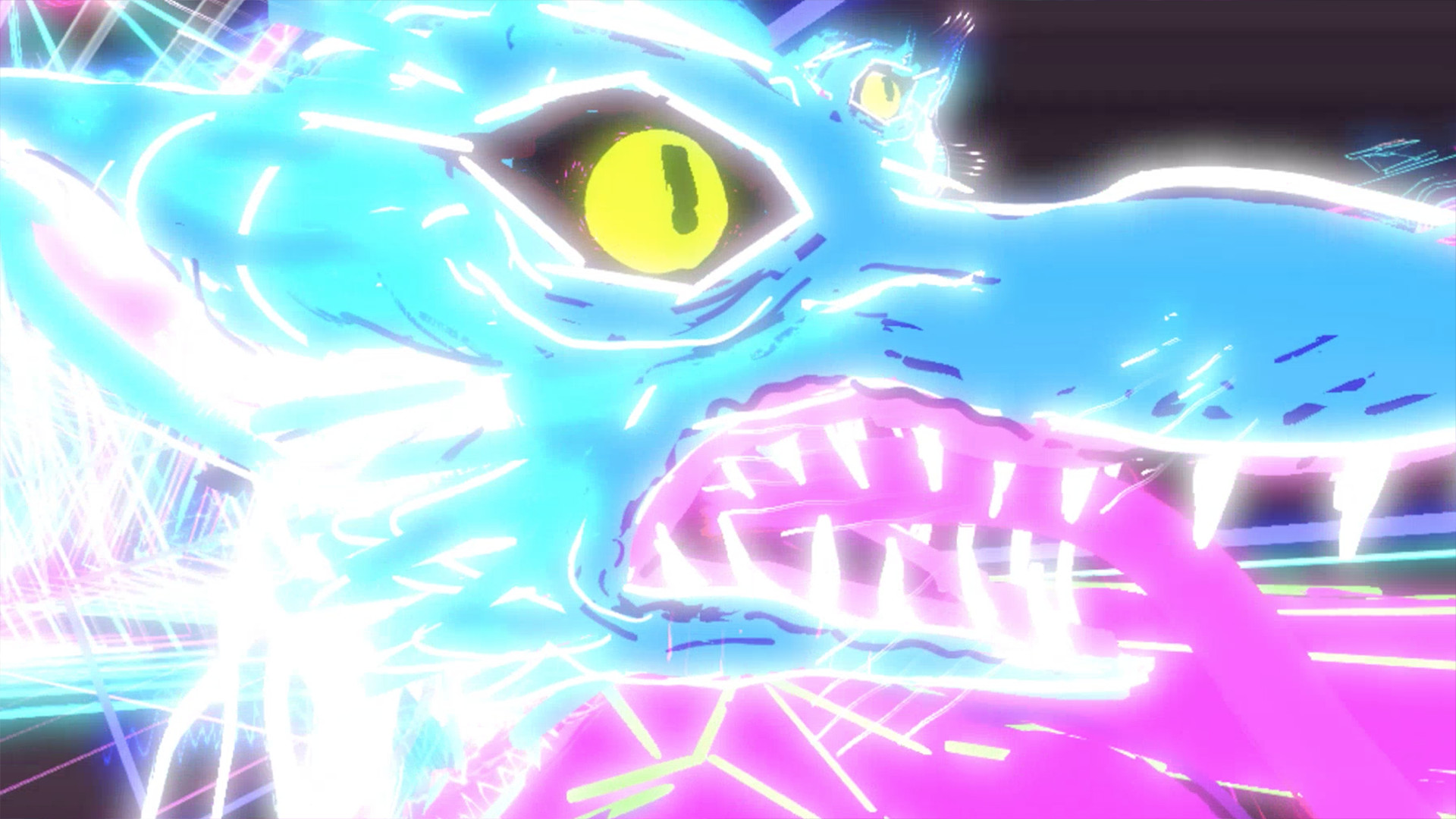
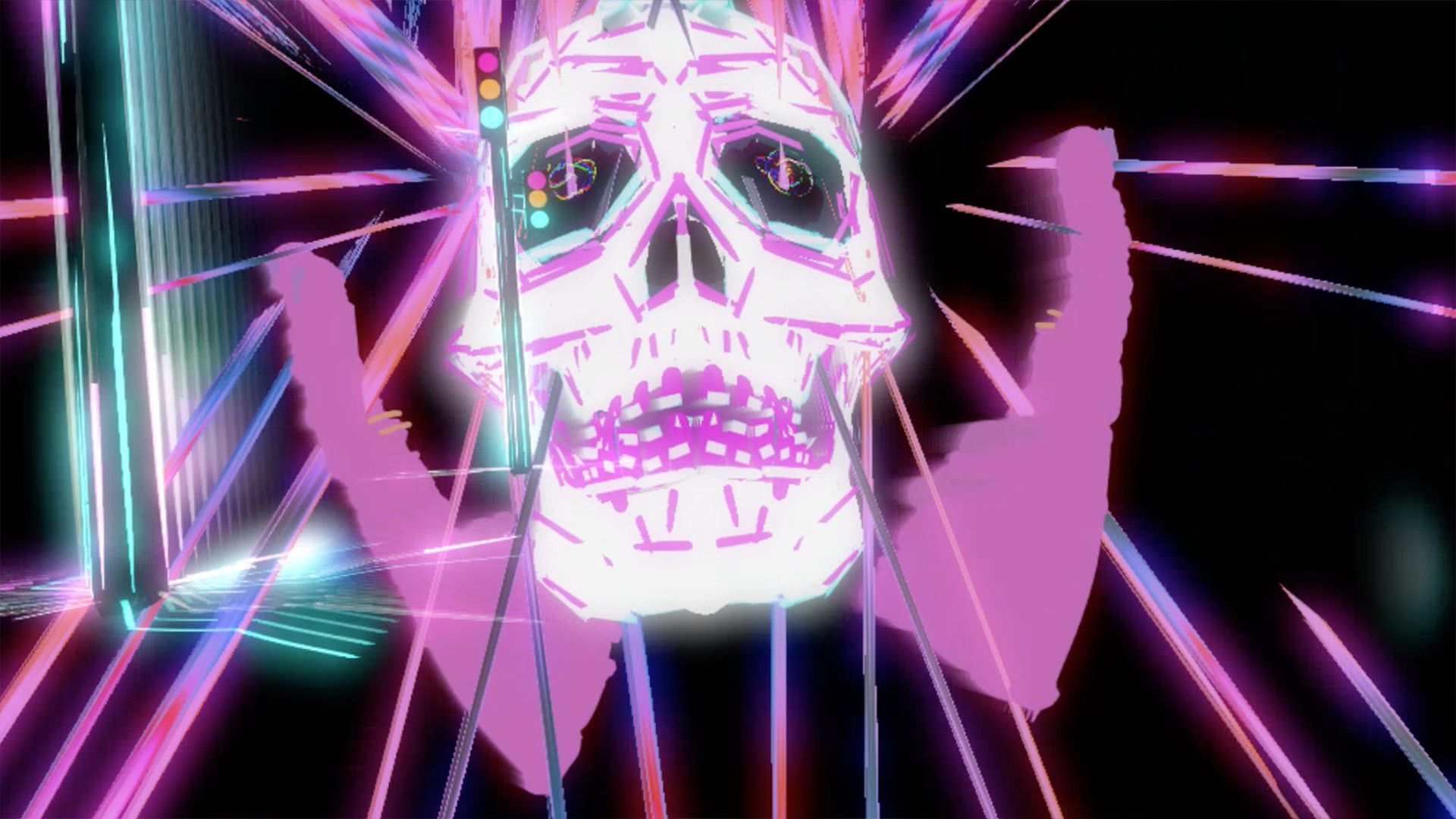
The video features a range of surreal motifs, including demonic cars, pulsating brains, and disembodied tongue‑mouths. These elements contribute to a trippy, psychedelic atmosphere that matches the electronic track.
The artistic direction emphasizes bold, exaggerated forms that move fluidly with the music, creating a cohesive audiovisual experience.
- Focus on one motif at a time to appreciate its animation.
- Look for recurring symbols that may tie to the song’s lyrics.
04 / THE GUIDE
Platform and Feature Support
Show It 2 Me runs on Windows PCs and requires a VR headset with tracked controller support. It is classified as VR‑only, meaning the experience cannot be accessed without a compatible headset.
Family sharing is listed as a feature, allowing the title to be shared among accounts on the same platform.
- Verify your headset’s controller tracking before launching.
- Use family sharing to let multiple users experience the video on one purchase.
05 / THE GUIDE
Development and Debut
Titmouse produced the video, with art by president Chris Prynoski and Creative Director Antonio Canobbio. Co‑directors Mark Brooks and Dylan Carter oversaw the final piece.
The work premiered at SXSW’s Virtual Cinema in 2017, introducing audiences to its blend of music and VR art.
- Research SXSW’s 2017 Virtual Cinema lineup for context.
- Explore other Titmouse VR projects for stylistic comparisons.
COMMUNITY
Player discussion