 GameWiki
GET YOUR BEARINGS
About Shoresy: Legends of the North
Shoresy: Legends of the North is a pick‑up‑and‑play hockey RPG that blends narrative adventure with classic sports action. Players can dive into a story‑driven campaign, level up stats, and equip gear while chasing the goal of never losing again. The game also offers a fast‑paced Shinny Mode for local or online multiplayer, letting friends draft teams and compete in split‑screen or Remote Play sessions. Full controller support and Steam’s family sharing round out the experience.
01 / THE GUIDE
Story Mode
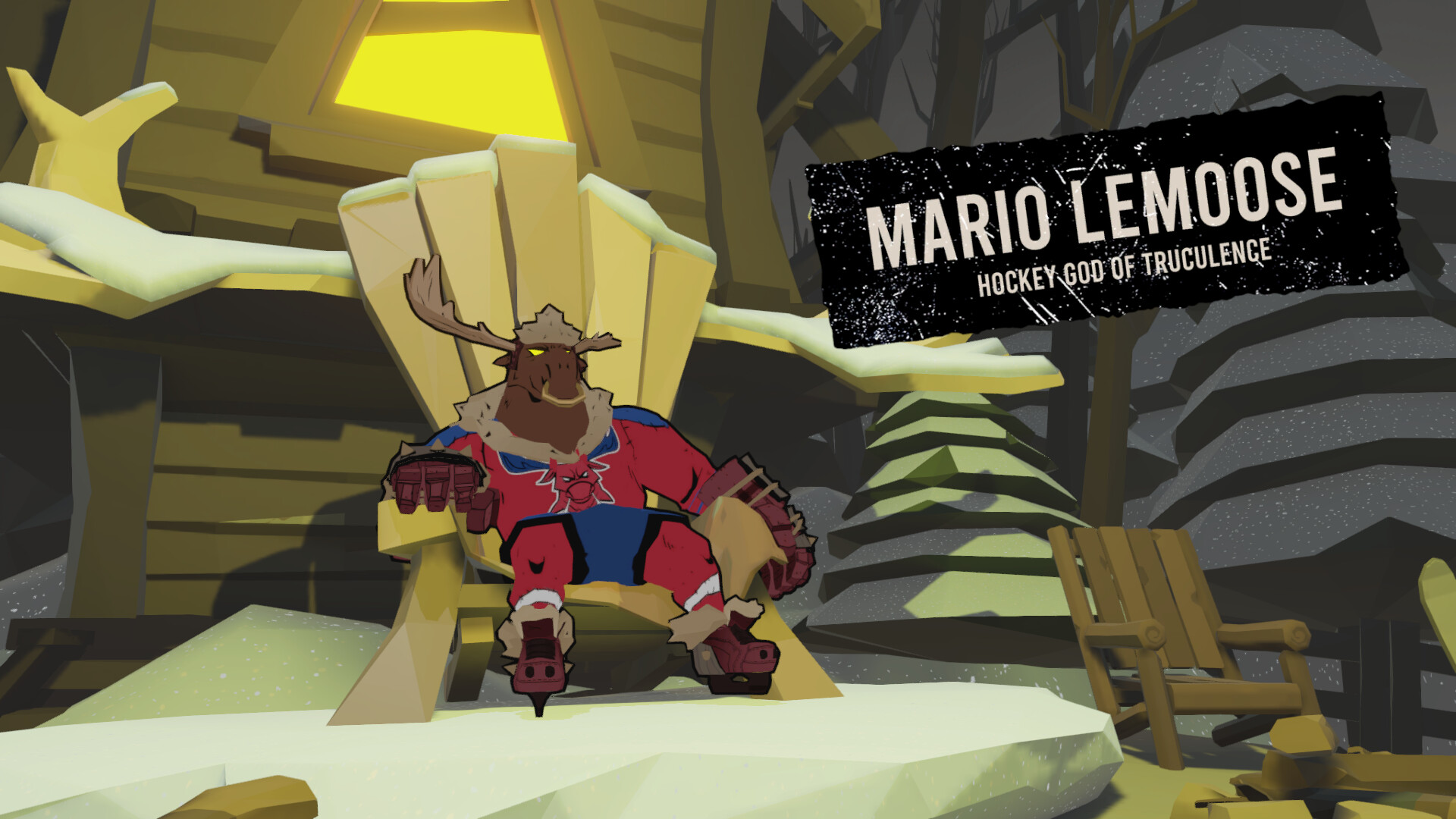
The campaign follows Shoresy and the Sudbury Blueberry Bulldogs on a quest to defeat the legendary Hockey Godz. Players create a character, level up stats, and unlock gear as they progress through the narrative‑driven adventure.
Story Mode is described as a “pick‑up‑and‑play hockey RPG” that combines hockey matches with a world‑saving plot, letting players experience the world of Shoresy while advancing the storyline.
- Compare the pacing of early matches to later boss encounters to gauge how difficulty scales.
- Take note of gear unlocks as you progress for smoother advancement.
02 / THE GUIDE
Shinny Mode Multiplayer
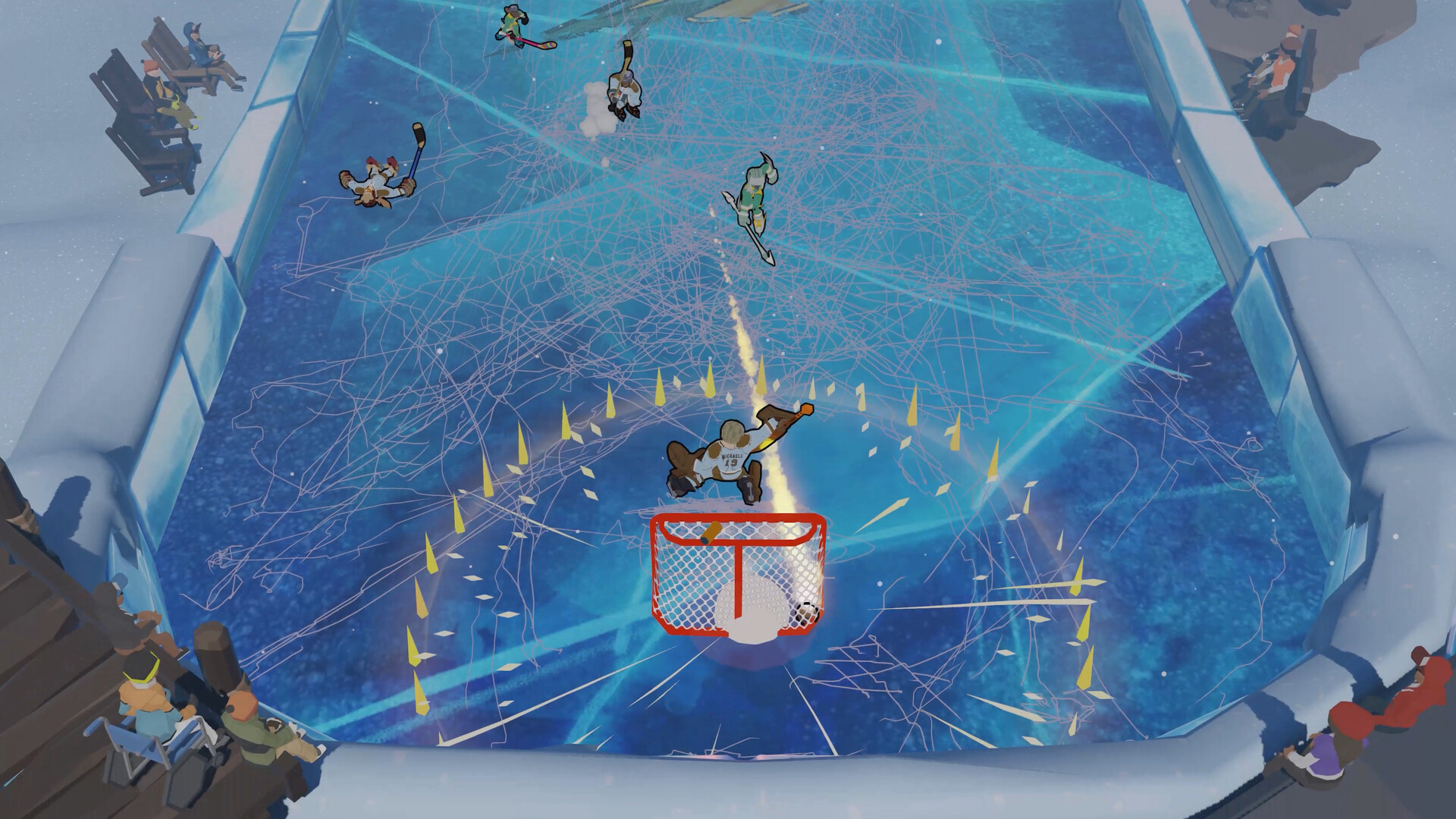
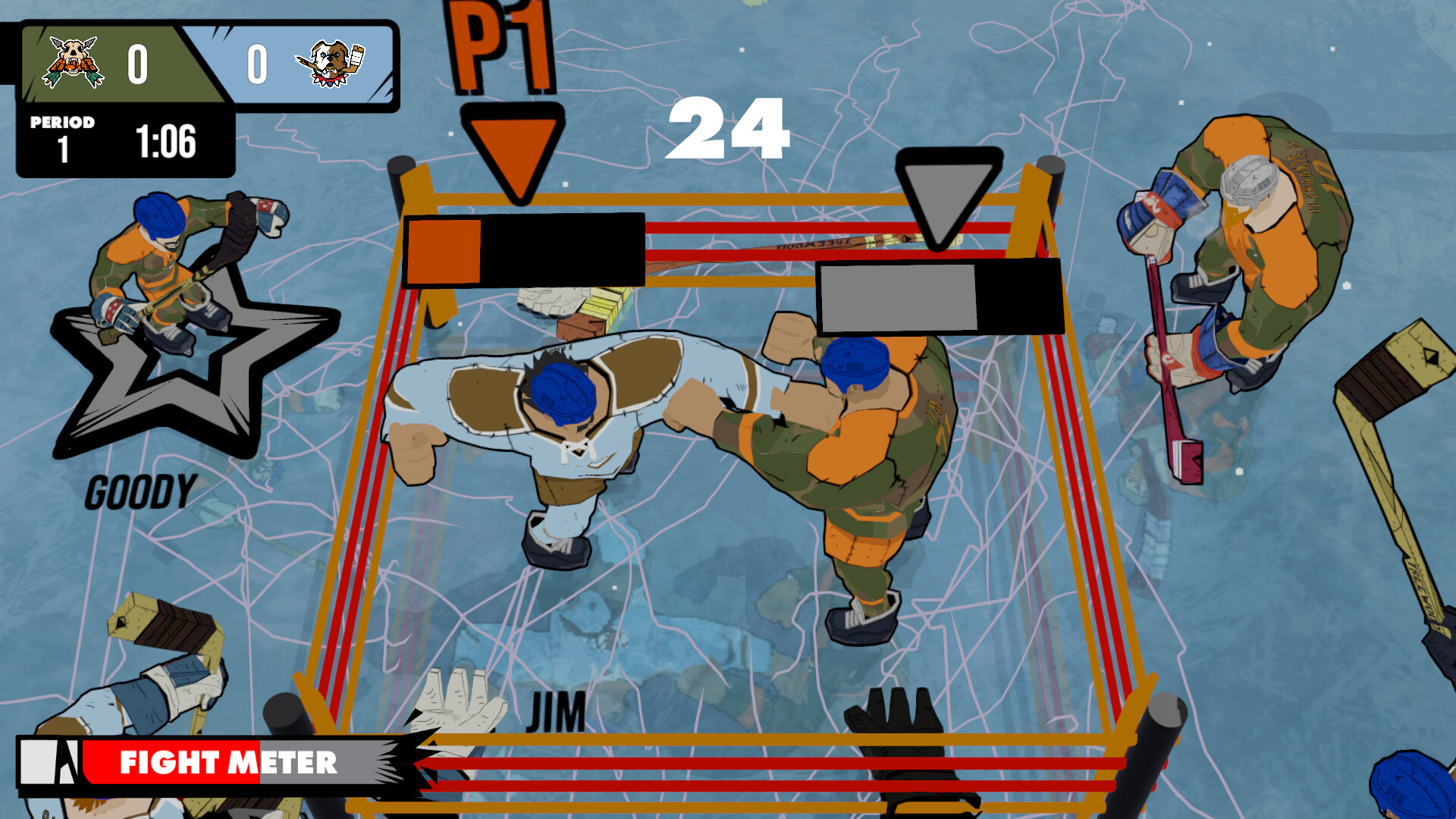
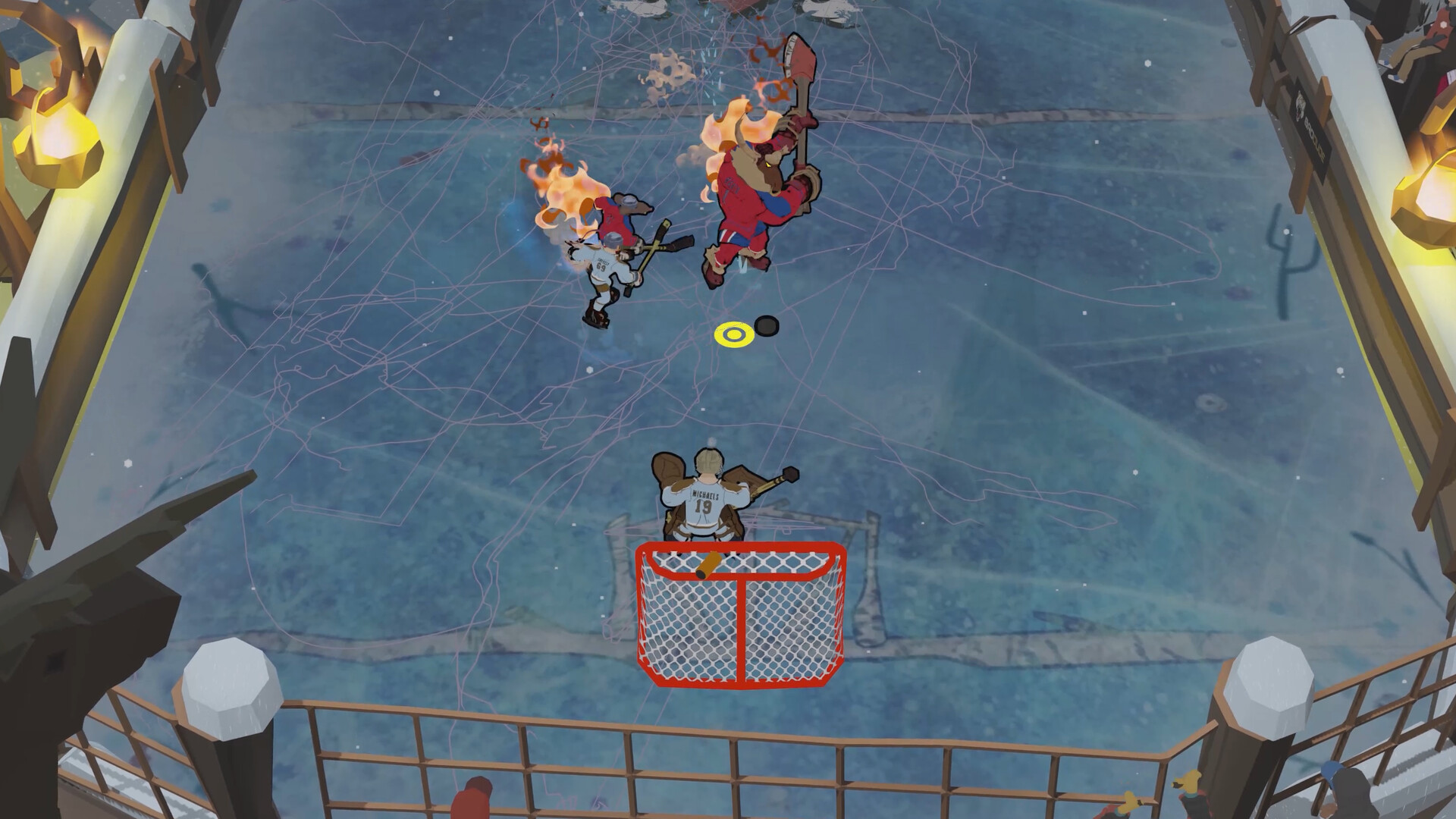
Shinny Mode offers competitive and co‑op local multiplayer where players draft fan‑favorite characters, charge a fight meter, and use power‑ups to gain an edge. The mode supports split‑screen and Steam Remote Play Together for online sessions.
The description highlights a “reason to get together on a Sudbury Saturday night,” emphasizing its social, party‑game feel.
- Experiment with different draft combinations to see which character synergies feel strongest.
- Use Remote Play Together to test the mode with friends who aren’t on the same console.
03 / THE GUIDE
Create Your Character
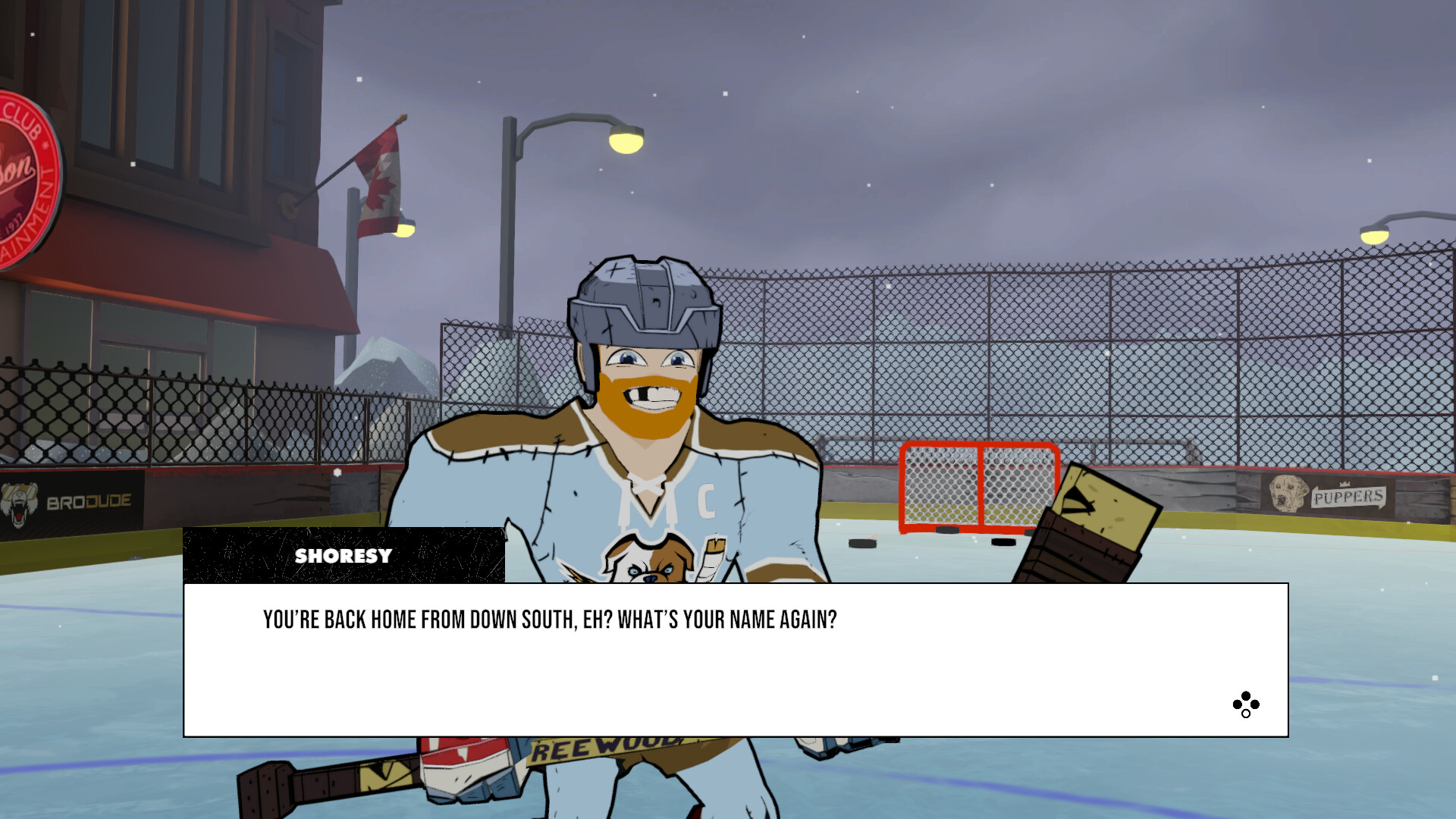
Players start by designing a custom avatar, then level up stats and unlock new gear throughout the campaign. Character creation is a core part of the RPG elements.
The system lets you “Create your own character, level up your stats, and unlock new gear” as you advance.
- Focus on a single stat early on to see its impact before spreading points across multiple attributes.
- Track gear unlocks as you progress to understand which items complement your stat choices.
04 / THE GUIDE
Gear and Stats Management
Gear can be managed and unlocked as you progress, influencing your performance in the story campaign. Stat increases are tied to level‑up events.
The description mentions “manage your gear and stats” as part of the overall gameplay loop.
- Compare gear options before equipping to see which items suit your preferred play style.
- Observe how stat changes affect on‑ice actions during matches.
05 / THE GUIDE
Controller Compatibility
The game lists full controller support, including DualShock and DualSense compatibility, and recommends using a gamepad for the best experience.
Steam’s Remote Play Together and shared/split‑screen features are also supported, allowing flexible multiplayer setups.
- Try both DualShock and DualSense controllers to see which feels more responsive for hockey actions.
- Use Remote Play Together with a controller on the host side for smoother co‑op sessions.
COMMUNITY
Player discussion