 GameWiki
GET YOUR BEARINGS
About ShipShaper: Falconeer Chronicles
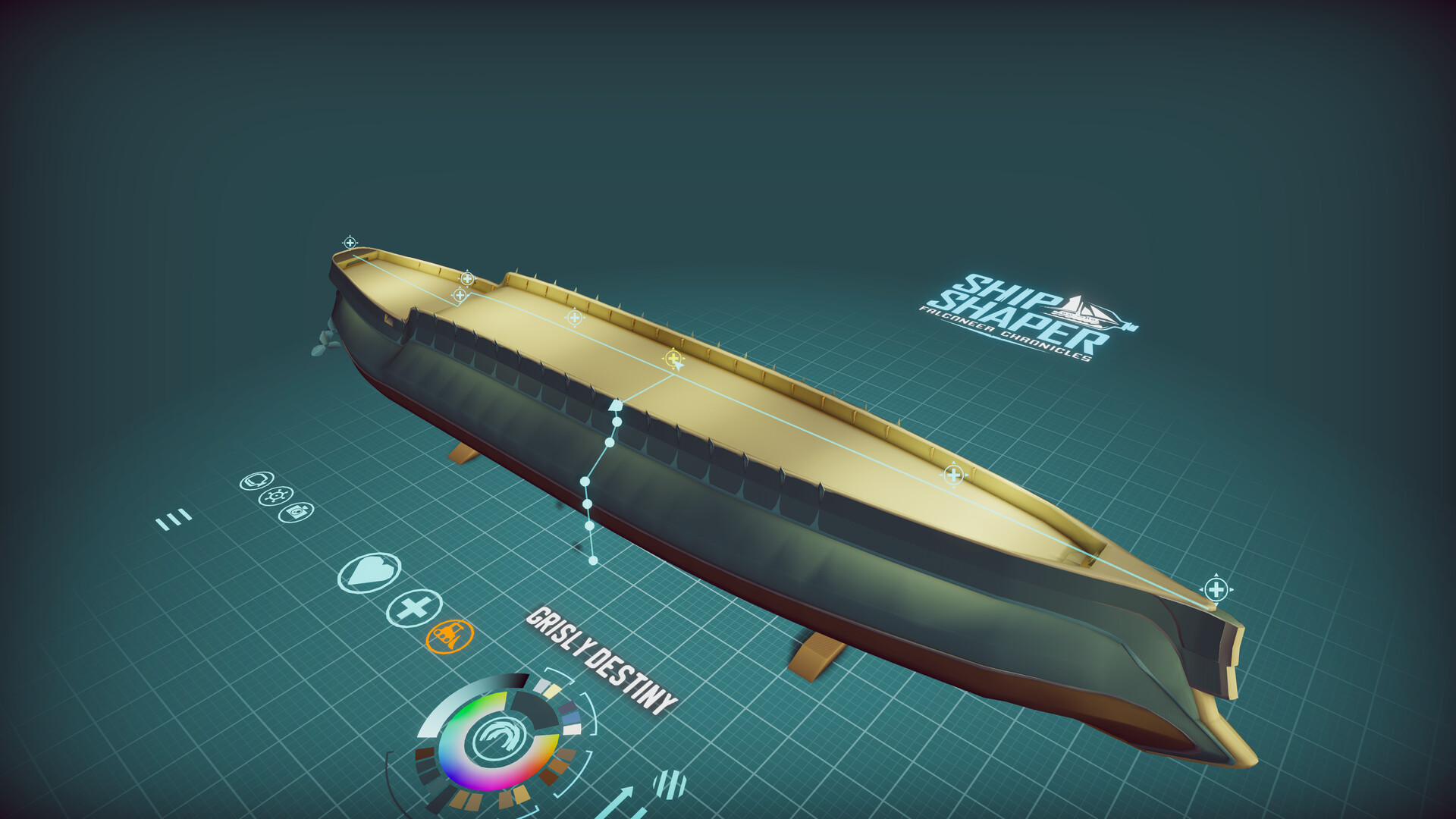
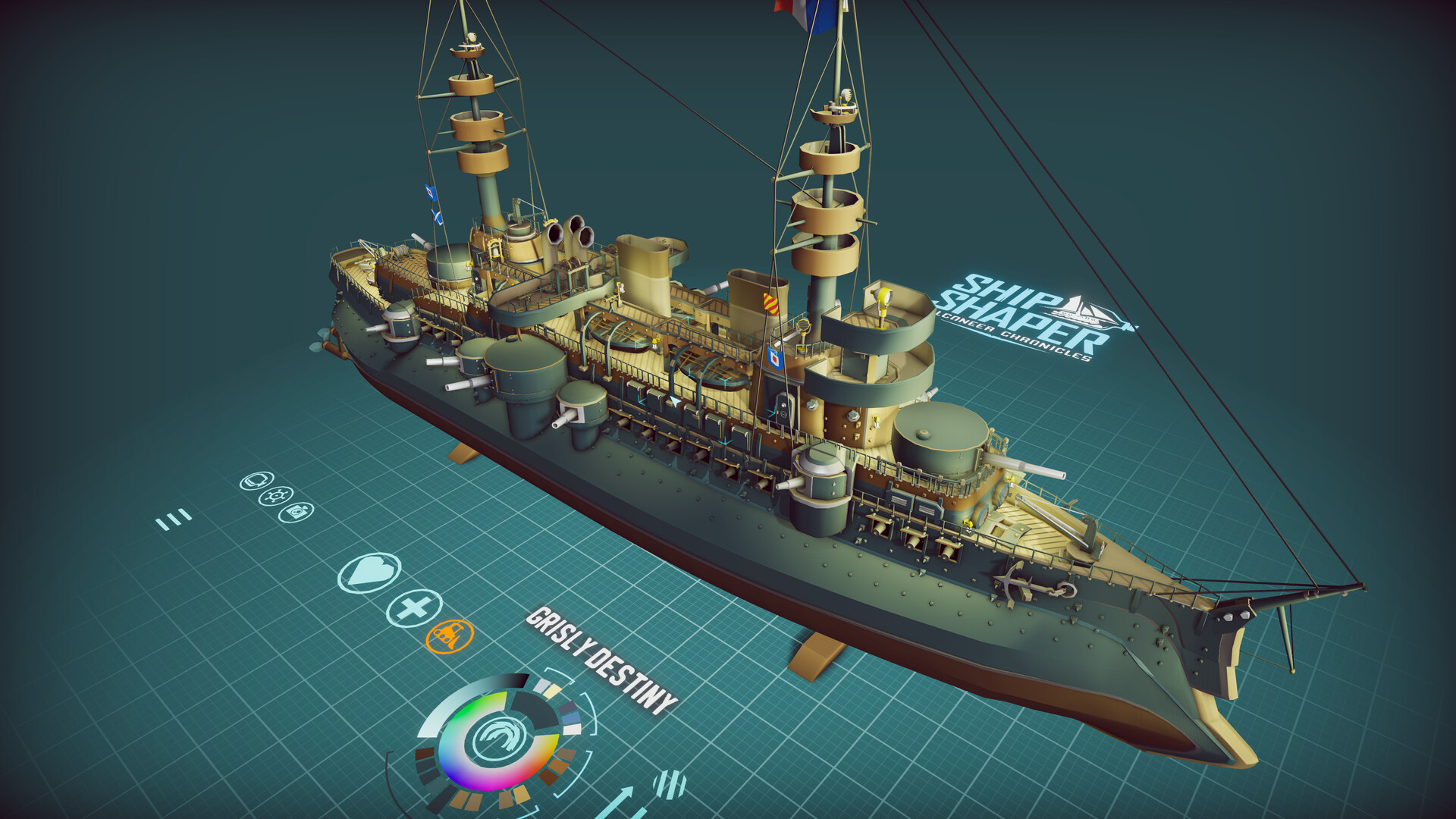
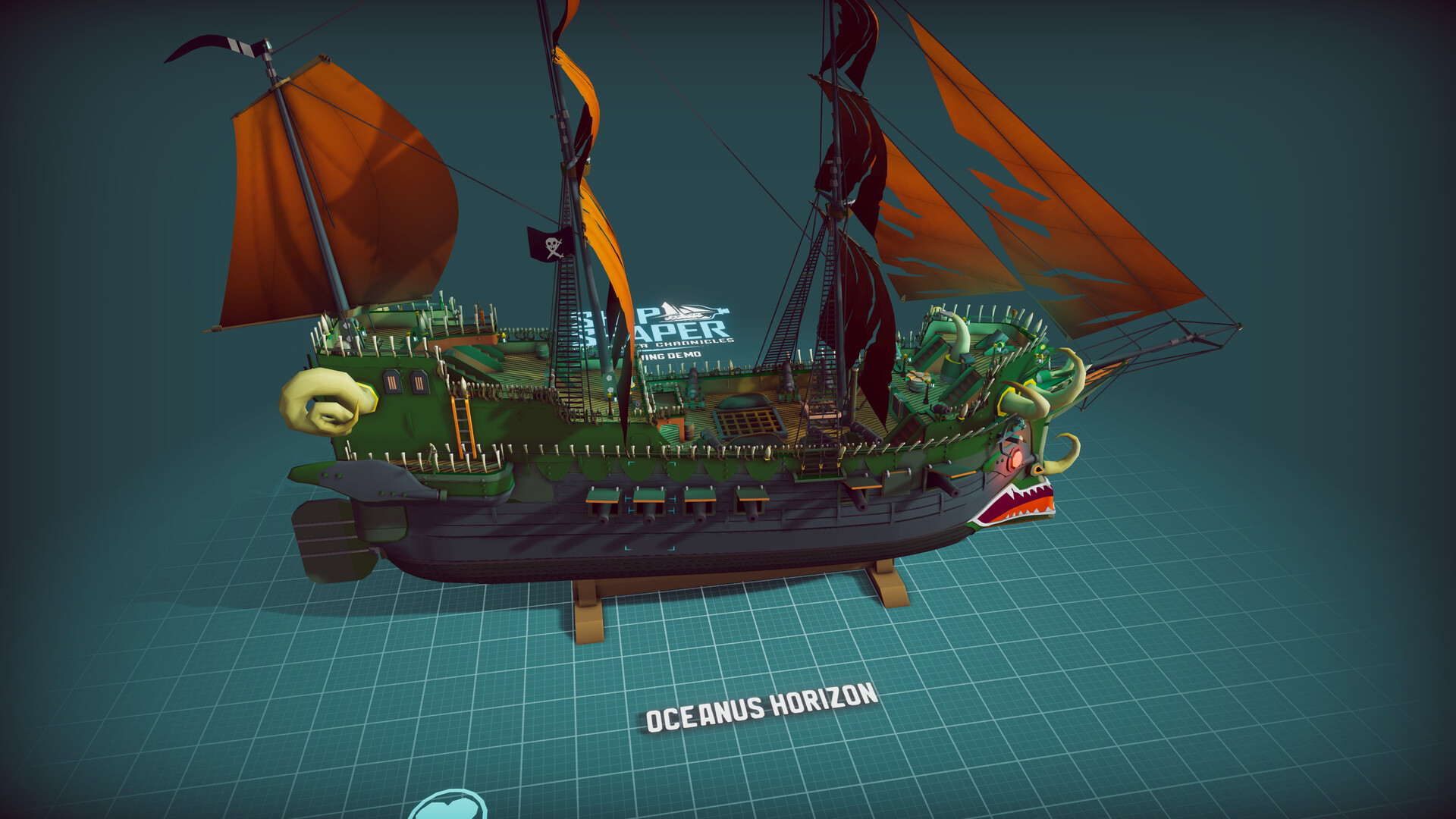
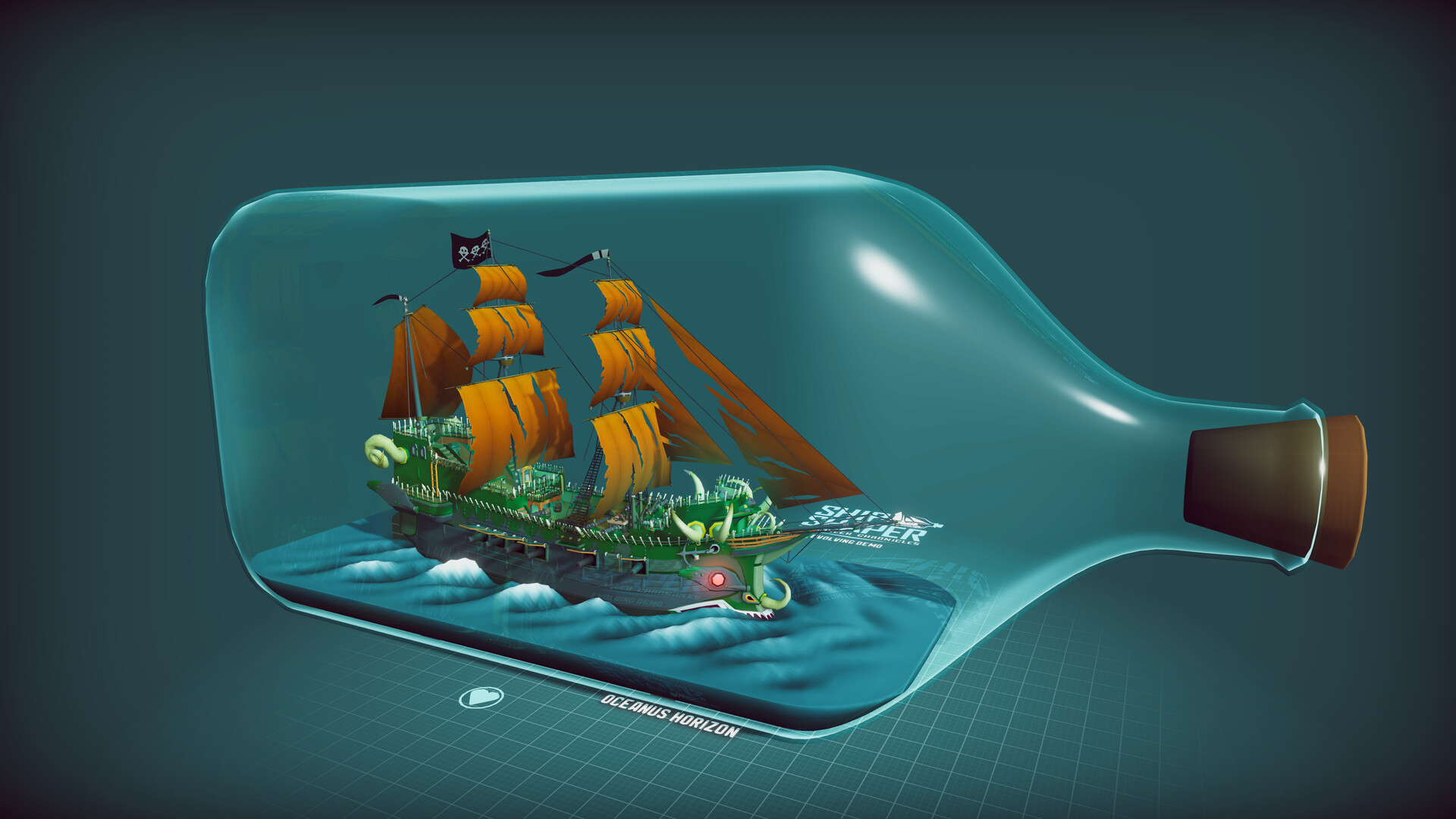
ShipShaper: Falconeer Chronicles is an explorative ship‑building simulator that lets you shape vessels without any 3‑D modeling expertise. Pull, push, and drag forms to create anything from modest fishing boats to towering ironclads, fantasy galleons, or steampunk craft.
When a ship is finished the game analyses hull shape, weight and propulsion, then places the vessel in a world where you can sail it and observe realistic behavior. Built‑in FBX and STL export options let you reuse creations for 3‑D printing, modding or other indie projects under a permissive license.
01 / THE GUIDE
Free‑form building
The core building system lets you pull, push, and drag forms into place, enabling organic shaping of hulls and superstructures without traditional block‑stacking or 3‑D skills. Props and functional items attach to the structure, keeping the process fluid and reducing tedium.
An expanding library of details and props provides options for historical, fantasy or steampunk aesthetics. Each element integrates with the ship’s shape, allowing visual variety while preserving structural coherence.
- Begin with a simple hull before adding many props to keep the design manageable.
- Browse the library for era‑specific parts that inspire new design directions.
02 / THE GUIDE
Ship testing
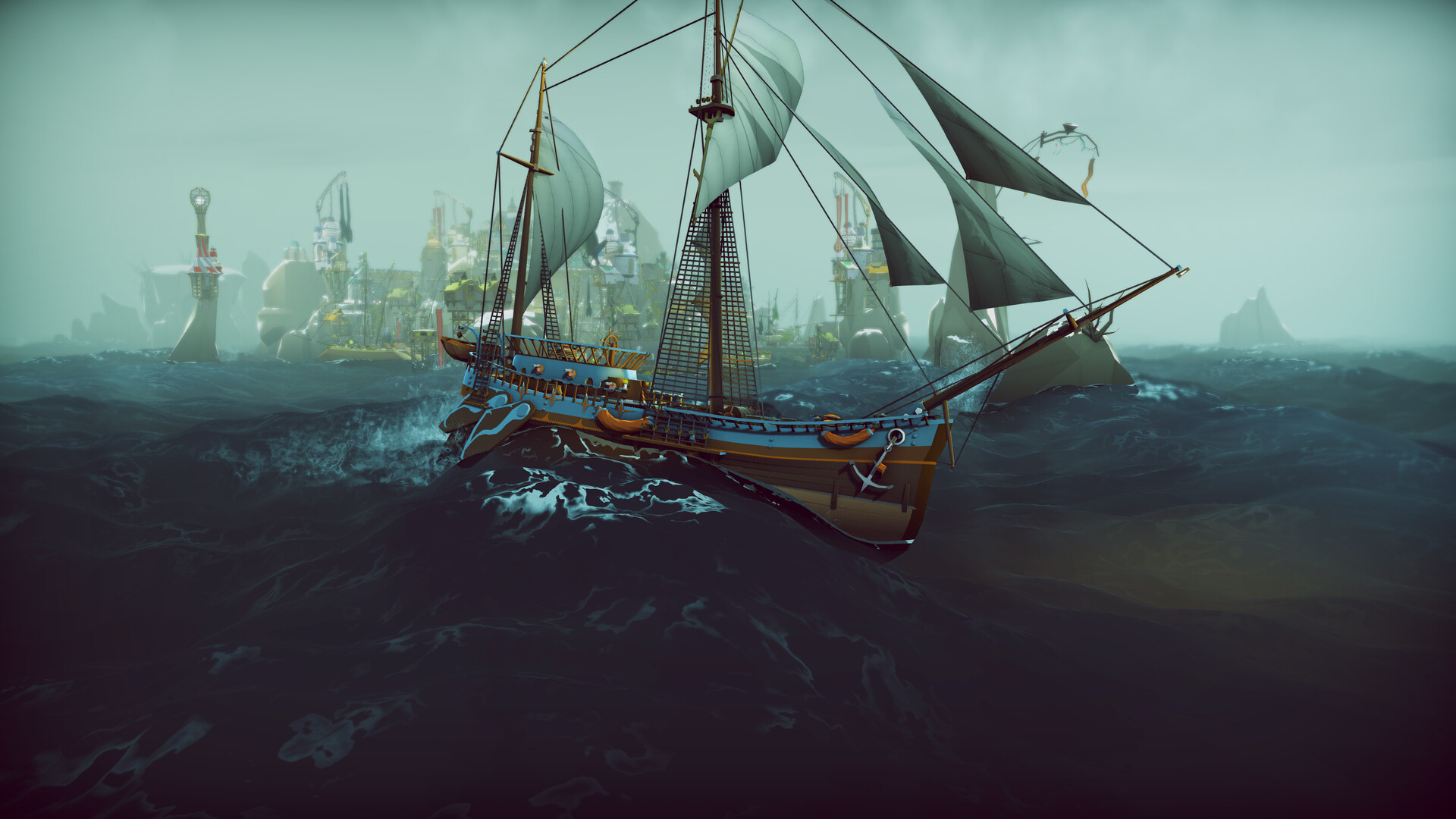
After construction the game runs a full analysis of propulsion, hull shape and weight. The resulting sailing behavior reflects those design choices, giving immediate feedback on speed, handling and stability.
Testing occurs directly in the world where you place the ship and set sail. The simulation respects the physical characteristics you defined, allowing you to iterate on hull form or weight distribution.
- Observe the sailing test to spot unexpected drag or imbalance.
- Adjust weight distribution in the builder before re‑testing for smoother handling.
03 / THE GUIDE
Export options
ShipShaper can export creations as FBX or STL files. Exported models retain geometry and attached props, making them ready for 3‑D printing, import into other engines, or sharing with the community.
Each exported file includes a license that permits unrestricted use in personal game development, board games, 3‑D printing or other creative ventures, encouraging cross‑project collaboration.
- Choose FBX when you plan to import the ship into another 3‑D engine.
- Select STL for physical 3‑D printing of miniature ship models.
04 / THE GUIDE
Steam integration
The game supports Steam Workshop, allowing you to upload your ship designs and download creations from other players. Steam Cloud keeps your projects synchronized across play sessions.
Steam Leaderboards and Family Sharing are also present, providing community visibility for ships and enabling multiple accounts on the same device to access the game.
- Publish a design on Workshop to receive community feedback.
- Enable Cloud sync to protect your projects between sessions.
05 / THE GUIDE
Licensing and use
Every ship you create comes with a license that permits unrestricted use in your own projects, whether for game development, 3‑D printing, or board‑game components. This removes legal barriers for creators.
The open licensing model supports both hobbyist experimentation and professional indie development, aligning with the creator’s goal of building foundational technology for future games.
- Review the license terms before integrating ships into commercial projects.
- Leverage the open license to experiment with ship designs in unrelated indie titles.
COMMUNITY
Player discussion