 GameWiki
GET YOUR BEARINGS
About ShipCrafter
ShipCrafter is a naval sandbox combat simulator where players design ships, unlock parts, and confront increasingly powerful foes in a campaign or custom battles. The game emphasizes realistic physics, allowing fine‑tuned buoyancy and ballistic behavior.
Key systems include real‑time buoyancy with wave interaction, armor‑based penetration, weather cycles, multiplayer for up to ten players, and full Steam Workshop support for sharing creations and ray‑traced screenshots.
01 / THE GUIDE
Real‑time Buoyancy and Ship Design
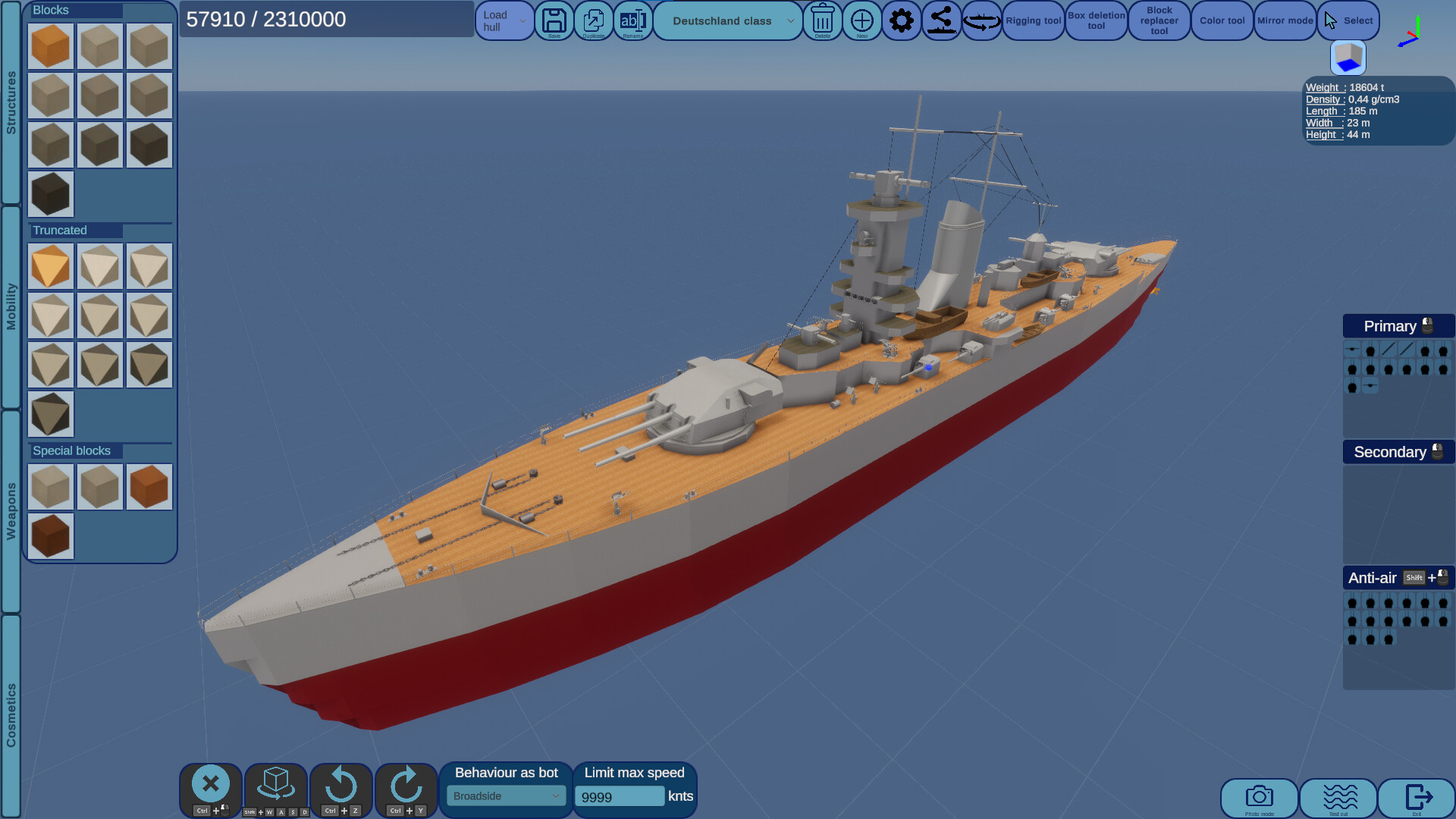
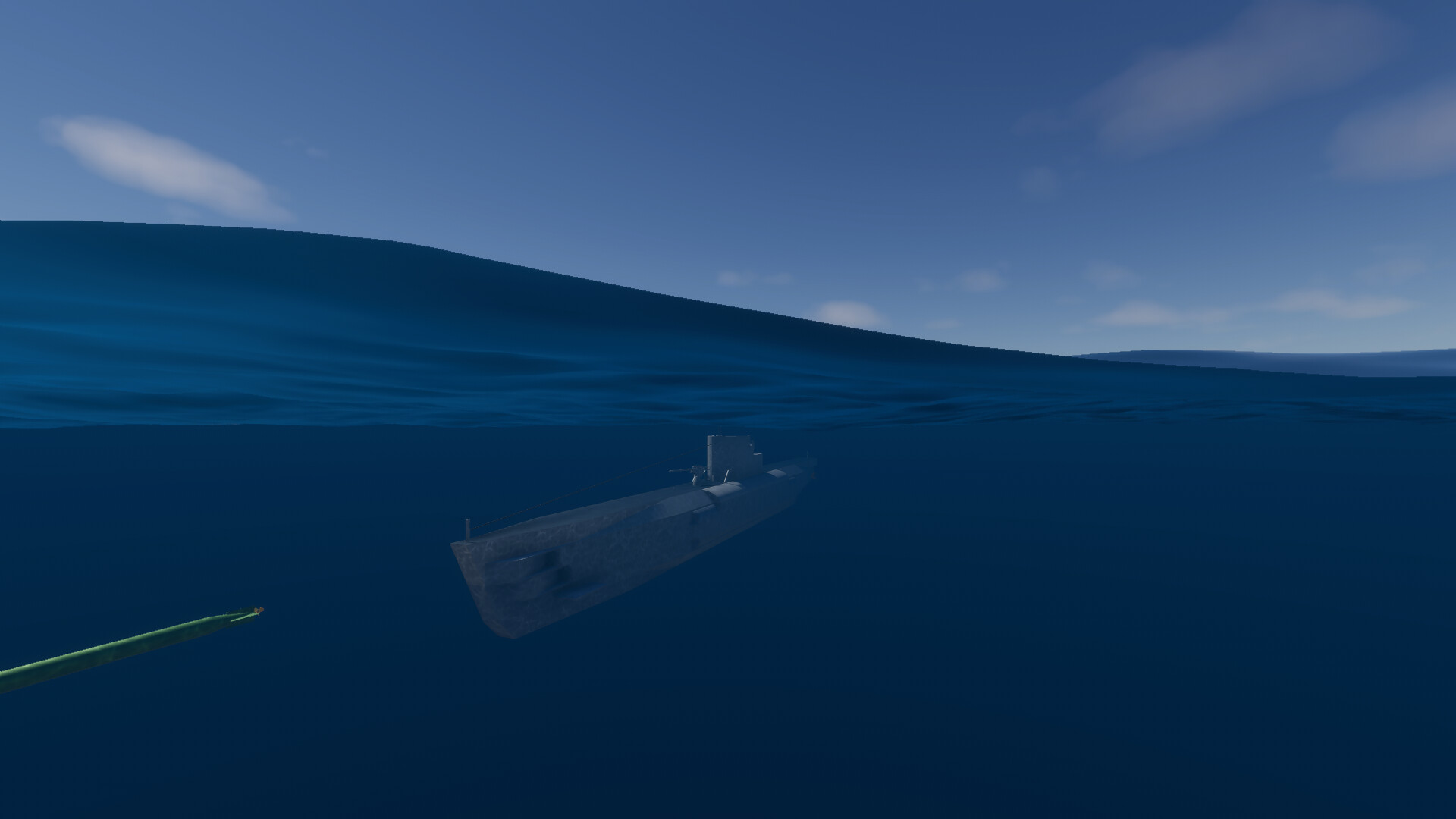
The editor shows ship density and center of mass, letting you adjust hull balance for stable floating or controlled diving. Adjustable ballasts let you shift overall weight, enabling functional submarines.
Buoyancy reacts to ocean waves in real time, so a ship’s submerged volume changes continuously during combat. Monitoring these effects helps you fine‑tune designs for different sea states.
- Shift the center of mass forward to reduce bow lift in rough waves.
- Add ballast incrementally to test deeper submersion without sacrificing surface stability.
02 / THE GUIDE
Weapon Physics and Damage System
Shell trajectories consider air pressure, altitude changes, and speed‑dependent drag, producing realistic ballistic arcs across varying distances. Penetration calculations use armor thickness, angle of incidence, bounce probability, and shell speed and mass.
When a projectile hits, turrets and engines lose performance instead of using a simple health bar. Damage is therefore tied directly to the physics model.
- Fire at shallow angles to observe bounce behavior and adjust aim accordingly.
- Watch turret rotation speed after hits to gauge performance loss.
03 / THE GUIDE
Campaign Mode
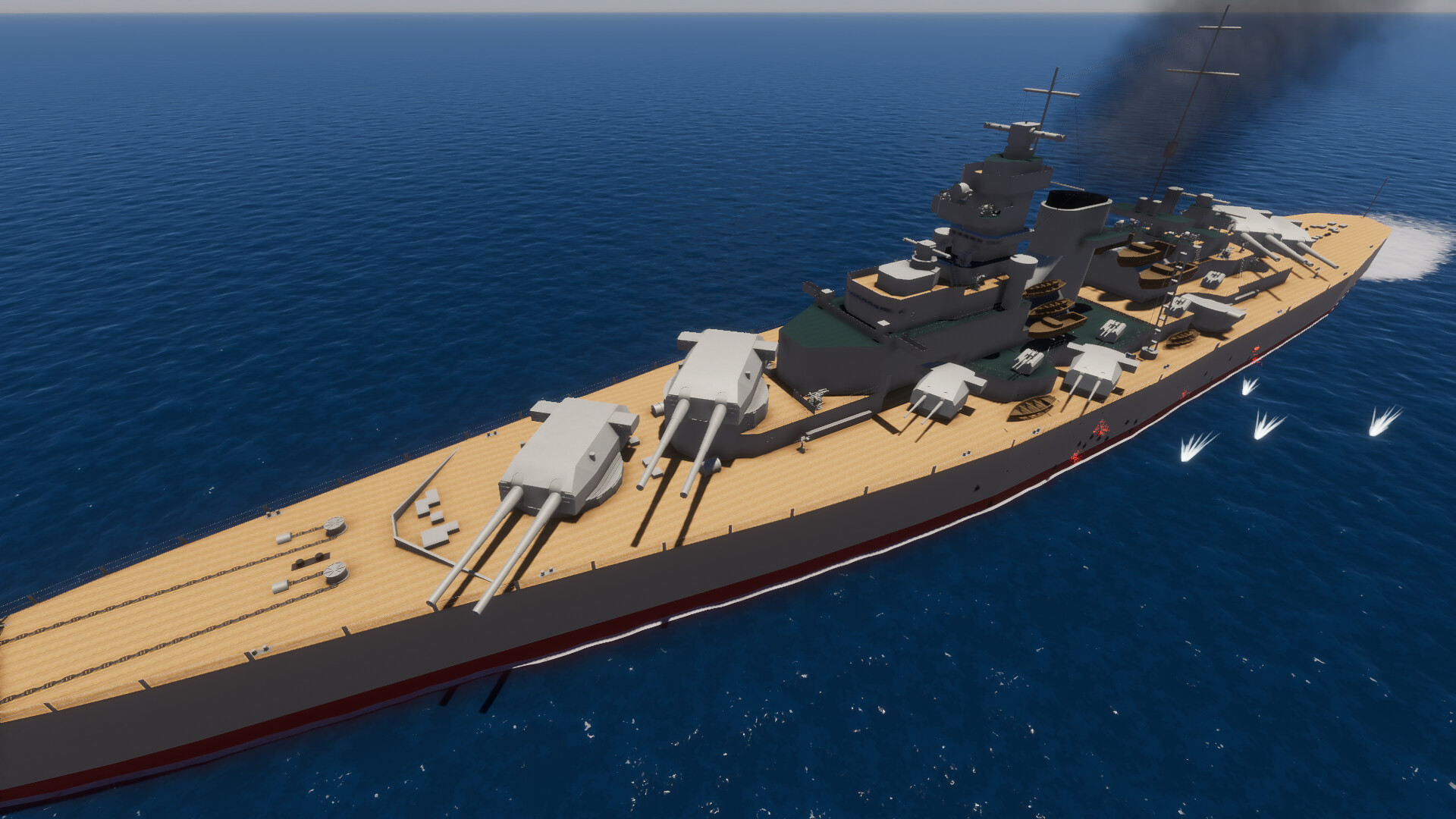
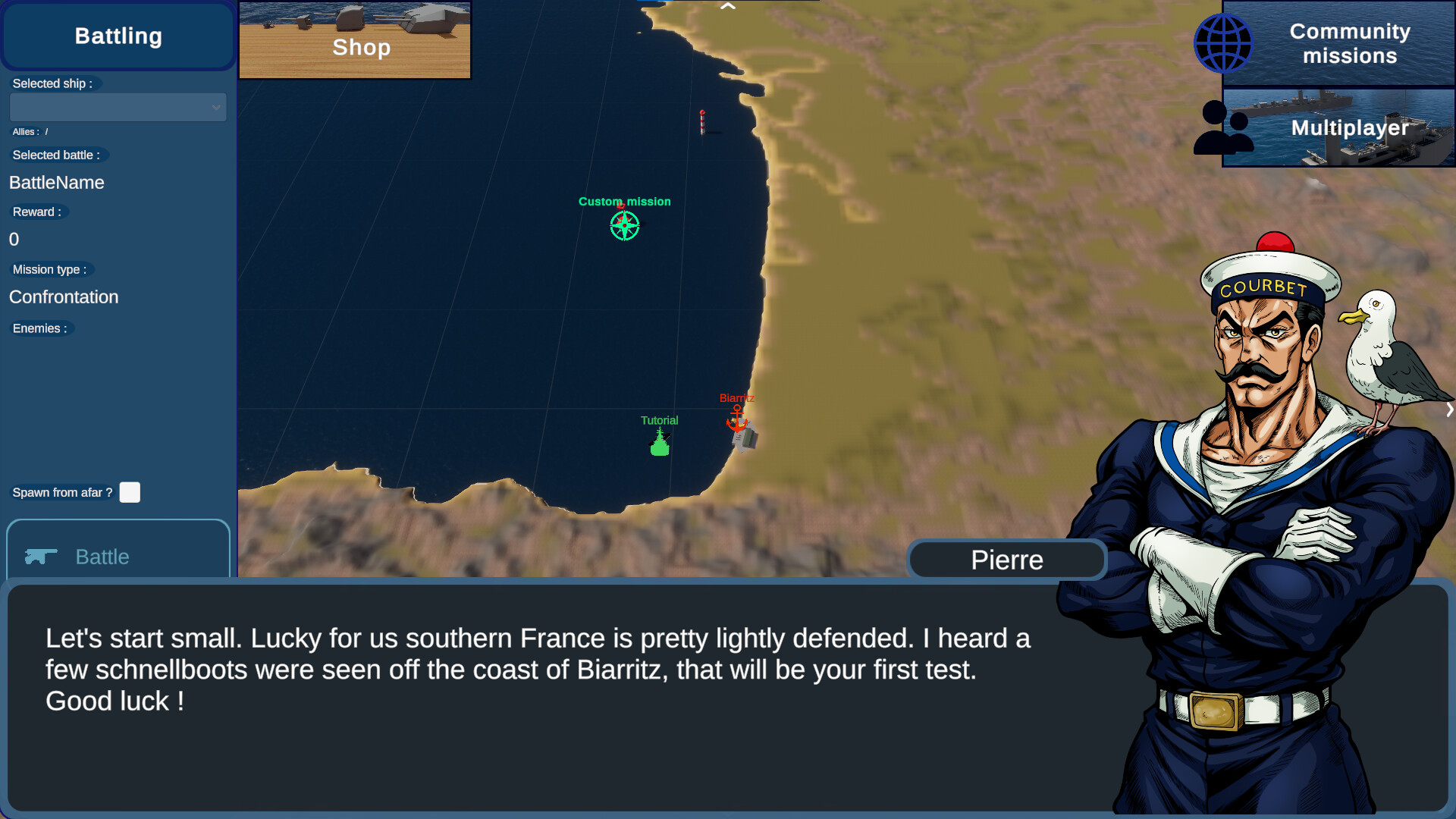
The campaign offers more than fifty missions across a map of Europe, each presenting distinct objectives and enemy ship types. Over twenty different adversary vessels appear throughout the progression.
Weather cycles and day‑night shifts affect wave amplitude and visibility, influencing ship handling and combat outcomes in each mission.
- Observe how rain changes wave height before committing to aggressive maneuvers.
- Adjust your ship’s loadout between early and later missions to match evolving threats.
04 / THE GUIDE
Custom Battle Editor and Multiplayer
The custom battle editor lets you select weather, time of day, and bot configurations, creating tailored naval scenarios for testing designs. First‑person view is available for close inspection of your ship.
Multiplayer supports up to ten players, and hosts can enable or disable damage, allowing both competitive fights and showcase sessions without combat consequences.
- Try a night setting to evaluate visibility and targeting under low light.
- Disable damage when demonstrating a new design to focus on visual impact.
05 / THE GUIDE
Modding, Steam Workshop, and Ray‑tracing Rendering
Official modding support and Steam Workshop integration let you share creations and download community ships directly within the game. All shared content follows the same physics rules.
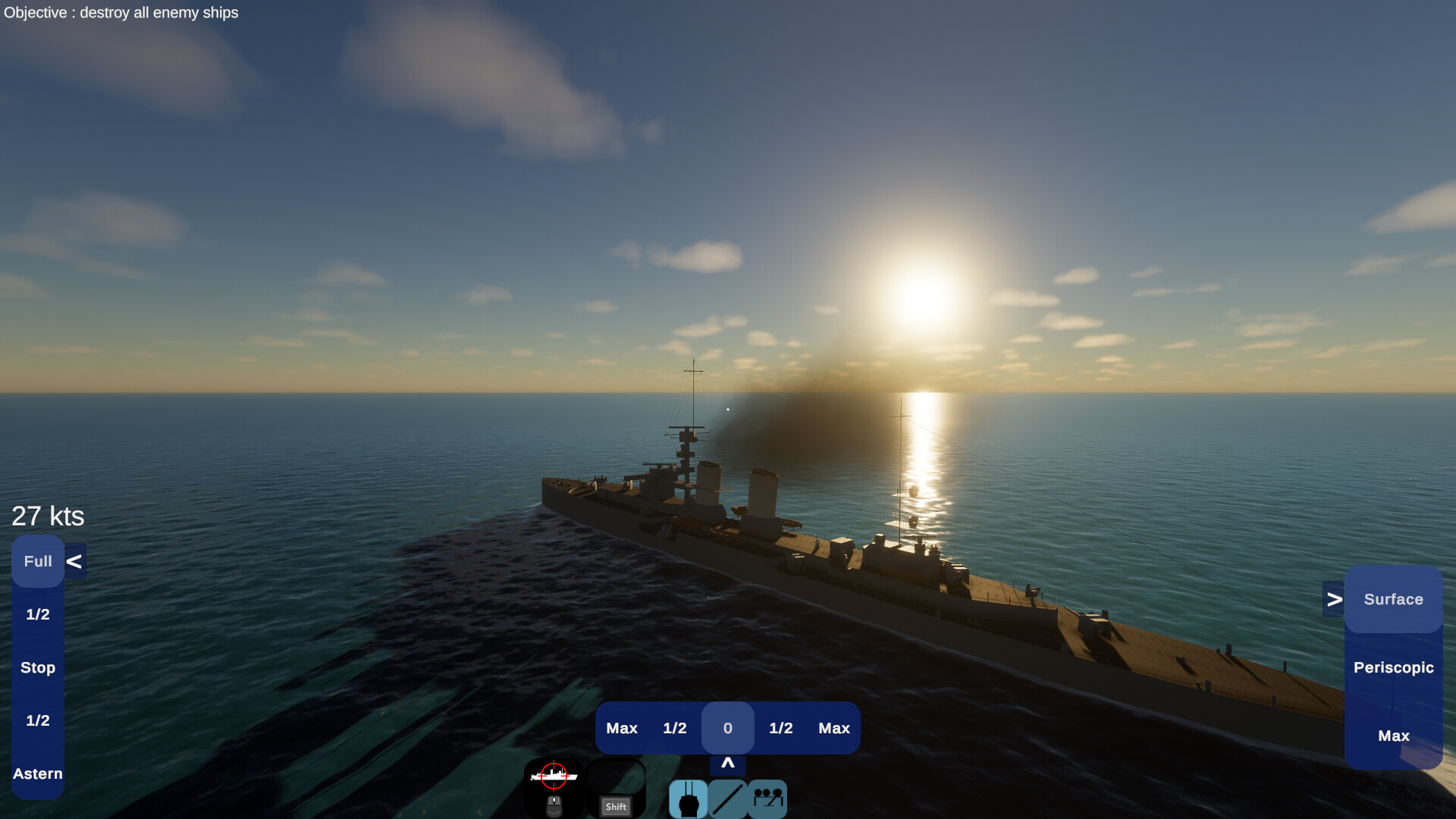
A ray‑tracing renderer lets you modify sun orientation, add fog, and capture high‑quality screenshots from first‑person view, suitable for community posting.
- Adjust sun angle to highlight hull details before taking a screenshot.
- Experiment with fog density to create atmospheric mood in your images.
COMMUNITY
Player discussion