 GameWiki
GET YOUR BEARINGS
About Ship, Inc.
Ship, Inc. puts you behind the counter of a bustling cargo company, where you sort, package, and ship parcels to meet growing demand. The game blends a cozy packaging system with time‑management challenges, letting you upgrade your office and tackle increasingly complex orders.
Three difficulty‑based modes let you choose a relaxed pace or a high‑pressure rush, while Steam features like achievements and leaderboards add extra goals. Play solo on Windows, macOS, or Linux and save anytime.
01 / THE GUIDE
Cozy Packaging System
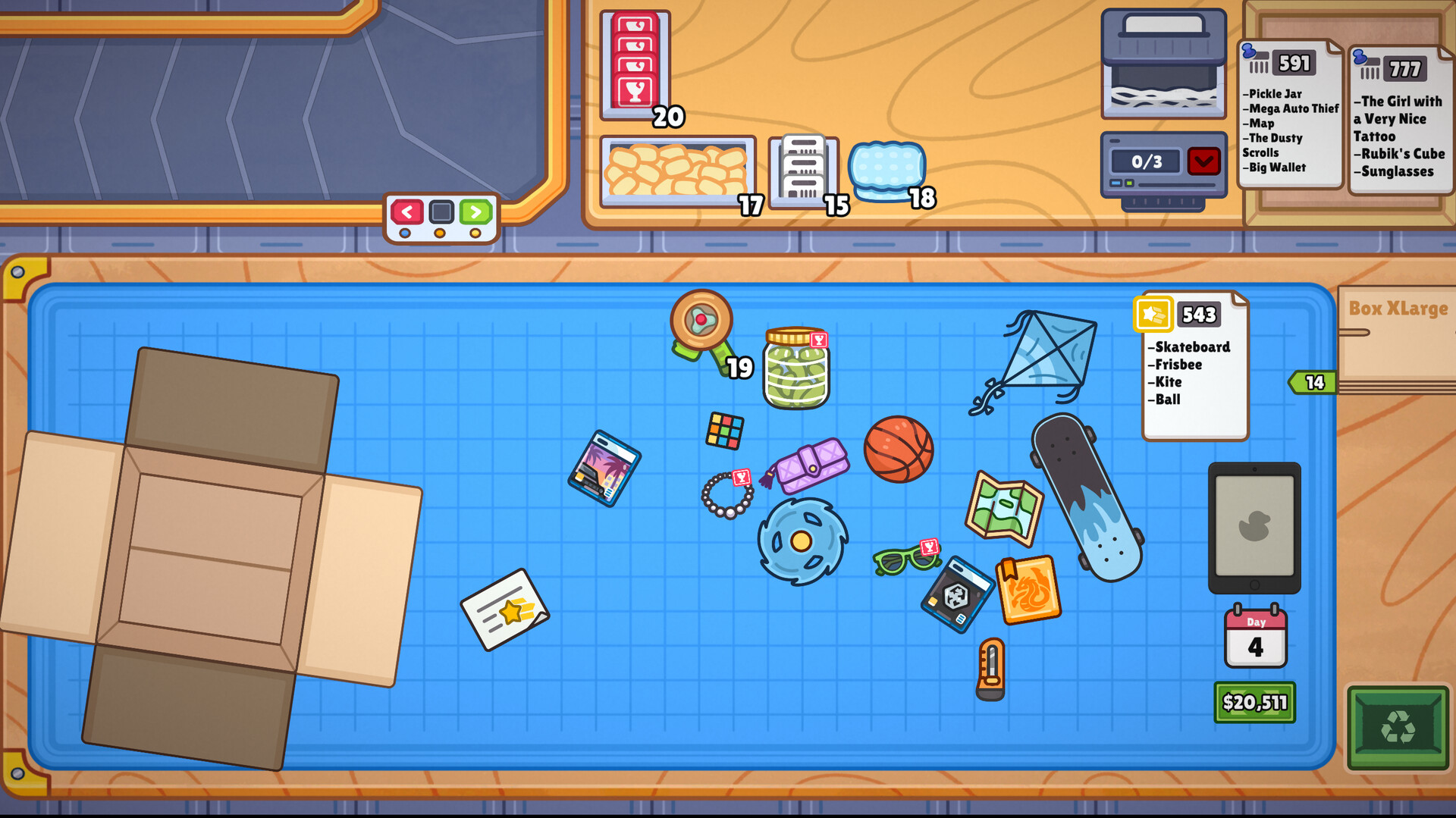
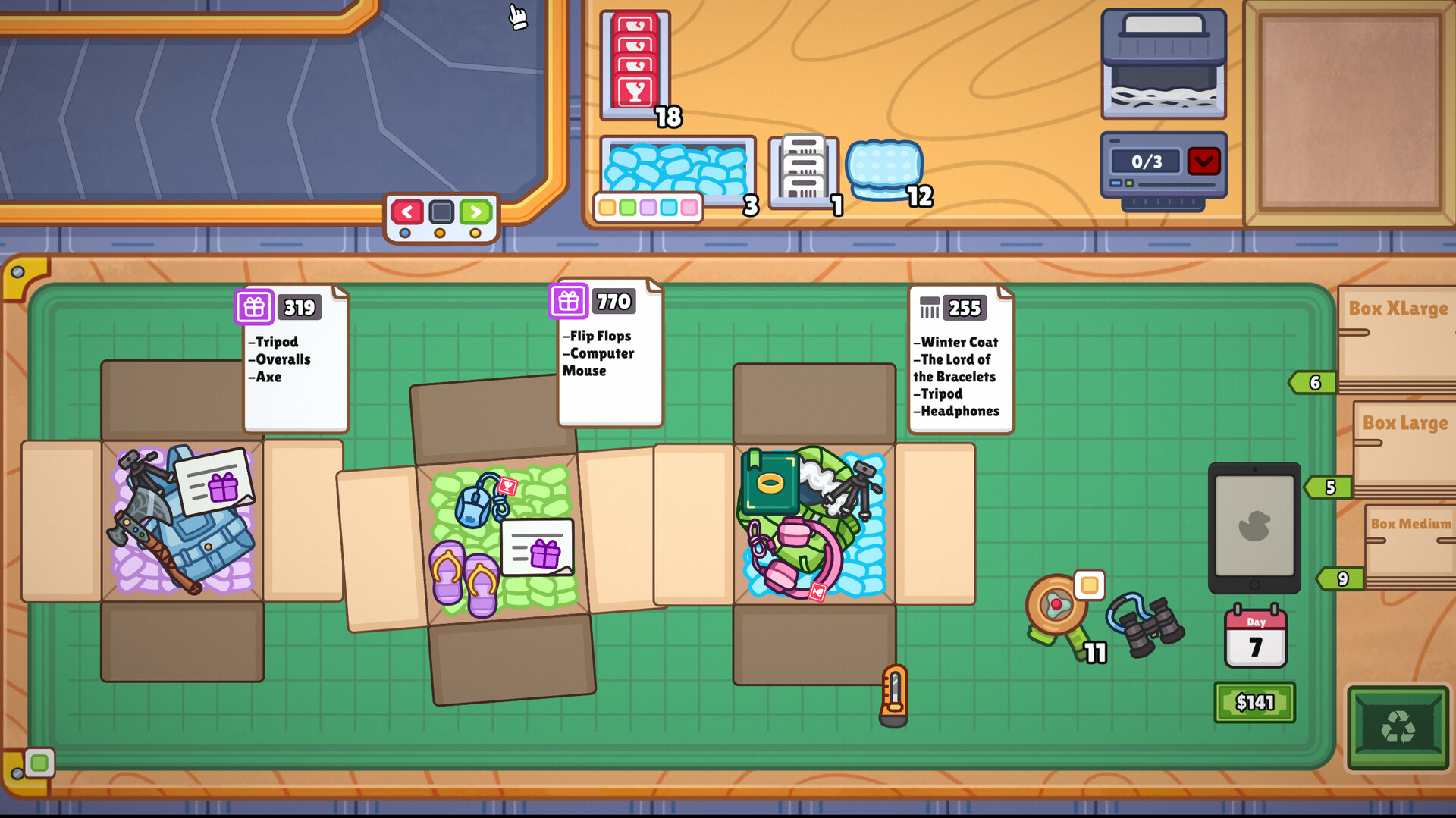
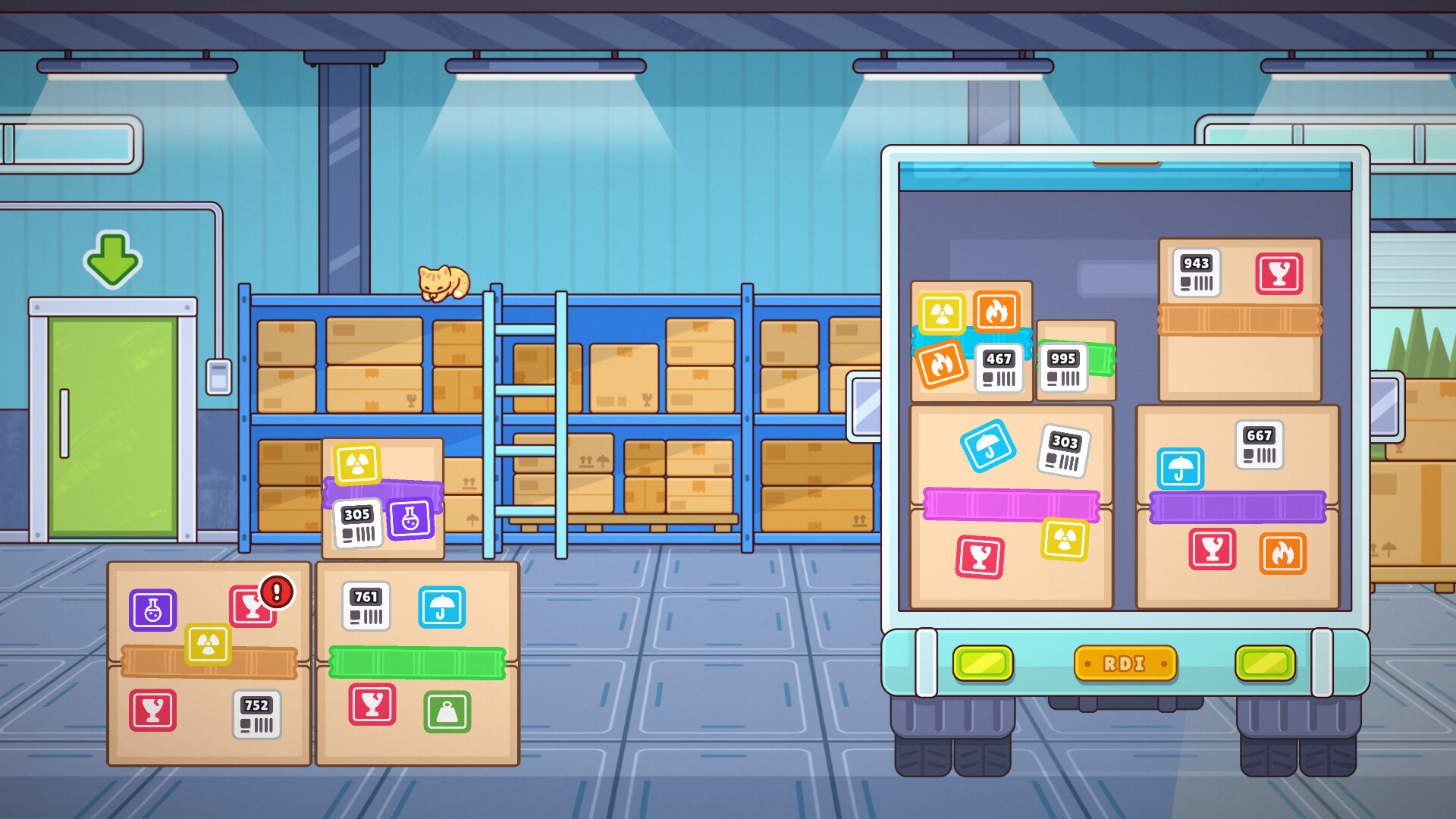
The core loop revolves around selecting the correct box size, arranging items inside, and sealing each parcel. Proper arrangement is required to avoid damage, especially for fragile items.
Efficiency comes from quickly matching orders to the right packaging, balancing speed with accuracy to keep penalties low.
- Prioritize matching box size before arranging items.
- Handle fragile items with extra care to prevent penalties.
02 / THE GUIDE
Order Processing
Incoming orders appear on a screen, and you must ship parcels to the correct destinations. Accurate fulfillment maximizes efficiency and reduces penalties.
Keeping an eye on the order queue helps you plan the best packaging strategy for each shipment.
- Watch the order list continuously to avoid missing deadlines.
- Group similar orders to streamline packaging.
03 / THE GUIDE
Office Upgrades
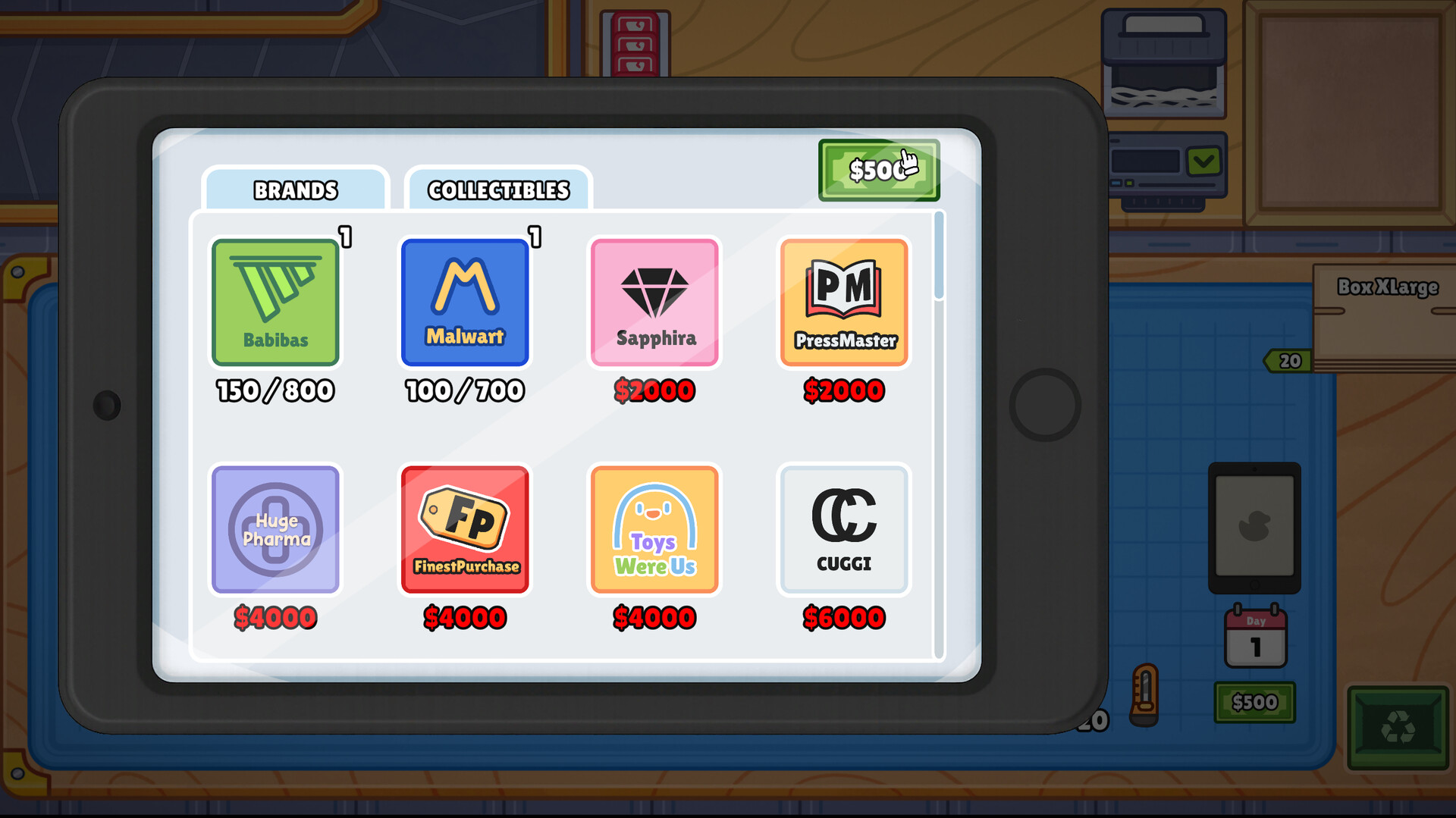
Earned money can be spent on upgrades that improve workspace, increase storage, and unlock better shipping tools. These upgrades support handling larger or more complex orders.
Investing in upgrades early can smooth later difficulty spikes.
- Upgrade storage before tackling larger orders.
- Prioritize tools that speed up sealing.
04 / THE GUIDE
Time Management Challenges
Each mode imposes a timer that pressures you to balance speed and accuracy. Chill Mode removes the timer, Normal Mode adds a standard timer, and Rush Hour Mode shortens time and raises penalties.
Managing the timer while avoiding mistakes is key to high scores.
- In Rush Hour, focus on quick box selection first.
- Use Chill Mode to practice efficient packaging without pressure.
05 / THE GUIDE
Difficulty Modes
Three modes cater to different player preferences: Chill (no timer, fewer penalties), Normal (standard timer and penalties), and Rush Hour (tight timer, higher penalties). Each mode scales the challenge level.
Choosing a mode aligns with your desired pace and skill development.
- Start in Chill Mode to learn the packaging workflow.
- Progress to Normal then Rush Hour as you improve.
COMMUNITY
Player discussion