 GameWiki
GET YOUR BEARINGS
About Ship Graveyard Simulator 2
Ship Graveyard Simulator 2 returns players to the hazardous trade of dismantling massive shipwrecks. Armed with a hammer and a torch, you work through kilometers of wreckage and thousands of tons of steel, handling large fragments and smaller components alike.
The sequel adds bigger vessels, new demolition mechanics, and both solo and cooperative modes. You order ships, collect steel, aluminum, and copper, and must manage dangers such as gas leaks, electric shock, and toxic exposure while growing your scrapping business.
01 / THE GUIDE
Demolition Tools
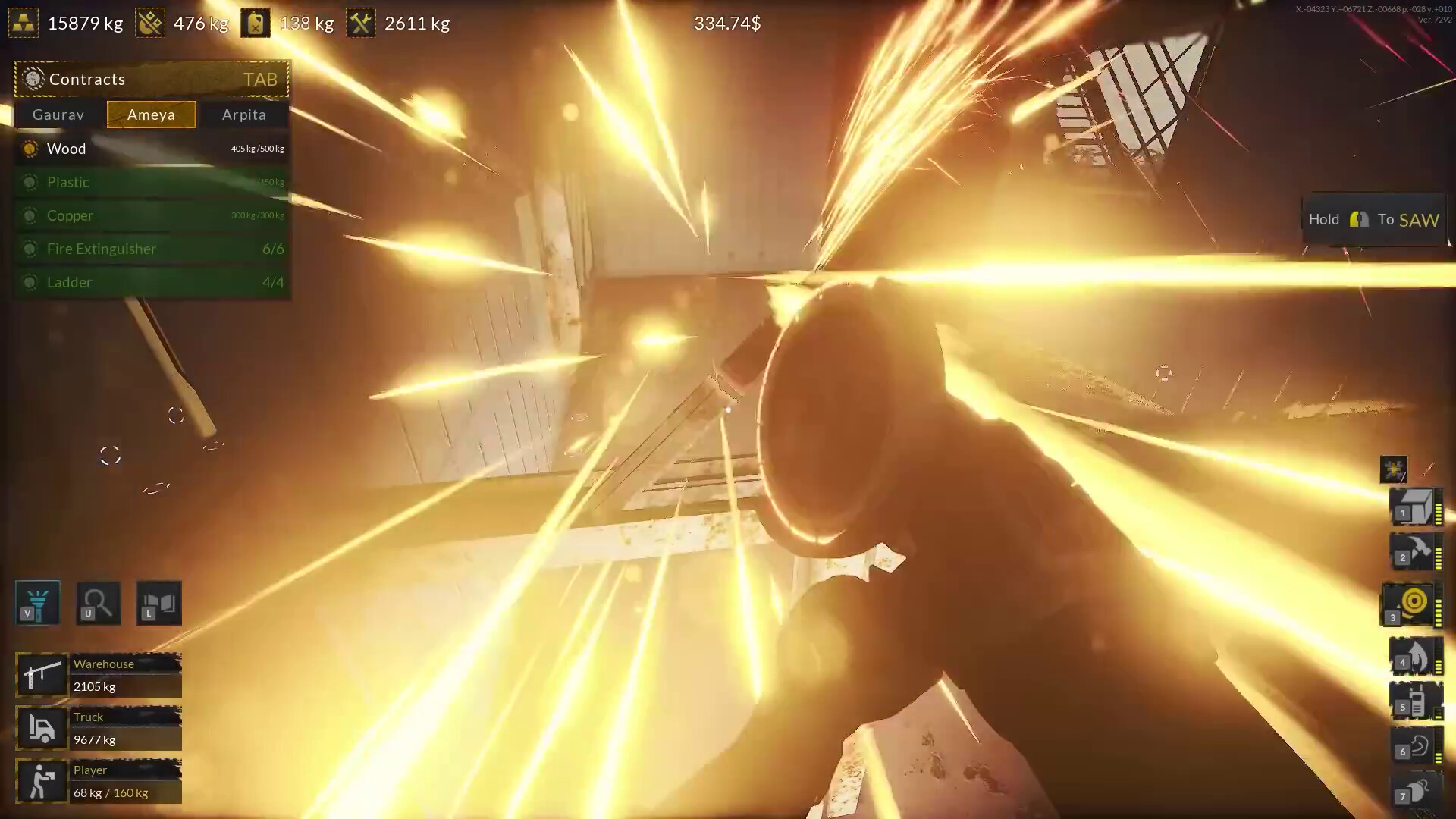
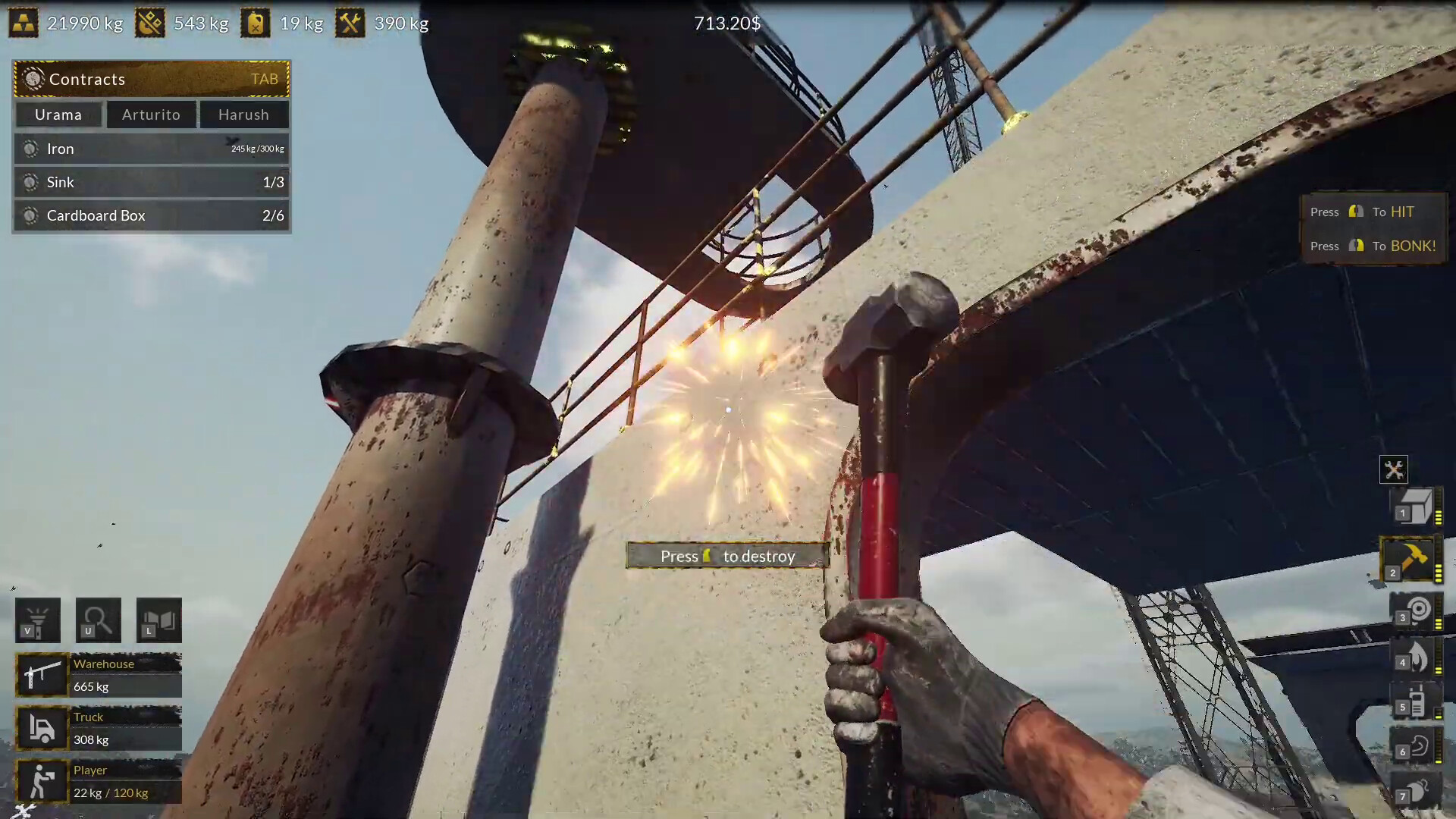
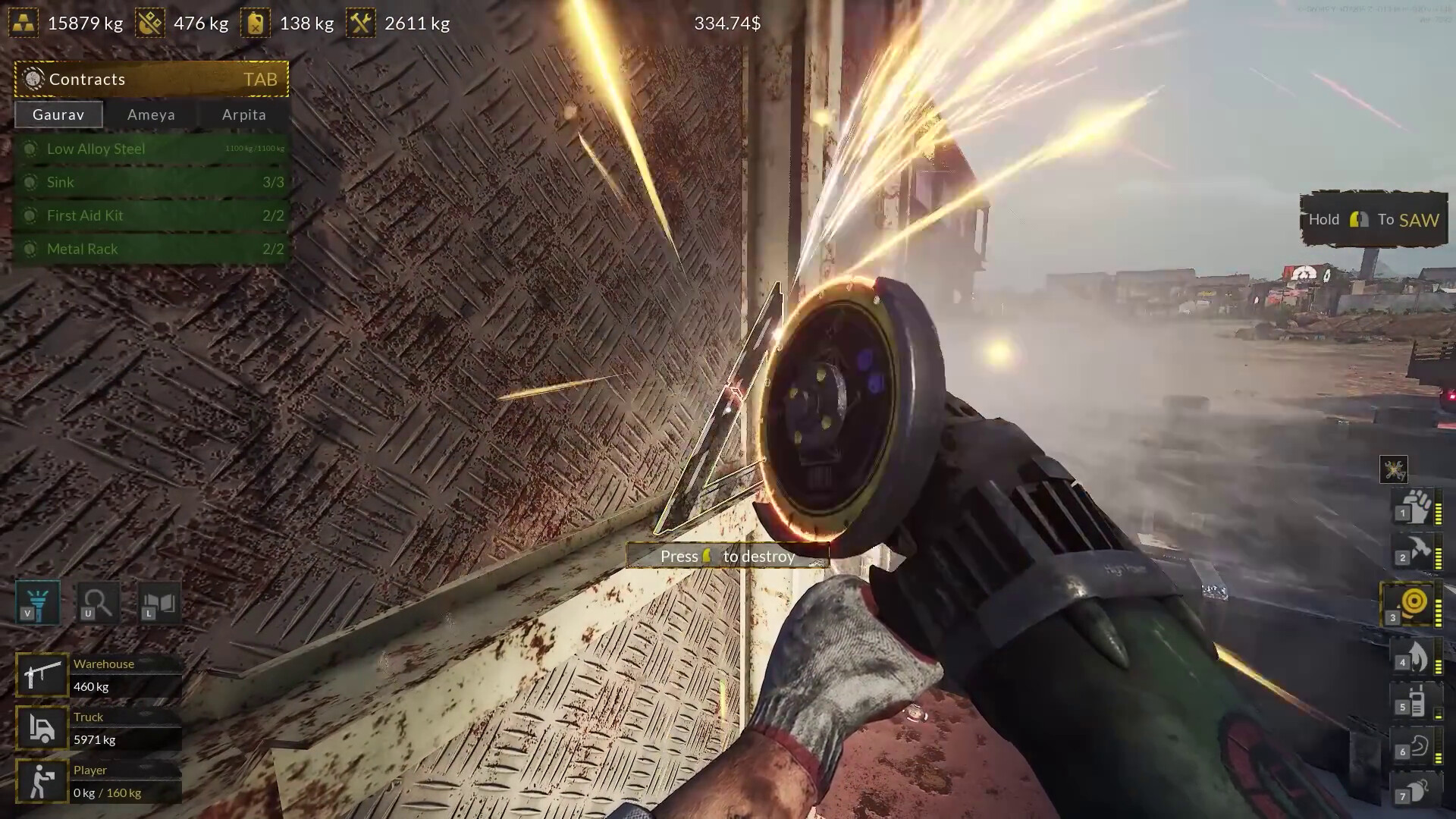
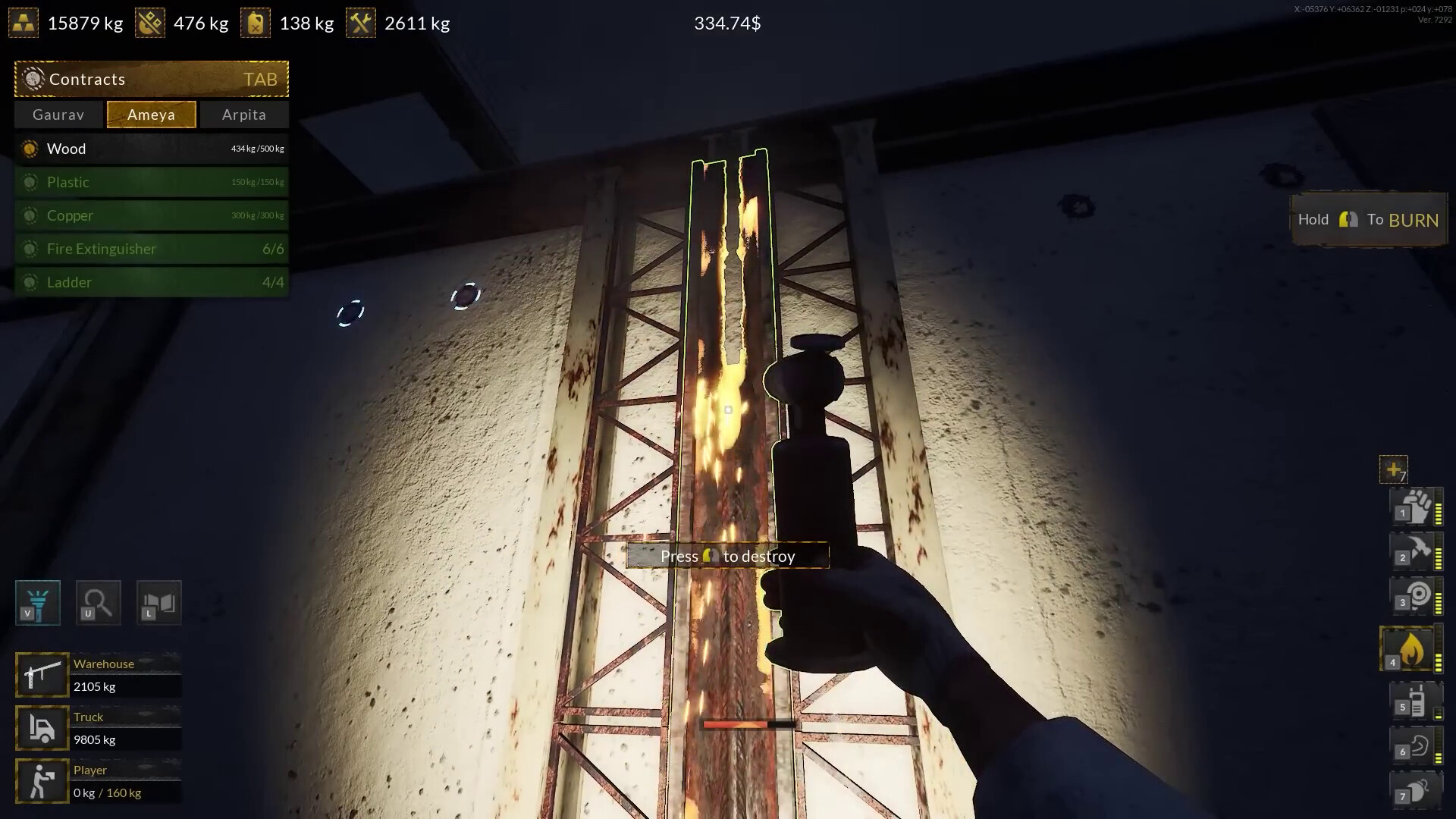
The game provides a hammer and a torch for breaking ship parts into smaller pieces. These tools are the primary means of disassembly, allowing you to separate components for collection and further processing.
Choosing the appropriate tool for a given material influences how effectively you can harvest steel, aluminum, or copper. Observing the tool’s impact on each material helps you decide which equipment to use in similar future tasks.
- Try the hammer on a steel plate and the torch on an aluminum panel to see which yields more usable fragments.
- Notice how the torch’s heat affects copper components compared to the hammer’s impact.
02 / THE GUIDE
Large Ship Parts & Cranes
Some ship fragments are too large for handheld tools and require a special crane and a large container. These massive components include engines, pumps, control panels, and other modules that must be moved before further demolition.
The crane system lets you lift and position oversized parts, after which you can apply the hammer or torch to break them down. Managing these large pieces adds a logistical step that influences the overall workflow.
- Plan the crane’s swing path before lifting a heavy engine to reduce repositioning.
- Position the large container near the crane to streamline storage after each lift.
03 / THE GUIDE
Ship Ordering & Tasks
New ships are ordered via a computer at home, each delivering a fresh demolition task. The ships fall into categories, some representing real‑world colossi, and each provides a mix of steel, aluminum, and copper parts.
Completing a ship’s task yields the collected components, encouraging you to tackle a variety of vessel sizes and types to expand your business and resource stockpiles.
- Review the material breakdown of each incoming ship before starting demolition.
- Select ships whose material yields match the resources you need most at the moment.
04 / THE GUIDE
Hazards & Safety
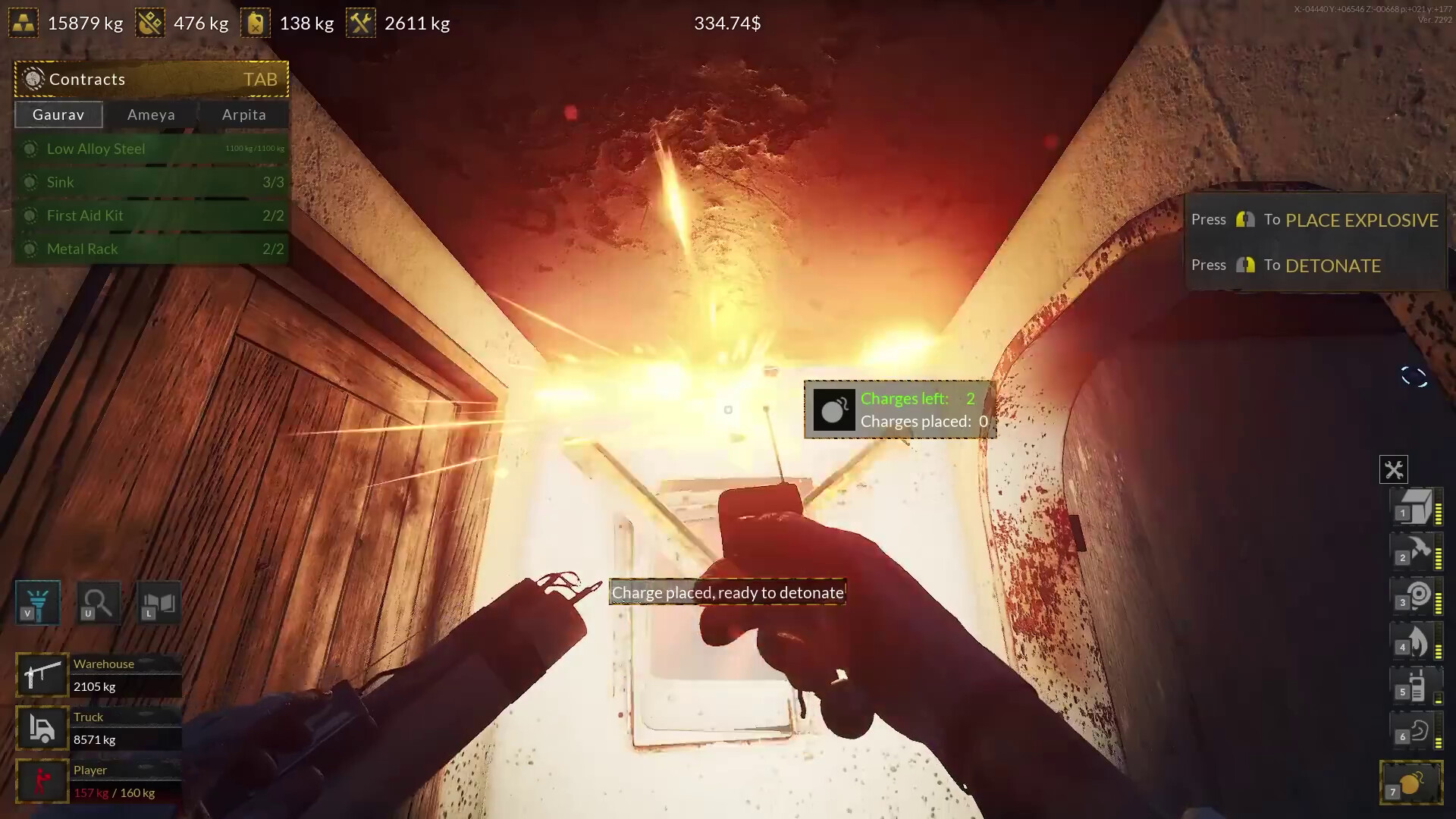
The job is dangerous, featuring risks such as gas leakage, electric shock from cables, and poisoning from toxins in unsecured rooms. Wearing a helmet is recommended when handling large fragments and modules.
Awareness of these hazards is essential; each danger can interrupt progress or cause setbacks if ignored, so monitoring the environment and using protective gear helps maintain steady workflow.
- Keep a helmet equipped when approaching any large ship module.
- Watch for visual cues like flickering lights or gas hiss to spot hazards early.
05 / THE GUIDE
Multiplayer & Co‑op Modes
Ship Graveyard Simulator 2 supports single‑player, multiplayer, co‑op, and online co‑op experiences, allowing you to work with others on demolition projects. The game offers Steam achievements and Steam Cloud support.
Co‑op play lets participants share tasks such as crane operation, handheld tool use, and material collection, making it easier to handle the biggest ships and large components together.
- Assign one player to operate the crane while others focus on handheld tools for smoother coordination.
- Use online co‑op to tackle the largest ship categories that would be difficult solo.
COMMUNITY
Player discussion