 GameWiki
GET YOUR BEARINGS
About Ship Explorer
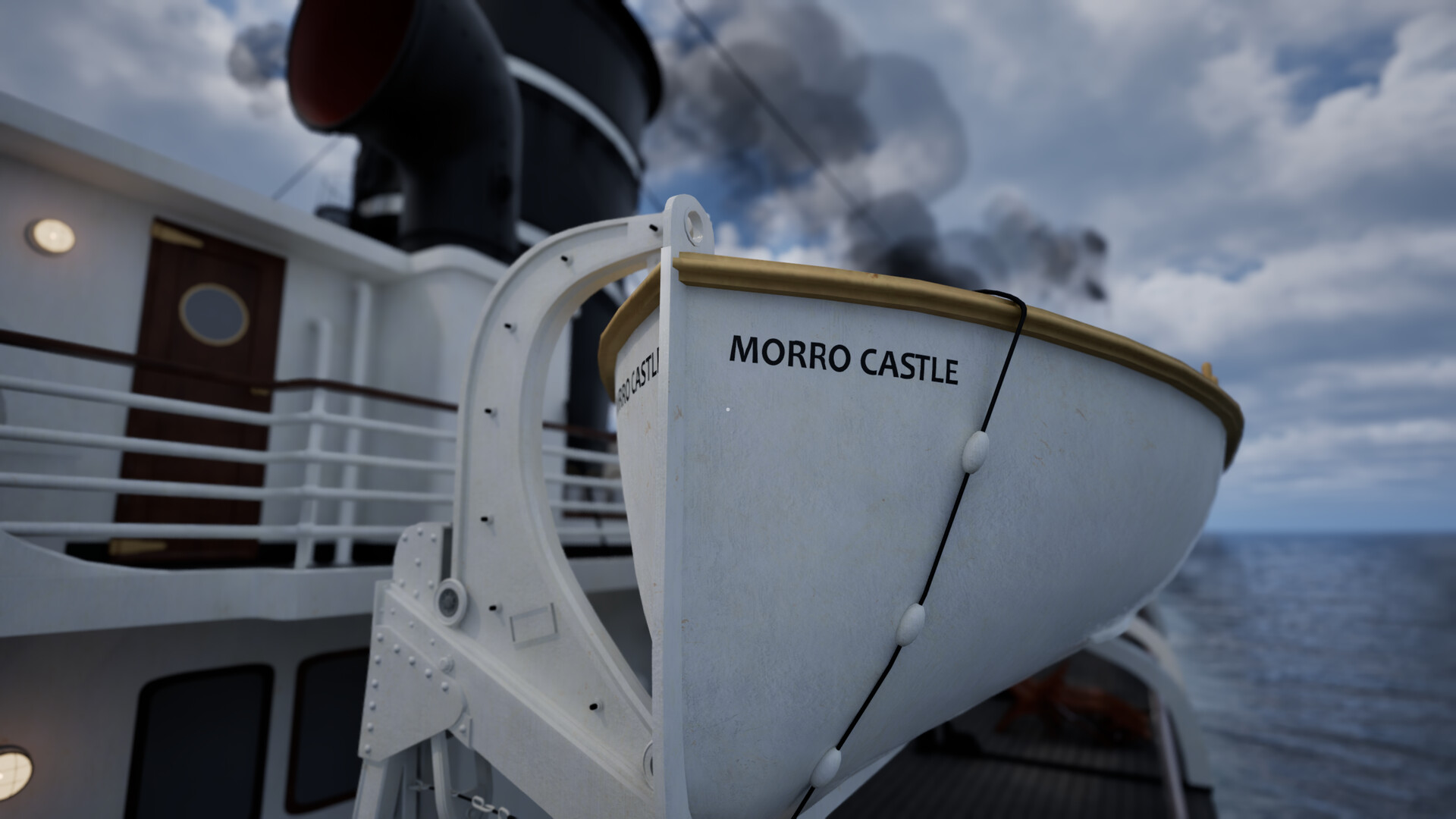
Ship Explorer offers a VIP tour guided by Oceanliner Designs host Mike Brady, letting players walk the decks of historic vessels such as the SS United States and Morro Castle. The experience blends education with interactive simulation, letting you discover design secrets that kept ocean liners dominant for a century.
Beyond simple wandering, you can manipulate weather, time of day, and season, engage animated ship features, and capture moments with a built‑in photo mode. The game runs as a single‑player companion to the Oceanliner Designs YouTube channel.
01 / THE GUIDE
Host‑Guided Tour
Mike Brady, the host and producer of Oceanliner Designs, personally invites you to explore each ship, providing commentary that frames the historical context. His narration turns the walk‑through into a curated learning experience rather than a generic sandbox.
The tour is presented as a companion experience, meaning it is designed to complement the YouTube channel rather than replace it. This focus on education shapes the pacing and the amount of detail offered at each location.
- Listen to the full narration on each deck to catch subtle design insights.
- Compare the host’s comments with the documentary footage for deeper context.
02 / THE GUIDE
Ship Deck Exploration
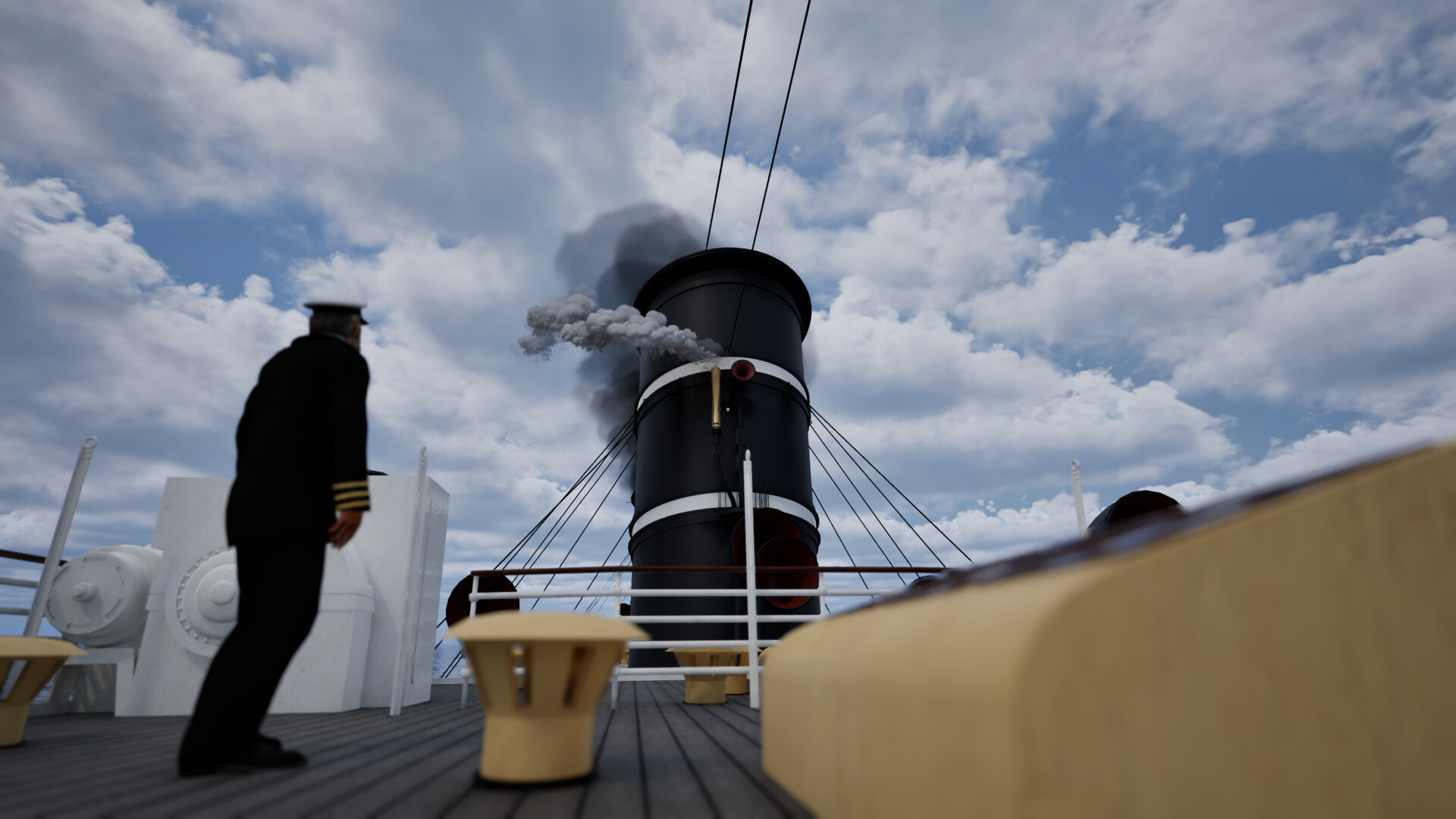
Players can stroll the storied decks of iconic vessels, moving freely through areas that were once bustling with passengers and crew. The game recreates both well‑known and hidden sections, giving a sense of scale and atmosphere.
Each ship’s layout reflects its historical configuration, allowing you to see how design choices impacted passenger flow and operational efficiency. The exploration is unrestricted, letting you linger wherever curiosity strikes.
- Take time to examine both public and service areas for a full picture.
- Notice how deck layouts differ between older and newer liners.
03 / THE GUIDE
Interactive Objects & Dialogue
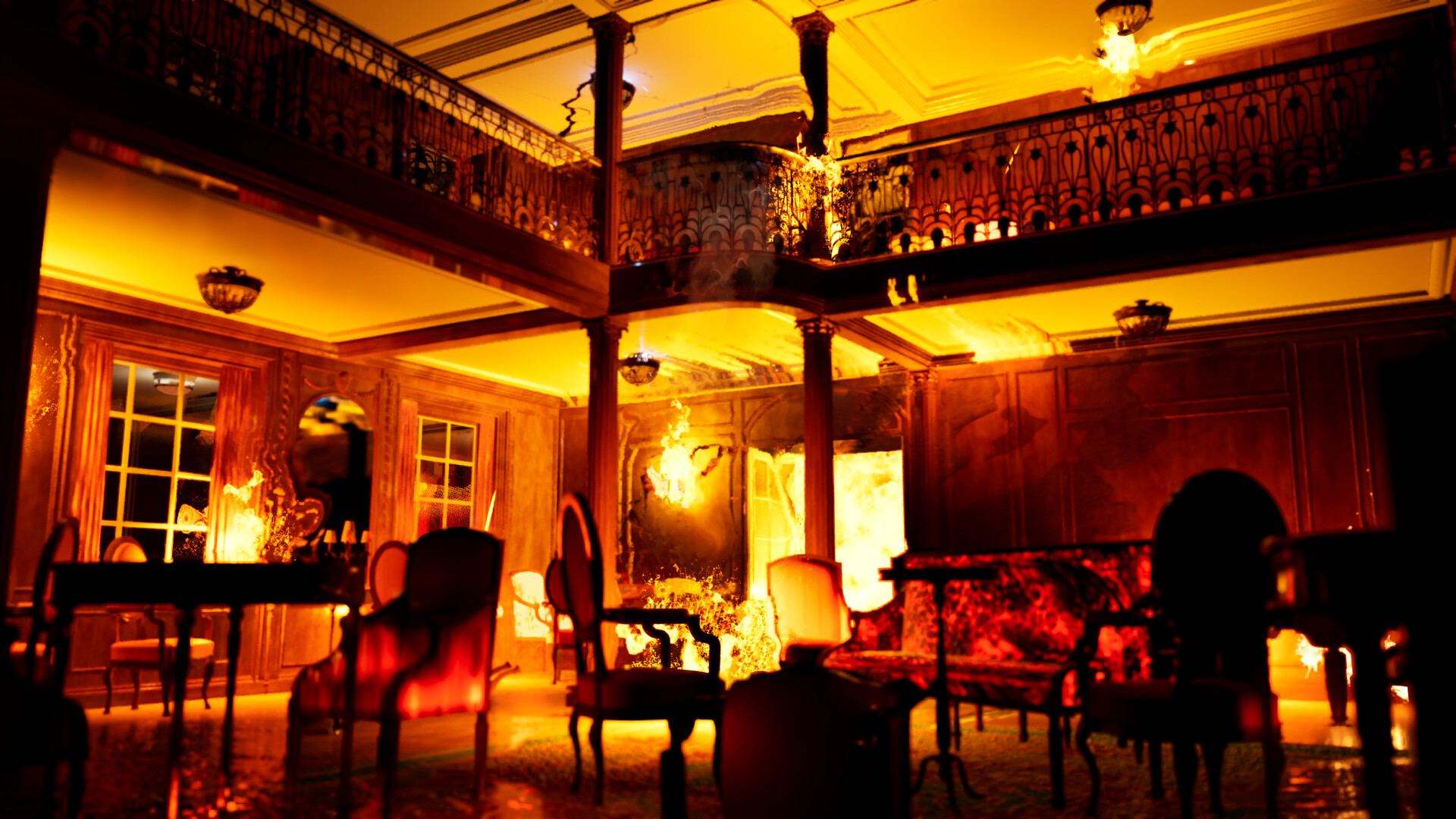
Touching objects on board triggers special dialogue that explains how each component functioned within the ship’s ecosystem. This includes machinery, navigation tools, and decorative elements, each paired with concise explanations.
The interactions are designed to be informative rather than puzzle‑based, focusing on delivering factual content about ship engineering and operation.
- Interact with both large and small objects to uncover hidden details.
- Use the dialogue as a reference when comparing different ships.
04 / THE GUIDE
Environmental Controls
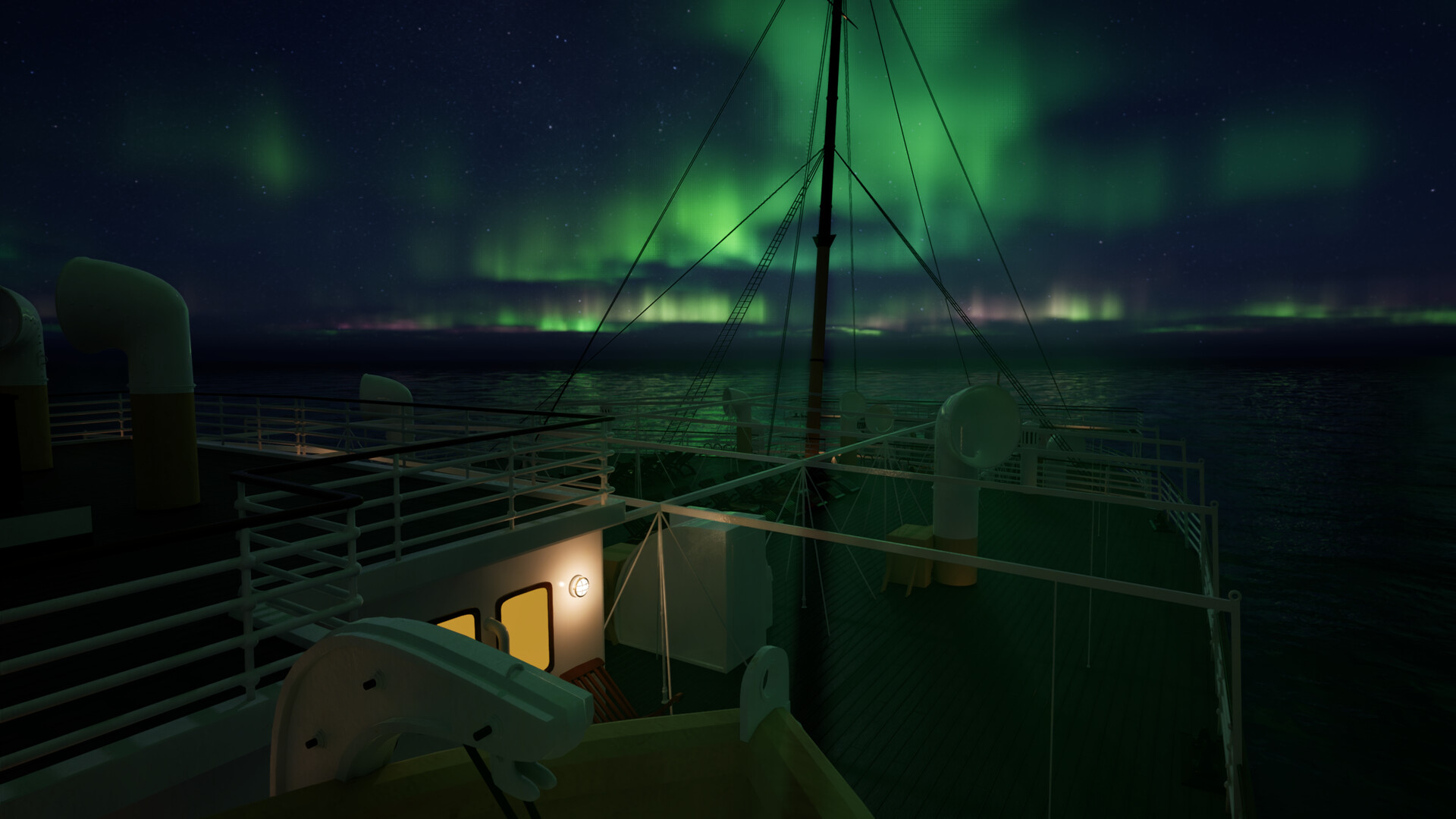
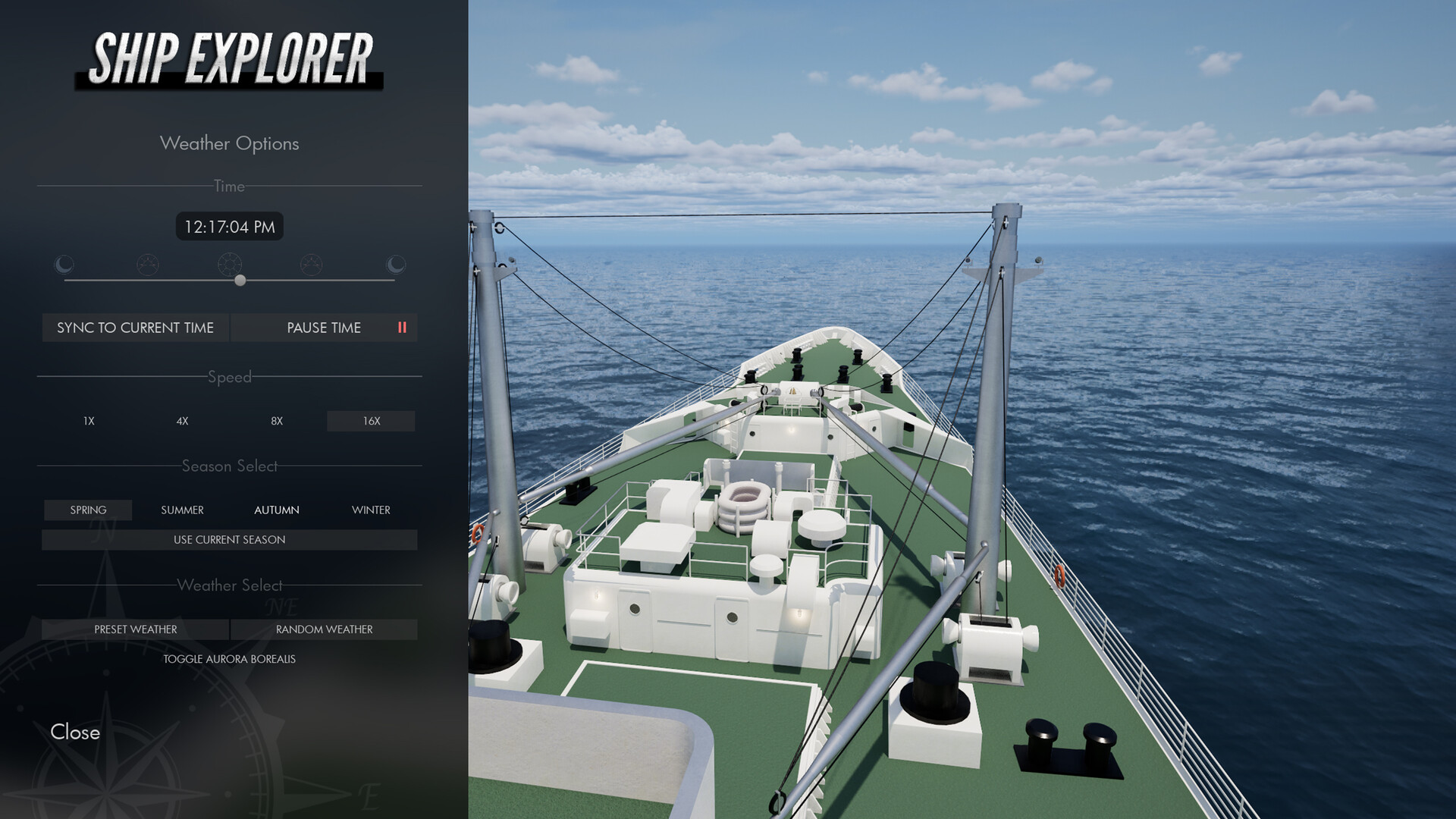
You can freely adjust weather, time of day, and season, tailoring the visual mood to your preference. These controls let you experience the same vessel under sunrise, storm, or calm night conditions.
Rewinding the clock also allows you to witness pivotal historical moments, adding a temporal layer to the static exploration.
- Experiment with different weather settings to see how lighting changes.
- Use the time‑of‑day slider to view the ship’s silhouette at sunset.
05 / THE GUIDE
Photo Mode & Capture
A built‑in photo mode lets you record memorable views, whether it’s a grand staircase or a quiet engine room. The feature lets you capture screenshots of memorable moments and favorite views.
The game is playable without timed input, so you can compose shots at leisure, making it ideal for both casual snapshots and detailed documentation.
- Take your time composing each shot to highlight the details you want.
- Try different angles to highlight architectural details.
COMMUNITY
Player discussion