 GameWiki
GET YOUR BEARINGS
About Shelves and Sorcery: Tidy Up the Enchanted Shop
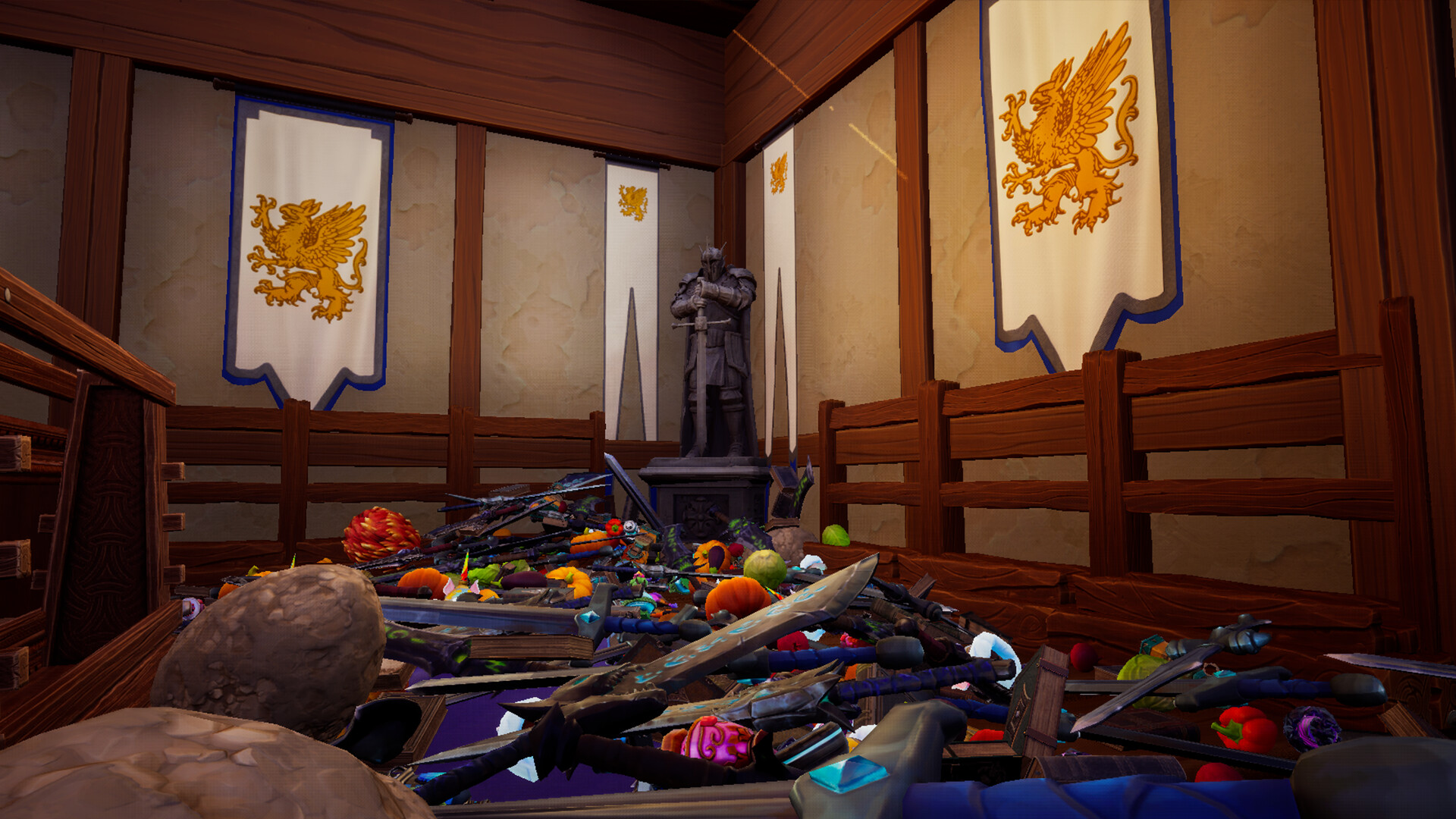
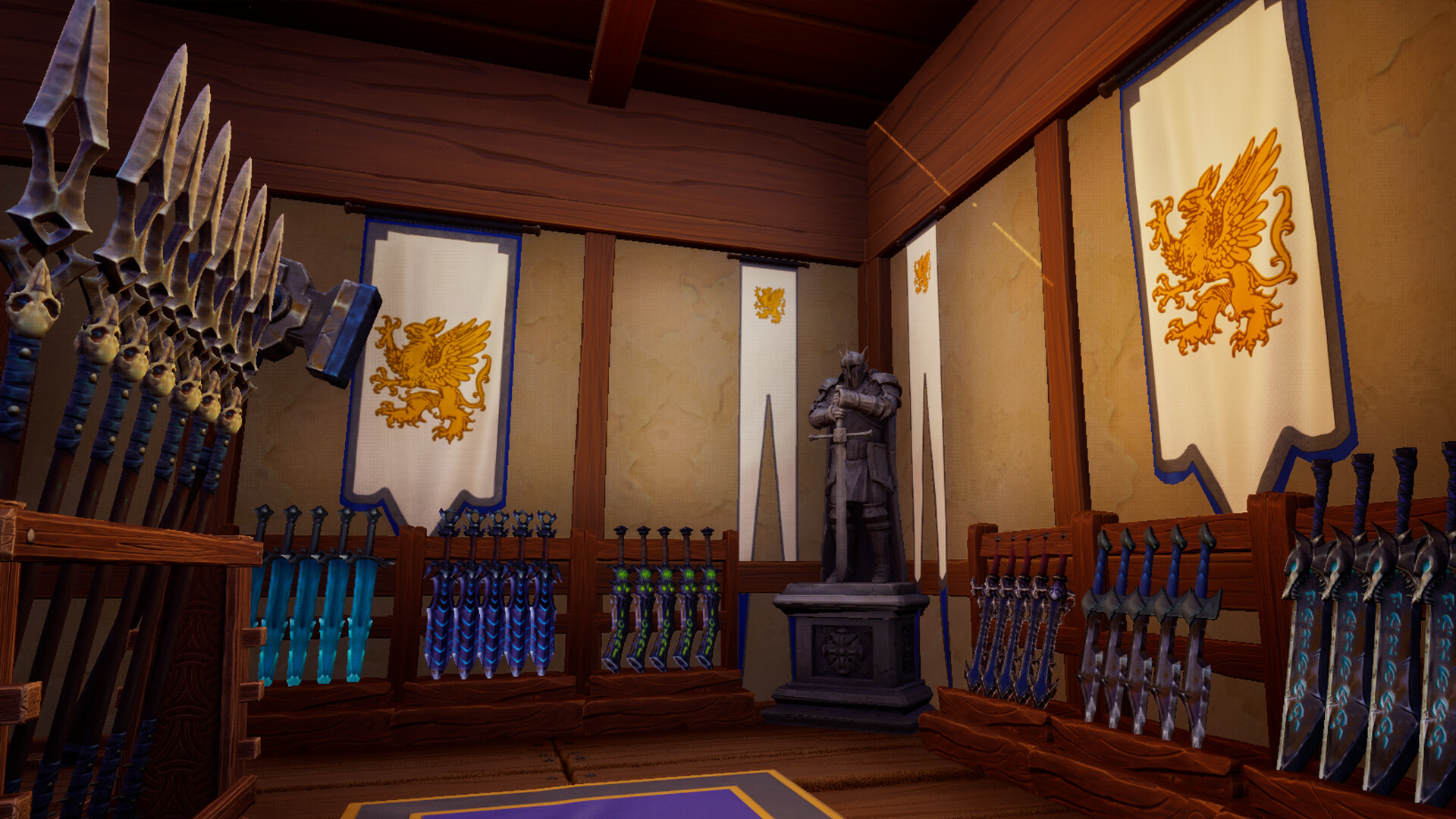
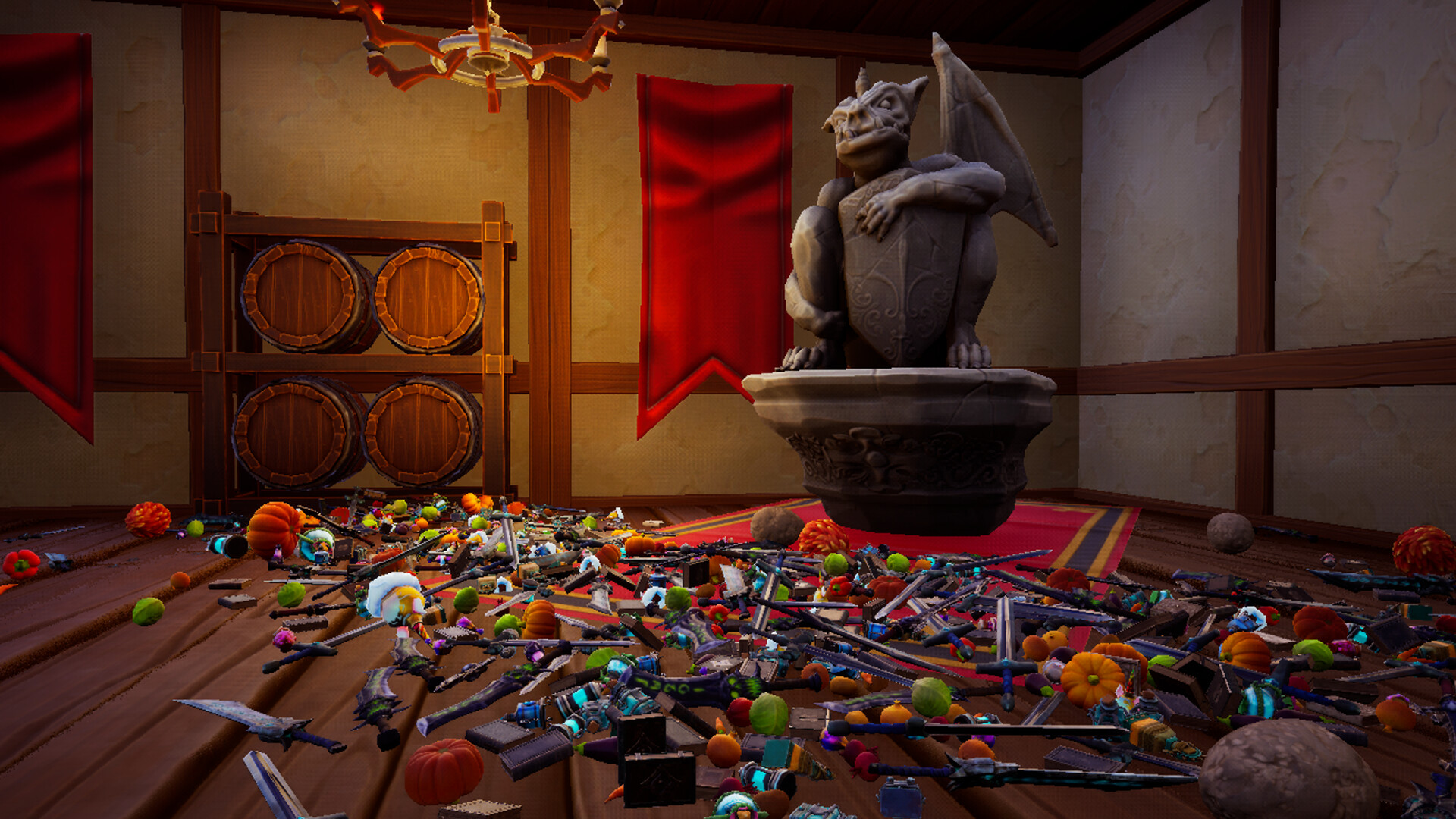
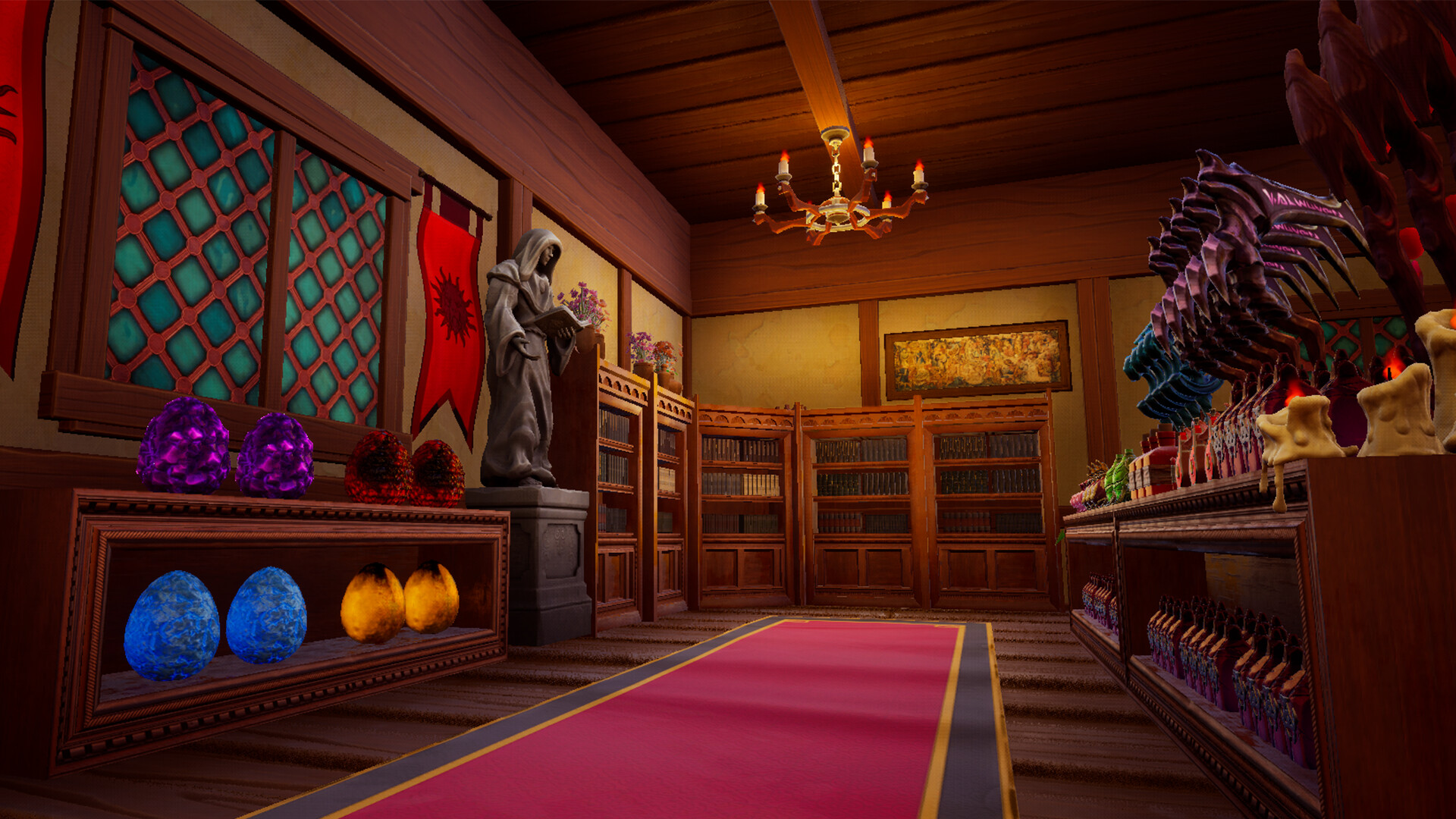
Shelves and Sorcery is a relaxing fantasy organization game where players restore chaos‑filled shops to order. Thousands of items—weaponry, potions, spellbooks, fruits, and curiosities—are scattered across three uniquely themed stores, and the player must pick them up and place them correctly. The game offers four distinct play styles, from a pressure‑free Casual mode to competitive Timed runs, plus magical or non‑magical variants. Players can progress at their own pace, unlock sorceries and enchantments, and even compete on global leaderboards.
01 / THE GUIDE
Gameplay Modes
Four modes shape each session. Casual mode removes timers, letting players explore each shop leisurely. Timed mode adds a clock and leaderboard competition, encouraging route mastery and speed.
Archmage mode starts with every sorcery and enchantment unlocked, showcasing full magical power. No Magic mode strips away all spells, relying solely on manual organization skills.
- Try Casual first to learn item locations before attempting Timed runs.
- Use Archmage mode to experiment with all magical tools without time pressure.
02 / THE GUIDE
Shop Variations
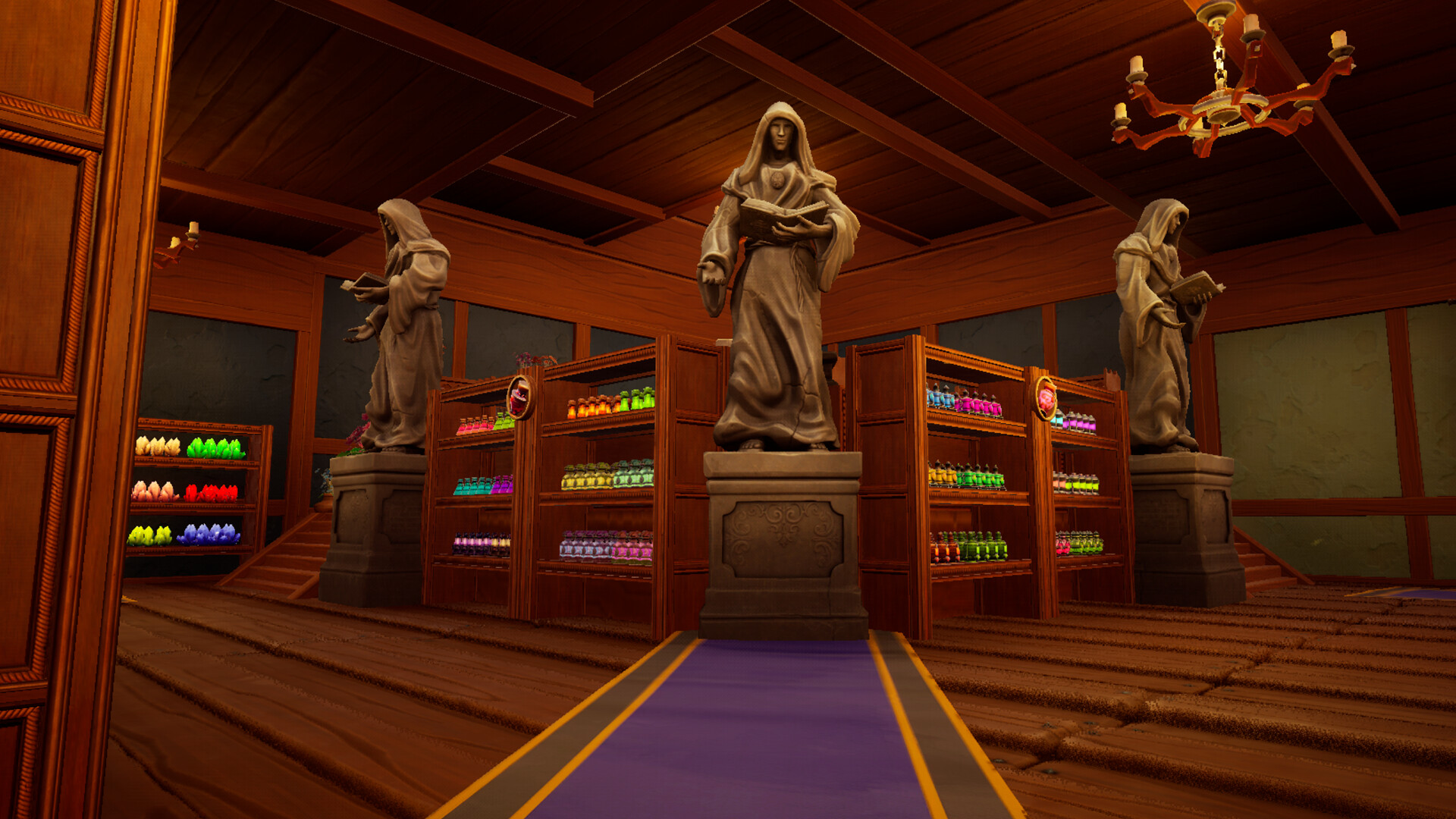
Three shops differ in size, atmosphere, and item count. The Hearth & Barrel offers a cozy village setting with 1,048 items, serving as an approachable introduction.
The Merchant's Rest presents a bustling market with 3,085 items, while the Grand Athenaeum, a floating isle, contains 4,066 items, providing the largest organizational challenge.
- Begin with The Hearth & Barrel to familiarize yourself with controls.
- Progress to the Grand Athenaeum for leaderboard competition.
03 / THE GUIDE
Magic System
Sorceries are unlocked as you organize, allowing you to gather matching items, reveal hidden objects, or propel items toward their shelves. The more you tidy, the stronger your magical toolkit becomes.
Enchantments permanently boost abilities such as carrying capacity, reach, speed, jump height, and even flight, enhancing both casual play and speed‑run efficiency.
- Focus on unlocking sorceries early to reduce manual hauling.
- Combine enchantments with sorceries for optimal speed in Timed mode.
04 / THE GUIDE
Progression and Unlocks
Progress is tracked by the number of items correctly placed. Each milestone expands your magical toolkit, adding new sorceries and enchantments that simplify later organization tasks.
There is no forced timer; you can save anytime and resume, allowing gradual mastery without pressure.
- Save frequently to avoid losing unlocked magic after long sessions.
- Aim for incremental item placement goals to steadily unlock new powers.
05 / THE GUIDE
Platform Features
The game runs on Windows with full controller support, custom volume controls, and both stereo and surround sound options. Steam integration provides achievements, cloud saves, leaderboards, and family sharing.
It is categorized as playable at your own pace and can be enjoyed without timed input, catering to both casual and competitive players.
- Enable controller support for a hands‑free organizing experience.
- Adjust volume settings to match your preferred ambience.
COMMUNITY
Player discussion