 GameWiki
GET YOUR BEARINGS
About Shelve the Potions!
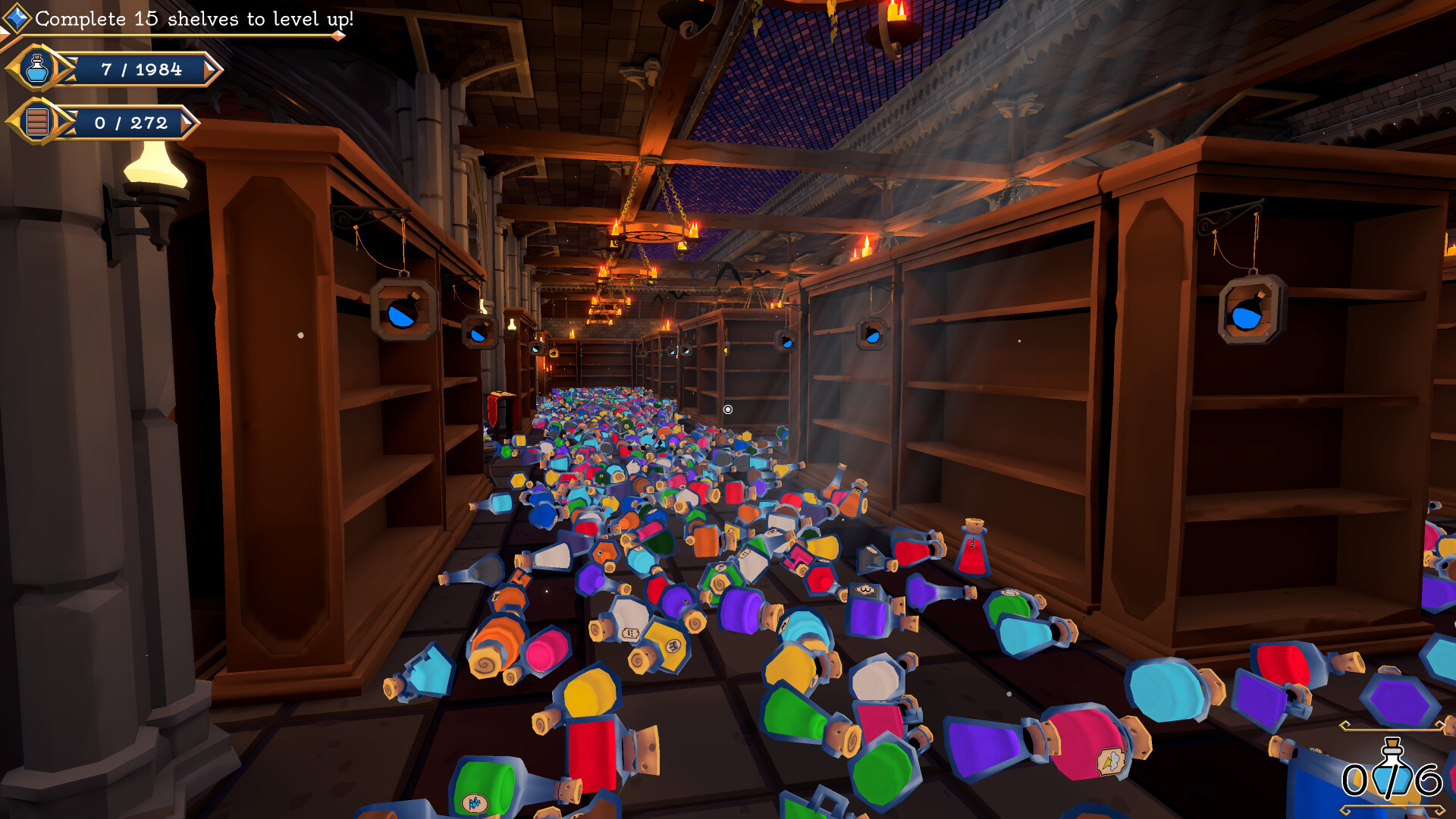
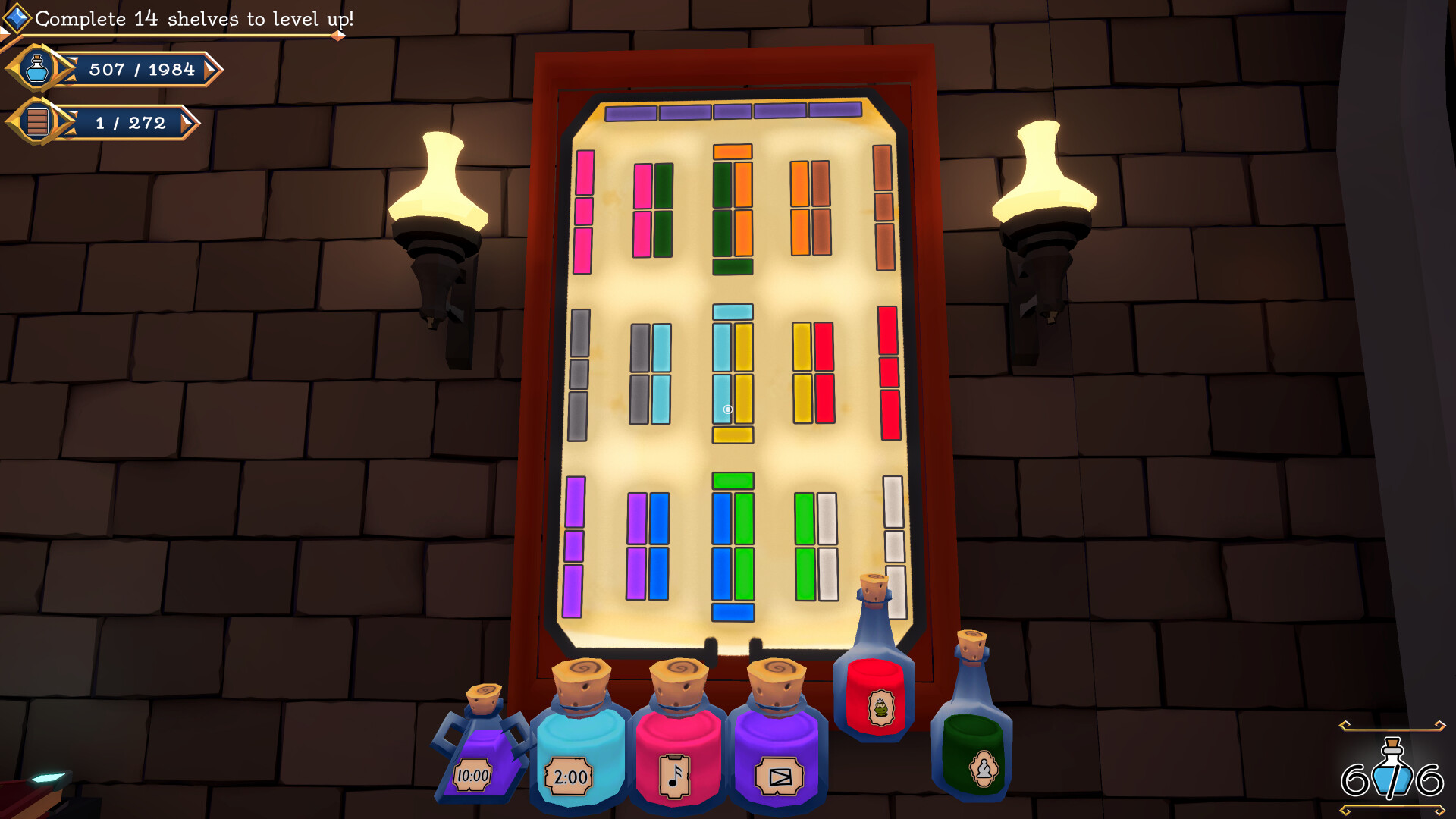
Shelve the Potions! drops you into a witch’s cellar where mischievous cats have scattered over 2,000 potions. As a new apprentice you must restore order by solving handcrafted puzzles that each hide a unique sorting rule. The game emphasizes observation, logic, and occasional clue‑finding, all within a relaxed, timer‑free environment.
The cozy fantasy setting is filled with alchemical symbols, cryptic notes, and cute magical cats that offer hints when needed. Full controller support, subtitle options, and customizable volume let players enjoy the experience at their own pace, while Steam achievements and cloud saves track progress.
01 / THE GUIDE
Handcrafted Puzzle Structure
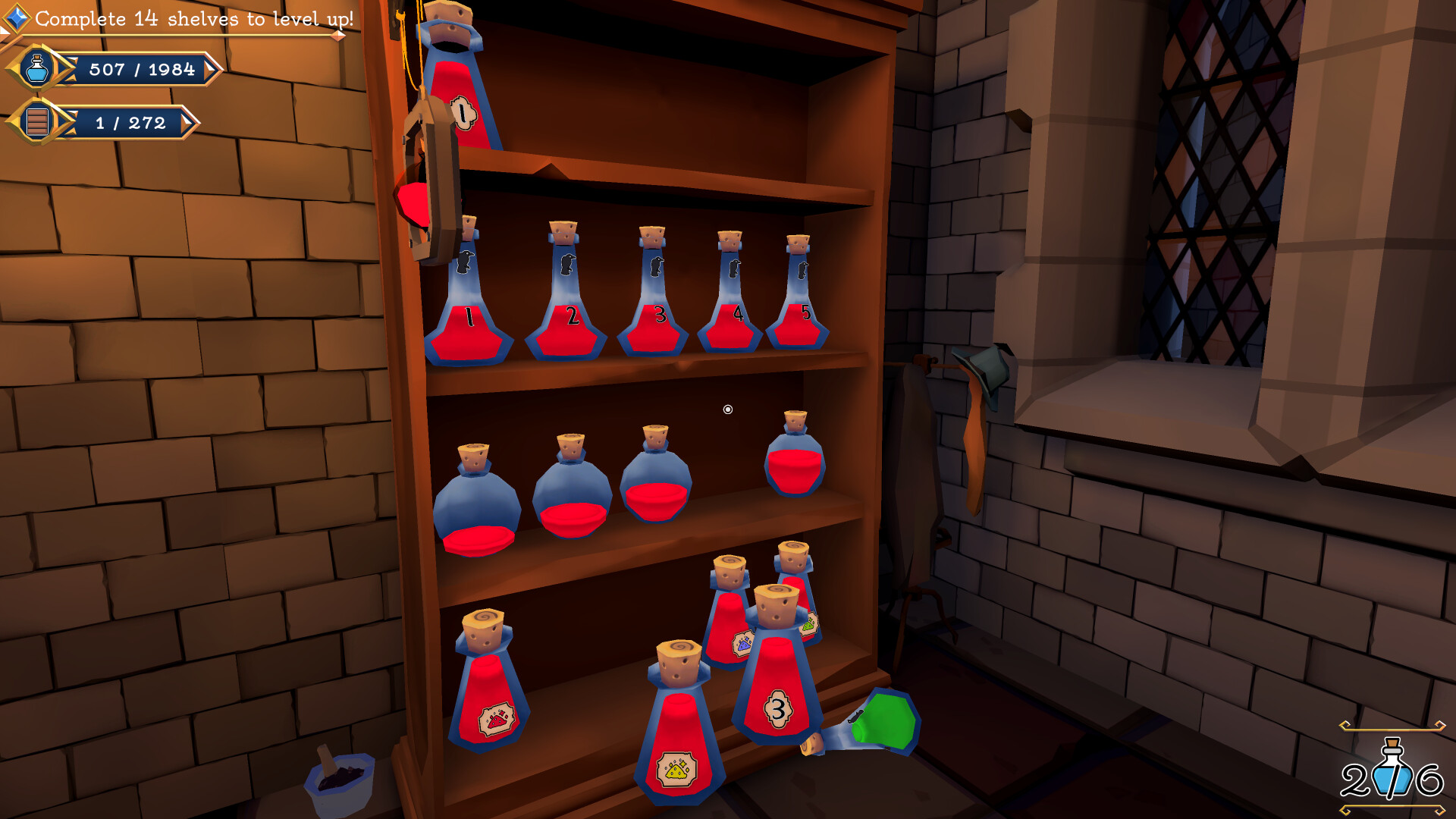
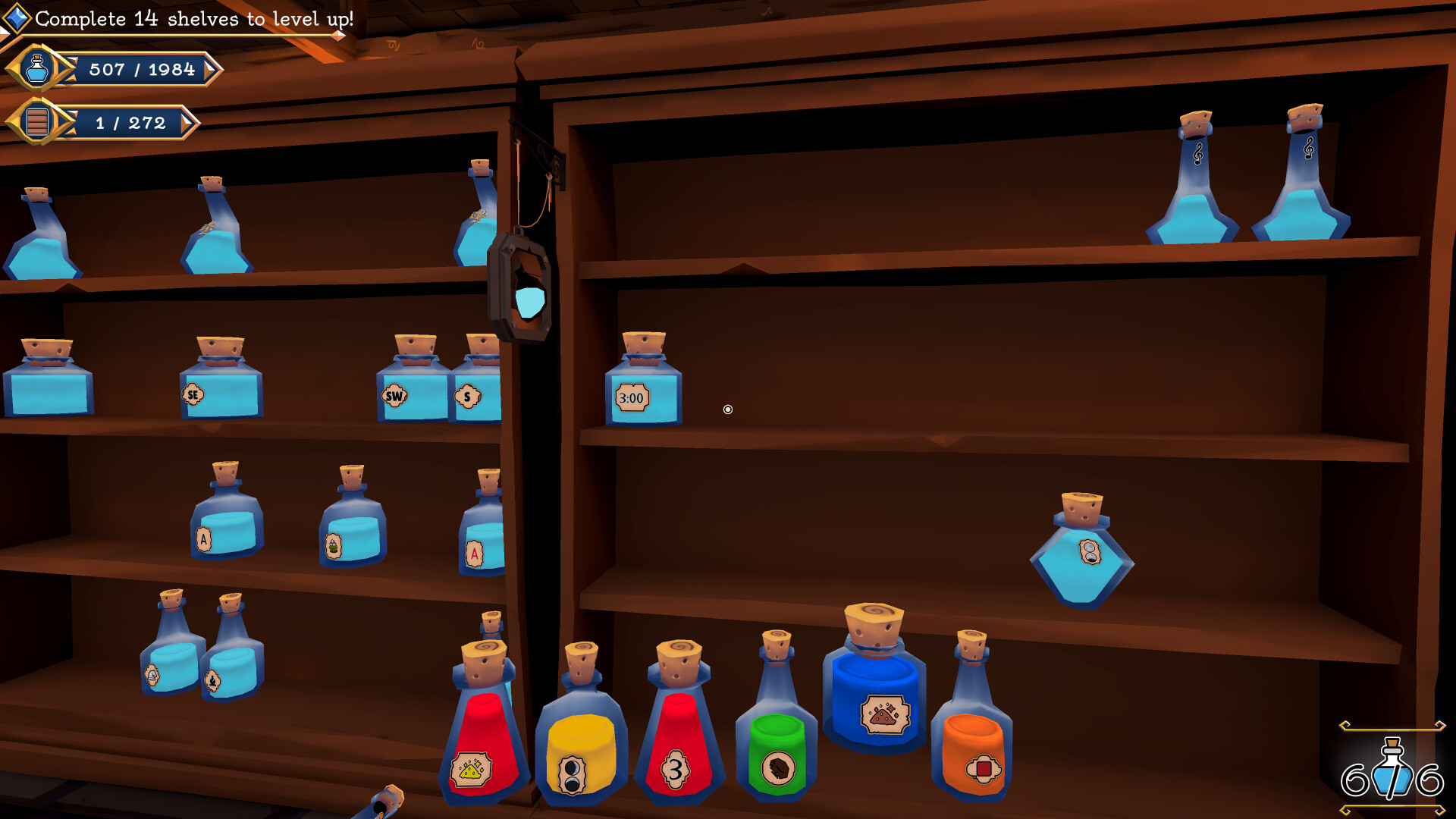
Each shelf presents a self‑contained puzzle with its own rule set, encouraging players to experiment and deduce the correct ordering. The puzzles range from instantly recognizable patterns to those that require hidden clues or special items.
The game contains more than twenty distinct puzzles, collectively involving over two thousand unique potions. This variety ensures that players encounter fresh challenges as they progress through the cellar.
- Take note of recurring symbols; they often hint at the underlying rule.
- If a puzzle feels stuck, try rearranging a few potions to see if a new pattern emerges.
02 / THE GUIDE
Clue Discovery and Interpretation
Clues are scattered throughout the enchanted cellar in the form of strange symbols and cryptic notes. Deciphering these clues reveals the logic behind each shelf’s sorting requirement.
Some puzzles demand you locate hidden items or connect information learned from earlier shelves, making careful observation essential for success.
- Inspect every corner of the cellar; clues may be subtle.
- Cross‑reference symbols you’ve seen before to speed up interpretation.
03 / THE GUIDE
Magical Cat Hint System
When you feel stuck, you can pet the magical cats for assistance. The cats will point out missing potions, highlight important clues, or reveal part of a solution.
This hint system is optional and designed to keep the experience relaxing rather than punitive, ensuring you can continue at a comfortable pace.
- Use cat hints sparingly to preserve the satisfaction of solving puzzles yourself.
- Pay attention to which potions the cats highlight; they often lead directly to the solution.
04 / THE GUIDE
Accessibility and Comfort Features
The game offers full controller support, subtitle options, color alternatives, and custom volume controls, allowing players to tailor the experience to their needs. There are no timers or penalties, reinforcing a calm play style.
Save-anytime functionality, Steam Cloud, and family sharing further ensure that progress is preserved and accessible across devices.
- Enable subtitle options if you prefer reading over listening to dialogue.
- Adjust color alternatives for better visual clarity if needed.
05 / THE GUIDE
Progress Tracking and Achievements
Steam achievements record milestones such as completing a certain number of puzzles or organizing a set quantity of potions. Cloud saves keep your shelf arrangements safe, letting you resume anytime.
Family sharing lets multiple users experience the game without needing separate purchases, making it suitable for cooperative household play.
- Check the achievement list for optional challenges that extend replay value.
- Use cloud saves before experimenting with a difficult puzzle to revert if needed.

COMMUNITY
Player discussion