 GameWiki

GET YOUR BEARINGS
About shapez
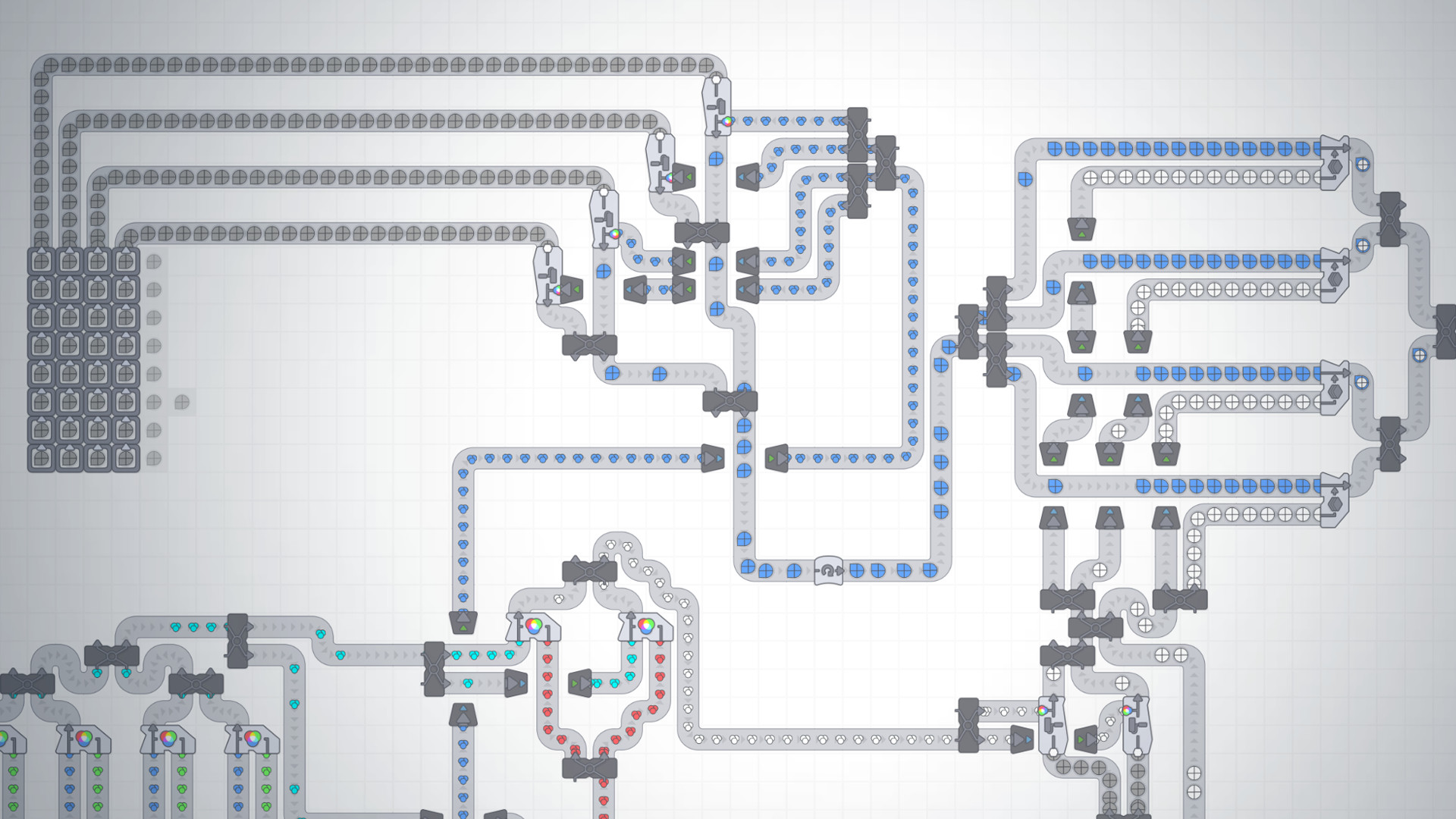
Shapez is a low‑stakes factory building game focused on automating the production of shapes. Players extract basic shapes, cut, combine, paint and stack them before delivering to the HUB. New buildings unlock as shapes become more complex, and an infinite sandbox lets factories grow without enemies, timers or resource caps. The game supports flexible input options and lets players pace themselves while tackling increasingly intricate challenges.
01 / THE GUIDE
Core Gameplay
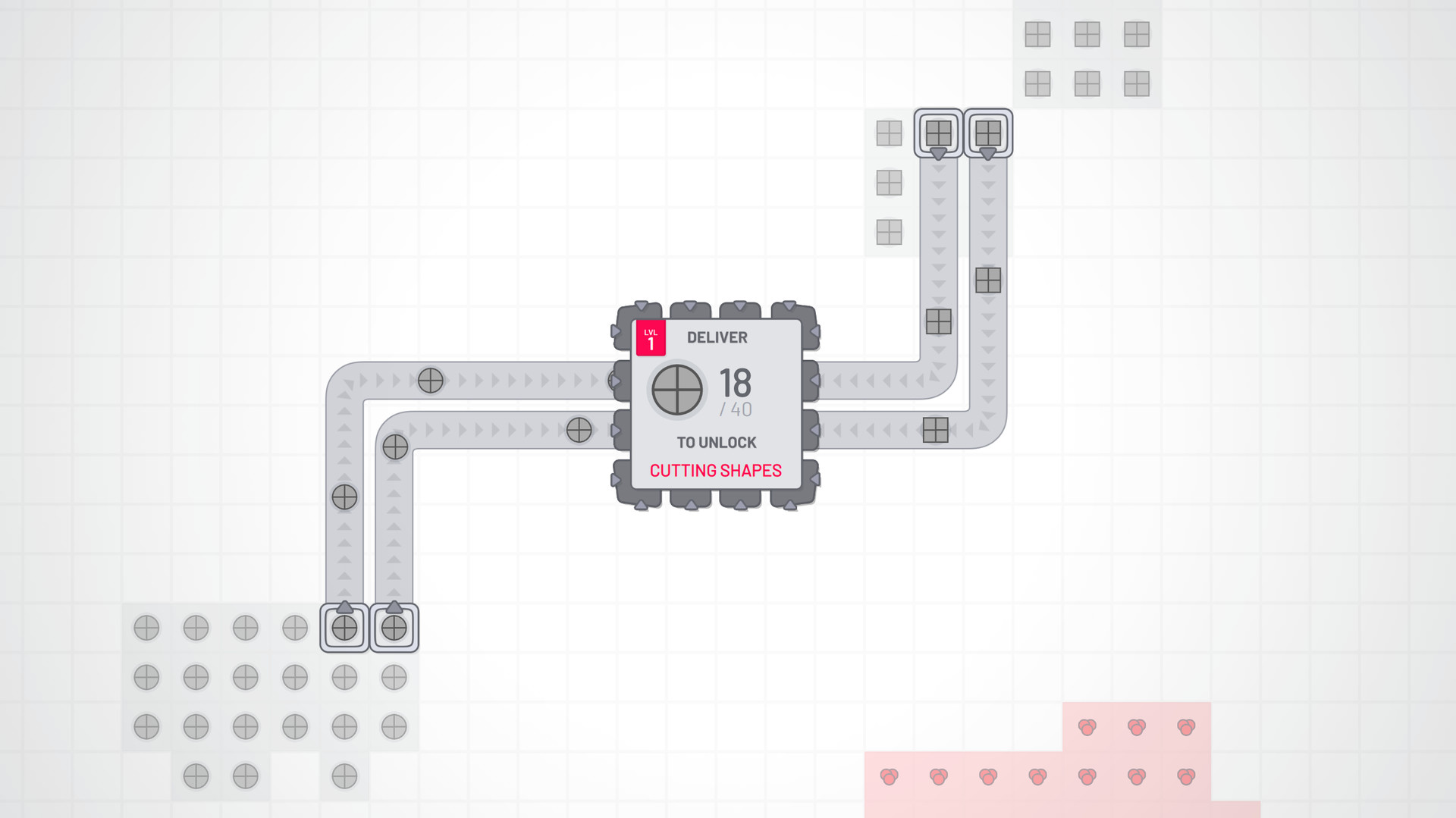
The loop begins by extracting basic shapes with miners, then cutting them into segments and recombining them into new, unique shapes. These shapes are stacked in multiple layers and sent to the HUB to progress.
As demand rises, players must expand their production lines, manage shape flow, and ensure the correct output reaches the HUB to unlock further content.
- Start with simple shapes to understand the cutting and combining steps before adding layers.
- Keep an eye on the HUB’s requirements to avoid overproducing unnecessary shapes.
02 / THE GUIDE
Progression & Unlocks
New buildings become available as players deliver increasingly complex shapes to the HUB. Each unlock adds capabilities such as paint extraction, color mixing, or advanced cutting tools.
The game’s difficulty rises gradually, encouraging players to redesign factories to meet the new shape specifications.
- Plan space for future buildings when laying out early factories.
- Use the HUB’s feedback to prioritize which shapes to automate next.
03 / THE GUIDE
Sandbox & Expansion
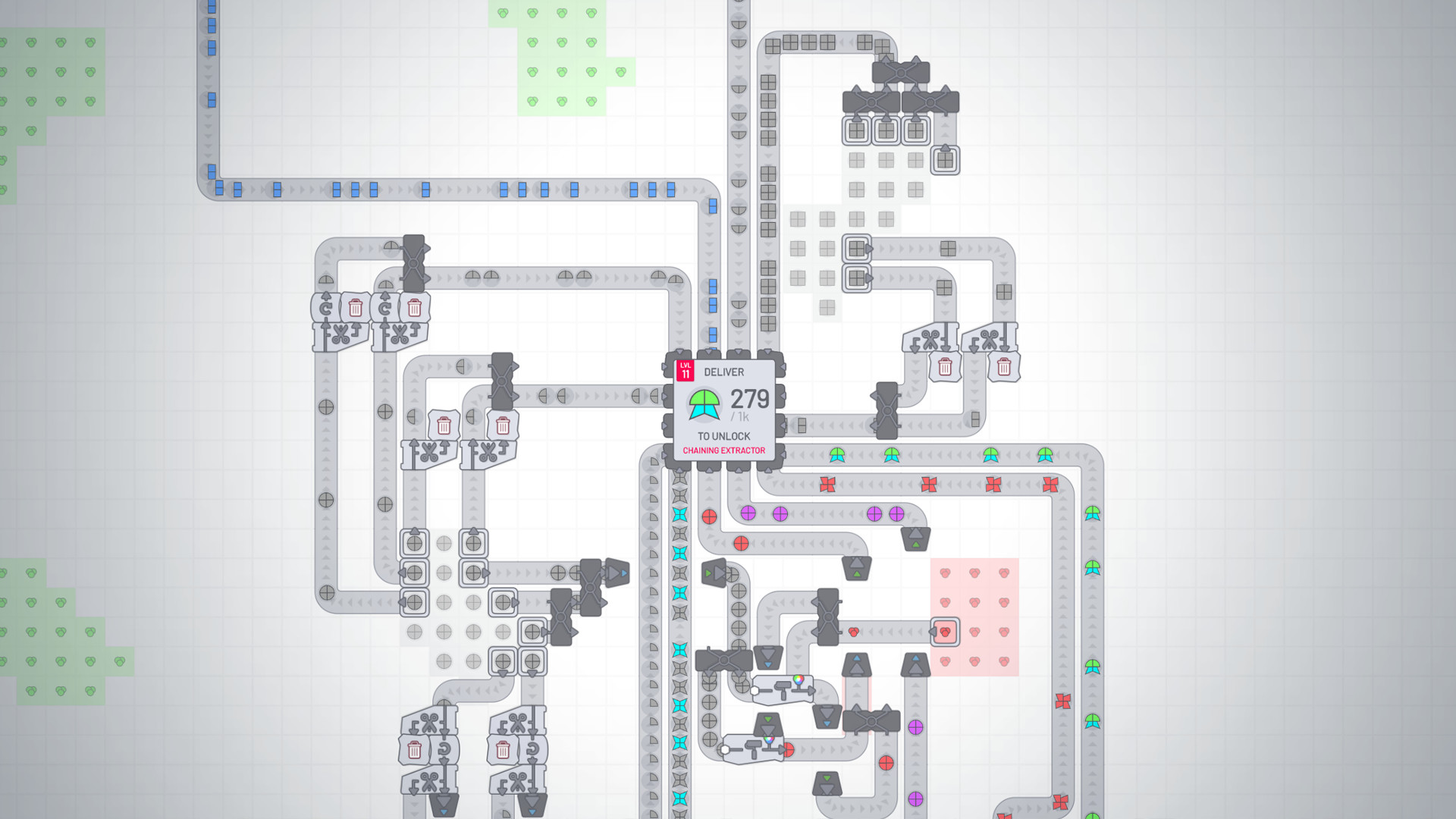
Beyond the preset levels, an infinite sandbox lets players spread out to acquire different shapes and increase production capacity. There are no timers or resource limits restricting growth.
The sandbox encourages experimentation, allowing factories to scale arbitrarily while maintaining the same core mechanics.
- Lay out conveyor belts with extra length to accommodate future expansion.
- Test new shape combinations in a separate sandbox area before integrating them.
04 / THE GUIDE
Copy‑Paste Tools
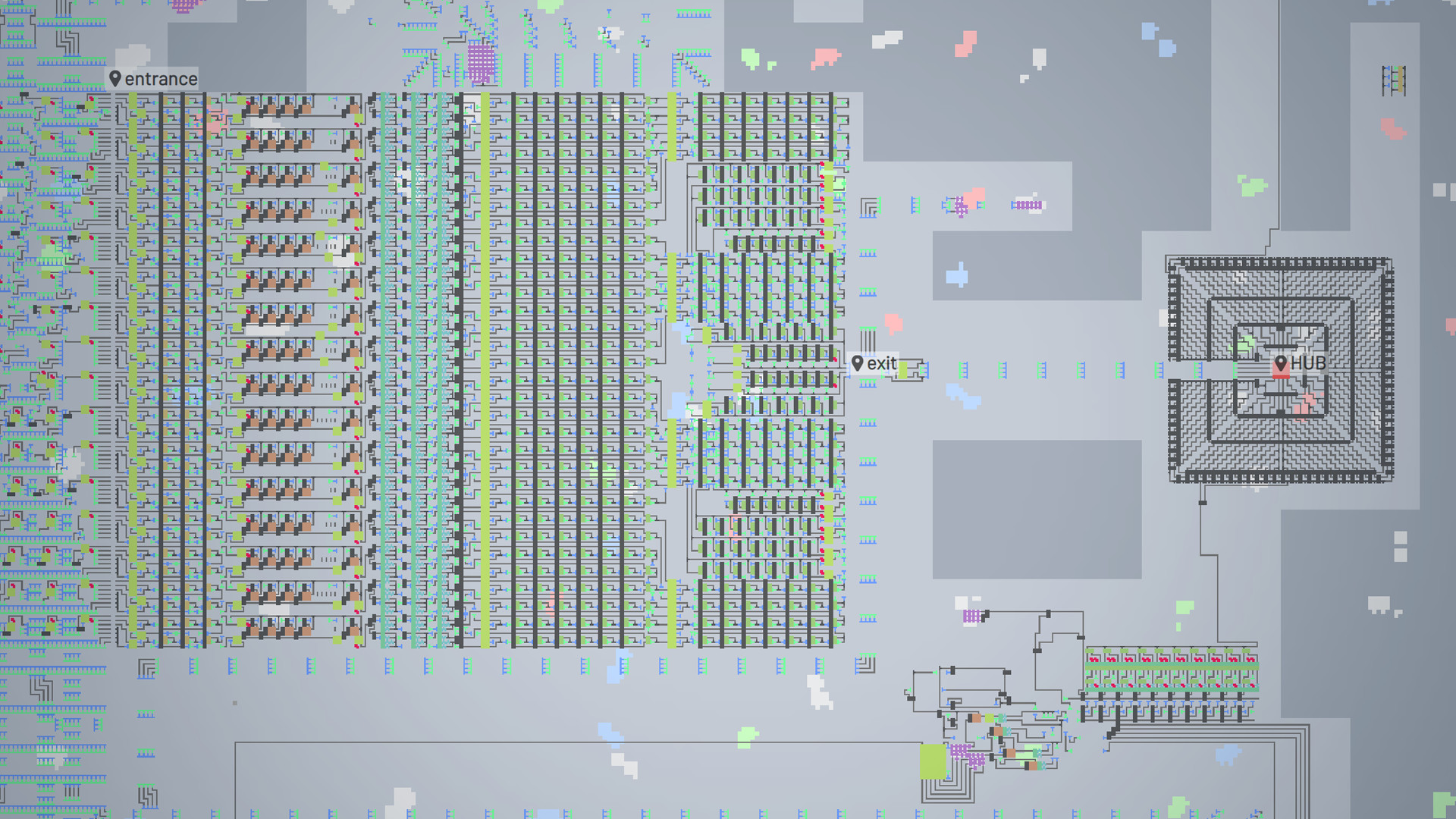
Copy‑paste functionality lets players duplicate sections of their factory, dramatically speeding up expansion as demand grows and shapes become more intricate.
This tool is especially useful when similar processing lines are needed for multiple shape types.
- Copy a well‑optimized segment and modify only the final output to handle new shapes.
- Use copy‑paste early to establish a baseline layout before adding complexity.
05 / THE GUIDE
Optional Wiring & Logic
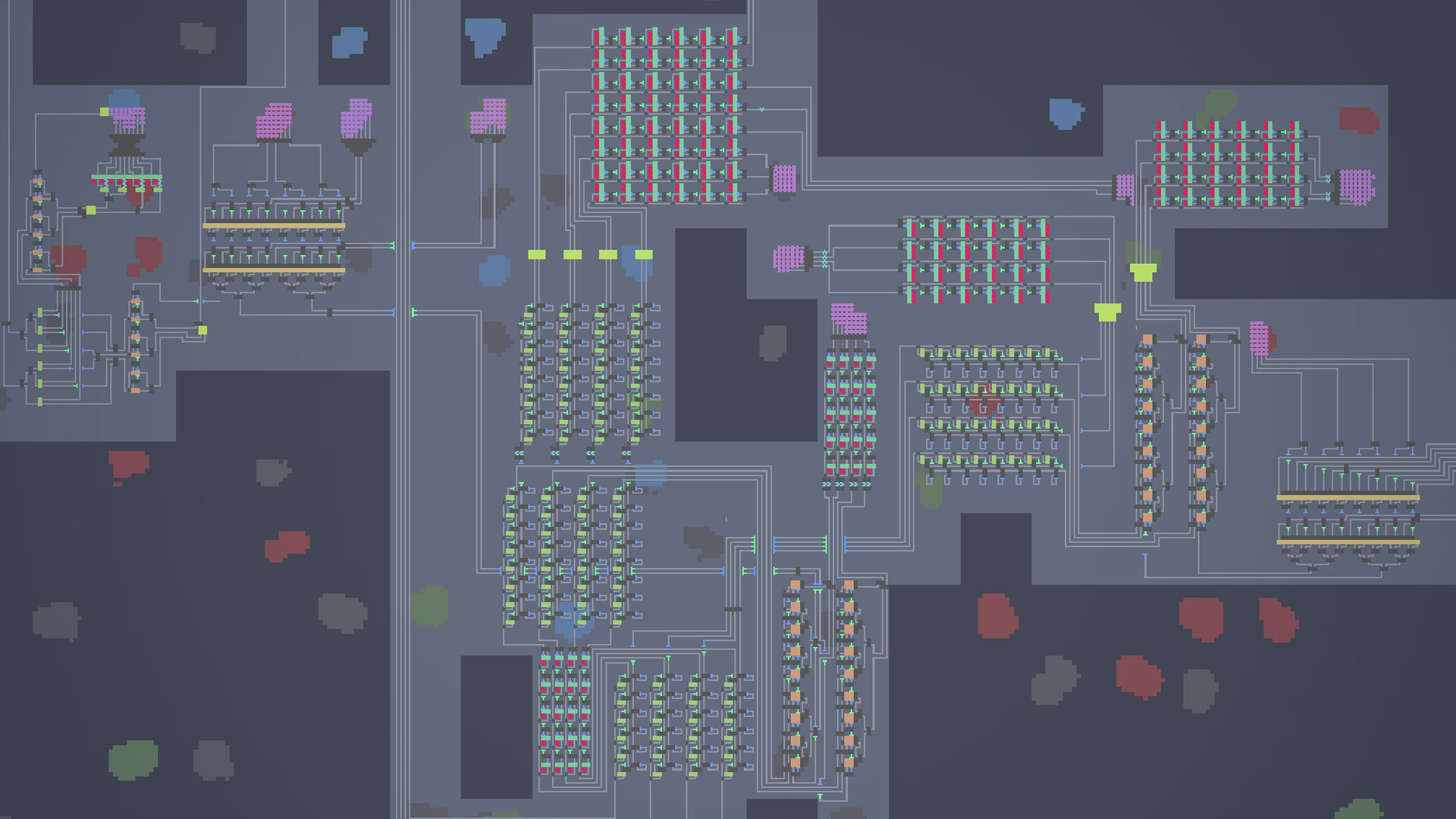
Players can add wiring and logic components to fine‑tune factory performance, creating machines capable of producing any shape.
These optional systems are not required for basic play but offer deep customization for those who enjoy optimization.
- Start with simple logic gates to control flow before building larger circuits.
- Document wiring layouts to simplify troubleshooting later.
COMMUNITY
Player discussion