 GameWiki

GET YOUR BEARINGS
About shapez 2 - Factory
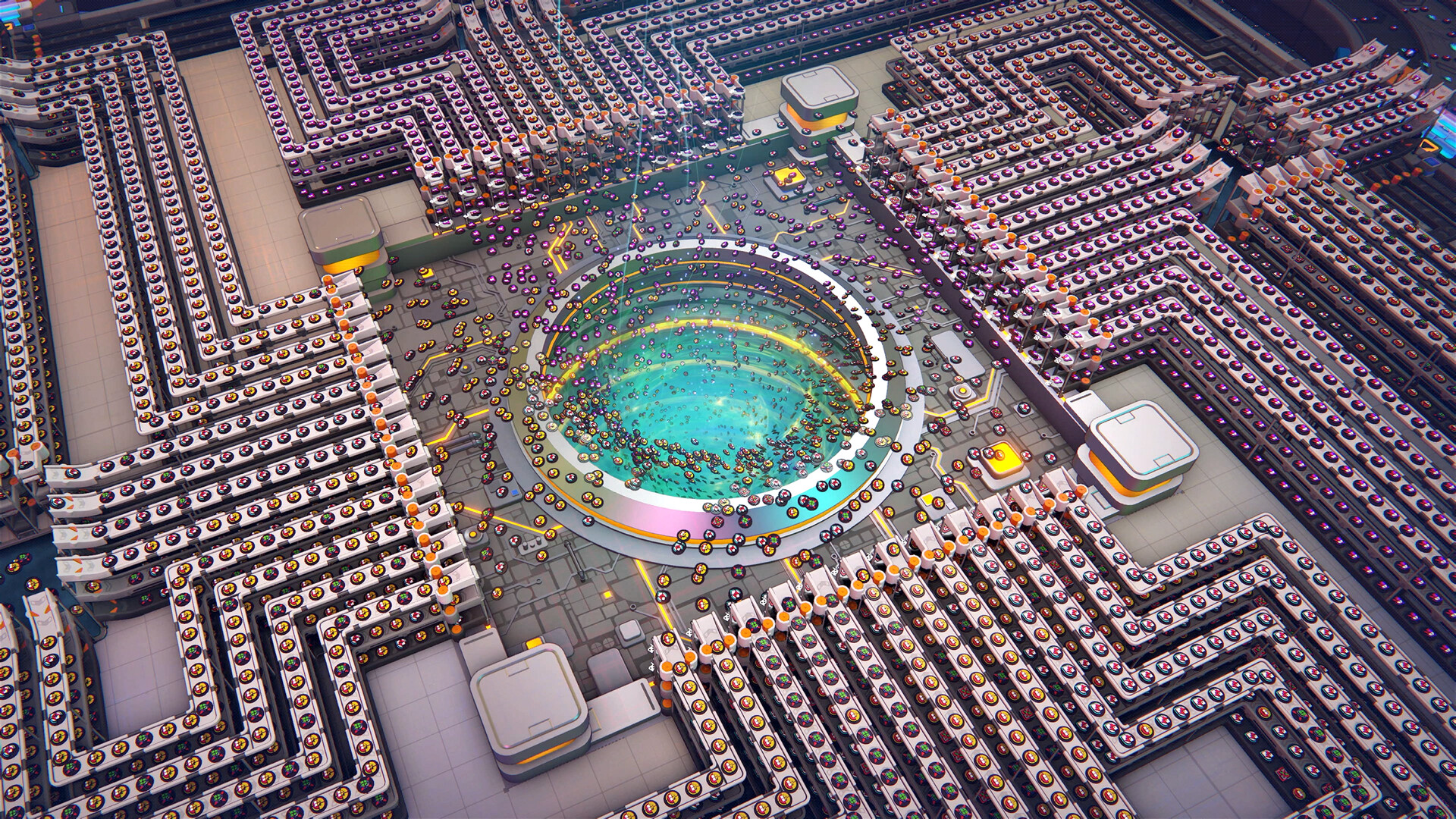
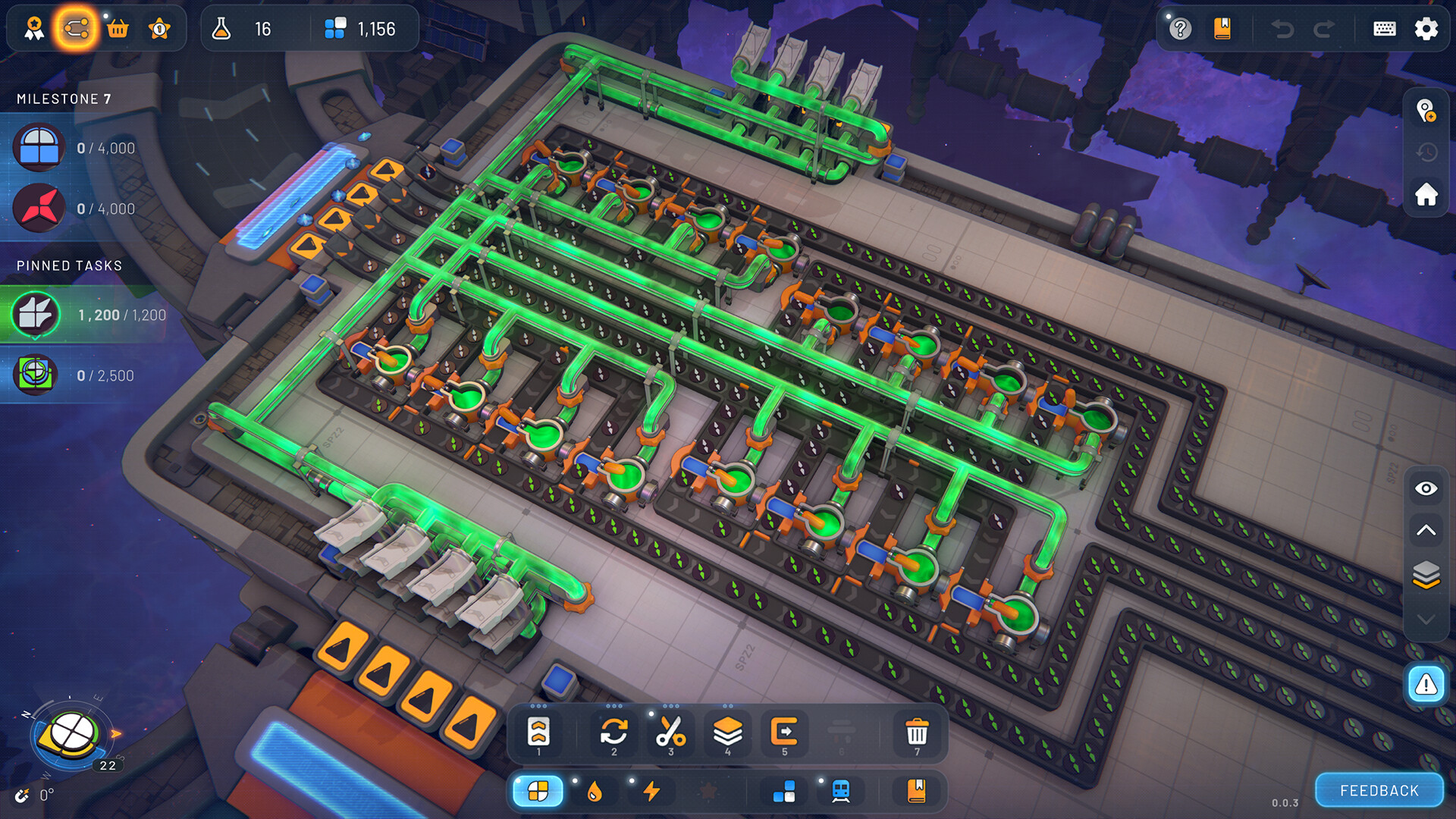
Shapez 2 is a 3D factory‑building simulation where you automate the extraction, production and delivery of geometric shapes. Each shape is composed of building blocks that can be deconstructed, stacked, painted and recombined in countless ways.
The game offers unlimited resources, no enemies, and no time limits, letting you expand a single conveyor into a massive multi‑layer space factory. Three difficulty levels and an experimental Hexagonal mode provide varied logistic puzzles for newcomers and veterans alike.
01 / THE GUIDE
Multi‑Layer 3D Factories
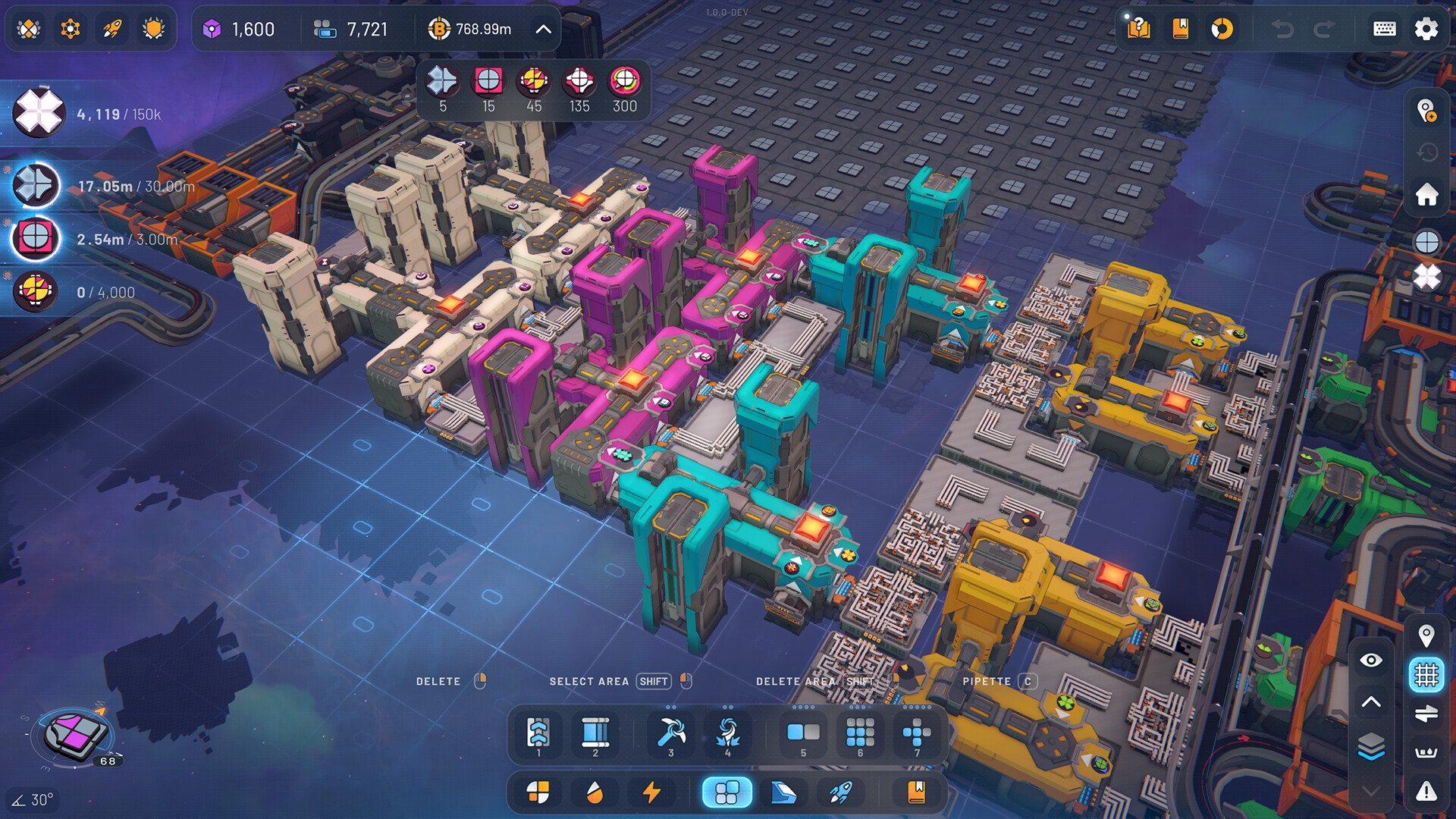
Factories can be built across three building layers, allowing both structures and platforms to occupy different vertical levels. Connections between layers are made with space belts or trains, creating a three‑dimensional network.
Designing across layers lets you spread out production, reduce belt congestion, and visually separate different stages of shape processing.
- Use separate layers for input, processing, and output to keep belts tidy.
- Place trains on the highest layer to avoid intersecting ground‑level belts.
02 / THE GUIDE
Difficulty Levels and Hexagonal Mode
The main game mode includes three difficulty settings, each presenting unique logistic puzzles. An experimental Hexagonal mode offers an additional challenge for players seeking a different layout style.
Choosing a higher difficulty adds more complex shape requirements, encouraging deeper optimization of your factory layout.
- Start on the easiest level to learn shape mechanics before advancing.
- Try Hexagonal mode after mastering the standard difficulties for fresh puzzles.
03 / THE GUIDE
Challenging Shape Mechanics
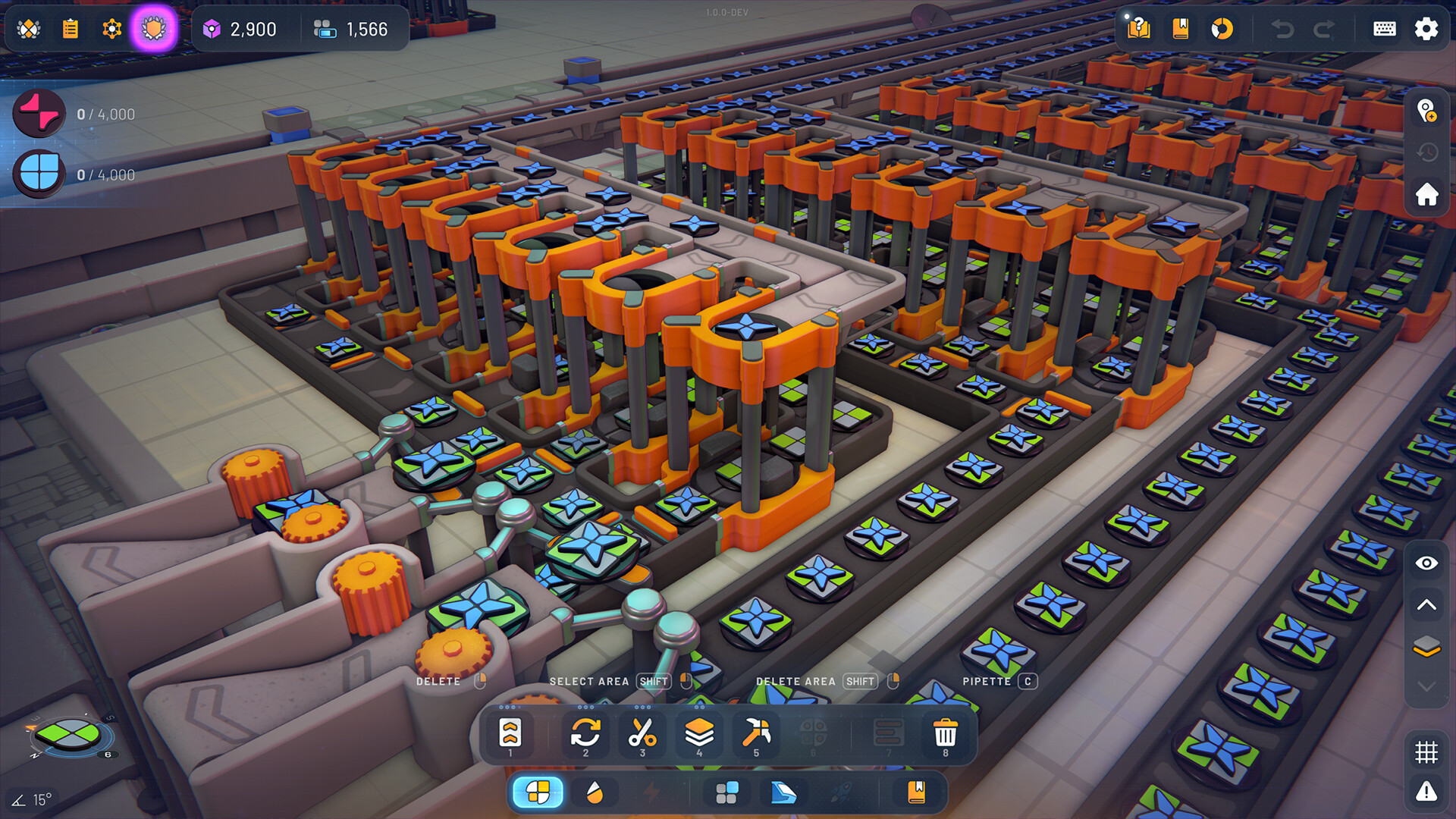
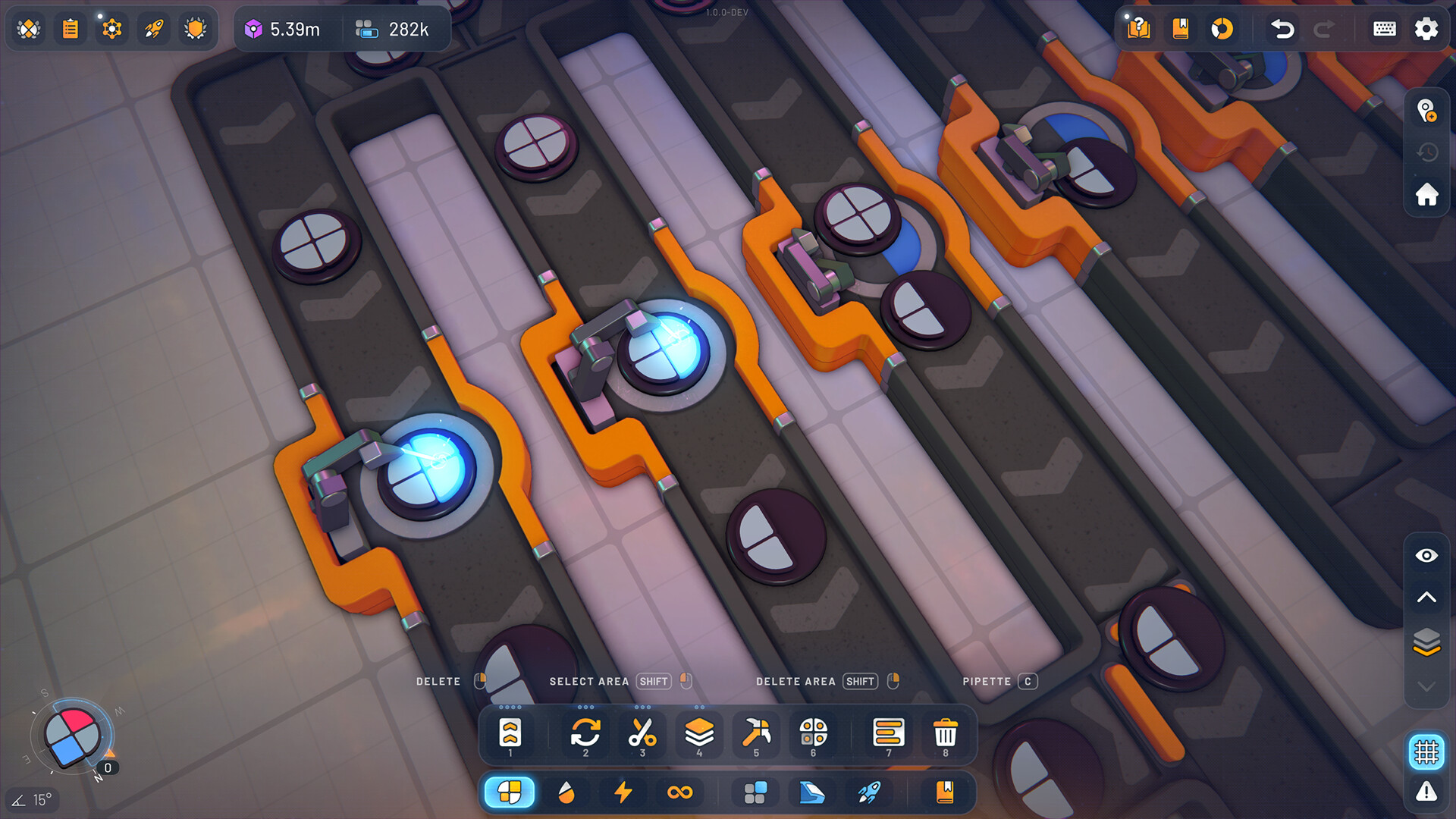
Shapes have distinct properties and logic that must be understood to produce the correct output. You can break shapes apart, rearrange their components, and repaint them before reassembly.
Delivering the exact requested shape unlocks new technologies, expanding the range of possible constructions.
- Experiment with deconstruction to see how shapes are built.
- Track which properties each shape requires to avoid unnecessary steps.
04 / THE GUIDE
Research System and Blueprint Library
Unlock new buildings, mechanics and upgrades through the research system, which opens additional construction options. The blueprint library lets you save, load, export and share designs.
Having access to blueprints speeds up expansion and lets you reuse efficient layouts across different playthroughs.
- Research early upgrades that increase belt speed.
- Save complex sections as blueprints for quick duplication.
05 / THE GUIDE
Controls and Accessibility Features
The game supports easy keyboard shortcuts for cutting, copying, pasting, undoing and redoing up to 50 operations. Adjustable text size, color alternatives, and subtitle options improve readability.
Features such as camera comfort, custom volume controls and playable‑without‑timed‑input make the experience adaptable to various player needs.
- Use undo/redo to experiment without penalty.
- Adjust text size if blueprint details become hard to read.
COMMUNITY
Player discussion