 GameWiki
GET YOUR BEARINGS
About ShapeHero Factory
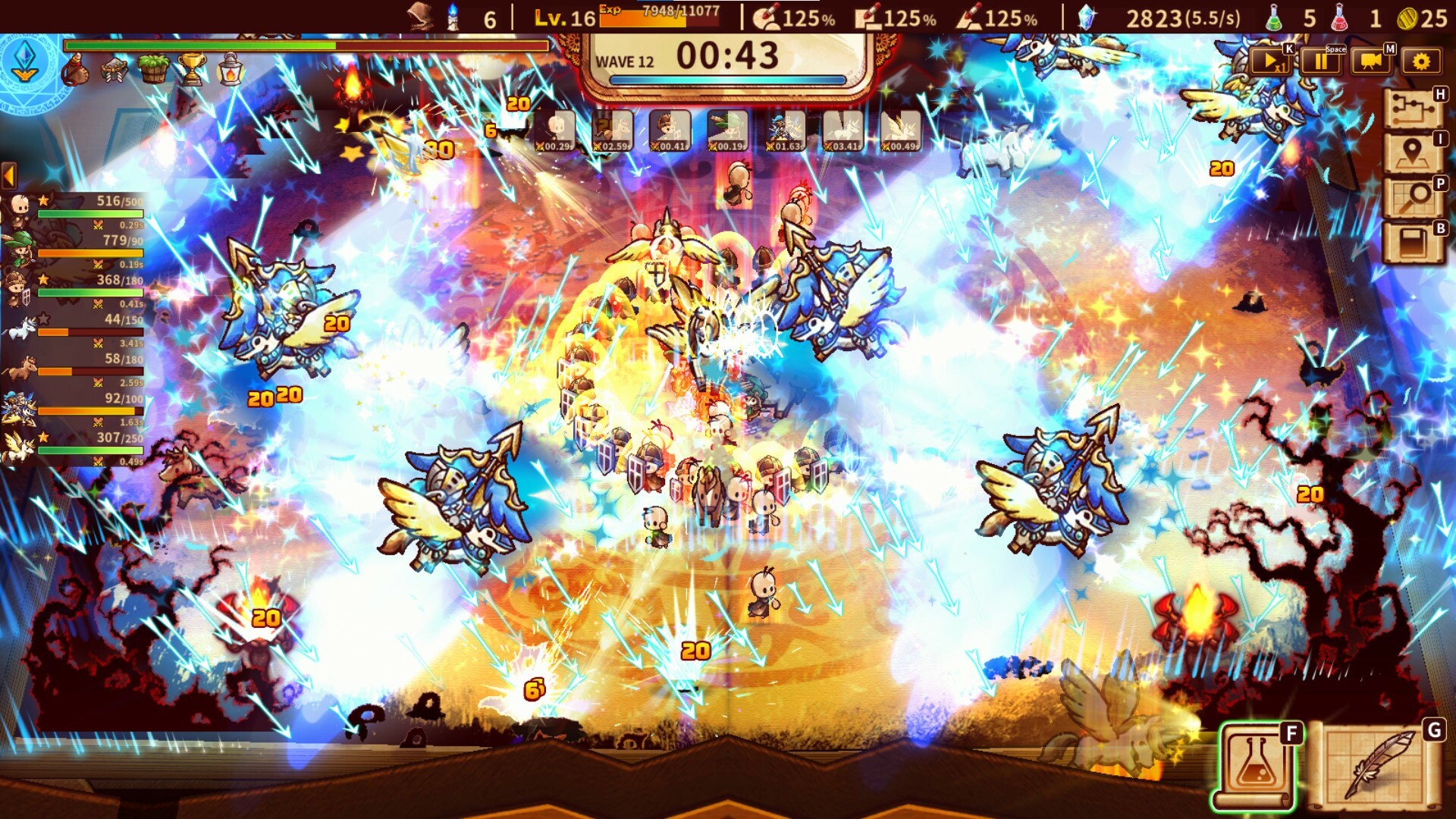
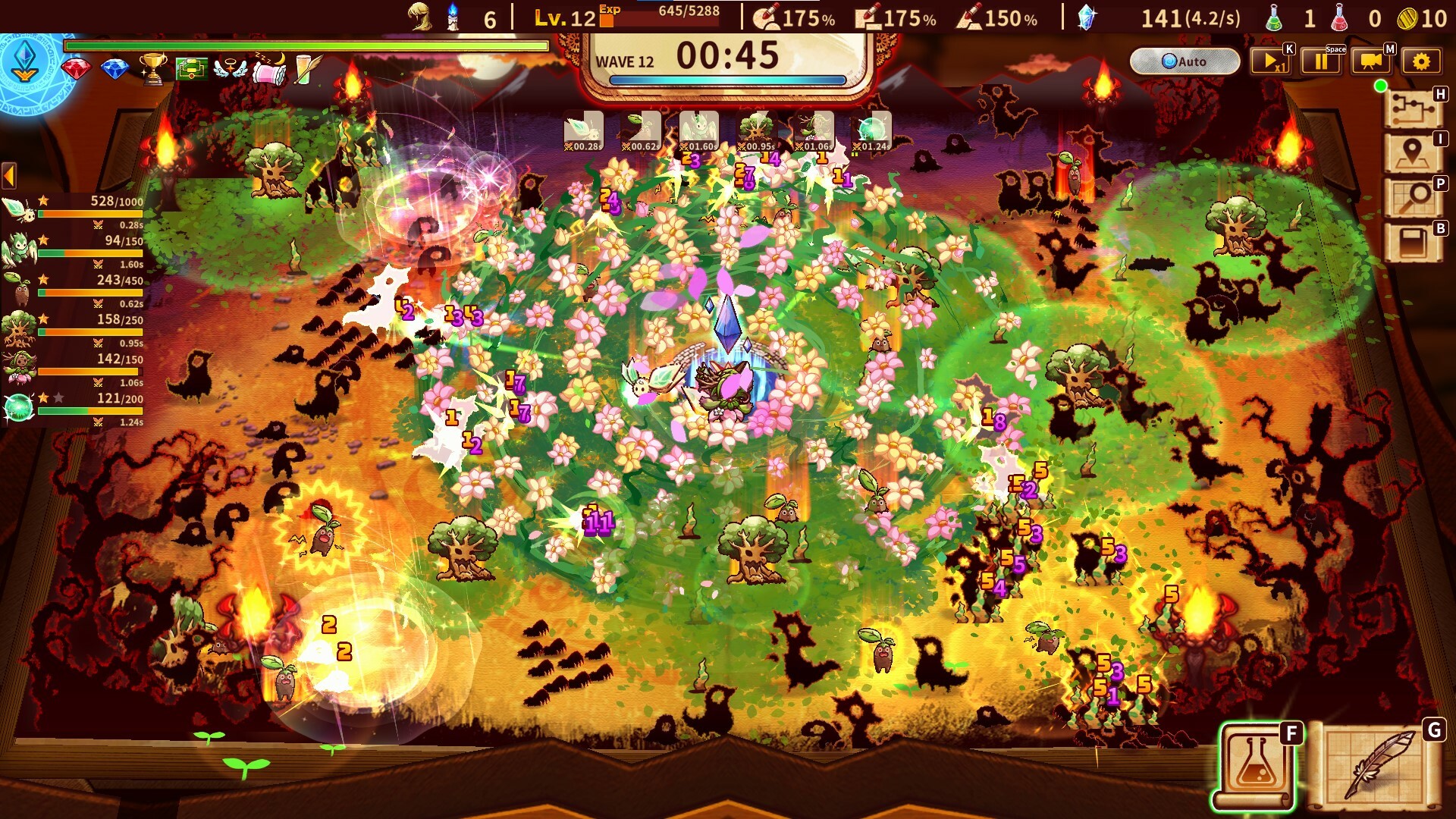
ShapeHero Factory drops you into a bizarre workshop where you assemble tiny heroes from simple shapes. By placing circles, triangles, squares and other forms onto conveyor belts you create autonomous units that march into battle without direct control.
Your task is to protect a portal from ever‑growing waves of strange, increasingly brutal enemies while gathering magical artifacts and upgrading the factory. Different “Masters” offer unique hero recipes and permanent Arcane Knowledge upgrades, encouraging experimentation to find a personal playstyle.
01 / THE GUIDE
Hero Construction
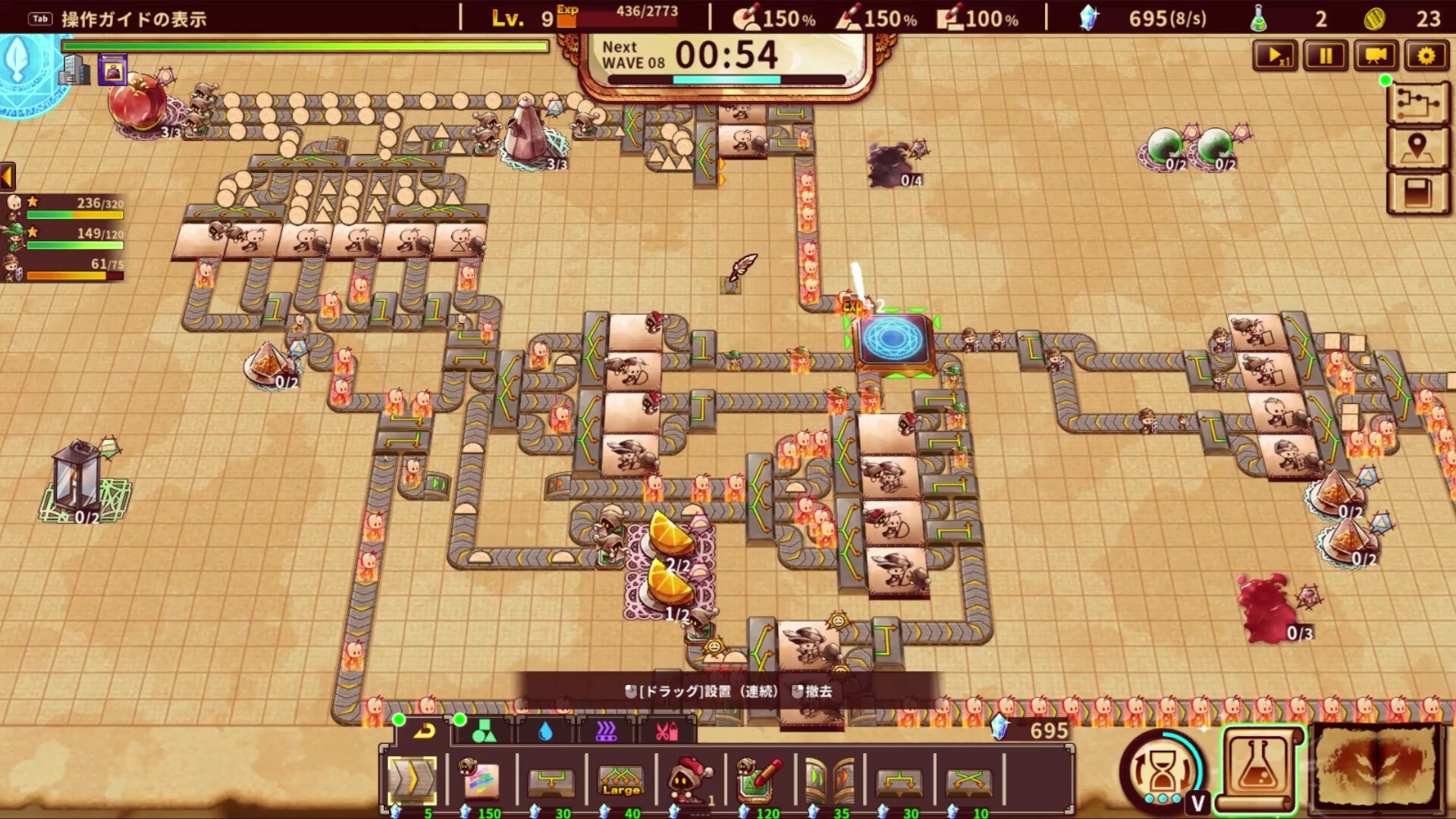
The core loop revolves around dropping shapes onto conveyor belts to craft self‑operating heroes. Simple combinations define unit types; for example, a circle paired with a triangle yields a soldier, while a circle with a square produces a tank. These units act on their own once released, allowing you to focus on strategic placement rather than micromanagement.
Because you cannot directly control the troops, success depends on anticipating enemy patterns and selecting the right shape mixes. Experimentation with different shape pairings reveals new unit behaviours, expanding tactical options as the game progresses.
- Start with basic combos like circle‑triangle to understand unit movement before trying complex mixes.
- Observe enemy formations and adjust shape pairings to counter specific threats.
02 / THE GUIDE
Enemy Progression
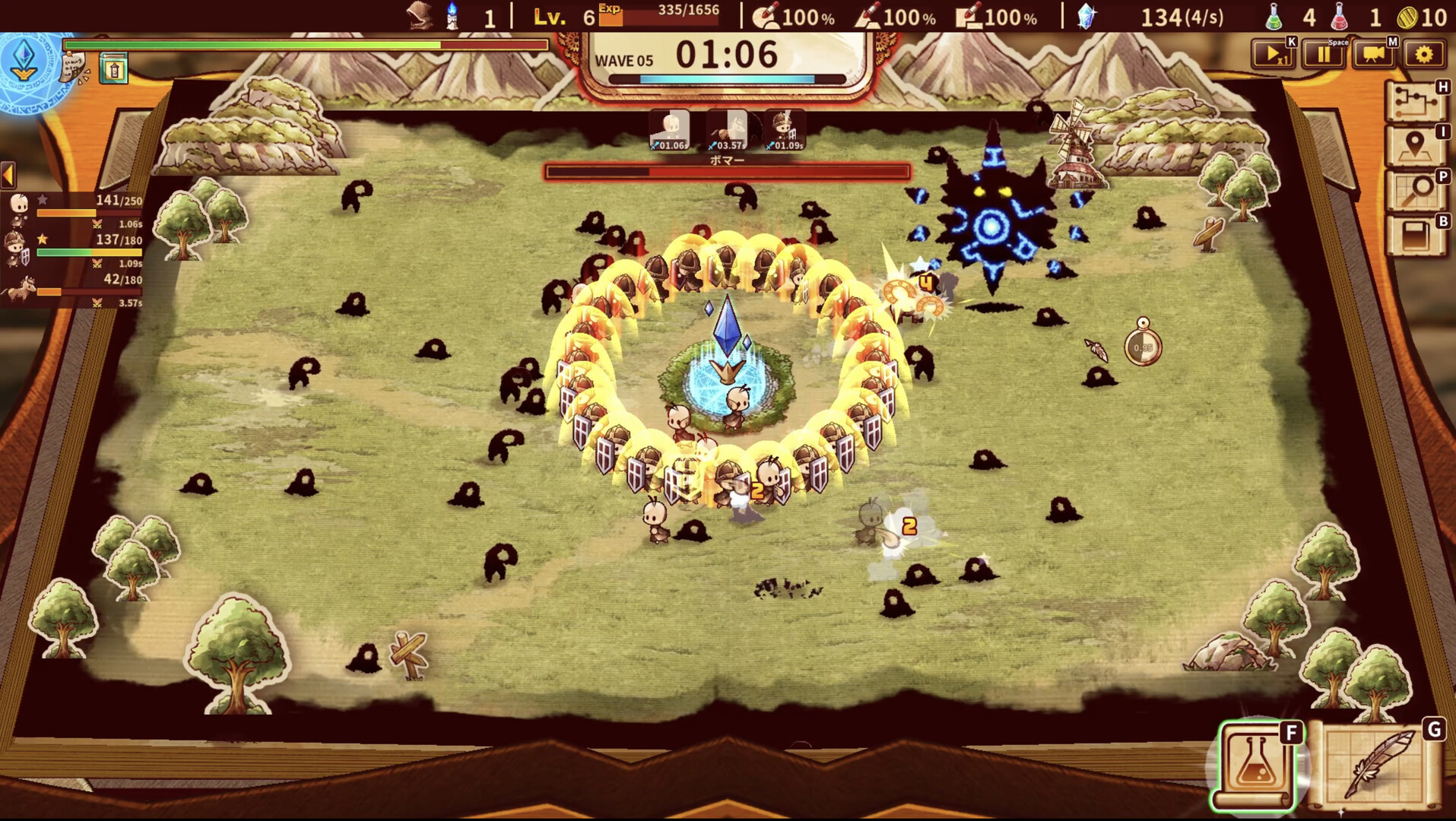
Enemies in ShapeHero Factory become weirder, stronger, and ruder as you advance. Each new wave introduces tougher swarms that test the effectiveness of your constructed heroes. The escalating difficulty forces you to refine your shape combinations and upgrade your factory to keep pace with the growing threat.
The relentless nature of the enemy waves creates a pressure‑filled environment where strategic foresight outweighs raw firepower, rewarding players who can predict and adapt to new enemy types.
- Prioritize upgrades that boost hero durability when facing stronger enemy waves.
- Watch for new enemy behaviours and adjust your shape recipes accordingly.
03 / THE GUIDE
Masters & Arcane Knowledge
The game features several playable characters called “Masters,” each favouring distinct hero types and construction strategies. By playing different Masters you unlock their Arcane Knowledge, which provides permanent upgrades that enhance your factory or hero efficiency. This system encourages replaying with varied Masters to broaden your tactical toolbox.
Arcane Knowledge acts as a meta‑progression layer, allowing you to improve core mechanics without altering the immediate battle flow. Switching Masters can reveal new optimal shape combos and upgrade paths.
- Experiment with multiple Masters early to collect a diverse set of Arcane Knowledge upgrades.
- Focus on a Master whose hero types complement the current enemy wave.
04 / THE GUIDE
Factory Upgrades
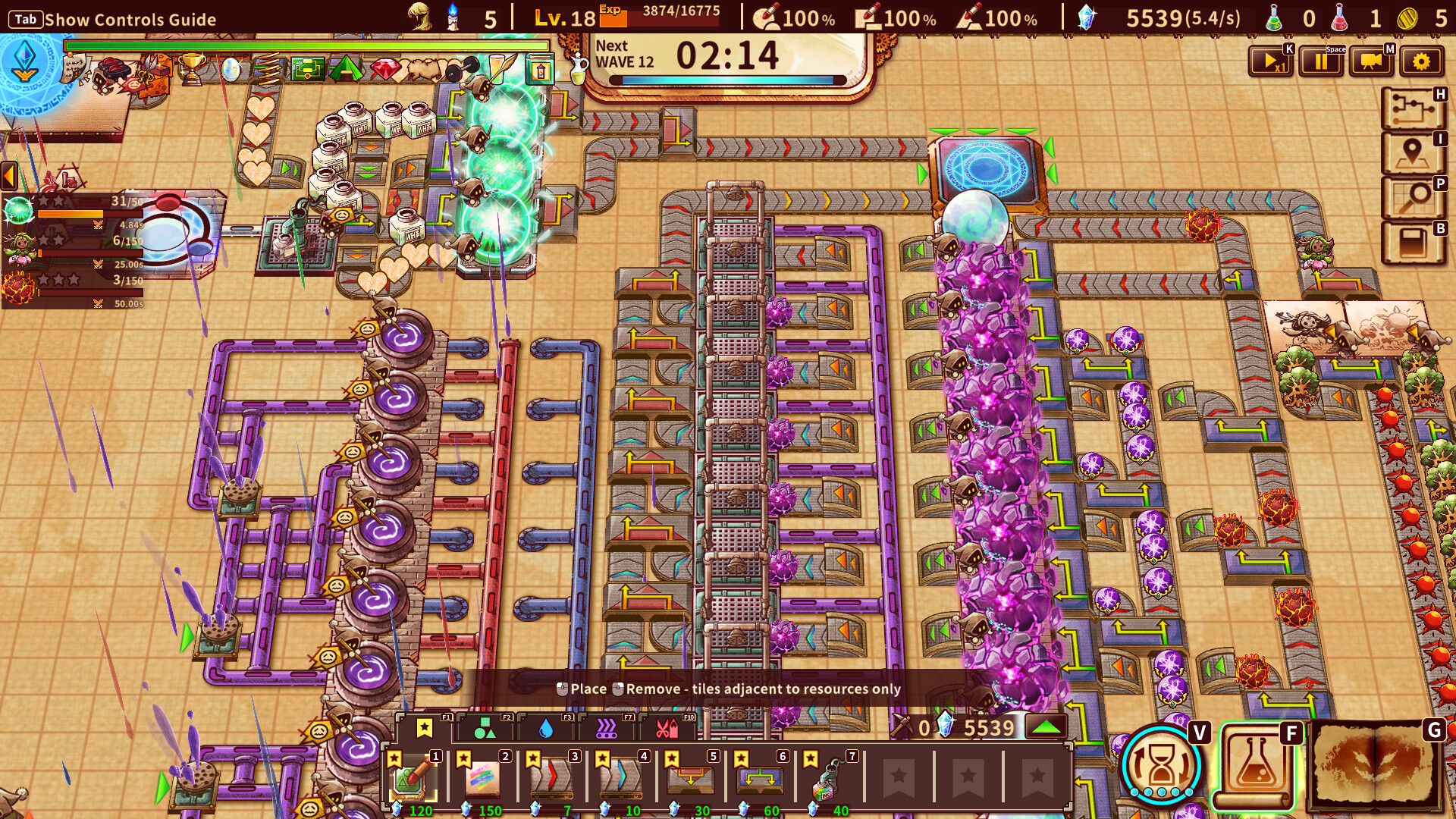
Collecting magical artifacts lets you upgrade your factory, improving production speed, conveyor capacity, or hero attributes. Upgrades are presented as a continual progression system that supports longer survival against tougher enemy swarms. The upgrade menu is accessible at any time, allowing you to adapt your factory layout to emerging challenges.
Upgrading the factory does not change the core mechanic of shape‑based hero creation but enhances the efficiency and resilience of your units, making it a vital component of long‑term success.
- Invest in upgrades that increase conveyor speed when facing fast‑moving enemy groups.
- Balance between production efficiency and hero strength to maintain steady defense.
05 / THE GUIDE
Platform & Controller Support
ShapeHero Factory runs on Windows and macOS, with full controller compatibility including DualShock and DualSense devices. Steam features such as Achievements, Cloud saves, and Family Sharing are also supported, providing a flexible single‑player experience across multiple setups.
The inclusion of both keyboard/mouse and controller inputs means players can choose their preferred method without affecting gameplay, as the game does not rely on precise button timing.
- Enable Steam Cloud to keep your progress synced across multiple PCs.
- Try a controller if you prefer a more relaxed input style for shape placement.
COMMUNITY
Player discussion