 GameWiki
GET YOUR BEARINGS
About ShantyTown
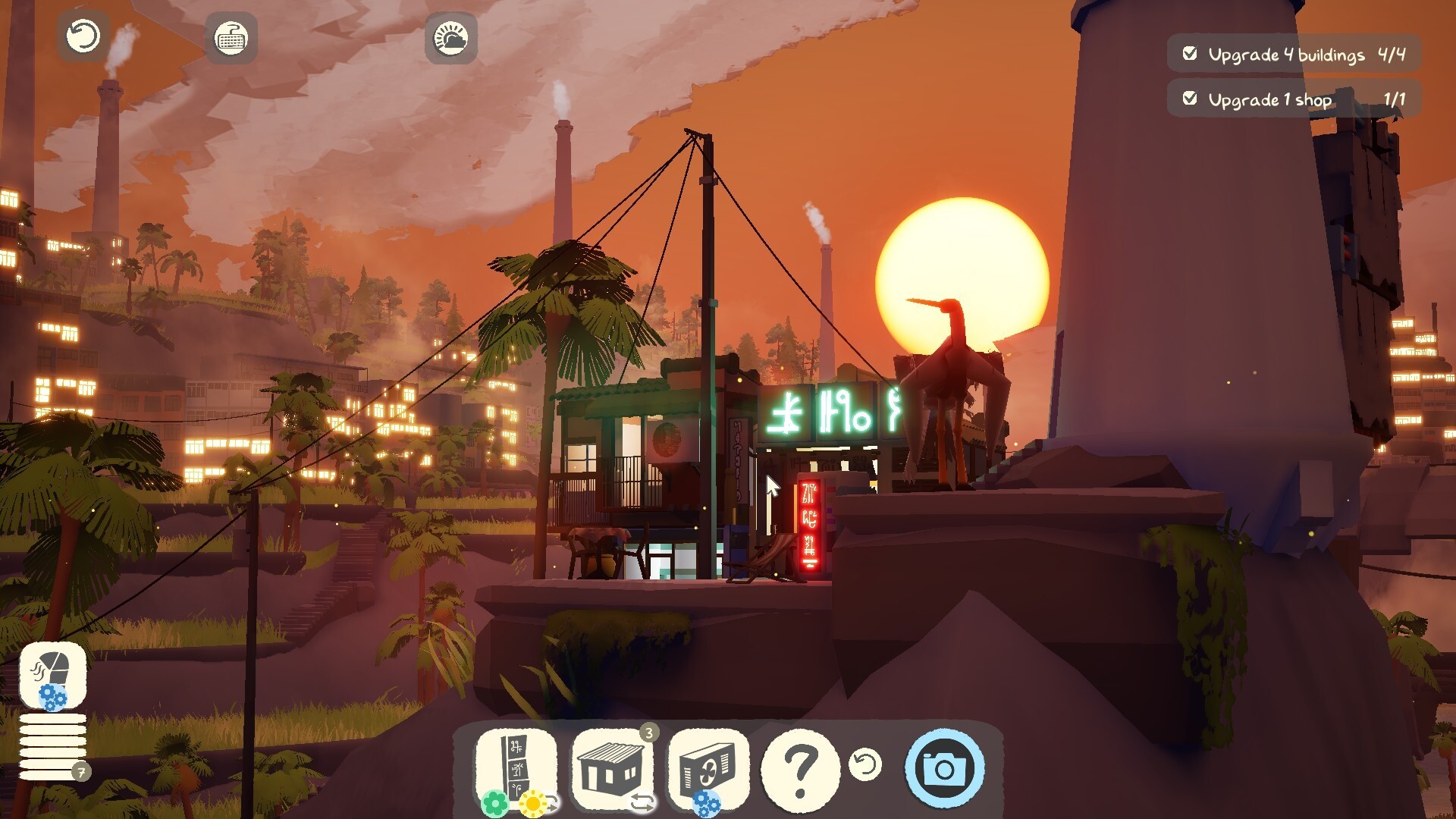
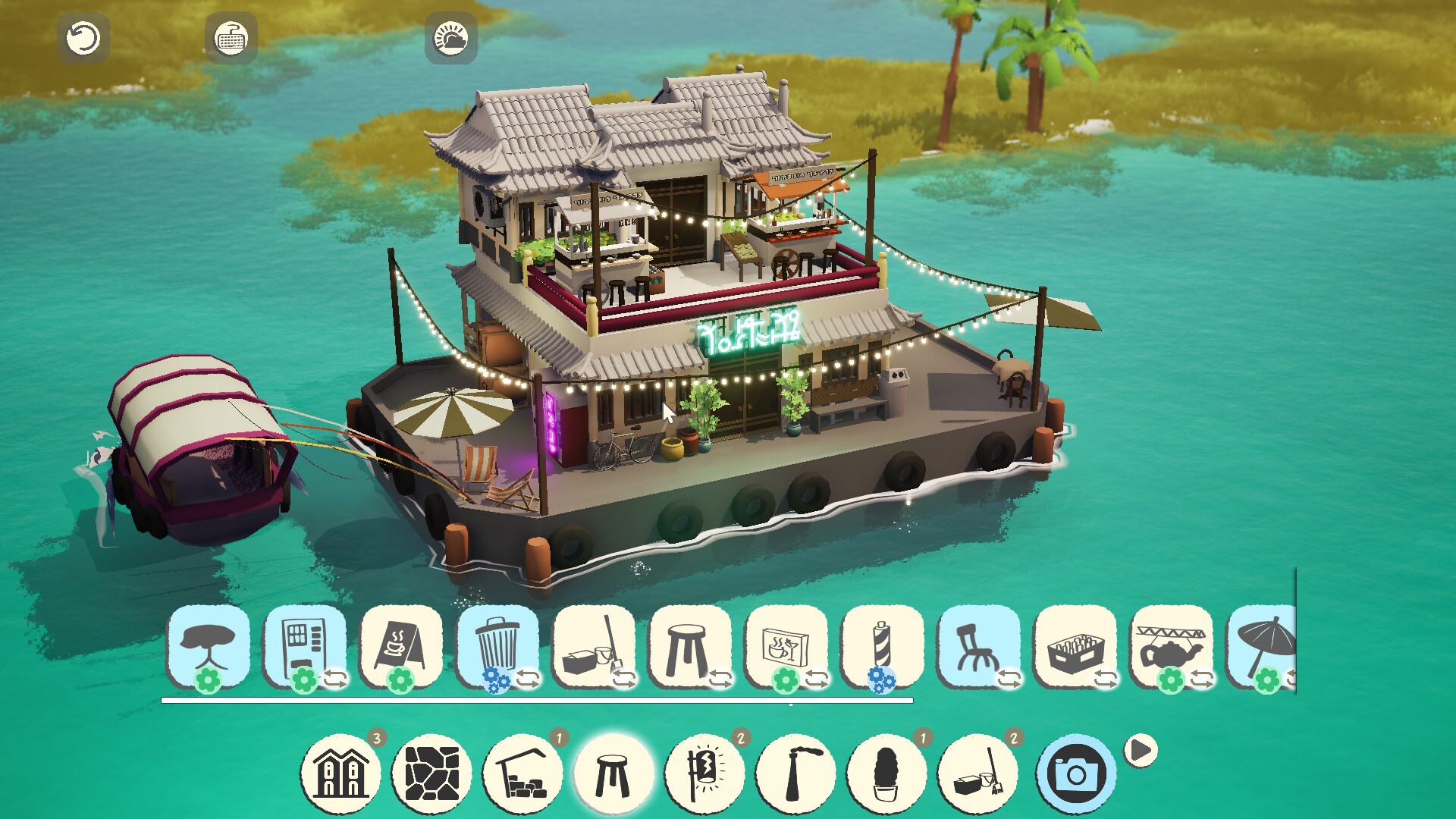
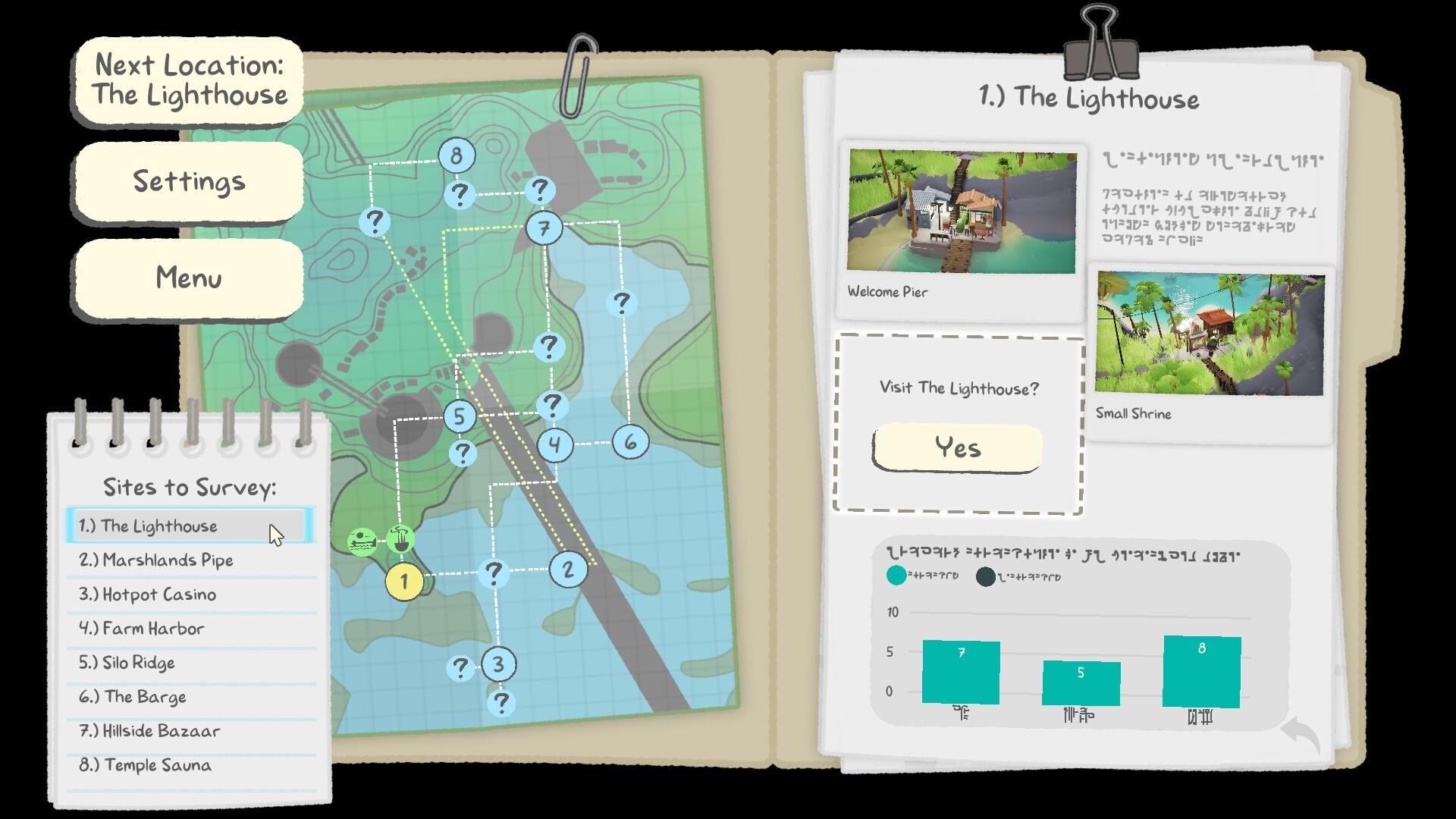
ShantyTown invites you to arrange buildings, lights, and decorations inside twenty tightly packed locations, each with its own mood—from the neon‑lit Hotpot Casino to the solitary Lighthouse. Every placement is a personal choice, and finishing a spot lets you frame a screenshot for your dossier before moving on.
The game adds a Creative Mode with unlimited building options and a massive Blankspace sandbox, plus a relaxed vaporwave soundtrack by Macroblank. There is no timed input, no wrong answer, and you can save anytime while enjoying camera comfort, custom volume controls, and optional mouse‑only input.
01 / THE GUIDE
Distinct Locations
Twenty unique areas give you varied backdrops, each with its own story and visual identity. The space you have to fill changes between locations, requiring fresh layout ideas for each scene.
Each location supplies a limited set of objects—food trucks, neon signs, smokestacks—and a confined area to arrange them. The variety keeps the building challenge fresh as you progress from one spot to the next.
- Observe the existing mood of a location before adding bright lights; subtle lighting can preserve its atmosphere.
- Fit larger items early to see how they shape the remaining space.
02 / THE GUIDE
Upgrades and Unlocks
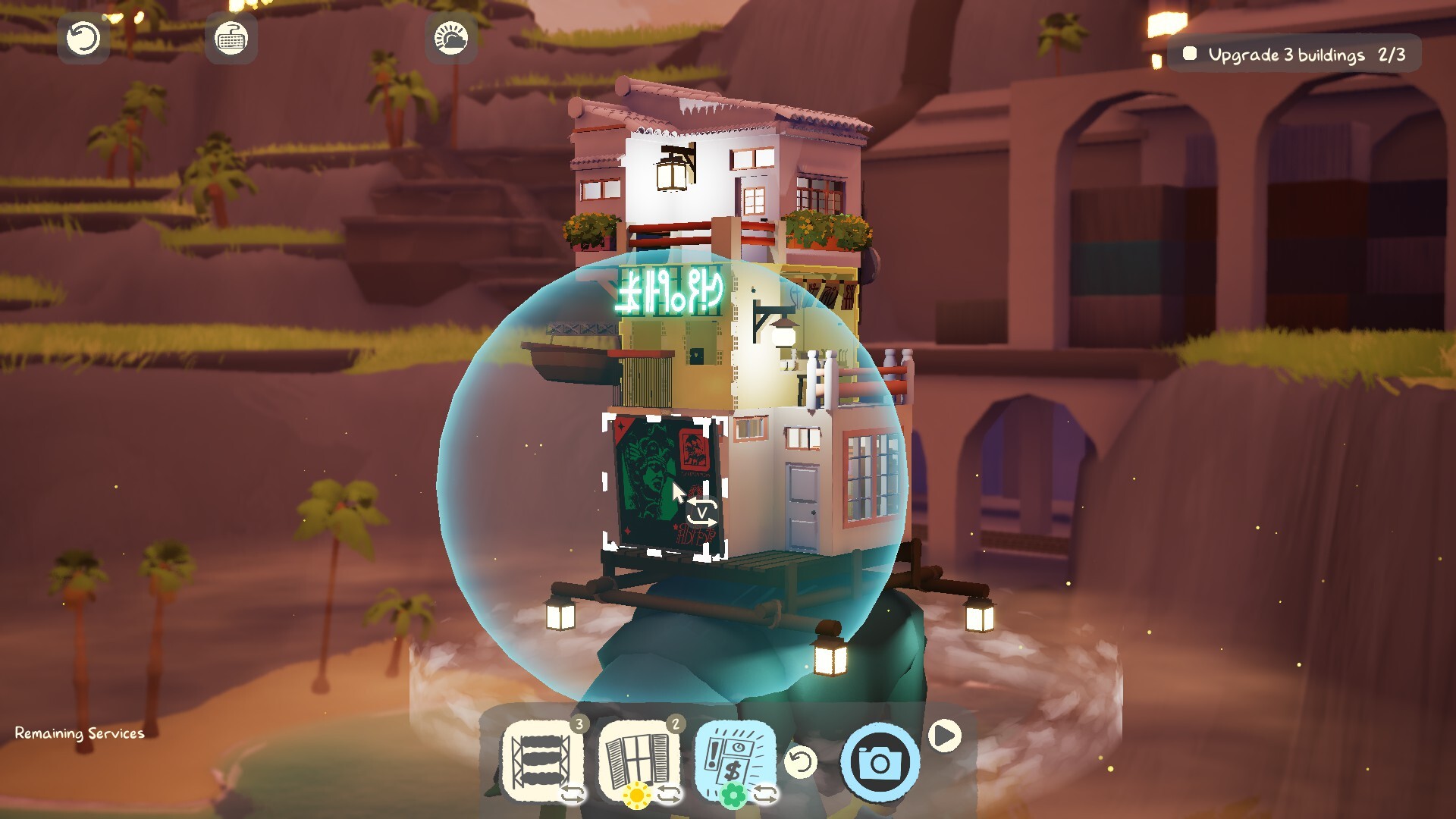
Upgrades are available for larger structures such as buildings and gates, but they require care to reach their full potential. Completing an upgrade unlocks new objects and decorations.
New items become available after upgrades, expanding your toolbox for shaping shops, apartments, or gates and adding further visual detail to the town.
- Prioritise upgrades that open the most new decoration categories.
- Watch which new decorations each upgrade unlocks to find pieces that improve ambience.
03 / THE GUIDE
Creative Mode & Blankspace
Creative Mode removes limits, giving you unlimited building options from every unlocked location and item. You can stack structures in any direction, experimenting without constraints.
The Blankspace sandbox provides an enormous canvas for custom towns and shops, allowing designs with no restrictions whatsoever. It is ideal for testing ideas before applying them to the main locations.
- Use Creative Mode to experiment with dense arrangements before finalising them in a location.
- Try unconventional building orientations in Blankspace for fresh visual interest.
04 / THE GUIDE
Camera Settings and Dossier
In‑depth camera controls let you frame each completed scene before adding a screenshot to your dossier. This encourages you to capture the aesthetic you’ve crafted.
After finishing a location, you can take a picture, store it, and then move on to the next blank canvas, preserving your favorite arrangements for later viewing.
- Adjust camera angle to highlight vertical stacking for a more dramatic shot.
- Use framing to capture shots that include hidden objects you discover.
05 / THE GUIDE
Soundtrack and Atmosphere
A warm, relaxing vaporwave soundtrack by Macroblank plays throughout, reinforcing the peaceful, atmospheric scenery. The music is designed to help players unwind while they build.
Optional goals guide creativity without imposing pressure, and the overall ambience encourages a calm, leisurely pace.
- Lower the volume during intense building sessions to focus on spatial decisions.
- Listen to the soundtrack while building and note how it complements each location’s mood.

COMMUNITY
Player discussion